The Magic Box
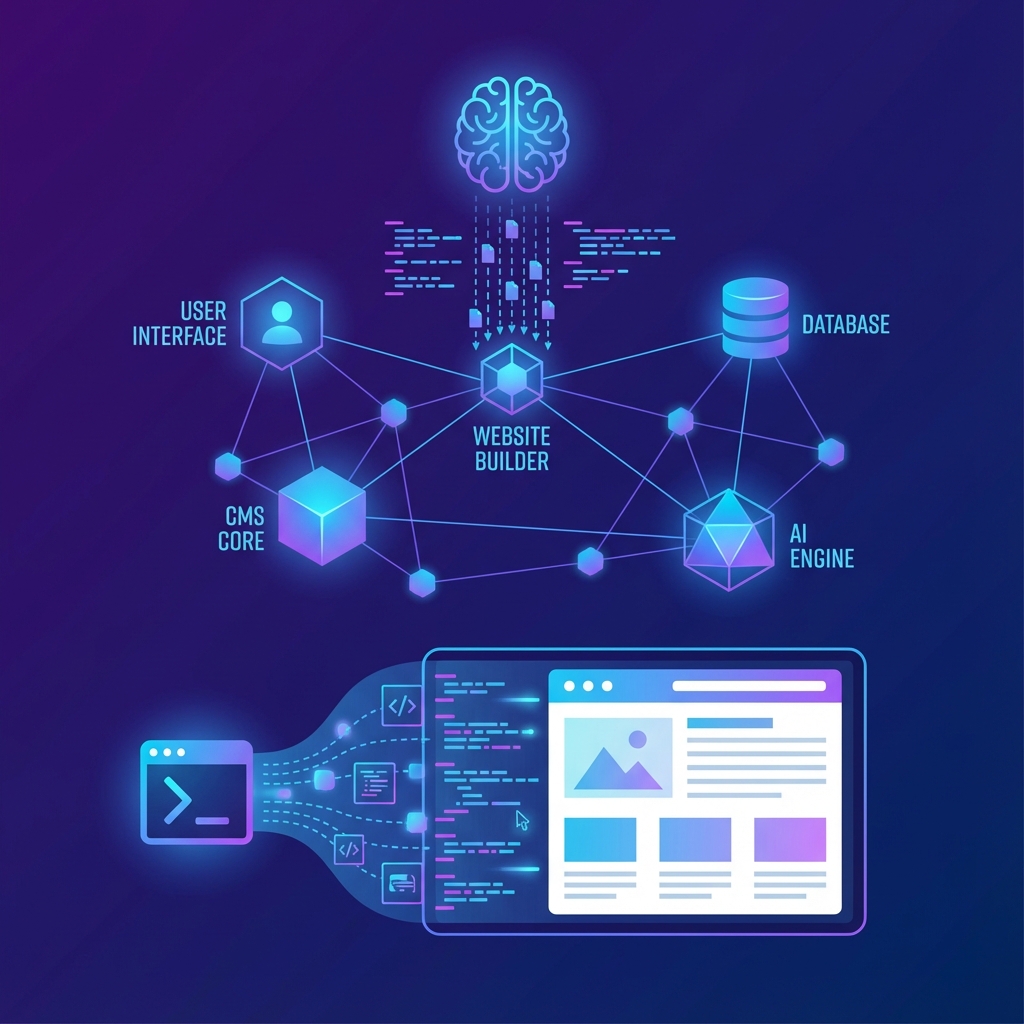
To the user, BYOB looks like a simple chat window: you type a sentence, and a website appears. But effectively bridging the gap between natural language and executable code requires a complex symphony of technologies.
We are pulling back the curtain to show you exactly how we turn English into Software.
Pillar 1: The Context Engine
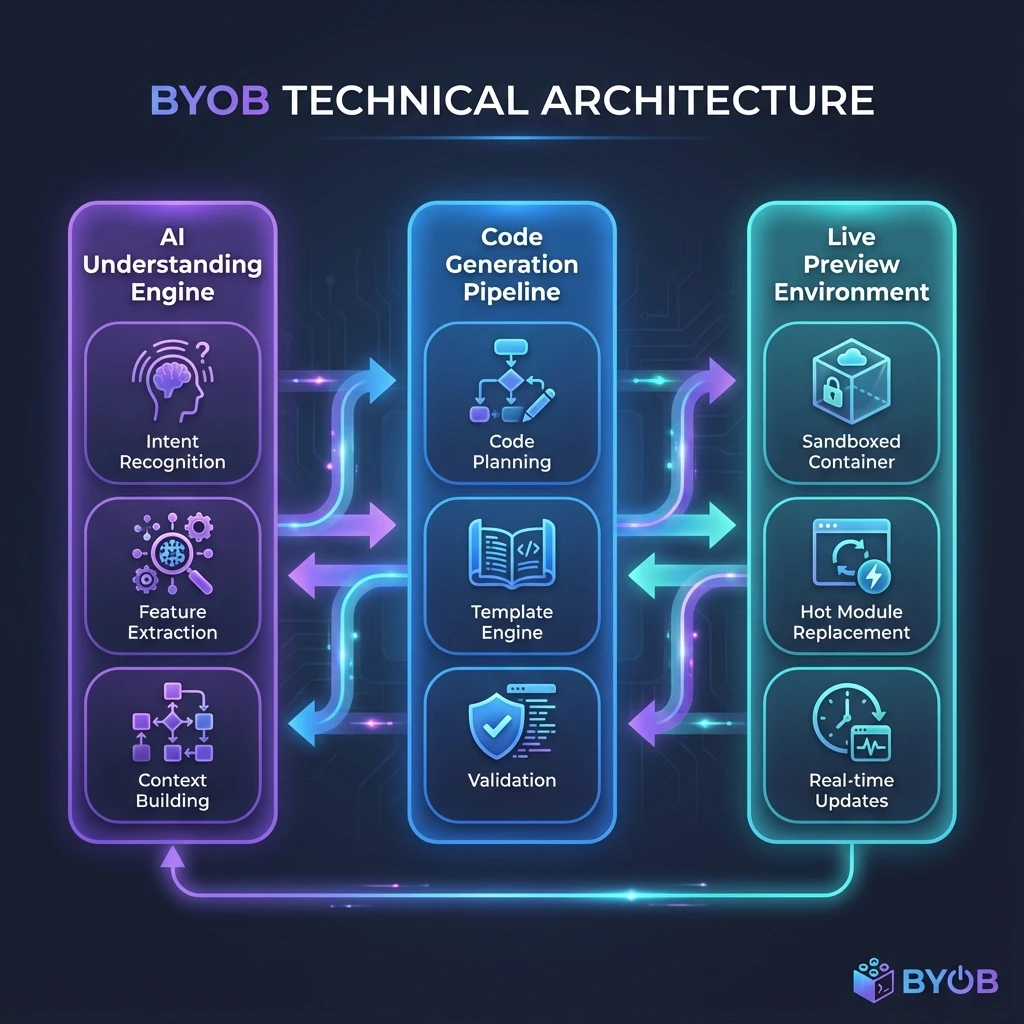
The biggest challenge in AI coding isn't generating code; it's generating relevant code. If you say "change the header," the AI needs to know what the header looks like right now. It is a problem of state management.
We maintain a high-fidelity Context Window that acts as the AI's short-term memory. It holds: * The current file structure (Tree). * The content of currently open files. * Your previous instructions (Chat History). * A summary of the project's visual style (Global Tokens).
Pillar 2: The Virtual File System (VFS)
We don't spin up a Docker container effectively for every change; that would be too slow. Instead, BYOB runs a WebContainer environment directly in your browser. This is Node.js running inside Chrome.
* Instant Writes: When the AI generates App.svelte, it writes to an in-memory file system.
* Zero Latency: Because the "server" is actually running inside your Chrome tab, there is no network round-trip to see changes.
Pillar 3: Real-Time HMR
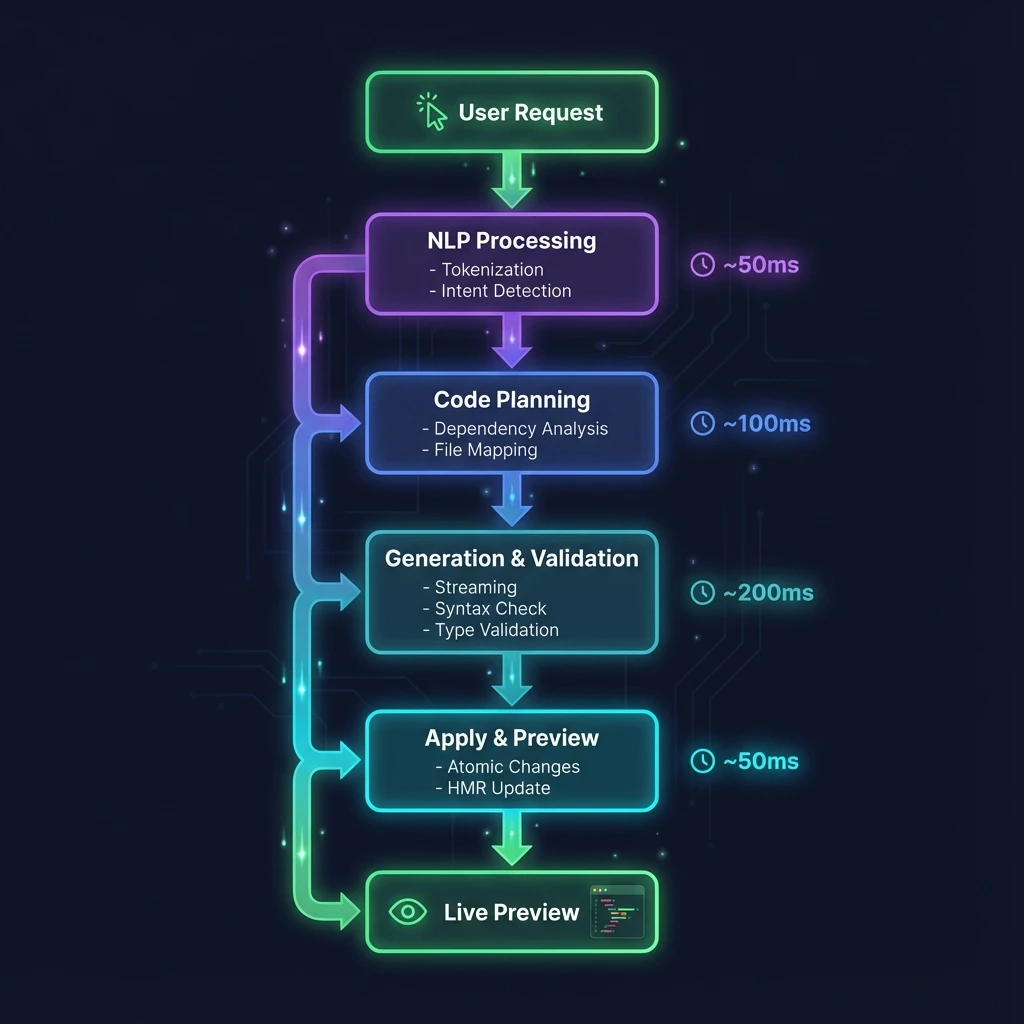
We use Hot Module Replacement (HMR) to inject changes without reloading the page. This is critical for maintaining "Flow State."
- 1. The AI outputs a new CSS block.
- 2. The VFS detects the change.
- 3. Vite (our build tool) recompiles just that specific module.
- 4. The browser swaps the style instantly, preserving state (e.g., if a modal is open, it stays open).
Security & Sandboxing
Running code generated by an AI can be risky. We implement a Double-Sandbox architecture:
- 1. Iframe Isolation: The preview window runs in a separate domain (
byob-preview.site), preventing it from accessing your main dashboard cookies. - 2. Container Limits: The execution environment has strict resource limits to prevent infinite loops from crashing your browser.
Conclusion
BYOB is more than just a wrapper around an LLM. It is a purpose-built IDE that understands the nuances of full-stack development. We handle the complexity of the build chain so you can focus on the complexity of your ideas.
See the engine in action