
Notion vs Airtable vs custom apps: which database solution fits your workflow? #
Three tools, three jobs. Notion organizes knowledge. Airtable structures data. Custom apps solve the specific problem neither template imagined.
Most teams start with one of the first two and feel the pinch within a year. This guide maps where each shines, where each strains, and the exact signals that mean "build it yourself."
Try it: Site Idea Validator — which scores your idea before you commit to a platform.
When does Notion make sense? #
Notion is the shared brain: docs, wikis, meeting notes, and light databases living in one calm workspace. Teams adopt it when flexibility outranks specialization. Onboarding guides sit beside sprint boards. Research notes link to decisions. Everything is findable because everything lives together.
The model is generous at the start. The pricing page opens with a free tier for individuals, Plus around $10 per member monthly for small teams, and Business near $20 for companies wanting governance extras. Guests stay free, which keeps external collaborators cheap.
Notion fits internal knowledge work with light tracking attached. Team wikis. Content calendars at modest scale. Project hubs where prose matters more than rows. If your week is mostly writing with some organizing, Notion feels like home.
The walls are real, though. Formulas buckle under complexity. Large databases past ten thousand rows lose their snap. Advanced permissions need creativity. External data collection wants third-party forms. And Notion is a workspace others host: your system of record lives on someone else's roadmap.
One underused escape hatch: Notion's own API supports internal connections, public OAuth apps, and personal tokens, so custom dashboards and automations can read and write workspace content. Teams outgrowing manual workflows can wire Notion into larger systems before abandoning it. Extend before you exit.
When does Airtable make sense? #
Airtable brings database thinking to people who think in spreadsheets. Linked records connect customers to orders to products. Views reshape the same data as grid, calendar, kanban, or gallery. Forms gather input from outsiders. Automations react to changes.
Operations teams reach for it when lookup formulas turn feral. Inventory with attachments. CRMs with history. Content pipelines with owners and stages. The grid feels familiar while the relationships behave like the real thing.
Pricing and ceilings are public and worth memorizing. The pricing page lists Team at $20 per user monthly on annual billing and Business at $45. The limits doc sets records per base at 1,000 on Free, 50,000 on Team, 125,000 on Business, and 500,000 plus on Enterprise Scale. API traffic runs 5 requests per second per base with 100 records per page.
Airtable fits relational data with moderate automation needs and teams that will never hire database people. It breaks down past tens of thousands of complex records, at seat counts where per-user math turns hostile, and wherever custom interfaces matter. Shared views expose too much or too little, and the interface designer hits its walls fast.
When do you need a custom app? #
Custom apps answer the question neither template asks: what does your workflow actually look like. Client portals showing only their projects. Dashboards mixing data no vendor imagined combining. Approval chains with your rules, your branding, your domain.
The trigger is friction you can feel. Template fights every Monday. Record cap anxiety every quarter. Workarounds stacked on workarounds until the workaround needs documentation. Per-seat bills for people who log in twice a month.
A familiar story: a design agency tracked work in Airtable but needed client status pages. Shared views leaked internals. A custom portal took an afternoon to describe and generate: clients see their projects only, the team sees everything, nobody pays per client seat. Same data, correct faces.
Think of it as rooms versus buildings. Notion and Airtable rent you well designed rooms. A custom app constructs the building around your life. Rooms are faster until your life stops fitting in rooms.
Feature comparison #
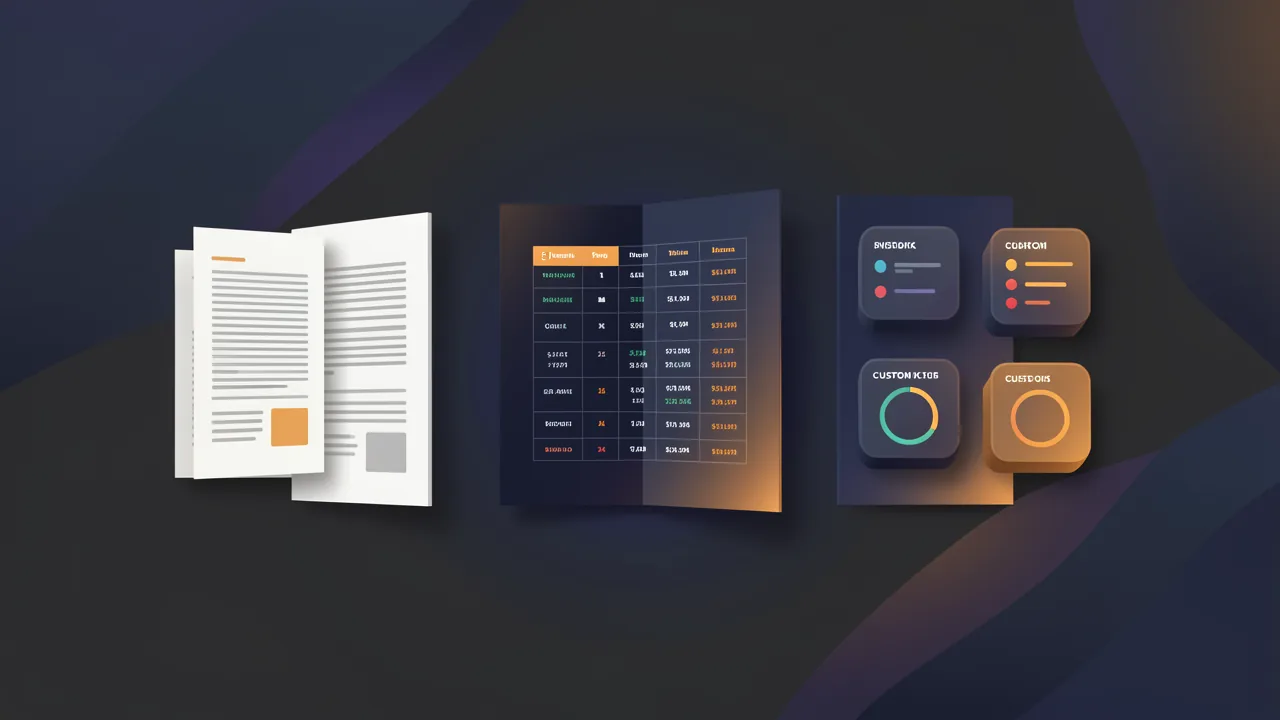
| Feature | Notion | Airtable | Custom app |
|---|---|---|---|
| Best for | Docs plus light databases | Relational data plus workflows | Exact workflow needs |
| Starting price | Free, Plus about $10 per seat | Free, Team $20 per seat | Flat platform plus hosting |
| Record scale | Softens past thousands | 50K to 125K per base by plan | No seat-tied ceiling |
| Custom UI | Templates | Interface designer, bounded | Full control |
| External forms | Needs third party | Built in | Custom design |
| API access | Full API with connections | Yes, rate limited | Full control |
| White label | No | No | Yes, your domain |
| Data ownership | Vendor hosted | Vendor hosted | You own it |
No row crowns a universal winner. Docs-heavy teams start left. Data-heavy teams start middle. Workflow-misfit teams skip to the right.
How do you decide without regret? #
Map the workflow on paper before comparing tools. What data flows where. Who sees what. Which actions fire when. The drawing usually decides for you.
If docs and wikis dominate with light tracking, Notion fits. If linked data and views dominate with moderate automation, Airtable fits. If the drawing contains boxes no template offers, portals, role-specific worlds, custom logic, build custom.
Apply the three-month test. Will you outgrow the pick in a quarter. Will limits block the roadmap. Will workarounds cost more hours than building properly. Two yes answers end the debate.
Then run the exit interview before committing. Export your data today, on the trial, before attachment. Time the export. Read the CSV. Confirm the relationships survive in a form you could rebuild from. Tools with clean exits earn deeper commitment because the commitment stays voluntary. The test takes an afternoon and prevents a hostage situation years later.
Permissions and governance for growing teams #
Small teams share everything. Growing teams cannot. The moment headcount passes a dozen, "everyone sees all" becomes a liability story waiting for its anecdote.
Notion answers with teamspaces, guest roles, and page-level sharing, with finer controls like granular database permissions on Business tiers and audit logs at Enterprise. The model works when sensitivity clusters by area: leadership spaces stay private, team spaces stay open, guests touch only their pages. It strains when sensitivity cuts across rows, like a CRM where each rep should see only their accounts. Page-shaped permissions fight row-shaped needs.
Airtable answers with base, table, and field level permissions plus interfaces that show different faces to different roles. Stronger for structured access, weaker for prose. Interface designer lets outsiders interact without seeing the base machinery. But permission subtleties multiply with bases, and audits across many bases take real administration.
Custom apps answer with whatever your policy says, because you write the policy into the build. Role based access, row level rules, audit trails, SSO. The price is specifying the rules instead of inheriting them. Teams with compliance needs or client data will pay that price gladly. Everyone else should enjoy the platform defaults until they chafe.
Automation depth: buttons, webhooks, and API workflows #
Notion automates lightly: button properties, database automations, and connections to outside tools. The API extends this into real workflows, syncing pages and databases with external systems, reacting to changes through webhooks instead of polling. Enough for notifications, dashboards, and glue. Not enough for multi-step business processes with branching logic.
Airtable automates further: triggers on record changes, scheduled runs, scripts, and a marketplace of extensions. Operations teams run genuine workflows here, approvals, Coffee chats scheduled from status flips, inventory alerts. The ceiling arrives as run quotas, debugging opacity, and logic too tangled for a visual builder.
Custom apps automate without ceilings. Queues, cron jobs, event handlers, integrations with anything sporting an API. The tradeoff is ownership: you maintain the automation, monitor it, fix it at 2am when the provider changes a response shape. Platforms absorb that labor invisibly until they cannot. Choose your 2am accordingly.
Building custom without hiring engineers #
Custom used to mean five-figure quotes and quarter-long timelines. AI builders compressed that into descriptions and afternoons.
Describe the workflow in plain language: the client portal, the custom CRM, the approval chain. The system generates working SvelteKit code with a real database behind it. Iterate by talking, the way you would brief a developer who types at impossible speed.
You keep the exit rights that platforms never offer. Export the code. Host it anywhere. Hand it to engineers later without rewriting. Schedule a yearly portability drill: export everything, verify the export builds, confirm a second host could take it. Rights you never exercise quietly expire. Most teams launch a first version inside a week, then let real usage dictate version two.
Who this is for (and who should skip it) #
This guide helps teams choosing a shared workspace where docs and data mix. If you live in wikis and light tables and your row count stays under tens of thousands, Notion or Airtable will carry you well.
Skip custom work until templates fight you weekly, record caps shape the roadmap, or outsiders need a clean portal with row level rules. When per seat math and workaround stacks cost more than a build, a generated SvelteKit app with a real database stops the rental fatigue.
- Best for small teams choosing between Notion docs and Airtable structured records.
- Best for startups deciding when to leave templates for a custom app with flat hosting.
- Best for agencies mapping client workflows to the right database tool.
What we learned building this #
BYOB generates custom apps as SvelteKit projects with data backed by Cloudflare D1 through a Drizzle adapter and file handling via a storage binding to R2, so a portal that shows clients only their projects is a generated route with an owner filter, not a shared view tweak. That wiring avoids the row and seat ceilings that force Notion and Airtable workarounds. When drafts hit those ceilings in testing, the fix is a short sentence describing the portal and the role rule, then a live preview check.
Frequently asked questions #
Can I migrate data from Notion or Airtable to a custom app? #
Yes. Export CSV from the current tool, map fields to the new schema, import. Flat data transfers cleanly. Linked relationships need restructuring into true database relations, which is also the moment to fix the modeling sins the old tool forced on you.
How much does maintenance cost versus platforms? #
Platforms charge per seat monthly, so ten people run hundreds per month before add-ons. Custom apps carry flat hosting with no per-user fees. Break-even lands earlier than most teams expect, often around a handful of users, and the gap grows with every hire and every client login.
What if I need features later? #
Platforms move on their roadmap, not yours. Custom apps move on your sentences. Describe the feature, review the generation, ship. The ability to evolve on demand is the quiet superpower that justifies the whole move.
Do I need technical skills? #
You need clarity, not code. The learning curve is articulating the workflow precisely: who does what, what connects to what, what happens next. Non-technical founders ship real apps within weeks once they treat prompting as thinking out loud with standards.
When should I stick with Notion or Airtable? #
When the tool does the job today and growth pressure is absent. Comfort is a valid strategy. Migrate when fighting templates consumes more energy than building properly, when limits shape your roadmap instead of serving it, or when outsiders deserve better than a shared view.
Stop renting rooms your life outgrew. Start free with BYOB