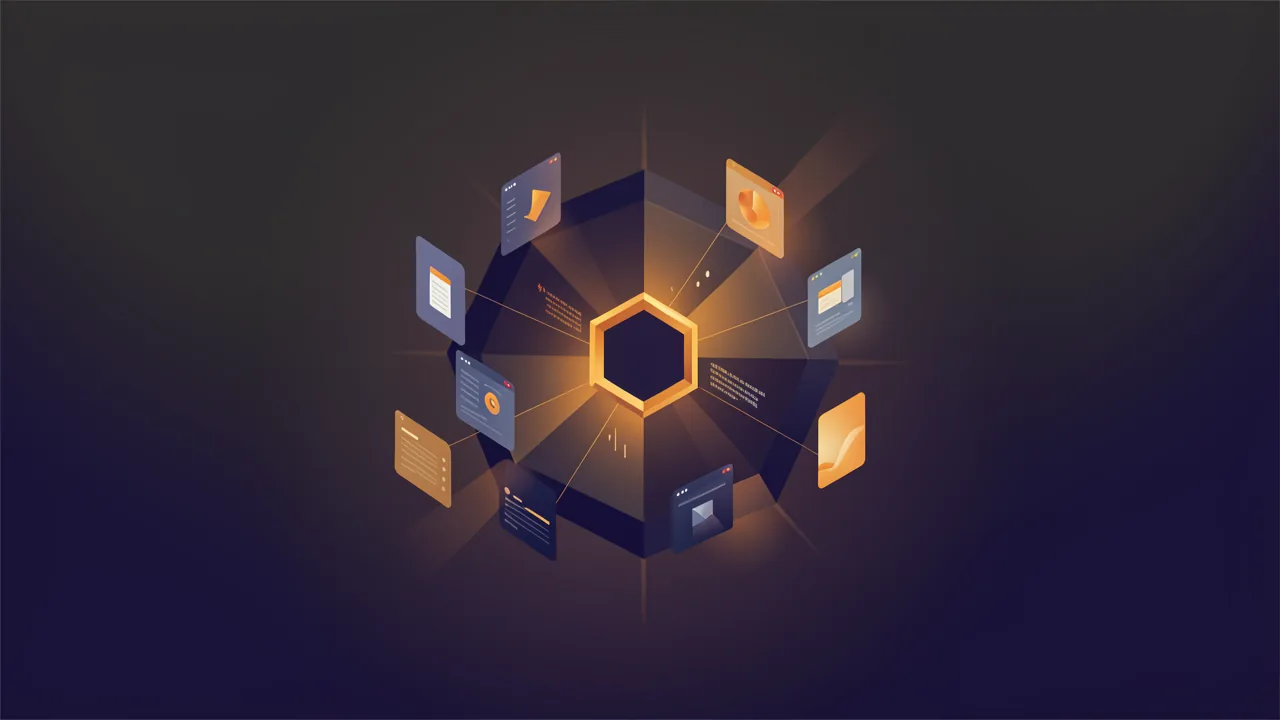
Answer first: MCP connects agents to BYOB tools and project context #
MCP, the Model Context Protocol, is an open standard for giving AI coding agents the same thing human developers rely on: context about the project, plus a safe way to act on it. As stated by Anthropic in the original announcement (https://www.anthropic.com/news/model-context-protocol), MCP provides a universal open standard for connecting AI systems with data sources, replacing fragmented integrations with one protocol.
Out of the box, most agents lack that context. They don't know your deployments, database statuses, environments, or project-specific coding conventions. BYOB solves this with the byob-cli npm package, which spins up a local MCP server that acts as a bridge between the AI agent and the BYOB control plane (air.api.byob.studio).
Once connected, prompts like check the preview URL and read the database schema route natively to the byob database schema and byob deploy tools, scoped to the right project.
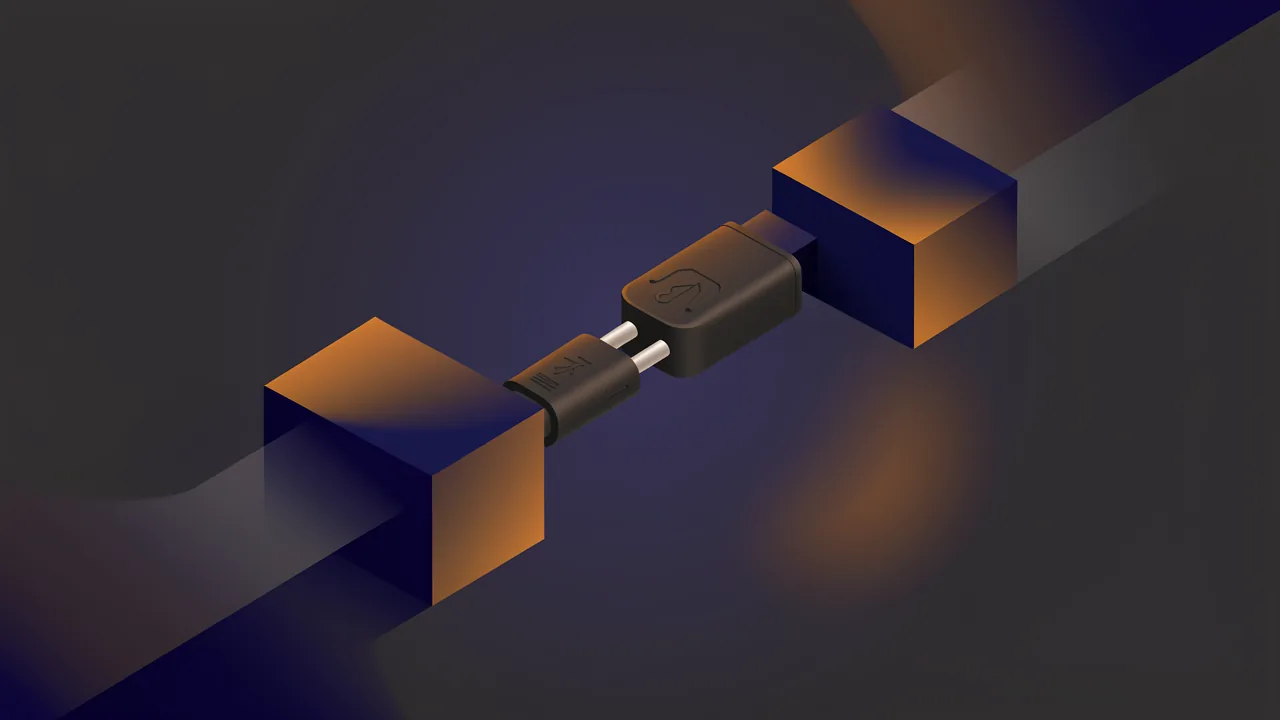
Think of MCP as USB-C for AI agents. Before the standard port, every device needed its own cable and every desk collected a drawer of adapters. MCP is the agreement that one connector carries tools one way and context the other, so agents and platforms stop building custom plugs for each other.
Try it: JSON Formatter — so you can try this on your own site now.
What is MCP and how do tools, resources, and prompts work over JSON RPC? #
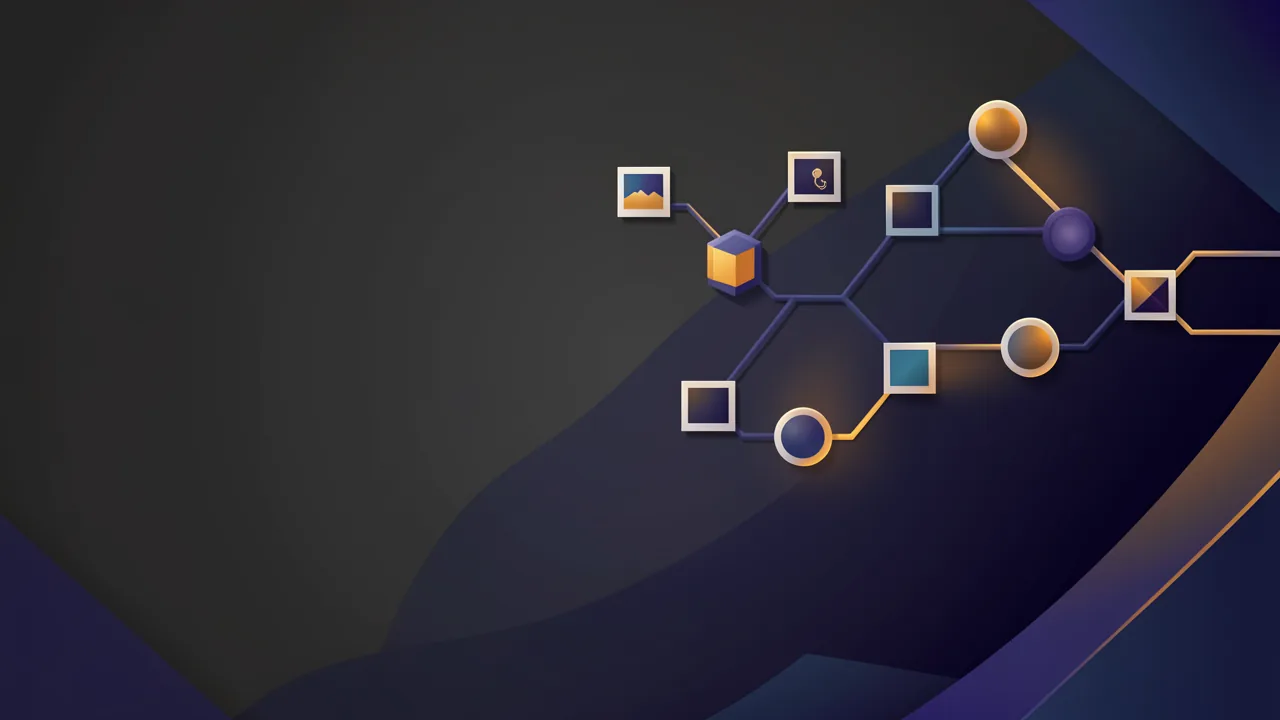
The MCP introduction (https://modelcontextprotocol.io/introduction) lays out the architecture plainly. Hosts run clients, servers expose capabilities, and everything travels as JSON-RPC 2.0 messages. Servers offer three capability families: tools the model can call, resources the model can read, and prompts that package reusable instructions. Clients offer sampling, elicitation, and roots in return.
The flow is deliberately boring and standardized. The client first discovers server capabilities, now through a server/discover call rather than a mandatory handshake. Then the agent lists available tools and resources, with list results carrying cache hints so clients stop re-fetching what rarely changes. Then the agent calls tools with arguments, routable on headers alone. Along the way it reads resources for contextual state about the environment.
That is the whole value proposition. Instead of each agent inventing its own plugin format, MCP provides a standardized way for AI agents to discover tools and resources about your environment. BYOB's implementation follows that pattern. The platform tooling exposes BYOB control-plane features directly to your AI agent. The agent doesn't guess URLs or conventions, it lists what BYOB exposes, then calls it.
If you want the protocol definition itself, start from the spec rather than any vendor-specific wrapper. The current versioned text lives at the specification page (https://modelcontextprotocol.io/specification/2026-07-28).
| Transport | Where it runs | Secret handling | Best for |
|---|---|---|---|
| stdio local bridge | Your machine | Token in local env, never in chat | Personal and team work |
| Streamable HTTP | Remote server | Needs real auth and issuer checks | Shared services |
| Tools | Both | Scoped per call | Act on BYOB |
| Resources | Both | Read only context | Project memory |
How do stateless core, header routing, and input during the call work? #
The protocol recently changed in ways worth knowing, because older tutorials describe a handshake that no longer exists. The 2026-07-28 release notes (https://blog.modelcontextprotocol.io/posts/2026-07-28/) announce a stateless core: the old initialize exchange and session headers are retired, and each request now carries its own protocol version, client identity, and capabilities. Any request can land on any server instance behind plain round-robin load balancing without shared storage, which is a quiet revolution for anyone running MCP servers at scale.
Three more changes matter in practice. Multi round-trip requests let a tool ask for something during the call, such as a confirmation or a missing parameter, returning an input-required result the client answers on retry. Header-based routing puts method and tool names in Mcp-Method and Mcp-Name HTTP headers so gateways, rate limiters, and firewalls can route without parsing JSON bodies. And list results for tools, prompts, and resources now carry cache TTLs so clients stop re-fetching what rarely changes.
Authorization hardened in the same release, with issuer validation and a move from dynamic client registration toward client metadata documents. If your MCP setup predates this version, treat the migration notes as required reading rather than background.
How do stdio and HTTP transports work? #
MCP servers reach clients over two transports, and the choice shapes your security posture. Local servers speak over stdio: the agent spawns the server as a subprocess and exchanges JSON-RPC over stdin and stdout. Nothing traverses the network, and credentials live in the local process environment. Remote servers use Streamable HTTP, which suits shared services but demands real authentication, issuer validation, and transport security on every call.
BYOB deliberately chose the local side. The byob-cli bridge runs on your machine, holds the OAuth token in local storage, and exposes project-scoped tools to whichever agent you already use. Your secrets never cross the network to reach the agent, and the agent never holds standing credentials to the control plane. The dashboard approval loop adds a human gate on top: install locally, approve explicitly, and the bridge activates.
Prefer stdio bridges for personal and team workflows where the machine is trusted. Reserve remote MCP servers for shared services with proper authorization hardening, per the current spec. Transport is not detail work. It decides where your tokens sleep.
How does the hosted control plane compare to per project local execution? #
Separate BYOB's MCP setup into two sides: the hosted control plane at air.api.byob.studio knows your account, projects, deployments, and environments, while your local byob-cli MCP server runs per project with a --project-id scope. Verdict: keep the bridge local and the scope per project. Constraint: never give every agent session ambient access to everything; least privilege applies to robots.
It helps to separate the two sides of BYOB's MCP setup:
The hosted side: the BYOB control plane. This is air.api.byob.studio. It knows about your account, projects, deployments, database statuses, environments, and active workspaces. The agent never talks to it with hardcoded secrets pasted into chat.
The per-project side: your local byob-cli MCP server. When you run an installer, you link a specific project with --project-id. BYOB CLI grants are scoped to your account, and for project-specific commands the agent passes --project-id via the MCP server. If you ever need to inspect what projects your account has access to, you run:
byob projectsYou copy the install commands directly from the Agent Connections tab in your Project Control Center, pre-filled with your specific Project ID. After running the install command on your local machine, you click the Approve agent button in the dashboard to complete the authorization loop.
This scoping is why multiple projects work cleanly. You control which project the agent is focused on, rather than giving every agent session ambient access to everything. Least privilege, applied to robots.
How does the local bridge work for Claude Code, Codex, Antigravity, and OpenCode? #
Connect an agent to BYOB in 3 steps: run the installer for your agent (Codex, Claude Code, Antigravity, or OpenCode) with your project ID from the Agent Connections tab, approve the agent in the dashboard, and let the CLI sync skills. Prerequisite: byob-cli on your machine holding the OAuth token in local storage. Constraint: run install commands locally so secrets never cross the network into chat.
BYOB does not ask you to hand-edit JSON blobs from scratch. There are dedicated installation wizards that handle OAuth, configuration, and skill syncing automatically. Full connection details live in the CLI and MCP guide (https://byob.studio/blog/byob-cli-mcp-connections).
Codex:
npx -y byob-cli codex install --project-id YOUR_PROJECT_IDThis triggers the OAuth device flow, configures ~/.codex/config.toml, and installs the BYOB skill into both ~/.agents/skills/byob_cli and ~/.codex/skills/byob_cli.
Claude Code:
npx -y byob-cli claude install --project-id YOUR_PROJECT_IDThis runs claude mcp add --scope user (or safely merges the MCP server block into ~/.claude.json) and installs the shared byob_cli skill into ~/.claude/skills/byob_cli.
Antigravity (Gemini):
npx -y byob-cli gemini install --project-id YOUR_PROJECT_IDThis writes the MCP server config to ~/.gemini/config/mcp_config.json and installs the shared byob_cli skill into ~/.agents/skills/byob_cli.
OpenCode:
npx -y byob-cli opencode install --project-id YOUR_PROJECT_IDIn MCP vocabulary, this is a local bridge: the server runs on your machine, holds the OAuth token locally, and exposes BYOB actions to the agent you already use. Your credentials stay local, and the agent gains project-scoped tools instead of ambient access.
Two related conveniences come from the same CLI:
npx -y byob-cli workspace ssh-config --install --project-id YOUR_PROJECT_IDThat installs SSH configuration for direct workspace access from IDEs like VS Code or Cursor. And you can authenticate without linking a specific agent by running byob login, which starts the device flow and stores BYOB auth for standalone CLI usage.
Which resources serve as project memory? #
BYOB resources give agents project memory: deployed preview URLs, active workspaces, and synced AIR coding skills covering SvelteKit standards, Cloudflare D1 patterns, Better Auth magic links, and Paddle orchestration. Scope: tools let the agent act, resources let it understand. Constraint: skills must be synced into the local agent environment, or the agent falls back to generic boilerplate instead of BYOB production conventions.
Tools let the agent act. Resources let it understand.
The shorthand in BYOB is "context is king." Once connected, the agent natively understands your deployed preview URLs, active workspaces, and synced coding skills. That is what turns a generic code generator into a deeply integrated team member that understands your deployments, knows your database, and follows your architectural conventions.
The second half of that memory is synced AIR coding skills. When you run an installer (or manually run byob <agent> sync-skills), the CLI downloads BYOB AIR coding skills directly into your local agent environment. These skills provide deep, reusable implementation knowledge on:
- SvelteKit and UI quality standards
- BYOB database patterns on Cloudflare D1
- Better Auth with magic links
- Paddle payments orchestration
By syncing these skills, the agent writes code that matches BYOB production conventions rather than hallucinating generic boilerplate.
On the operations side, the CLI is explicit about privacy. It records compact local diagnostics like command success and durations in ~/.byob/telemetry.jsonl, explicitly redacting project IDs, URLs, emails, tokens, and raw server errors. You can manage or disable telemetry with byob telemetry disable.
How do you go from generic agent to project-aware teammate? #
MCP matters because it replaces copy-pasted context with discovery. The agent lists tools, reads resources, and calls only what your project exposes. The protocol keeps evolving toward stateless scale, and BYOB rides that evolution by keeping the bridge local and the scope per project.
Connect one agent to one project this week. Ask it for the preview URL and the database schema without pasting either. When it answers from discovery instead of from your clipboard, you will feel the difference between a code generator and a teammate.
What are the trade-offs? #
Local stdio bridge per project with OAuth plus skill sync: agents read preview URLs, workspaces, and skills without pasted secrets, control plane at air.api.byob.studio.
| Where the bridge wins | Where it loses |
|---|---|
| Credentials stay on the machine, scope stays per project | Per project install plus approval clicks punish one-off edits |
| Discovery replaces copy pasted context | Protocol churn after the 2026-07-28 stateless core dates older tutorials |
| Project aware edits with resources as memory | Ambient access for every agent is still a bad idea |
Pick manual pasting for a single quick change. Pick the bridge when agents work your projects weekly.
Who this is for (and who should skip it) #
BYOB's MCP bridge fits developers living in Codex, Claude Code, Antigravity, or OpenCode who want agents to read BYOB project context without pasting secrets. Skip remote MCP hosting for this workflow and avoid ambient access to all projects. Limit: the 2026-07-28 spec retired the old handshake, so older tutorials mislead on session setup.
This fits if you already live in Codex, Claude Code, Antigravity, or OpenCode and want agents to read BYOB project context without pasting secrets. Local stdio bridges keep tokens on your machine.
Skip remote MCP hosting for this workflow and avoid giving every agent ambient access to all projects. Use project scoped installs and approve per project instead.
One limit to know. The 2026-07-28 spec retired the old handshake, so older tutorials mislead on session setup. Keep bridges local over stdio and scoped per project instead of granting ambient access to everything.
- Best for developers connecting Claude Code, Codex, or OpenCode to BYOB projects through byob-cli.
- Best for startups giving agents scoped tools for schema, deploys, and env without pasting secrets.
- Best for freelancers turning generic agents into project-aware teammates with live context.
What we learned building this #
BYOB exposes the control plane at air.api.byob.studio through a local byob-cli MCP server that runs over stdio so credentials stay on your machine. The server is installed per project with a project id flag and is approved through the Agent Connections tab in the project control center, as documented in the BYOB CLI and MCP guide (https://byob.studio/blog/byob-cli-mcp-connections). This gives Codex, Claude Code, Antigravity, and OpenCode project scoped tools for preview URLs, database schema, and deploy without pasting secrets into chat.