


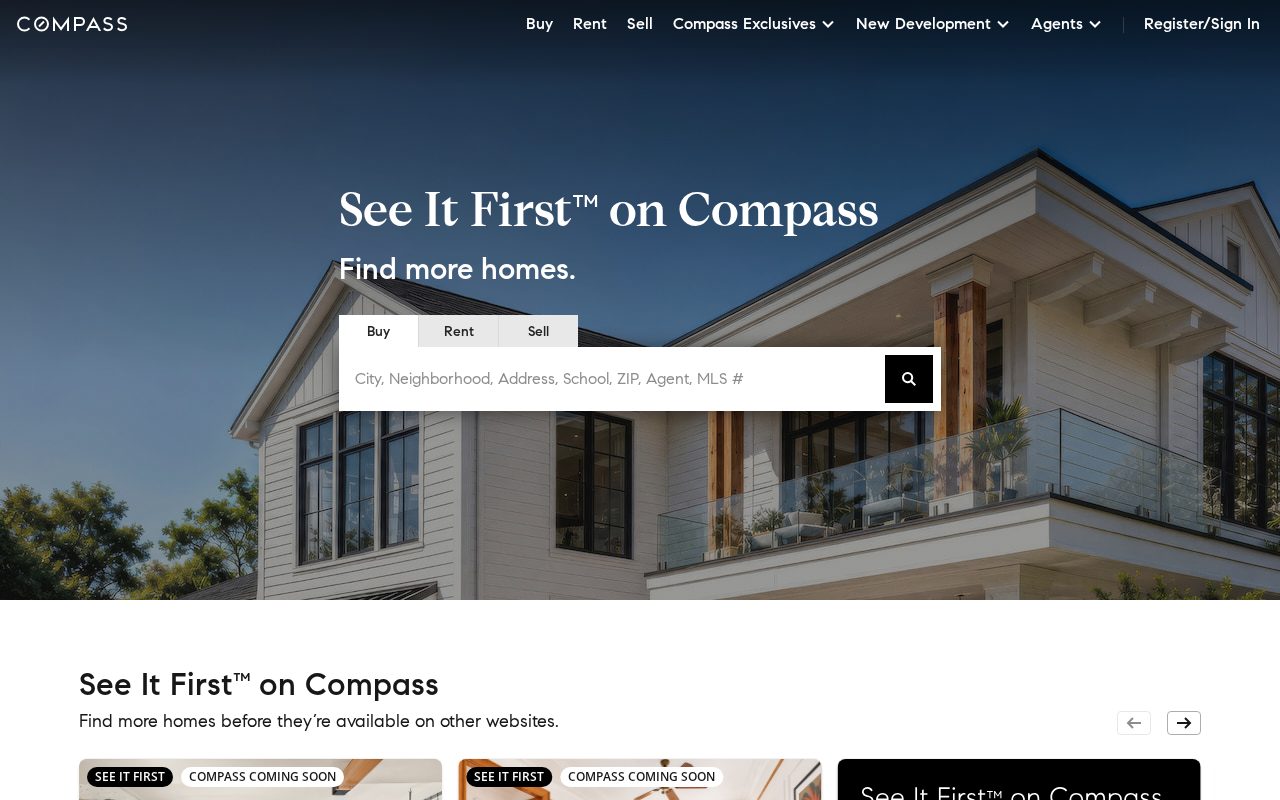
Compass Search-first listings with strong local pages. Visit ↗
BYOB New inbox in every project
Win Edinburgh listings and leads with a site that shows local expertise and captures enquiries.
Runs on the stack you trust
Prompt to product
Compare the one-line brief with what BYOB ships. Real layout, data, and deploy status, editable from the same workspace.
Team Tasks
Shared task tracking
Drag the handle. Or focus it and use the arrow keys.
Get inspired
Real sites that do it well. Build something like this with BYOB.

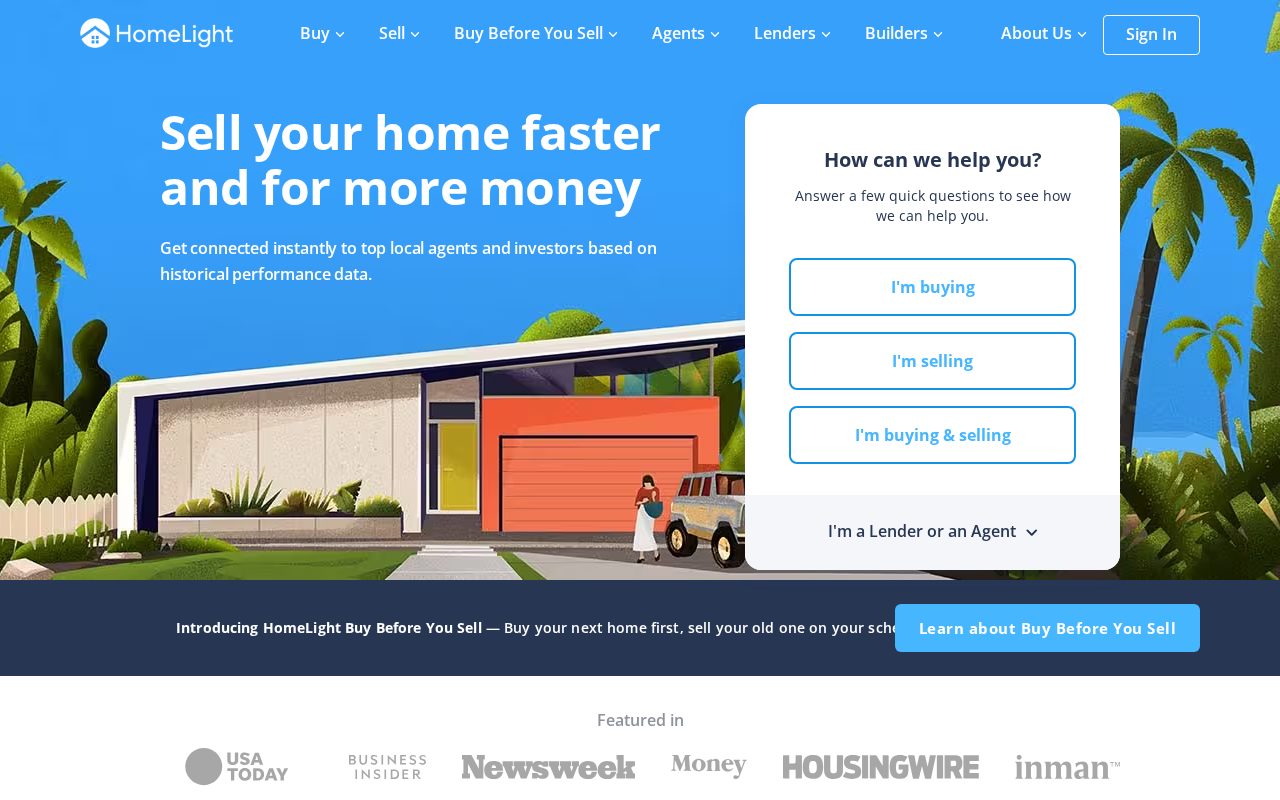
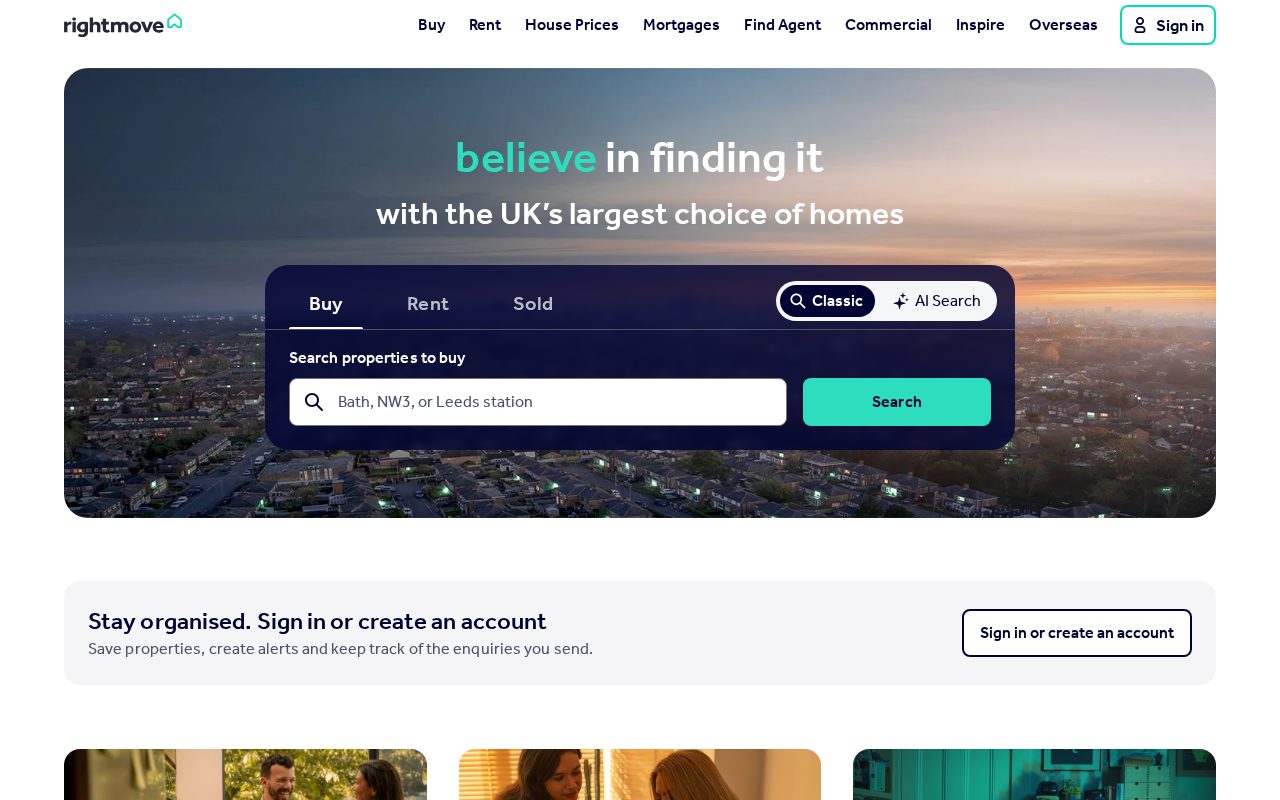
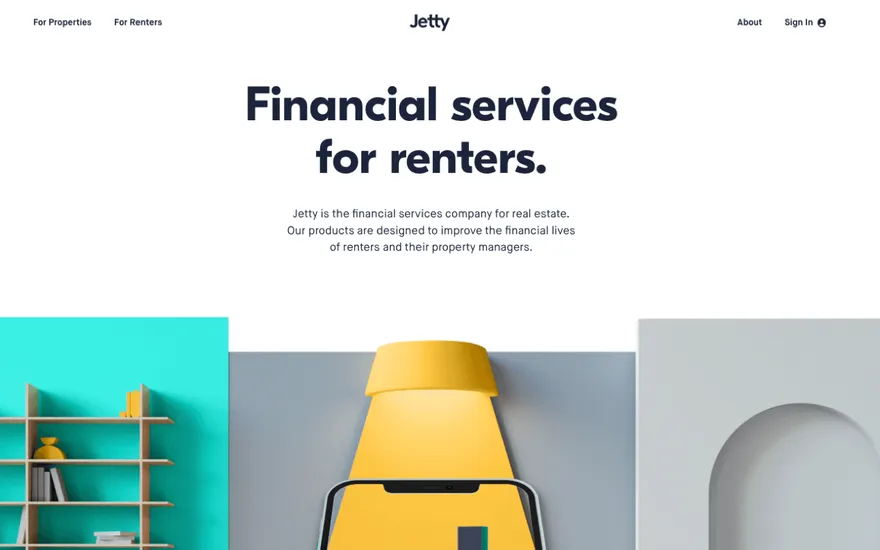

Local details
Tourism and seasonality shape demand; booking flows matter.
Fresh from the community
See what builders ship, or start from an example.
Live workspace
The workspace is built for repeated product work, not disposable demos. Every generated file stays inspectable, every change is visible, and every follow-up can target the exact part of the app you care about.
01 · EDITOR
Every file BYOB writes stays visible and editable. Follow-ups target the exact lines you care about instead of regenerating from scratch.
<script lang='ts'>type Task = { id: string; title: string; done: boolean
}let tasks = $state<Task[]>([])function toggleTask(id: string) {task.done = !task.done // just added by BYOB}</script>02 · AI COMMAND
Describe the outcome once. BYOB turns it into a build plan, implements it step by step, and keeps every change visible while you iterate.
Your prompt
“Build a todo app for beginners”
Build plan
80%03 · LIVE PREVIEW
The preview updates as BYOB works, with deploy status attached, so the path from edit to production stays inspectable.
Team Tasks
Shared task tracking
Prompt to app
Start conversationally, approve the shape, let Tool Mode implement, then refine and deploy from the same workspace.
Agent and backend
Connect Codex, Claude Code, or Antigravity to your project, then store data and ship to production without leaving the workspace.
npx -y byob-cli codex installApprove only the projects your agent can touch, then read context, edit files, inspect diffs, test previews, and roll back from your terminal.
Rated 4.9/5 by developers and founders using BYOB to move from idea to shipped product.
Built for shipping
BYOB handles product planning, implementation, preview, testing, database work, and deployment from one focused interface, with coding-agent access and production analytics when you want to keep working from your own terminal.
This part is hands-on. The cards drift until you touch them. Drag to rearrange, or press and hold one to feel it push back.
Give Codex, Claude Code, or Antigravity scoped access through BYOB CLI or Agent MCP. Your agent reads context, edits code, tests previews, and deploys from your terminal.
Every change lands as a commit. Inspect history, compare diffs, and see exactly what changed since the last deploy.
Every project ships with an inbox. Collect messages, leads, and feedback from your app without wiring a third party.
Send magic links, OTP codes, and transactional mail from your own sender address. Resend-backed, no SMTP setup.
Offer Continue with Google plus passwordless email codes. Sessions and callbacks are handled.
Point your domain at BYOB with guided DNS checks. Certificates are automatic.
Click any element in the live preview and describe the change. Copy, spacing, color, behavior.
Run full-site or feature checks and get implementation-level feedback you can apply in one step.
Step between saved states or redeploy a known commit when an experiment goes sideways.
Builds publish to production hosting in one step. Deploys can auto-save the project state first.
Worker traffic, errors, CPU timing, subrequests, and custom-domain status from the workspace.
Connect Supabase and BYOB reads schemas, drafts migrations, and generates types that match your app.
Invite people in and keep sessions coordinated so work never overwrites work.
Simple pricing
Pay as you go when you are exploring. Move to Pro or Max when BYOB becomes part of your regular build workflow.
$1 = 100 credits
2,000+ credits/mo
8,000+ credits/mo
Live estimator
Try the cost calculator. Drag the pages slider, toggle the options, and watch the agency quote vs BYOB update instantly.
Open full cost calculator →$5,750 upfront
~$1,150 / year
~$45 in credits
BYOB builds the same site from one prompt and hosts it on the edge. Planning estimates, not quotes.
See BYOB plansNeed white-label and SSO? Talk to us →
A real estate website builder for Edinburgh creates property listing pages, area guides, valuation and viewing forms and landlord service pages without custom development. BYOB generates them as editable pages, stores enquiries in data storage, and lets an agent update listings and copy themselves.
Buyers and tenants here scroll listings on a phone, often between viewings. Each property deserves a clear detail page with the offers-over price or monthly rent, bedroom count, key features, floor plan and a Home Report link, plus a gallery that loads quickly. Whether the flat sits in a Georgian terrace in the New Town or a modern block near the tram line, consistent structure helps people compare. Mark a property as available, under offer or let agreed so returning visitors are not chasing something already gone.
People relocating to Edinburgh usually choose an area before a specific flat: Morningside and Bruntsfield for family streets, Stockbridge for a village feel, Leith and Newington for energy near the centre, Corstorphine for space and easier parking. A short guide for each neighbourhood covering schools, transport, typical tenement or villa stock and what daily life feels like builds trust and helps you rank for searches naming the area. Keep claims about catchments and travel times factual, because these change and overstatement costs credibility.
Edinburgh's property market moves quickly around the festival season and the academic year, so make booking effortless. Let applicants pick a slot for a viewing or a valuation from real availability, then send automatic confirmations and reminders. Capture whether a buyer is under offer elsewhere and whether a seller is upsizing, note the tenement or new-build detail that affects a valuation, and route each enquiry to the right negotiator so nothing waits in a shared inbox.
Property work in Scotland is regulated, and clients notice when a site is vague. Lettings firms should state their landlord registration, any Client Money Protection membership and which deposit scheme they use, such as SafeDeposits Scotland or mydeposits Scotland. Agents should make their redress scheme membership easy to find. Short-term letting now requires a licence, so if you manage holiday flats, explain how you handle that. A single clear page listing fees, memberships and the bodies you belong to reassures landlords and tenants before they get in touch.
Lettings income rewards retention, so give landlords their own section: full management versus tenant find, rent collection, compliance checks and maintenance handling. When the site outgrows marketing pages, the same project can become a small application. Add login so landlords can view statements, or build a tenant area for reporting repairs with photos. built-in data storage or a data source provides the data layer, so the pages you started with extend into a working operations tool instead of being rebuilt from scratch.
A property site showing stale listings loses trust fast, and in a market as quick as Edinburgh that can happen within days. Because BYOB edits are visual or conversational, the person closest to the sales board can add a new instruction, change a price or update a status without waiting on a web agency. Set a simple routine: refresh featured listings weekly, check area guide details each quarter, and make sure contact and fee pages stay accurate as your team changes.
FAQ
Yes. Property pages are editable visually or in chat, so staff can add instructions, change prices and mark a property under offer or let agreed.
Yes. Add a Home Report link or PDF to each sales listing so buyers can read the survey before requesting a viewing.
A valuation form can collect property type, area, bedrooms and buying status, store submissions in data storage and route them to the right negotiator.
Both. Separate listings, guides and enquiry forms keep the two sides organised in one project.
Yes. The site can grow into a small portal with login for statements or repair reports using built-in data storage or a data source.
Start with one clear prompt. BYOB will help turn it into a product you can inspect, edit, test, and ship.
 npm
npm