


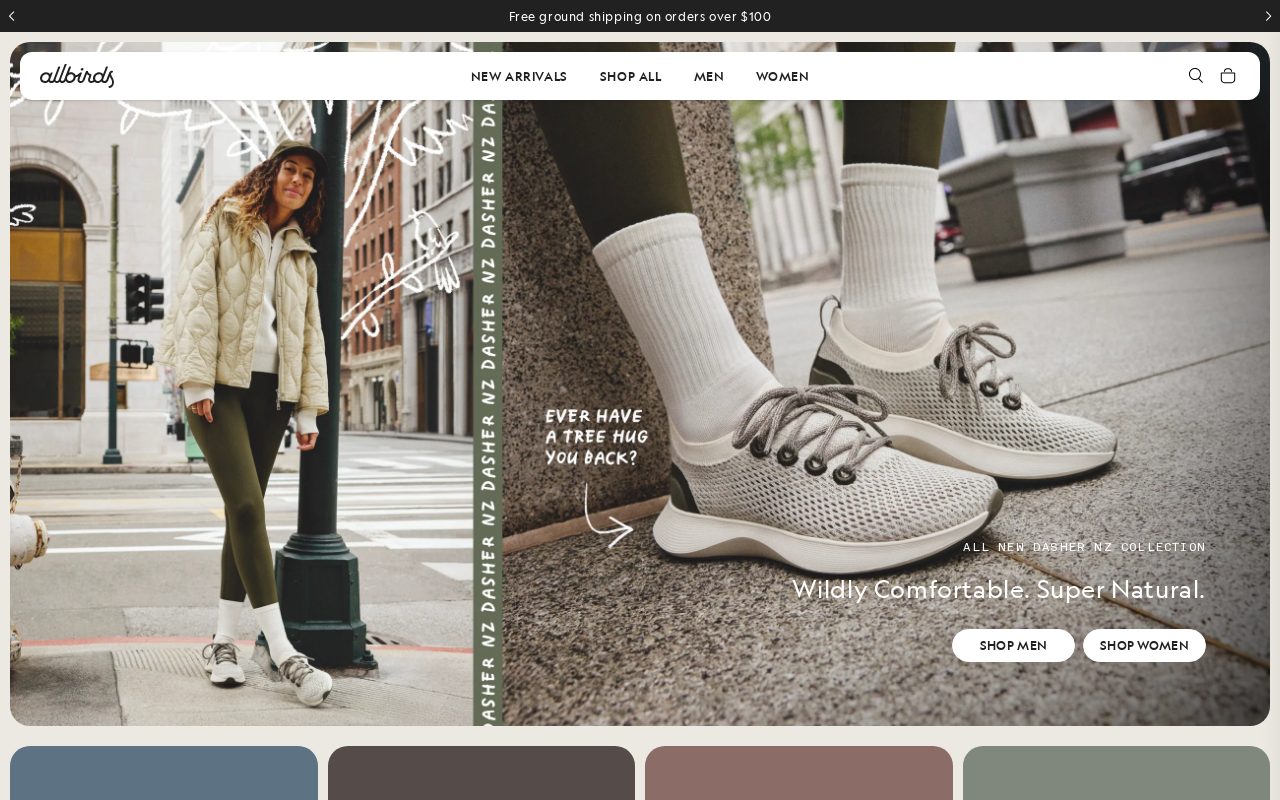
Allbirds Clean product pages with a strong sustainability story. Visit ↗
BYOB New inbox in every project
Shoppers in Seattle browse online first — show your inventory, prices, and store location upfront.
Runs on the stack you trust
Prompt to product
Compare the one-line brief with what BYOB ships. Real layout, data, and deploy status, editable from the same workspace.
Team Tasks
Shared task tracking
Drag the handle. Or focus it and use the arrow keys.
Get inspired
Real sites that do it well. Build something like this with BYOB.
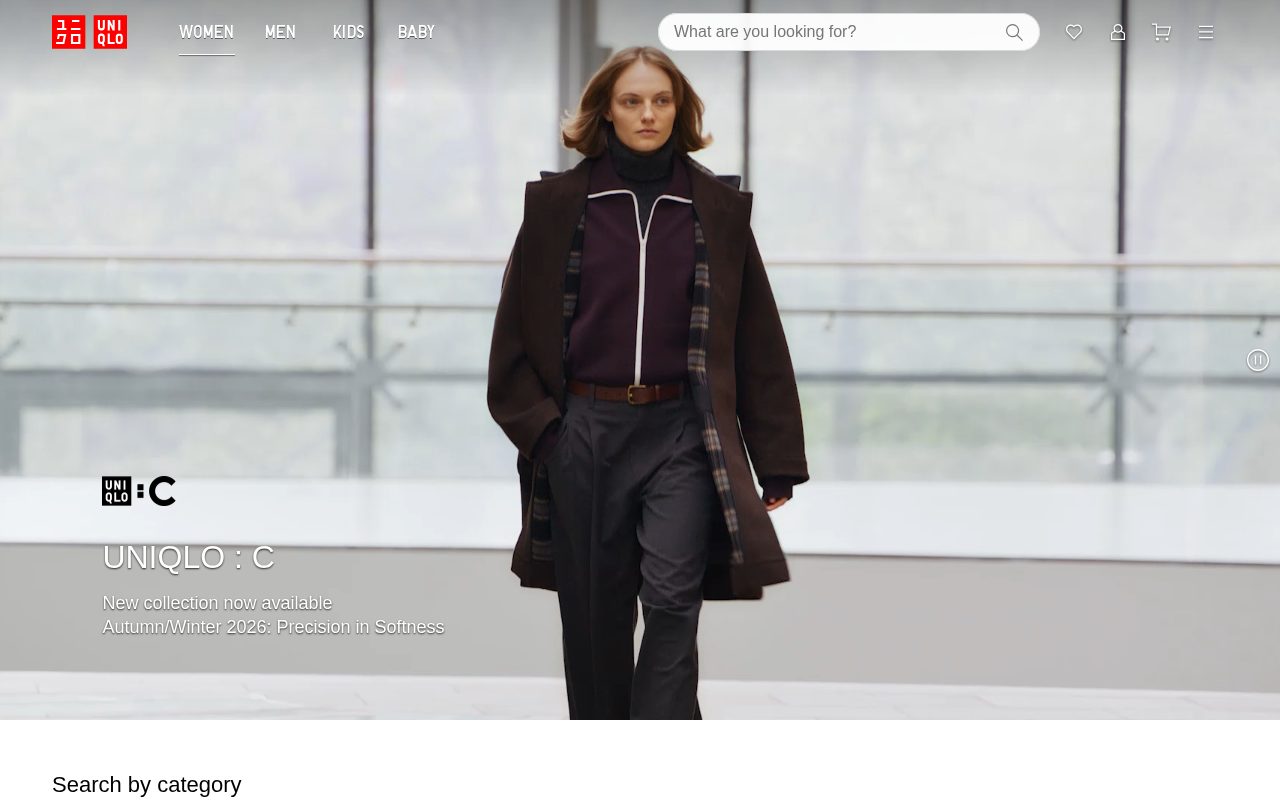

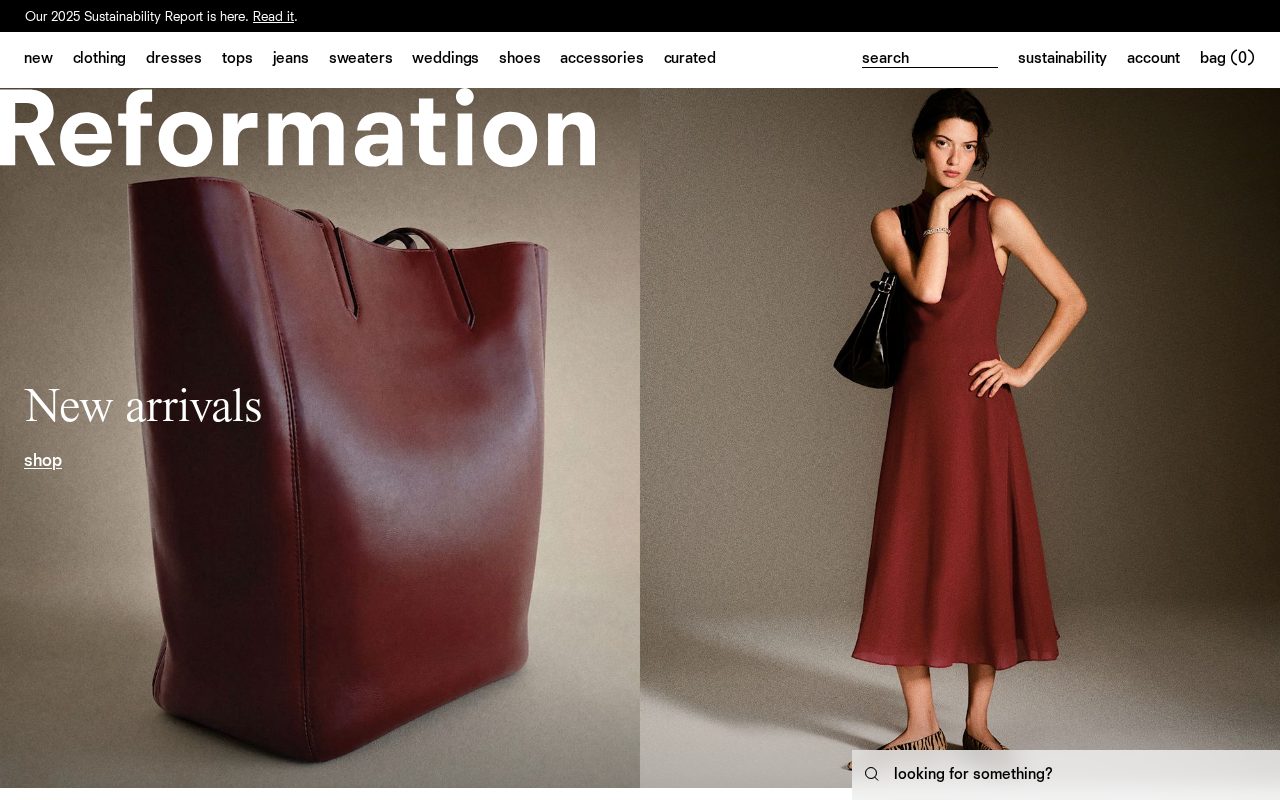
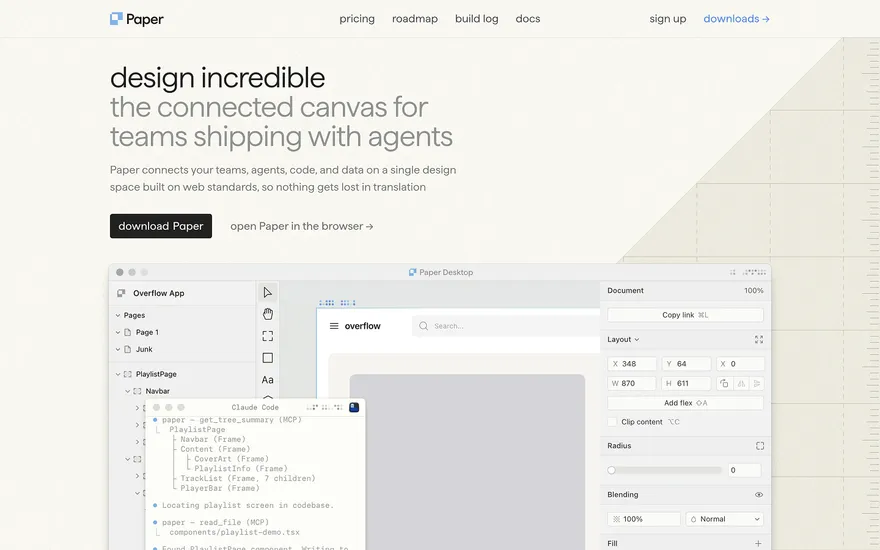
Local details
Design-literate buyers who reward clean UX and honest positioning.
Fresh from the community
See what builders ship, or start from an example.
Live workspace
The workspace is built for repeated product work, not disposable demos. Every generated file stays inspectable, every change is visible, and every follow-up can target the exact part of the app you care about.
01 · EDITOR
Every file BYOB writes stays visible and editable. Follow-ups target the exact lines you care about instead of regenerating from scratch.
<script lang='ts'>type Task = { id: string; title: string; done: boolean
}let tasks = $state<Task[]>([])function toggleTask(id: string) {task.done = !task.done // just added by BYOB}</script>02 · AI COMMAND
Describe the outcome once. BYOB turns it into a build plan, implements it step by step, and keeps every change visible while you iterate.
Your prompt
“Build a todo app for beginners”
Build plan
80%03 · LIVE PREVIEW
The preview updates as BYOB works, with deploy status attached, so the path from edit to production stays inspectable.
Team Tasks
Shared task tracking
Prompt to app
Start conversationally, approve the shape, let Tool Mode implement, then refine and deploy from the same workspace.
Agent and backend
Connect Codex, Claude Code, or Antigravity to your project, then store data and ship to production without leaving the workspace.
npx -y byob-cli codex installApprove only the projects your agent can touch, then read context, edit files, inspect diffs, test previews, and roll back from your terminal.
Rated 4.9/5 by developers and founders using BYOB to move from idea to shipped product.
Built for shipping
BYOB handles product planning, implementation, preview, testing, database work, and deployment from one focused interface, with coding-agent access and production analytics when you want to keep working from your own terminal.
This part is hands-on. The cards drift until you touch them. Drag to rearrange, or press and hold one to feel it push back.
Give Codex, Claude Code, or Antigravity scoped access through BYOB CLI or Agent MCP. Your agent reads context, edits code, tests previews, and deploys from your terminal.
Every change lands as a commit. Inspect history, compare diffs, and see exactly what changed since the last deploy.
Every project ships with an inbox. Collect messages, leads, and feedback from your app without wiring a third party.
Send magic links, OTP codes, and transactional mail from your own sender address. Resend-backed, no SMTP setup.
Offer Continue with Google plus passwordless email codes. Sessions and callbacks are handled.
Point your domain at BYOB with guided DNS checks. Certificates are automatic.
Click any element in the live preview and describe the change. Copy, spacing, color, behavior.
Run full-site or feature checks and get implementation-level feedback you can apply in one step.
Step between saved states or redeploy a known commit when an experiment goes sideways.
Builds publish to production hosting in one step. Deploys can auto-save the project state first.
Worker traffic, errors, CPU timing, subrequests, and custom-domain status from the workspace.
Connect Supabase and BYOB reads schemas, drafts migrations, and generates types that match your app.
Invite people in and keep sessions coordinated so work never overwrites work.
Simple pricing
Pay as you go when you are exploring. Move to Pro or Max when BYOB becomes part of your regular build workflow.
$1 = 100 credits
2,000+ credits/mo
8,000+ credits/mo
Live estimator
Try the cost calculator. Drag the pages slider, toggle the options, and watch the agency quote vs BYOB update instantly.
Open full cost calculator →$5,750 upfront
~$1,150 / year
~$45 in credits
BYOB builds the same site from one prompt and hosts it on the edge. Planning estimates, not quotes.
See BYOB plansNeed white-label and SSO? Talk to us →
A retail website builder for Seattle creates product pages, click-and-collect options and storytelling pages for neighbourhood shops and small brands. BYOB generates them as pages from a prompt, stores orders and enquiries in your own data, and connects to a supported payment provider for checkout.
A neighbourhood retailer's website should carry the same character as the counter. Give product pages clear photos, honest descriptions, dimensions and materials, and group items the way a customer would browse. Tell the shop's story and name the neighbourhood, whether that is Pike Place, Ballard, Fremont or Capitol Hill. Seattle shoppers reward local character and often prefer a shop with a point of view over an anonymous catalogue, so let the site reflect the taste and voice that already bring people through the door.
Many Seattle buyers want to buy online and collect in person, especially for small and fragile goods. A pickup option needs clear instructions: where to come, which hours, what to bring, and how quickly an order is ready. An order form can store requests in your data and send a confirmation through email, so staff know what is waiting. Offer local delivery for nearby postcodes where it makes sense. Clear pickup logistics turn online browsing among local shops into brisk, low-friction sales.
BYOB does not run a native card checkout; instead you connect a supported payment provider such as built-in payments, or link to the store platform you already use. For many local retailers that means keeping Shopify or Square for transactions while the BYOB site handles product storytelling, SEO and lead capture. Be upfront on the site about how payment works so customers are not confused at the basket. Whatever the route, the checkout should be secure and the shipping and returns terms easy to find.
Selling to Washington customers means collecting sales tax correctly, and selling across state lines can trigger additional registration obligations. The Washington Department of Revenue publishes the rules and rates, and it is worth understanding them before you scale online. Rates vary by location and change over time, so do not hard-code a figure you found once and never revisit. If your situation is complex, a bookkeeper or tax professional is the right person to ask; the website simply needs to present prices and terms accurately.
Seattle shoppers care where things come from, and many local retailers build their identity around makers, refillable goods and low-waste practice. Product pages that name the maker, explain materials and describe how an item is packaged tell that story honestly. Avoid vague green claims you cannot support; specific detail is both more credible and more interesting. These pages also rank for the searches people actually type, connecting a neighbourhood shop with customers who are actively looking for what it sells.
Farmers markets, street fairs and holiday markets bring spikes of interest that a shop can capture online. A simple events or news page listing where you will have a stall, plus an email sign-up, turns a passer-by into a contact you can reach later. Announce seasonal ranges and restocks here too, and keep the page updated so it stays useful. Because it all sits in the same BYOB project as the shop pages, adding an event takes minutes and needs no separate tool or subscription.
FAQ
You can connect a supported provider such as built-in payments, or link to your existing store platform. BYOB has no native card checkout.
Yes. Add pickup instructions, store hours and an order form that saves requests in your data.
Yes. Product pages can name the maker and explain materials and packaging.
Yes. Check the Department of Revenue rules and rates, and use a professional for complex situations.
Yes. An events page plus an email list captures the seasonal spike.
Start with one clear prompt. BYOB will help turn it into a product you can inspect, edit, test, and ship.
 npm
npm