


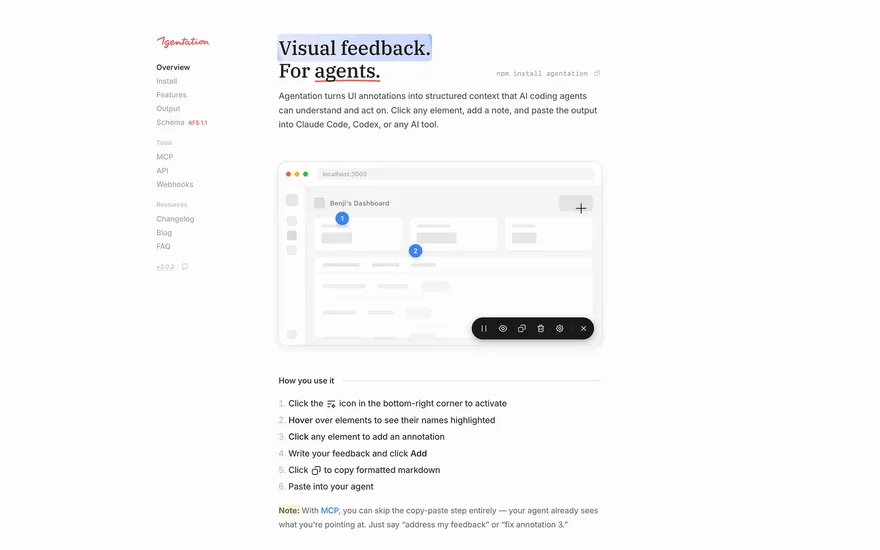
Agentation Agentation is a developer tool that lets anyone annotate elements on a webpage and generate structured feedback for AI coding agents. Visit ↗
BYOB New inbox in every project
If deployment needs a server, a reverse proxy and a certificate, the last mile becomes the hardest part. BYOB treats publishing as part of building: an app you just generated can be live on a URL in the time it takes to click deploy.
Runs on the stack you trust
Prompt to product
Compare the one-line brief with what BYOB ships. Real layout, data, and deploy status, editable from the same workspace.
Team Tasks
Shared task tracking
Drag the handle. Or focus it and use the arrow keys.
Get inspired
Real sites that do it well. Build something like this with BYOB.
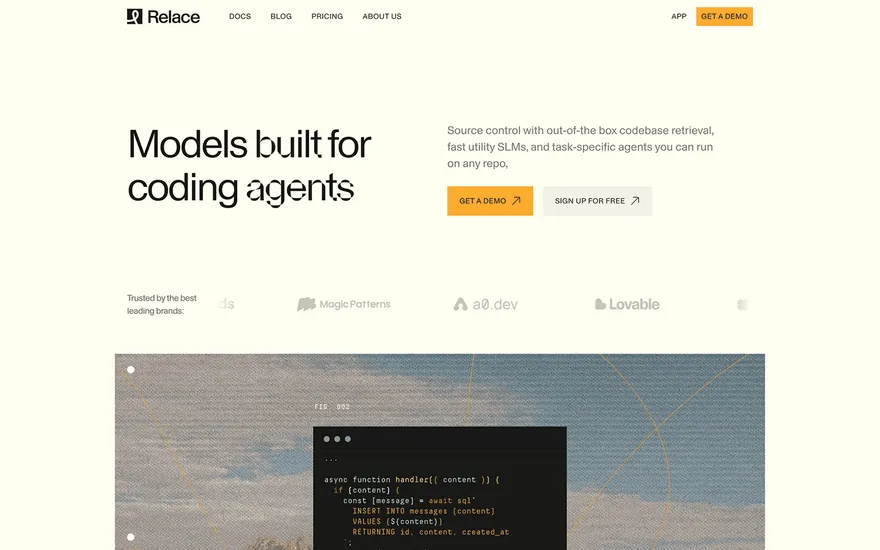
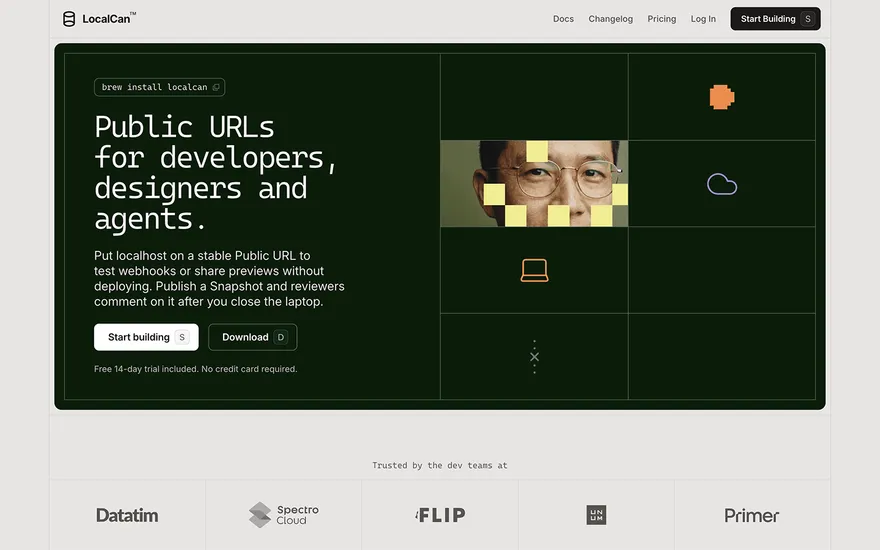
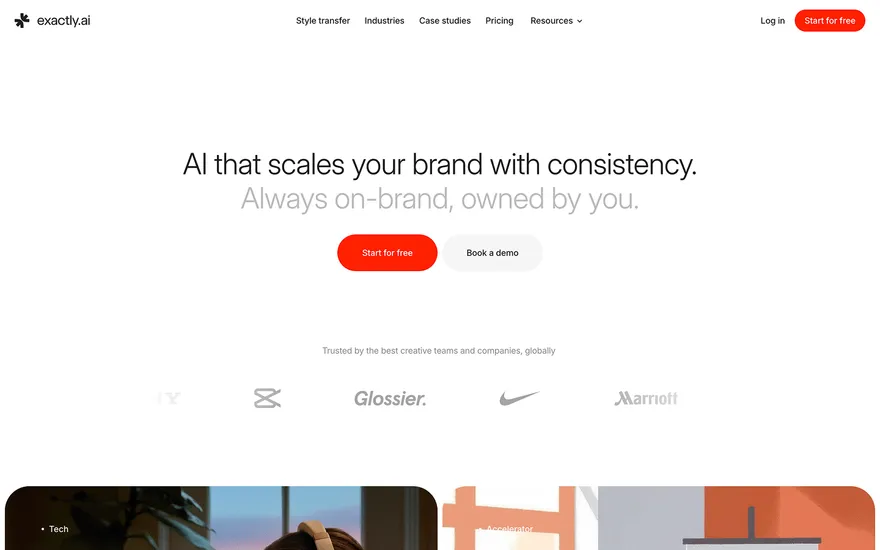

Fresh from the community
See what builders ship, or start from an example.
Live workspace
The workspace is built for repeated product work, not disposable demos. Every generated file stays inspectable, every change is visible, and every follow-up can target the exact part of the app you care about.
01 · EDITOR
Every file BYOB writes stays visible and editable. Follow-ups target the exact lines you care about instead of regenerating from scratch.
<script lang='ts'>type Task = { id: string; title: string; done: boolean
}let tasks = $state<Task[]>([])function toggleTask(id: string) {task.done = !task.done // just added by BYOB}</script>02 · AI COMMAND
Describe the outcome once. BYOB turns it into a build plan, implements it step by step, and keeps every change visible while you iterate.
Your prompt
“Build a todo app for beginners”
Build plan
80%03 · LIVE PREVIEW
The preview updates as BYOB works, with deploy status attached, so the path from edit to production stays inspectable.
Team Tasks
Shared task tracking
Prompt to app
Start conversationally, approve the shape, let Tool Mode implement, then refine and deploy from the same workspace.
Agent and backend
Connect Codex, Claude Code, or Antigravity to your project, then store data and ship to production without leaving the workspace.
npx -y byob-cli codex installApprove only the projects your agent can touch, then read context, edit files, inspect diffs, test previews, and roll back from your terminal.
Rated 4.9/5 by developers and founders using BYOB to move from idea to shipped product.
Built for shipping
BYOB handles product planning, implementation, preview, testing, database work, and deployment from one focused interface, with coding-agent access and production analytics when you want to keep working from your own terminal.
This part is hands-on. The cards drift until you touch them. Drag to rearrange, or press and hold one to feel it push back.
Give Codex, Claude Code, or Antigravity scoped access through BYOB CLI or Agent MCP. Your agent reads context, edits code, tests previews, and deploys from your terminal.
Every change lands as a commit. Inspect history, compare diffs, and see exactly what changed since the last deploy.
Every project ships with an inbox. Collect messages, leads, and feedback from your app without wiring a third party.
Send magic links, OTP codes, and transactional mail from your own sender address. Resend-backed, no SMTP setup.
Offer Continue with Google plus passwordless email codes. Sessions and callbacks are handled.
Point your domain at BYOB with guided DNS checks. Certificates are automatic.
Click any element in the live preview and describe the change. Copy, spacing, color, behavior.
Run full-site or feature checks and get implementation-level feedback you can apply in one step.
Step between saved states or redeploy a known commit when an experiment goes sideways.
Builds publish to production hosting in one step. Deploys can auto-save the project state first.
Worker traffic, errors, CPU timing, subrequests, and custom-domain status from the workspace.
Connect Supabase and BYOB reads schemas, drafts migrations, and generates types that match your app.
Invite people in and keep sessions coordinated so work never overwrites work.
Simple pricing
Pay as you go when you are exploring. Move to Pro or Max when BYOB becomes part of your regular build workflow.
$1 = 100 credits
2,000+ credits/mo
8,000+ credits/mo
Live estimator
Try the cost calculator. Drag the pages slider, toggle the options, and watch the agency quote vs BYOB update instantly.
Open full cost calculator →$5,750 upfront
~$1,150 / year
~$45 in credits
BYOB builds the same site from one prompt and hosts it on the edge. Planning estimates, not quotes.
See BYOB plansNeed white-label and SSO? Talk to us →
BYOB deploys apps to a production URL in one click, handling hosting, SSL and global edge delivery so you avoid server setup. Each deploy is tied to a project version for rollback, and you can connect a custom domain or export the SvelteKit project to host it yourself.
Deployment builds the SvelteKit project, serves it from Cloudflare's network, and issues an HTTPS certificate automatically. There is no container to size, no DNS record to add by hand for the default URL, and no web server to patch. The app is reachable worldwide within moments of the build finishing. Because the same command runs every time, releases become routine rather than an event, and you can ship small changes often instead of saving them up for a risky overnight launch.
A generated subdomain is fine for testing, but customers need your name on the address bar. Connecting a domain routes it to the deployed app and provisions TLS for you, renewing it without intervention. Changes to the domain configuration happen in the same place you edit the project, rather than in a separate registrar dashboard. That matters when a launch includes several names: adding a marketing domain or a staging address follows the same short path instead of a manual certificate dance each time.
Every deployment corresponds to a version in your project history. If a release introduces a bug, redeploy the previous version instead of scrambling for a fix while the site is broken. Because edits are committed as you work, the version you want is already recorded. Rollback also helps during reviews: you can point a teammate at exactly which version is live, and compare it against a candidate before promoting it, so 'it worked yesterday' becomes a concrete pair of builds rather than a guess.
Real apps need API keys, database bindings and other settings that must not live in the source. Manage those as environment variables and bindings in the workspace, so the same code runs locally and in production with values supplied at deploy time. This keeps provider credentials out of the repository and out of the browser. Rotating a key becomes a settings change rather than a code edit, and different environments can point at different databases without branching the codebase or maintaining separate configuration files.
Deployment inside BYOB is convenient, not compulsory. Export the project as a ZIP or pull it with the CLI and host it anywhere that runs a SvelteKit build, including your own Cloudflare account or a traditional Node host. You keep the same codebase either way, so hosting is a choice rather than a commitment. Teams sometimes start on BYOB for speed and later move a specific app behind stricter infrastructure; because the output is standard, that move is a deployment decision rather than a rewrite.
FAQ
No. BYOB builds and serves the app, provisions HTTPS and manages the network layer for the default and custom domains.
Yes. Attach a domain in the publishing workflow and the certificate is issued and renewed automatically.
Generated projects are SvelteKit apps built with Vite and delivered from Cloudflare's edge network.
Yes. Export the ZIP or use the CLI and run the build on any compatible host.
Start with one clear prompt. BYOB will help turn it into a product you can inspect, edit, test, and ship.
 npm