


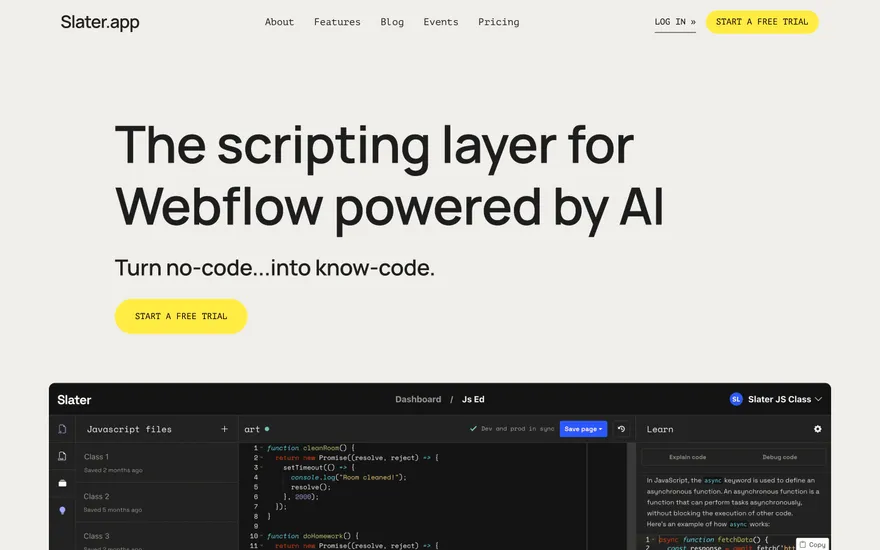
Slater Webflow tooling with editor-led proof. Visit ↗
BYOB New inbox in every project
The costliest bugs are the ones baked into a project before it exists. Preflight planning is BYOB's step between your idea and generated code, where the request is sharpened, features are named, and a direction is agreed before the build starts.
Runs on the stack you trust
Prompt to product
Compare the one-line brief with what BYOB ships. Real layout, data, and deploy status, editable from the same workspace.
Team Tasks
Shared task tracking
Drag the handle. Or focus it and use the arrow keys.
Get inspired
Real sites that do it well. Build something like this with BYOB.
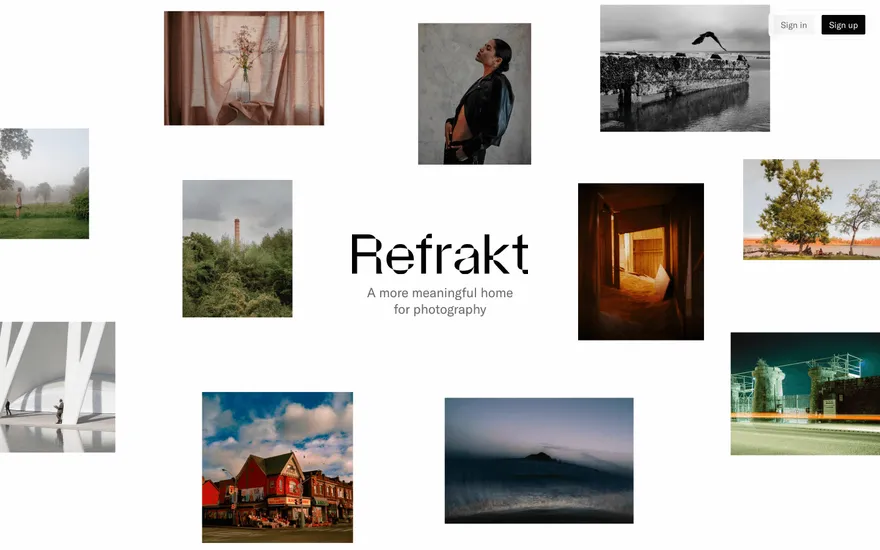
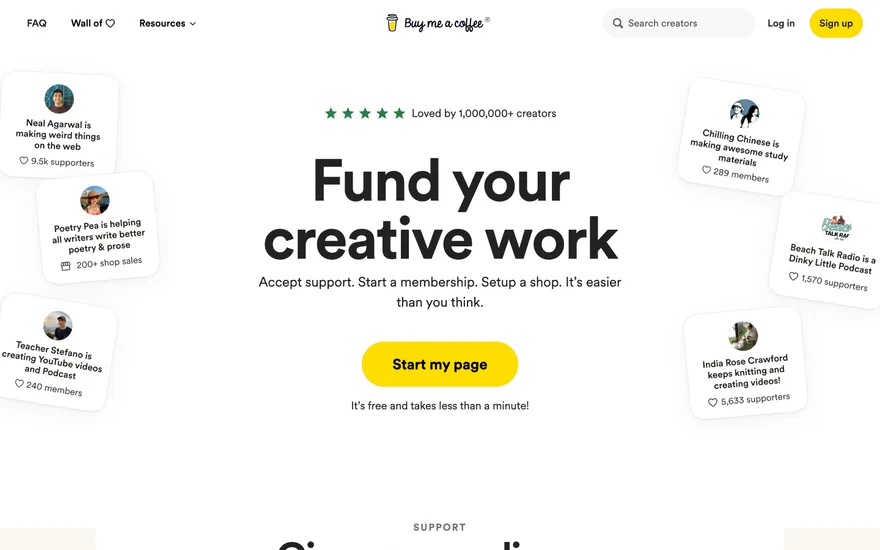

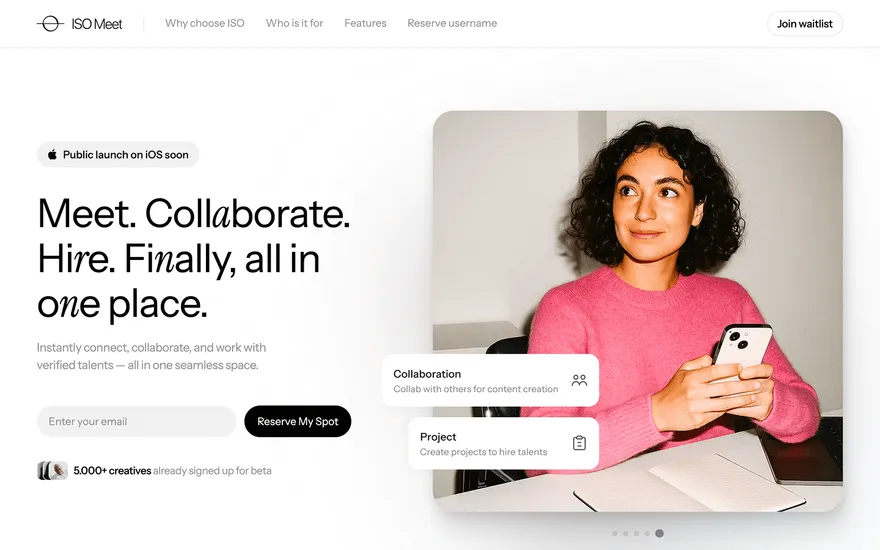
Fresh from the community
See what builders ship, or start from an example.
Live workspace
The workspace is built for repeated product work, not disposable demos. Every generated file stays inspectable, every change is visible, and every follow-up can target the exact part of the app you care about.
01 · EDITOR
Every file BYOB writes stays visible and editable. Follow-ups target the exact lines you care about instead of regenerating from scratch.
<script lang='ts'>type Task = { id: string; title: string; done: boolean
}let tasks = $state<Task[]>([])function toggleTask(id: string) {task.done = !task.done // just added by BYOB}</script>02 · AI COMMAND
Describe the outcome once. BYOB turns it into a build plan, implements it step by step, and keeps every change visible while you iterate.
Your prompt
“Build a todo app for beginners”
Build plan
80%03 · LIVE PREVIEW
The preview updates as BYOB works, with deploy status attached, so the path from edit to production stays inspectable.
Team Tasks
Shared task tracking
Prompt to app
Start conversationally, approve the shape, let Tool Mode implement, then refine and deploy from the same workspace.
Agent and backend
Connect Codex, Claude Code, or Antigravity to your project, then store data and ship to production without leaving the workspace.
npx -y byob-cli codex installApprove only the projects your agent can touch, then read context, edit files, inspect diffs, test previews, and roll back from your terminal.
Rated 4.9/5 by developers and founders using BYOB to move from idea to shipped product.
Built for shipping
BYOB handles product planning, implementation, preview, testing, database work, and deployment from one focused interface, with coding-agent access and production analytics when you want to keep working from your own terminal.
This part is hands-on. The cards drift until you touch them. Drag to rearrange, or press and hold one to feel it push back.
Give Codex, Claude Code, or Antigravity scoped access through BYOB CLI or Agent MCP. Your agent reads context, edits code, tests previews, and deploys from your terminal.
Every change lands as a commit. Inspect history, compare diffs, and see exactly what changed since the last deploy.
Every project ships with an inbox. Collect messages, leads, and feedback from your app without wiring a third party.
Send magic links, OTP codes, and transactional mail from your own sender address. Resend-backed, no SMTP setup.
Offer Continue with Google plus passwordless email codes. Sessions and callbacks are handled.
Point your domain at BYOB with guided DNS checks. Certificates are automatic.
Click any element in the live preview and describe the change. Copy, spacing, color, behavior.
Run full-site or feature checks and get implementation-level feedback you can apply in one step.
Step between saved states or redeploy a known commit when an experiment goes sideways.
Builds publish to production hosting in one step. Deploys can auto-save the project state first.
Worker traffic, errors, CPU timing, subrequests, and custom-domain status from the workspace.
Connect Supabase and BYOB reads schemas, drafts migrations, and generates types that match your app.
Invite people in and keep sessions coordinated so work never overwrites work.
Simple pricing
Pay as you go when you are exploring. Move to Pro or Max when BYOB becomes part of your regular build workflow.
$1 = 100 credits
2,000+ credits/mo
8,000+ credits/mo
Live estimator
Try the cost calculator. Drag the pages slider, toggle the options, and watch the agency quote vs BYOB update instantly.
Open full cost calculator →$5,750 upfront
~$1,150 / year
~$45 in credits
BYOB builds the same site from one prompt and hosts it on the edge. Planning estimates, not quotes.
See BYOB plansNeed white-label and SSO? Talk to us →
AI preflight planning is BYOB's planning stage before generation. It refines your prompt, identifies the features the app needs, proposes an UX direction and returns a plan you approve. Because scope is settled before code is written, you avoid long rebuilds caused by a misunderstood request.
AI generators are fast, which makes a wrong assumption expensive: a vague prompt becomes a large app built around the wrong idea, and every later fix is a rebuild. Preflight planning moves the clarification to the fastest moment. Instead of discovering halfway through that you meant a booking flow and not a contact form, you settle the goal in plain language first. The plan then acts as a shared reference. When you review generated work later, you check it against something explicit rather than against your memory of the original sentence.
The first pass turns a loose description into a specific brief. BYOB asks what the product is for, who uses it, and what a successful session looks like, then reflects those answers back. Missing details such as whether accounts are required or whether data must persist get surfaced here rather than guessed silently. You can accept the interpretation or correct it in a sentence. This back-and-forth is short, and it replaces the much longer loop of generating, noticing a mismatch and reworking the result.
Planning produces a concrete list of capabilities: pages, forms, login, data models, integrations and the states each screen needs. Because BYOB knows what it can generate, it can separate features that fit the initial build from those that should wait. You see the trade-offs before committing, which helps a solo founder or a small team decide what belongs in a first version. The list also becomes a checklist during review, so nothing agreed in the plan quietly disappears from the finished app.
Beyond features, the plan sketches how the app should feel and flow: navigation shape, primary action, density and the order tasks happen in. Presenting a direction early prevents the common outcome where a perfectly functional app is laid out in a way nobody wanted. If you already have a strong opinion, you can state it and skip the exploration; if you do not, the proposal gives you something specific to react to. This is also the point where an optional design exploration, such as Design Lab, can be chosen deliberately rather than by accident.
You are the gate before code. The plan is presented for approval, and generation waits until you confirm or edit it. That pause is deliberate: it keeps the model from sprinting past a decision that only you can make. Approving a plan does not freeze the project forever. You can revisit scope later, but changes become conscious choices with a visible before and after rather than silent drift. The same record helps when a project is handed to someone else, because the reasoning behind the structure is written down.
Preflight planning reduces misunderstanding; it does not remove uncertainty. Some needs only become clear once you use a working interface, and a plan built from descriptions will still miss details that real users reveal. Treat the plan as a good starting scope, not a contract that forbids change. It also does not replace testing or a final review. The value is in aligning expectations early, which is why the step is short and easy to revisit as the app takes shape.
FAQ
Guided projects use it to align scope first. Quick builds can skip straight to generation when the request is already precise.
It is a short exchange: a couple of clarifying turns and a plan to approve, not a separate project phase.
Yes. Scope is not frozen; you can revise it, and the change is visible rather than hidden in a rebuild.
It greatly reduces misalignment, but a working interface often reveals details no description can, so expect to iterate.
Founders and teams who want to agree on features and direction before spending generation time on the wrong build.
Start with one clear prompt. BYOB will help turn it into a product you can inspect, edit, test, and ship.
 npm
npm