


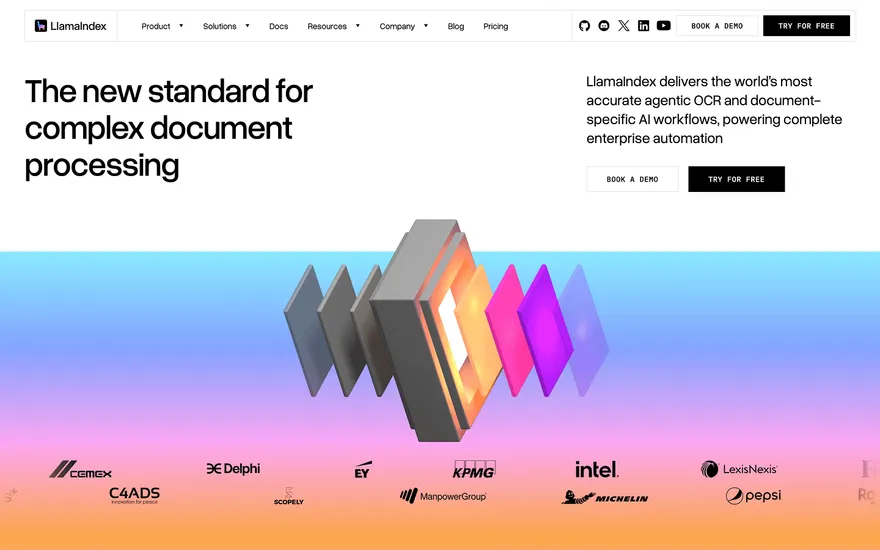
LlamaIndex Enterprise AI with a confident hero. Visit ↗
BYOB New inbox in every project
Two teams can price the same app idea thousands apart because they read the scope differently. This page separates the decisions that actually move app development cost from the ones that merely look expensive, and shows where a generated build changes the total.
Runs on the stack you trust
Prompt to product
Compare the one-line brief with what BYOB ships. Real layout, data, and deploy status, editable from the same workspace.
Team Tasks
Shared task tracking
Drag the handle. Or focus it and use the arrow keys.
Get inspired
Real sites that do it well. Build something like this with BYOB.
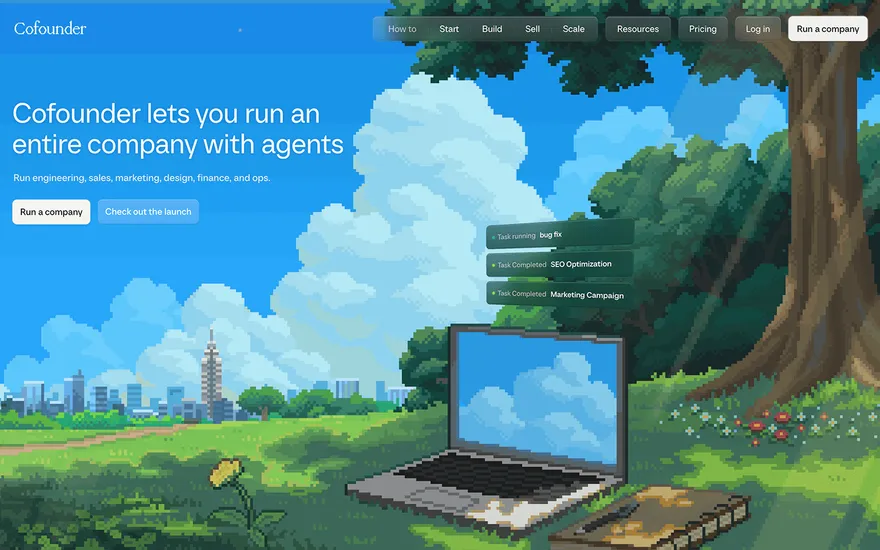
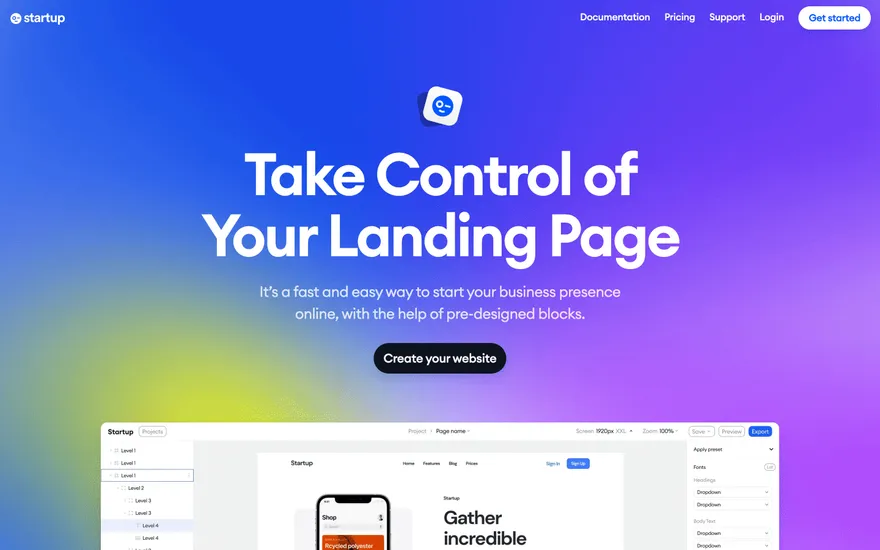
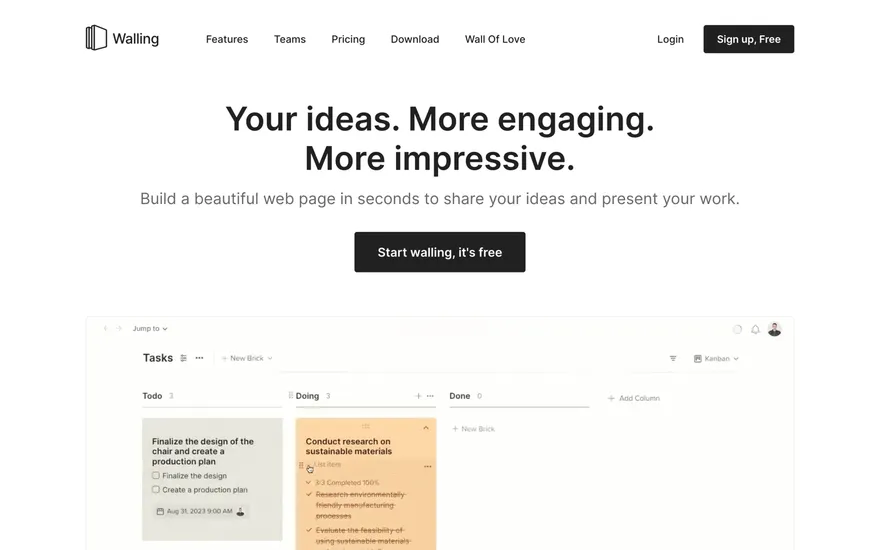
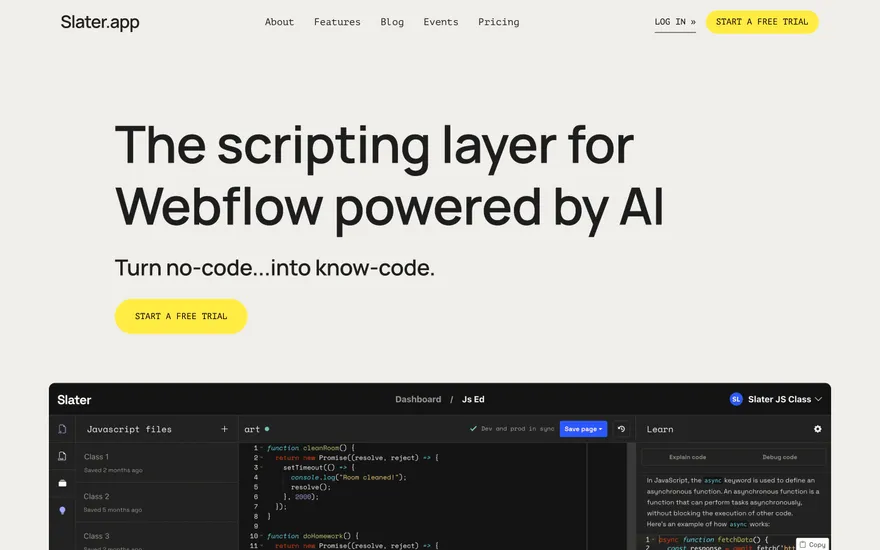
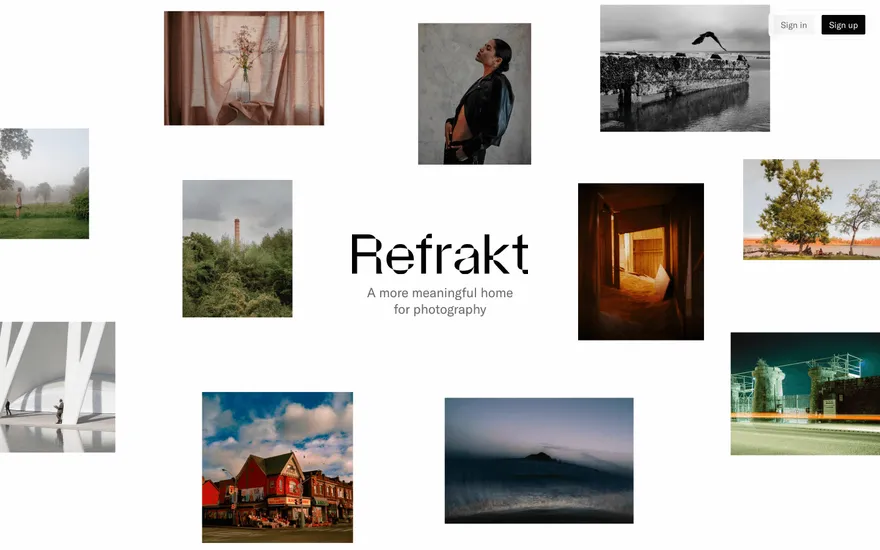
Fresh from the community
See what builders ship, or start from an example.
Live workspace
The workspace is built for repeated product work, not disposable demos. Every generated file stays inspectable, every change is visible, and every follow-up can target the exact part of the app you care about.
01 · EDITOR
Every file BYOB writes stays visible and editable. Follow-ups target the exact lines you care about instead of regenerating from scratch.
<script lang='ts'>type Task = { id: string; title: string; done: boolean
}let tasks = $state<Task[]>([])function toggleTask(id: string) {task.done = !task.done // just added by BYOB}</script>02 · AI COMMAND
Describe the outcome once. BYOB turns it into a build plan, implements it step by step, and keeps every change visible while you iterate.
Your prompt
“Build a todo app for beginners”
Build plan
80%03 · LIVE PREVIEW
The preview updates as BYOB works, with deploy status attached, so the path from edit to production stays inspectable.
Team Tasks
Shared task tracking
Prompt to app
Start conversationally, approve the shape, let Tool Mode implement, then refine and deploy from the same workspace.
Agent and backend
Connect Codex, Claude Code, or Antigravity to your project, then store data and ship to production without leaving the workspace.
npx -y byob-cli codex installApprove only the projects your agent can touch, then read context, edit files, inspect diffs, test previews, and roll back from your terminal.
Rated 4.9/5 by developers and founders using BYOB to move from idea to shipped product.
Built for shipping
BYOB handles product planning, implementation, preview, testing, database work, and deployment from one focused interface, with coding-agent access and production analytics when you want to keep working from your own terminal.
This part is hands-on. The cards drift until you touch them. Drag to rearrange, or press and hold one to feel it push back.
Give Codex, Claude Code, or Antigravity scoped access through BYOB CLI or Agent MCP. Your agent reads context, edits code, tests previews, and deploys from your terminal.
Every change lands as a commit. Inspect history, compare diffs, and see exactly what changed since the last deploy.
Every project ships with an inbox. Collect messages, leads, and feedback from your app without wiring a third party.
Send magic links, OTP codes, and transactional mail from your own sender address. Resend-backed, no SMTP setup.
Offer Continue with Google plus passwordless email codes. Sessions and callbacks are handled.
Point your domain at BYOB with guided DNS checks. Certificates are automatic.
Click any element in the live preview and describe the change. Copy, spacing, color, behavior.
Run full-site or feature checks and get implementation-level feedback you can apply in one step.
Step between saved states or redeploy a known commit when an experiment goes sideways.
Builds publish to production hosting in one step. Deploys can auto-save the project state first.
Worker traffic, errors, CPU timing, subrequests, and custom-domain status from the workspace.
Connect Supabase and BYOB reads schemas, drafts migrations, and generates types that match your app.
Invite people in and keep sessions coordinated so work never overwrites work.
Simple pricing
Pay as you go when you are exploring. Move to Pro or Max when BYOB becomes part of your regular build workflow.
$1 = 100 credits
2,000+ credits/mo
8,000+ credits/mo
Live estimator
Try the cost calculator. Drag the pages slider, toggle the options, and watch the agency quote vs BYOB update instantly.
Open full cost calculator →$5,750 upfront
~$1,150 / year
~$45 in credits
BYOB builds the same site from one prompt and hosts it on the edge. Planning estimates, not quotes.
See BYOB plansNeed white-label and SSO? Talk to us →
App development cost is driven by platform choice, the number of user workflows, backend complexity, integrations and ongoing maintenance. Native mobile builds cost more than responsive web apps. BYOB generates a working foundation from a description, shifting much of the initial labour into a predictable subscription.
Price differences usually come from interpretation, not dishonesty. One team hears 'user accounts' and pictures a single login; another builds roles, invitations, password resets and audit trails. One treats a dashboard as a static chart; the other builds filters, exports and permissions. Until the scope names those details, every quote is answering a slightly different question. A short written definition of the users, actions and data is the fastest way to make competing prices comparable and to expose the assumptions hiding inside them.
The platform decision sets a cost floor. A fully native iOS and Android build means two codebases, two skill sets and two submission pipelines. A cross-platform framework shares logic but still carries native build complexity. A responsive web app, or an installable progressive web app, runs from one codebase on every device and avoids app-store review entirely. For many internal tools and services, the web route delivers the same outcome for less, and can be wrapped into an app later if the audience truly demands it.
Developers rarely bill for a finished product in one line. The money sits in phases: discovery and wireframes, interface build, backend and data, login, integrations, testing, then launch and fixes. Each phase scales with ambiguity. Clear requirements compress design and testing; vague ones inflate them because the team rebuilds to match what the client meant. When you compare estimates, ask which phases are included and how each is priced, rather than judging the single total at the bottom.
Beyond development, apps carry recurring and per-item charges. Native apps pay annual store fees and review delays. Cloud publishing, data stores, email and third-party connections add monthly costs that grow with usage. Payment providers take a percentage of each transaction, and fraud or chargeback tooling may cost extra. Listing these before you build prevents the surprise that arrives in month three. A useful exercise is to name every service the app depends on and note whether it is free, fixed or usage-based.
Generation does not make an app free, but it removes a large band of routine labour. Screens, forms, CRUD endpoints, login flows and admin tables are produced from a description, so hours that would otherwise be billed by hand are covered by a subscription. What remains is the part humans do best: defining the product, reviewing generated logic and handling specialised integrations. That reframes the budget from 'how many developer days' to 'how clearly can we specify the product', which is work a founder can often do first.
Write down the features, then mark each as simple, moderate or complex, noting the data it touches and any outside service it calls. Price the complex items with a specialist and check whether the simple ones can be generated. Add a realistic allowance for iteration, because first versions rarely survive contact with users. Comparing that list against a generated prototype tells you where your money is genuinely required, and turns a speculative range into a number you can defend to a client, an investor or your own accountant.
FAQ
A simple internal web app can be generated and launched fastly, while a custom multi-platform mobile product with integrations often reaches five figures. Scope, not app type alone, sets the price.
Generally yes. Native mobile builds need separate codebases, platform skills and store submissions, while a responsive web app serves all devices from one project.
Ongoing publishing, third-party connections, payment fees and maintenance after launch. These continue every month and are frequently left out of initial estimates.
Yes. Generate the routine parts, defer nice-to-have integrations, and keep the first release focused on the core workflow so iteration costs less.
Plan structure and usage limits are listed on the BYOB pricing page; check there for the current details before committing.
Start with one clear prompt. BYOB will help turn it into a product you can inspect, edit, test, and ship.
 npm
npm