


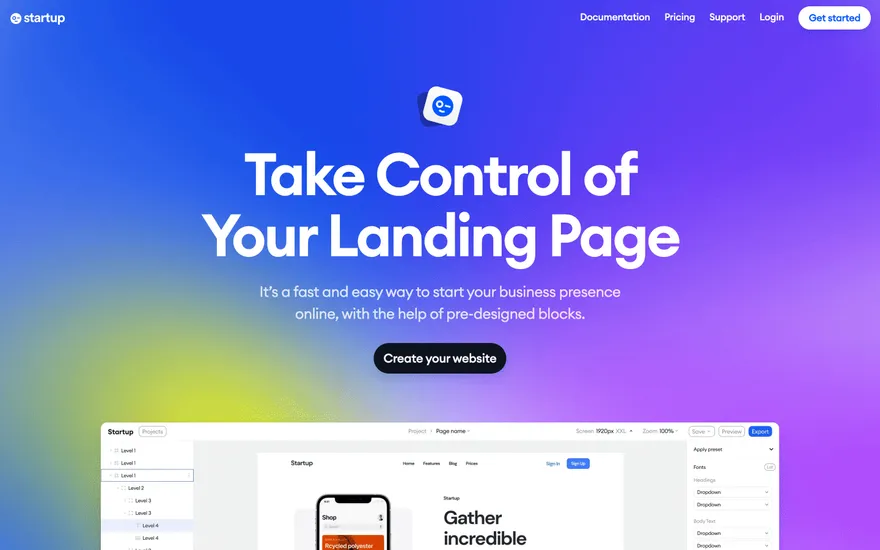
Startup Landing-page builder with strong templates. Visit ↗
BYOB New inbox in every project
Webflow gave designers a serious visual tool for building responsive sites without writing CSS. It still stops at the front end. This page explains where a Webflow alternative such as BYOB differs, and when the extra backend layer is worth it.
Runs on the stack you trust
Prompt to product
Compare the one-line brief with what BYOB ships. Real layout, data, and deploy status, editable from the same workspace.
Team Tasks
Shared task tracking
Drag the handle. Or focus it and use the arrow keys.
Get inspired
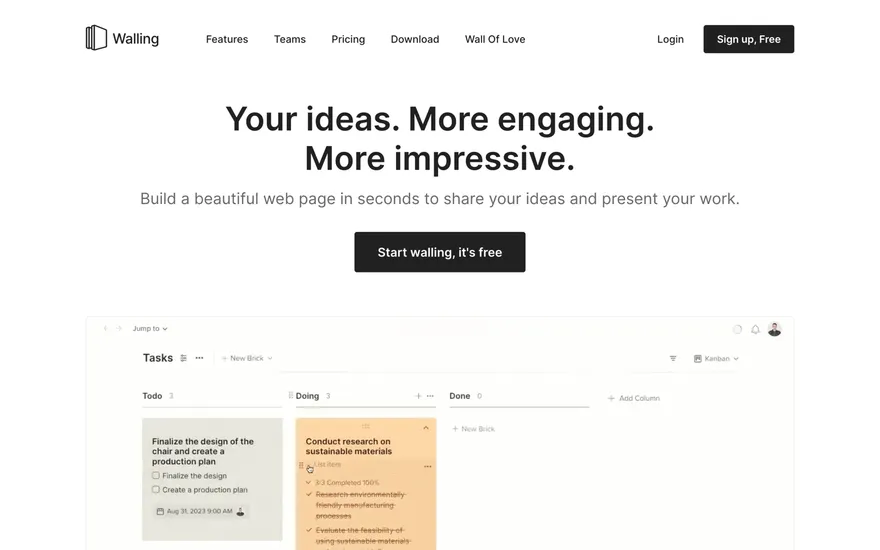
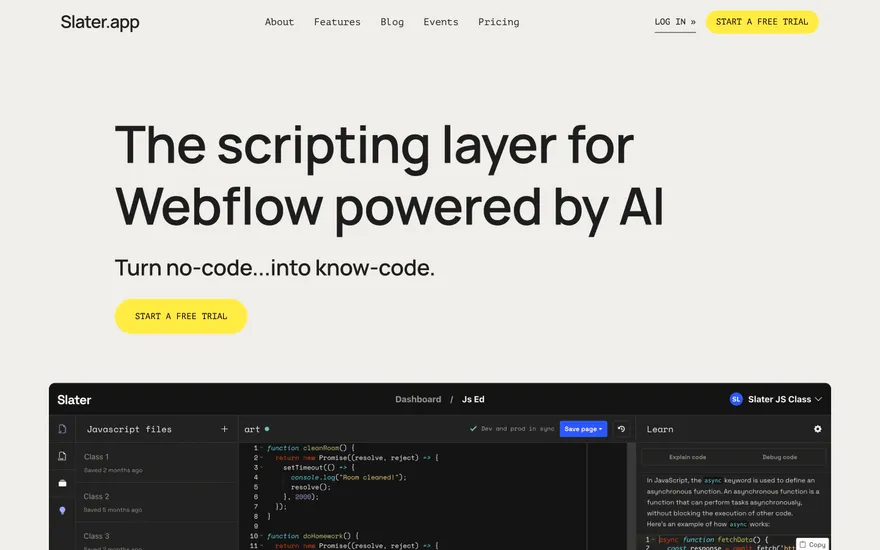
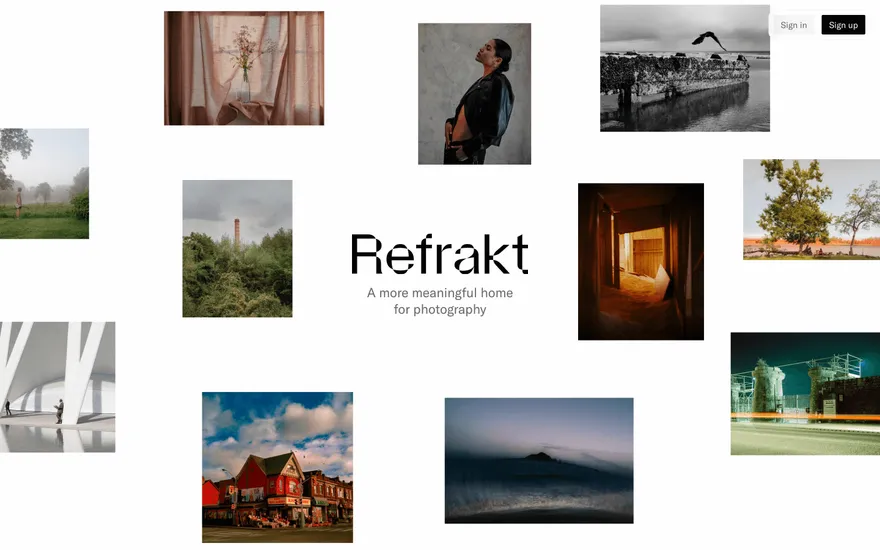
Real sites that do it well. Build something like this with BYOB.

Fresh from the community
See what builders ship, or start from an example.
Live workspace
The workspace is built for repeated product work, not disposable demos. Every generated file stays inspectable, every change is visible, and every follow-up can target the exact part of the app you care about.
01 · EDITOR
Every file BYOB writes stays visible and editable. Follow-ups target the exact lines you care about instead of regenerating from scratch.
<script lang='ts'>type Task = { id: string; title: string; done: boolean
}let tasks = $state<Task[]>([])function toggleTask(id: string) {task.done = !task.done // just added by BYOB}</script>02 · AI COMMAND
Describe the outcome once. BYOB turns it into a build plan, implements it step by step, and keeps every change visible while you iterate.
Your prompt
“Build a todo app for beginners”
Build plan
80%03 · LIVE PREVIEW
The preview updates as BYOB works, with deploy status attached, so the path from edit to production stays inspectable.
Team Tasks
Shared task tracking
Prompt to app
Start conversationally, approve the shape, let Tool Mode implement, then refine and deploy from the same workspace.
Agent and backend
Connect Codex, Claude Code, or Antigravity to your project, then store data and ship to production without leaving the workspace.
npx -y byob-cli codex installApprove only the projects your agent can touch, then read context, edit files, inspect diffs, test previews, and roll back from your terminal.
Rated 4.9/5 by developers and founders using BYOB to move from idea to shipped product.
Built for shipping
BYOB handles product planning, implementation, preview, testing, database work, and deployment from one focused interface, with coding-agent access and production analytics when you want to keep working from your own terminal.
This part is hands-on. The cards drift until you touch them. Drag to rearrange, or press and hold one to feel it push back.
Give Codex, Claude Code, or Antigravity scoped access through BYOB CLI or Agent MCP. Your agent reads context, edits code, tests previews, and deploys from your terminal.
Every change lands as a commit. Inspect history, compare diffs, and see exactly what changed since the last deploy.
Every project ships with an inbox. Collect messages, leads, and feedback from your app without wiring a third party.
Send magic links, OTP codes, and transactional mail from your own sender address. Resend-backed, no SMTP setup.
Offer Continue with Google plus passwordless email codes. Sessions and callbacks are handled.
Point your domain at BYOB with guided DNS checks. Certificates are automatic.
Click any element in the live preview and describe the change. Copy, spacing, color, behavior.
Run full-site or feature checks and get implementation-level feedback you can apply in one step.
Step between saved states or redeploy a known commit when an experiment goes sideways.
Builds publish to production hosting in one step. Deploys can auto-save the project state first.
Worker traffic, errors, CPU timing, subrequests, and custom-domain status from the workspace.
Connect Supabase and BYOB reads schemas, drafts migrations, and generates types that match your app.
Invite people in and keep sessions coordinated so work never overwrites work.
Simple pricing
Pay as you go when you are exploring. Move to Pro or Max when BYOB becomes part of your regular build workflow.
$1 = 100 credits
2,000+ credits/mo
8,000+ credits/mo
Live estimator
Try the cost calculator. Drag the pages slider, toggle the options, and watch the agency quote vs BYOB update instantly.
Open full cost calculator →$5,750 upfront
~$1,150 / year
~$45 in credits
BYOB builds the same site from one prompt and hosts it on the edge. Planning estimates, not quotes.
See BYOB plansNeed white-label and SSO? Talk to us →
Webflow is a visual front-end builder with publishing and a CMS. A Webflow alternative like BYOB generates a complete application from a prompt, adding server routes, data storage, login and one-click publishing, while still producing Tailwind-styled interfaces you can edit.
Webflow's canvas is mature. Designers can control spacing, type scales and interactions precisely, publish to Webflow publishing, and manage editorial content through its CMS. For a marketing team that wants pixel control without a developer, that combination is powerful. The generated markup is responsive and the publishing is reliable, so the platform earns its reputation on the front-end side of the job.
Working in BYOB feels different. Instead of positioning elements on a canvas, you describe the page and the generator assembles it, then refine by selecting anything on screen and asking for a change. Designers who prefer direct manipulation may find that an adjustment; those who want to move quickly from idea to structure usually find conversation faster. Both approaches produce styled output, but the mental model and the learning curve differ.
This is the biggest divide. Webflow is primarily a front-end platform, so interactive logic often means exporting code or reaching for third-party tools. BYOB generates the server side too: data-backed pages, form endpoints, protected routes and session handling. If your project is a brochure or a blog, that extra capacity is unnecessary. If it is a product with accounts and data, it is the difference between a mockup and a working system.
BYOB publishes generated apps to the edge with one click and supports custom domains, so you are not tied to a single builder's publishing. Exported projects can run anywhere runs. Webflow keeps publishing inside its own publishing, which is convenient until you need infrastructure it does not offer. Neither approach is wrong; it depends on whether you want a managed platform or a codebase you can relocate.
Choose Webflow when the work is genuinely front-end: a polished marketing site, a portfolio or a content-led blog maintained by editors. Choose BYOB when the site needs to store records, authenticate users or process payments. Many teams use both - Webflow for a landing page, BYOB for the application behind it. That is a reasonable split, and the showcase shows what the generated side looks like.
FAQ
Only if you need backend features. Webflow remains strong for pure front-end sites; BYOB replaces it when a project needs data, login or server logic.
Yes. You can generate marketing pages on their own and add data storage or login later when the project needs them.
Yes. It generates components and routes with Tailwind styling that you can edit by hand or export.
Webflow rewards learning its visual canvas; BYOB rewards describing what you want. Designers often find Webflow more familiar, while developers often find BYOB faster.
Start with one clear prompt. BYOB will help turn it into a product you can inspect, edit, test, and ship.
 npm