


Peerlist Peerlist is a professional network that allows individuals to display their work and connect with top-notch companies. The platform offers a unique opportunity to showcase skills and expertise to potential employers, inc Visit ↗
BYOB New inbox in every project
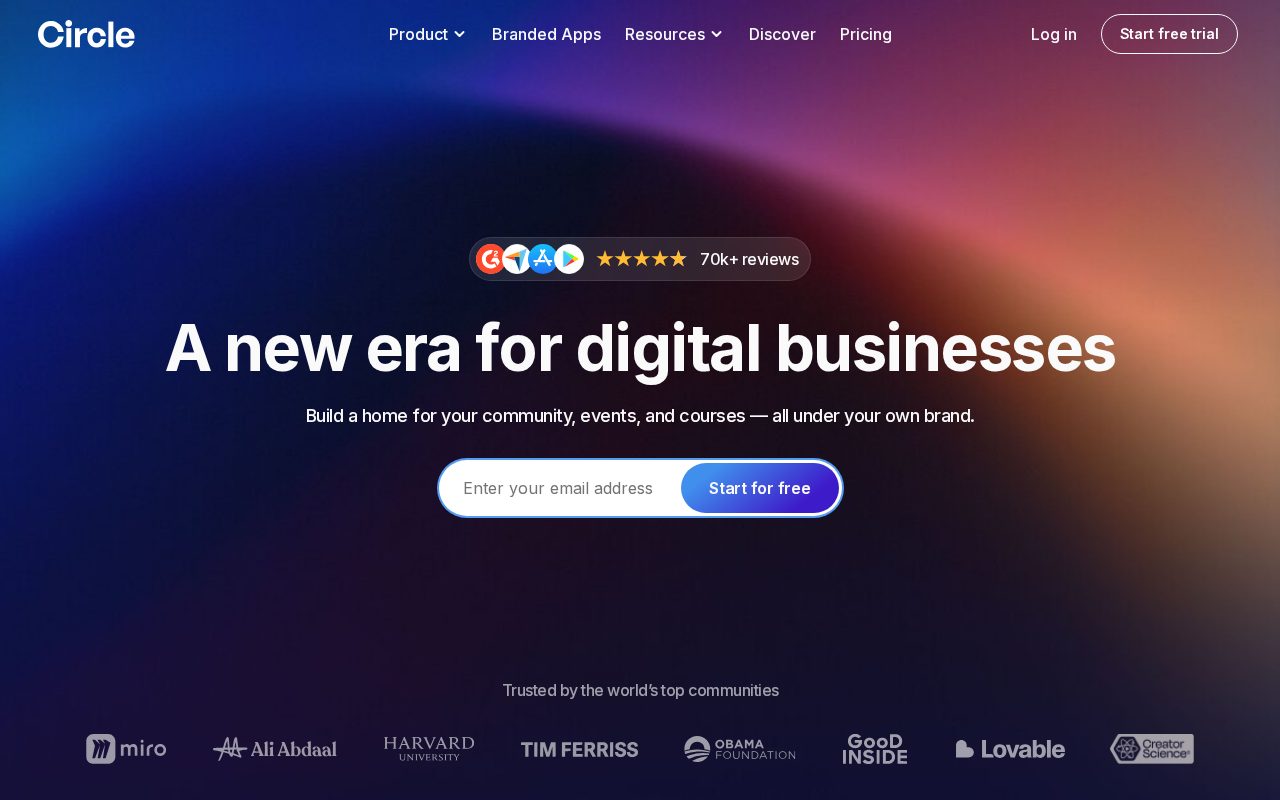
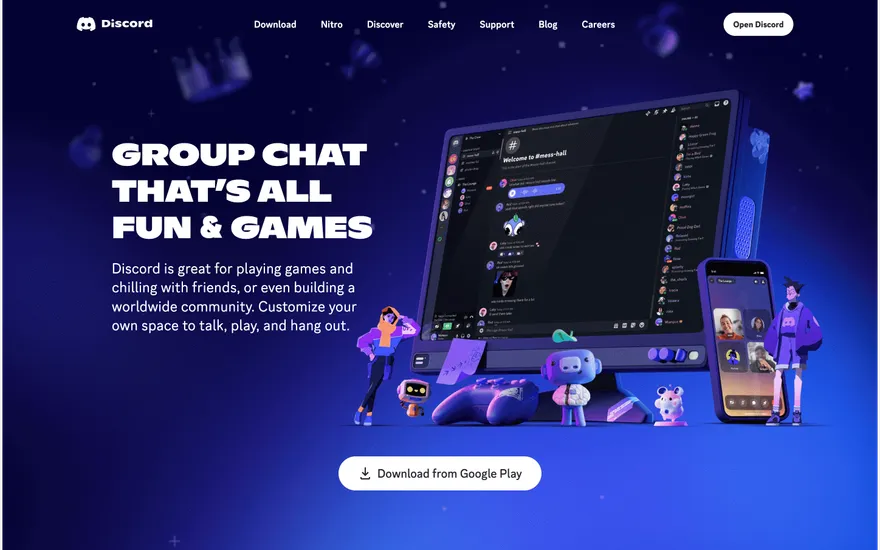
Launch a community hub with member directories, discussion forums, event RSVPs, and resource sharing in one cohesive space.
Runs on the stack you trust
Prompt to product
Compare the one-line brief with what BYOB ships. Real layout, data, and deploy status, editable from the same workspace.
Team Tasks
Shared task tracking
Drag the handle. Or focus it and use the arrow keys.
Get inspired
Real sites that do it well. Build something like this with BYOB.
Fresh from the community
See what builders ship, or start from an example.
Live workspace
The workspace is built for repeated product work, not disposable demos. Every generated file stays inspectable, every change is visible, and every follow-up can target the exact part of the app you care about.
01 · EDITOR
Every file BYOB writes stays visible and editable. Follow-ups target the exact lines you care about instead of regenerating from scratch.
<script lang='ts'>type Task = { id: string; title: string; done: boolean
}let tasks = $state<Task[]>([])function toggleTask(id: string) {task.done = !task.done // just added by BYOB}</script>02 · AI COMMAND
Describe the outcome once. BYOB turns it into a build plan, implements it step by step, and keeps every change visible while you iterate.
Your prompt
“Build a todo app for beginners”
Build plan
80%03 · LIVE PREVIEW
The preview updates as BYOB works, with deploy status attached, so the path from edit to production stays inspectable.
Team Tasks
Shared task tracking
Prompt to app
Start conversationally, approve the shape, let Tool Mode implement, then refine and deploy from the same workspace.
Agent and backend
Connect Codex, Claude Code, or Antigravity to your project, then store data and ship to production without leaving the workspace.
npx -y byob-cli codex installApprove only the projects your agent can touch, then read context, edit files, inspect diffs, test previews, and roll back from your terminal.
Rated 4.9/5 by developers and founders using BYOB to move from idea to shipped product.
Built for shipping
BYOB handles product planning, implementation, preview, testing, database work, and deployment from one focused interface, with coding-agent access and production analytics when you want to keep working from your own terminal.
This part is hands-on. The cards drift until you touch them. Drag to rearrange, or press and hold one to feel it push back.
Give Codex, Claude Code, or Antigravity scoped access through BYOB CLI or Agent MCP. Your agent reads context, edits code, tests previews, and deploys from your terminal.
Every change lands as a commit. Inspect history, compare diffs, and see exactly what changed since the last deploy.
Every project ships with an inbox. Collect messages, leads, and feedback from your app without wiring a third party.
Send magic links, OTP codes, and transactional mail from your own sender address. Resend-backed, no SMTP setup.
Offer Continue with Google plus passwordless email codes. Sessions and callbacks are handled.
Point your domain at BYOB with guided DNS checks. Certificates are automatic.
Click any element in the live preview and describe the change. Copy, spacing, color, behavior.
Run full-site or feature checks and get implementation-level feedback you can apply in one step.
Step between saved states or redeploy a known commit when an experiment goes sideways.
Builds publish to production hosting in one step. Deploys can auto-save the project state first.
Worker traffic, errors, CPU timing, subrequests, and custom-domain status from the workspace.
Connect Supabase and BYOB reads schemas, drafts migrations, and generates types that match your app.
Invite people in and keep sessions coordinated so work never overwrites work.
Simple pricing
Pay as you go when you are exploring. Move to Pro or Max when BYOB becomes part of your regular build workflow.
$1 = 100 credits
2,000+ credits/mo
8,000+ credits/mo
Live estimator
Try the cost calculator. Drag the pages slider, toggle the options, and watch the agency quote vs BYOB update instantly.
Open full cost calculator →$5,750 upfront
~$1,150 / year
~$45 in credits
BYOB builds the same site from one prompt and hosts it on the edge. Planning estimates, not quotes.
See BYOB plansNeed white-label and SSO? Talk to us →
A community website builder creates the member-facing structure a group needs: profiles, a gated discussion area, event listings, shared resources and clear ways to join. BYOB generates these as editable pages and can add member login, data storage and roles so content stays visible only to signed-in members.
Communities fail when newcomers cannot tell what they are joining. A strong community site answers that with a public front: what the group is for, who it is for, upcoming events, a sample of the value members get, and a single obvious way to join. Behind that sits the member area. BYOB generates both layers so the public pages persuade and the private pages serve. You describe the group and its rhythms, and the builder drafts the navigation, join flow and initial member sections rather than handing you an empty template to guess with.
Accounts are the line between a brochure and a community. BYOB adds login through Better Auth, giving members sign-up, login and a profile they can edit. Profiles can hold a name, photo, interests and links, stored as records in the project data. From there you can build member directories, follow relationships or profile badges. Role checks let you distinguish ordinary members from organisers or moderators without running a separate tool. Because profiles are data, you can later filter members by interest, export a list for an event or display recent activity.
You do not need to leave BYOB to host discussion. BYOB can generate threaded posts, topic categories, replies and simple reactions backed by your data, giving members a place to talk that you own and can style to match the community. Starting with a focused forum - a handful of topics and text posts - is often healthier than importing every feature at once. Moderation tools such as pinning, locking or deleting posts sit behind role checks. If you would rather integrate an existing chat service, the generated site can link to it, but owning the discussion keeps the member relationship in your project.
Events and shared knowledge give members reasons to return. BYOB can generate an events calendar with detail pages, RSVP forms and past-event archives, plus a resources area for guides and recordings. An updates feed or newsletter signup keeps quieter members connected. Every list of events or resources is a page wired to your data, so adding a new item is a form submission rather than a code change. Together they turn a one-time sign-up into an ongoing habit.
Healthy communities need boundaries. BYOB lets you gate the member area behind login, apply role checks so only moderators can remove content, and keep personal data in your own data rather than a third-party feed. You can add a simple reporting action, a welcome message for new members, or a code of conduct page. None of this is glamorous, but it is what keeps a space usable as it grows. Because access rules are generated code, you can adjust who sees what as the community's needs change, without re-platforming.
Many communities outgrow the brochure-plus-forum stage. When yours does, the same BYOB project becomes a member application: dues or donations through built-in payments, a member dashboard, event check-in and analytics showing which topics resonate. The membership workflow covers paid access in more detail. Nothing has to be thrown away at that transition, because the website and the application share one codebase, one data and one set of accounts.
FAQ
Yes. Better Auth provides sign-up, login and session handling, and member profiles are stored as records in your project data.
Yes. Gate the forum and member pages behind login so only signed-in members can read or post.
No. BYOB can generate threaded posts, replies and topics backed by your own data, or you can link to a service you already use.
Role checks let you restrict moderation actions such as pinning, locking or deleting posts to organisers and moderators.
Yes. Access can be tied to a paid plan taken through built-in payments; the membership builder page covers that workflow.
Start with one clear prompt. BYOB will help turn it into a product you can inspect, edit, test, and ship.
 npm