


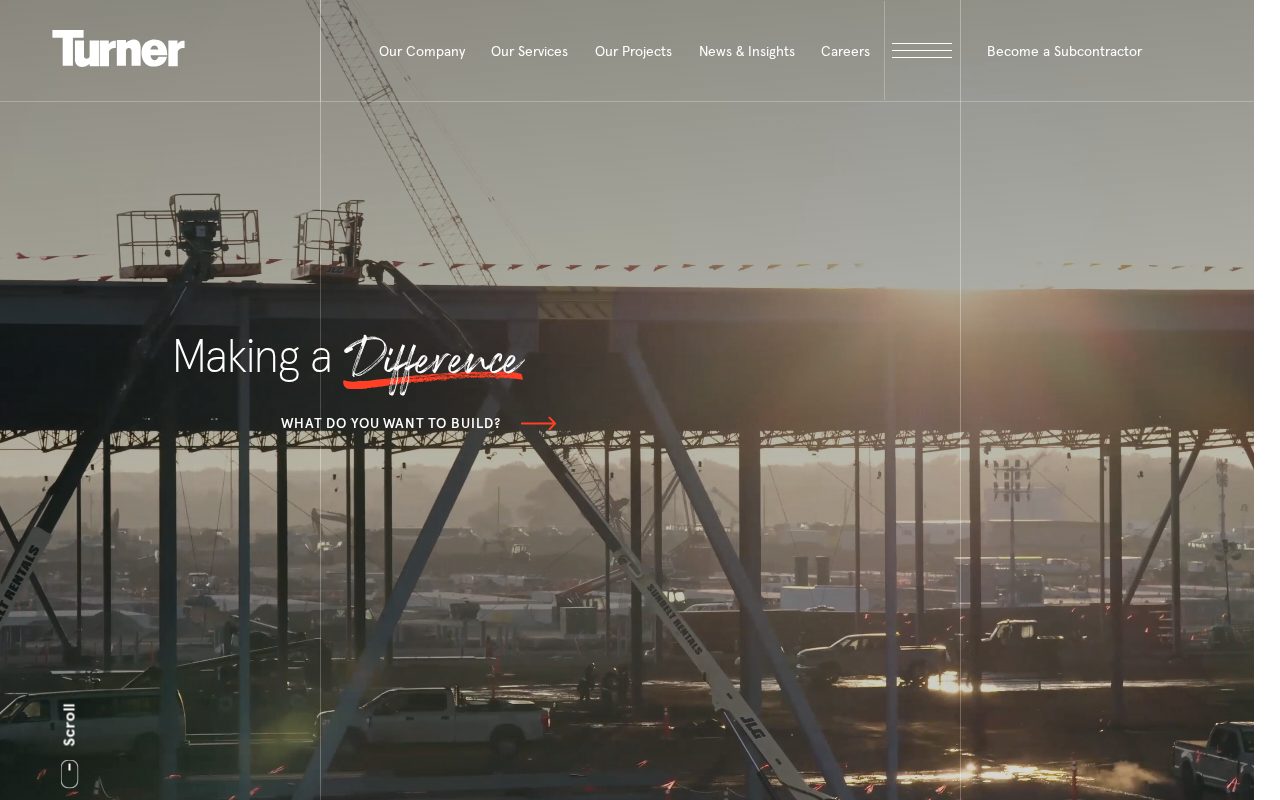
Turner Construction Project case studies that prove capability. Visit ↗
BYOB New inbox in every project
A Hong Kong construction site that earns trust: project photos, client reviews, and clear service areas.
Runs on the stack you trust
Prompt to product
Compare the one-line brief with what BYOB ships. Real layout, data, and deploy status, editable from the same workspace.
Team Tasks
Shared task tracking
Drag the handle. Or focus it and use the arrow keys.
Get inspired
Real sites that do it well. Build something like this with BYOB.
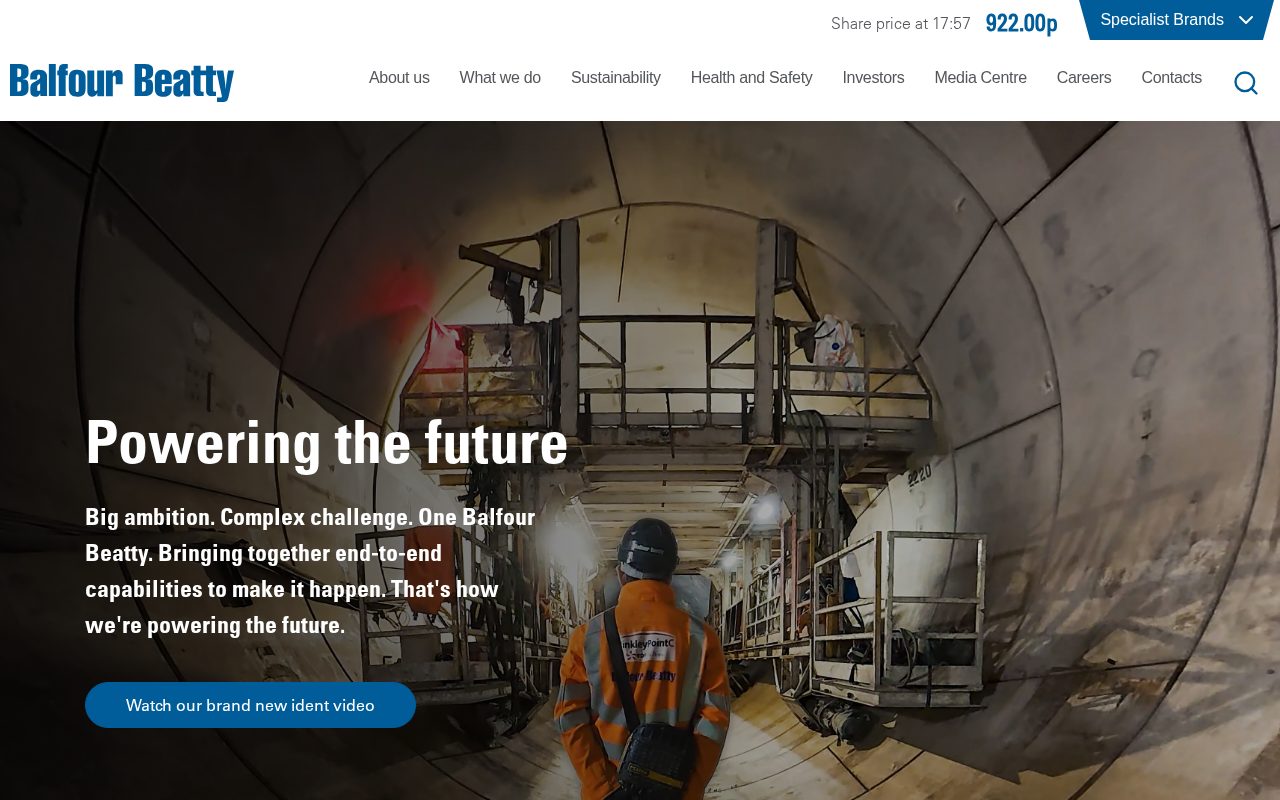
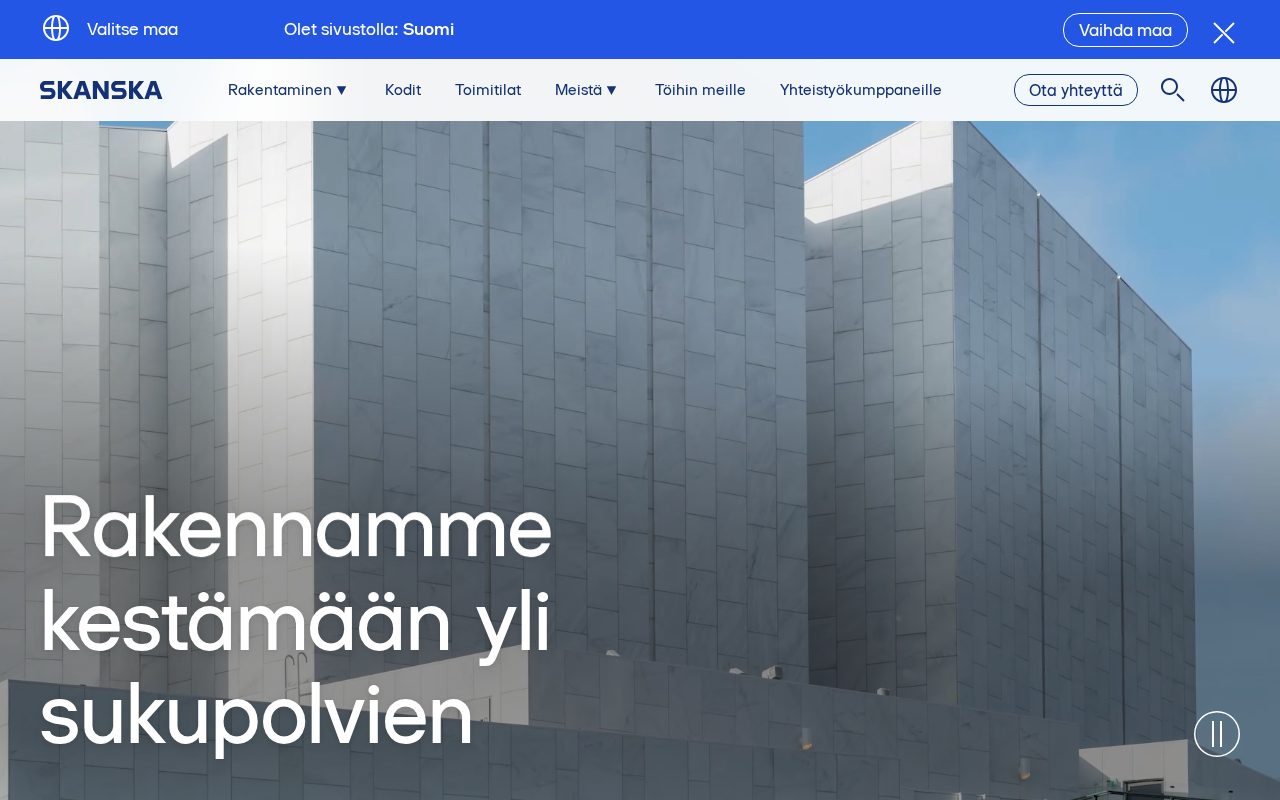
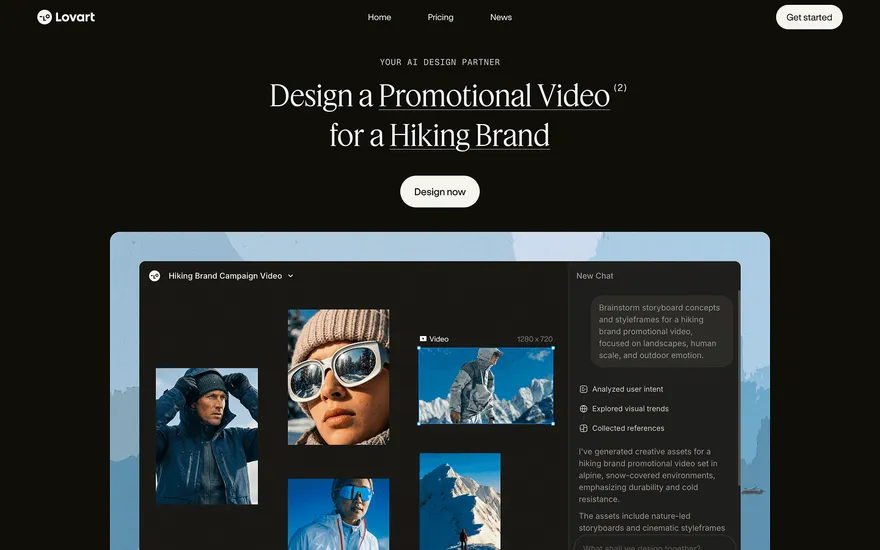
Local details
Bilingual (Chinese/English); fast, polished sites.
Fresh from the community
See what builders ship, or start from an example.
Live workspace
The workspace is built for repeated product work, not disposable demos. Every generated file stays inspectable, every change is visible, and every follow-up can target the exact part of the app you care about.
01 · EDITOR
Every file BYOB writes stays visible and editable. Follow-ups target the exact lines you care about instead of regenerating from scratch.
<script lang='ts'>type Task = { id: string; title: string; done: boolean
}let tasks = $state<Task[]>([])function toggleTask(id: string) {task.done = !task.done // just added by BYOB}</script>02 · AI COMMAND
Describe the outcome once. BYOB turns it into a build plan, implements it step by step, and keeps every change visible while you iterate.
Your prompt
“Build a todo app for beginners”
Build plan
80%03 · LIVE PREVIEW
The preview updates as BYOB works, with deploy status attached, so the path from edit to production stays inspectable.
Team Tasks
Shared task tracking
Prompt to app
Start conversationally, approve the shape, let Tool Mode implement, then refine and deploy from the same workspace.
Agent and backend
Connect Codex, Claude Code, or Antigravity to your project, then store data and ship to production without leaving the workspace.
npx -y byob-cli codex installApprove only the projects your agent can touch, then read context, edit files, inspect diffs, test previews, and roll back from your terminal.
Rated 4.9/5 by developers and founders using BYOB to move from idea to shipped product.
Built for shipping
BYOB handles product planning, implementation, preview, testing, database work, and deployment from one focused interface, with coding-agent access and production analytics when you want to keep working from your own terminal.
This part is hands-on. The cards drift until you touch them. Drag to rearrange, or press and hold one to feel it push back.
Give Codex, Claude Code, or Antigravity scoped access through BYOB CLI or Agent MCP. Your agent reads context, edits code, tests previews, and deploys from your terminal.
Every change lands as a commit. Inspect history, compare diffs, and see exactly what changed since the last deploy.
Every project ships with an inbox. Collect messages, leads, and feedback from your app without wiring a third party.
Send magic links, OTP codes, and transactional mail from your own sender address. Resend-backed, no SMTP setup.
Offer Continue with Google plus passwordless email codes. Sessions and callbacks are handled.
Point your domain at BYOB with guided DNS checks. Certificates are automatic.
Click any element in the live preview and describe the change. Copy, spacing, color, behavior.
Run full-site or feature checks and get implementation-level feedback you can apply in one step.
Step between saved states or redeploy a known commit when an experiment goes sideways.
Builds publish to production hosting in one step. Deploys can auto-save the project state first.
Worker traffic, errors, CPU timing, subrequests, and custom-domain status from the workspace.
Connect Supabase and BYOB reads schemas, drafts migrations, and generates types that match your app.
Invite people in and keep sessions coordinated so work never overwrites work.
Simple pricing
Pay as you go when you are exploring. Move to Pro or Max when BYOB becomes part of your regular build workflow.
$1 = 100 credits
2,000+ credits/mo
8,000+ credits/mo
Live estimator
Try the cost calculator. Drag the pages slider, toggle the options, and watch the agency quote vs BYOB update instantly.
Open full cost calculator →$5,750 upfront
~$1,150 / year
~$45 in credits
BYOB builds the same site from one prompt and hosts it on the edge. Planning estimates, not quotes.
See BYOB plansNeed white-label and SSO? Talk to us →
In Hong Kong, a bilingual Chinese and English site that loads fast and clearly states your services, coverage and licensing wins trust. Show high-rise renovation and fit-out experience, quote without VAT, and accept cards and Octopus. District pages and prompt replies to reviews help owners find and choose you.
Hong Kong contractors serve clients who move between Chinese and English daily, so a site that works in both languages reaches the whole market. Traditional Chinese text alongside English lets property owners, landlords and international companies each read about your work comfortably. Clarity matters in this dense, fast-paced city: state your services, your coverage and your licensing clearly. Because so much business is conducted over messaging apps and by referral, giving people a credible place to verify your company online is the step that turns a recommendation into a signed project.
Much Hong Kong construction work happens inside towers rather than on open sites. Renovations and fitting-out projects in apartments, offices and shops demand careful planning around building management rules, lift access and noise restrictions. Older buildings in districts such as Sham Shui Po and Kowloon present their own challenges, from aged wiring to compact floor plans. The humid, typhoon-prone climate also shapes materials and scheduling, and clients often take feng shui considerations into account. Project pages that show how you handled these constraints reassure owners far more than general claims.
Hong Kong has no value added tax, so quotes are simpler to present and compare; what remains important is stating clearly what each price covers, including any deposit and final settlement. Card payment is common, and the Octopus card is deeply embedded in daily life, while bank transfer remains standard for larger contracts. Setting out your payment stages and accepted methods removes ambiguity before work begins. A short FAQ covering permits, building-management approvals and site hours also saves your team repeated calls across a busy renovation schedule.
Hong Kong is compact but varied. Contractors may work on the island, across Kowloon or out into the New Territories, and each area brings different building types, managers and clients. Pages that name the districts you cover, from Central offices to residential estates in Tuen Mun or Sha Tin, help nearby owners find you. Reviews carry real weight, and replying politely in the language the customer used shows professionalism. Keep your location, phone, messaging contact and service areas visible so enquiries arrive without friction.
Clients here judge a company on how quickly and cleanly its site behaves. Hong Kong readers expect fast loading, a tight layout and information that is easy to scan on a phone during a commute. A.hk domain signals a local business and pairs well with bilingual content. After launch, keep the site current by adding recent projects, updating licences and posting notices during typhoon season. Choose a platform your team can edit without technical help, so the site grows with every completed job instead of ageing quietly.
FAQ
It is highly advisable. Traditional Chinese and English together let you serve local owners as well as international companies, and bilingual sites read as more professional in this market.
Yes, it helps. Many Hong Kong projects take place inside managed buildings, so explaining your experience with management rules, lift access and noise limits reassures cautious clients.
No. Hong Kong does not levy a value added tax, so your quotes do not need to add one. Still state clearly what each price covers, including deposits and final settlement.
Cards are widely accepted, and Octopus is part of everyday life in Hong Kong. Listing the methods you take, alongside bank transfer for larger contracts, reduces hesitation.
Yes. Pages naming districts such as Central, Sham Shui Po or Sha Tin, supported by local project photos, help nearby owners find you and make your coverage concrete.
Start with one clear prompt. BYOB will help turn it into a product you can inspect, edit, test, and ship.
 npm