



Turner Construction Project case studies that prove capability. Visit ↗
BYOB New inbox in every project
Show Leeds clients your portfolio, certifications, and project timeline before they pick up the phone.
Runs on the stack you trust
Prompt to product
Compare the one-line brief with what BYOB ships. Real layout, data, and deploy status, editable from the same workspace.
Team Tasks
Shared task tracking
Drag the handle. Or focus it and use the arrow keys.
Get inspired
Real sites that do it well. Build something like this with BYOB.
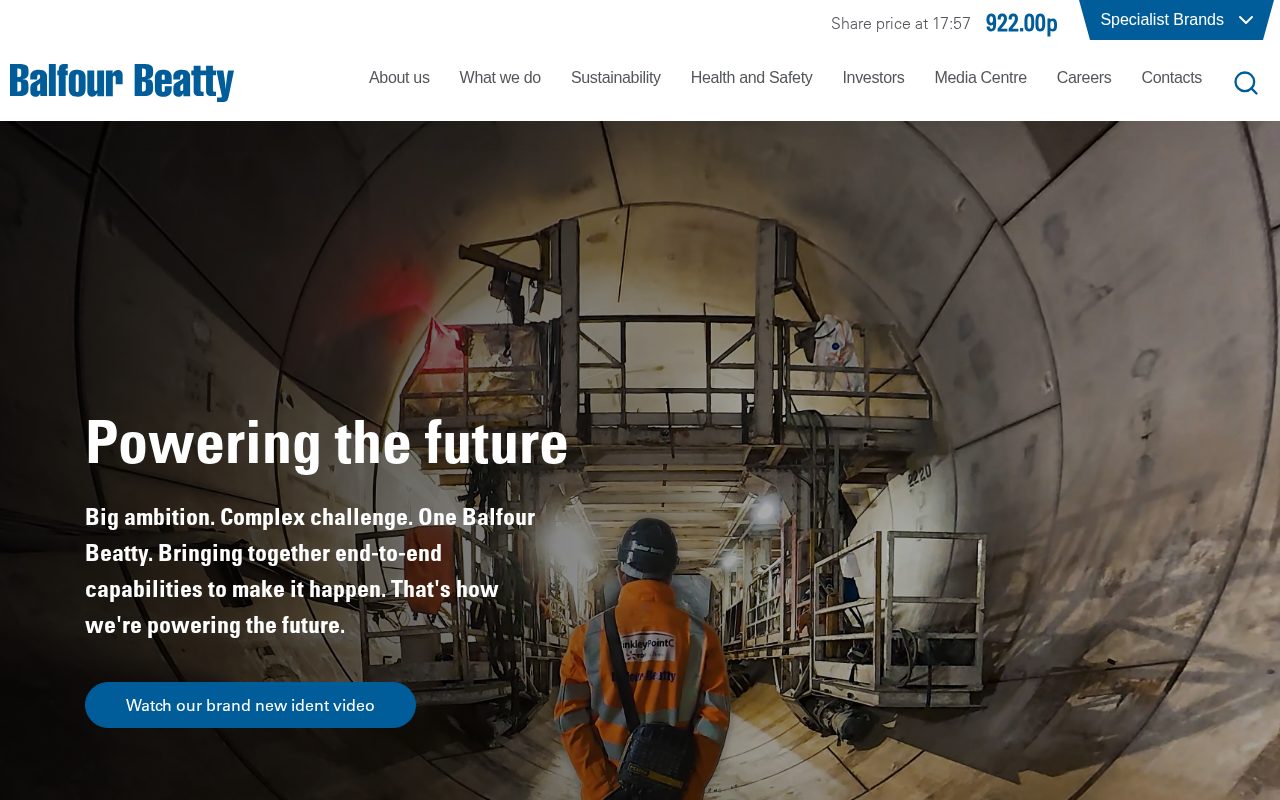
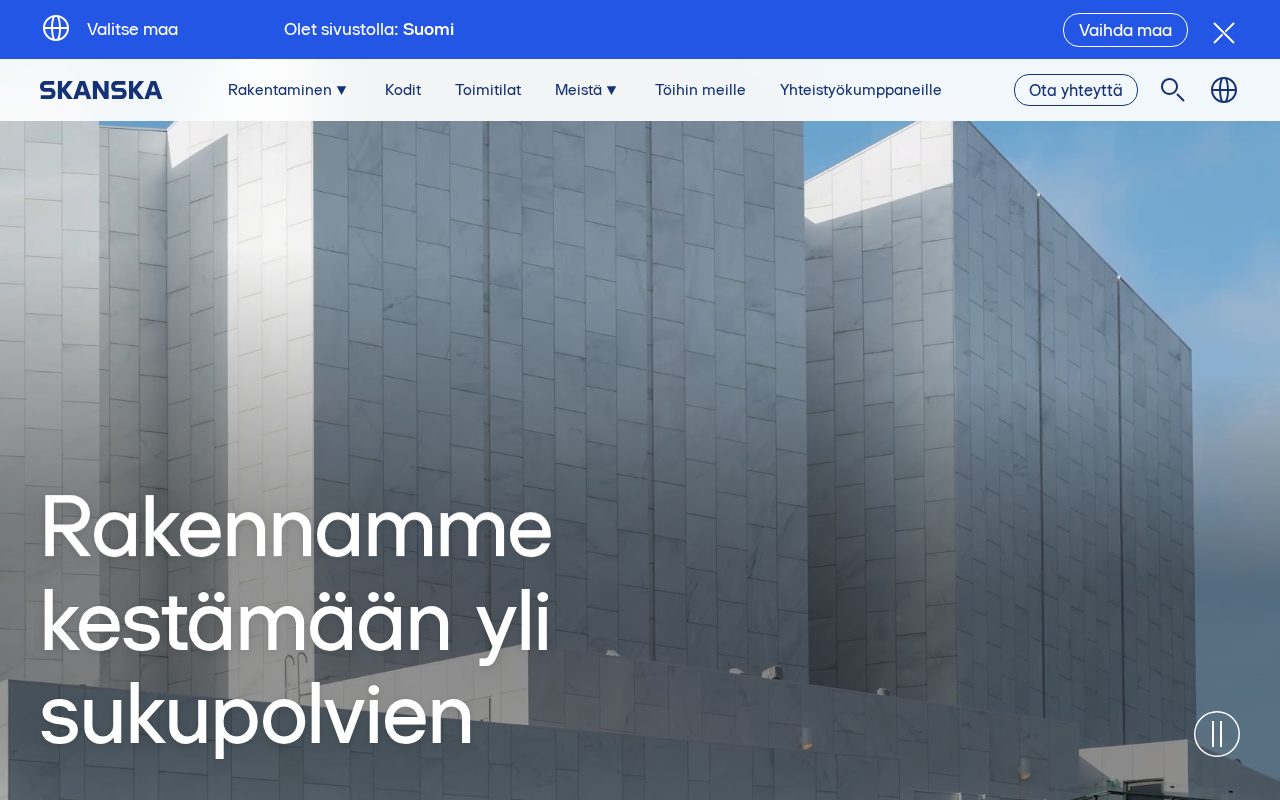
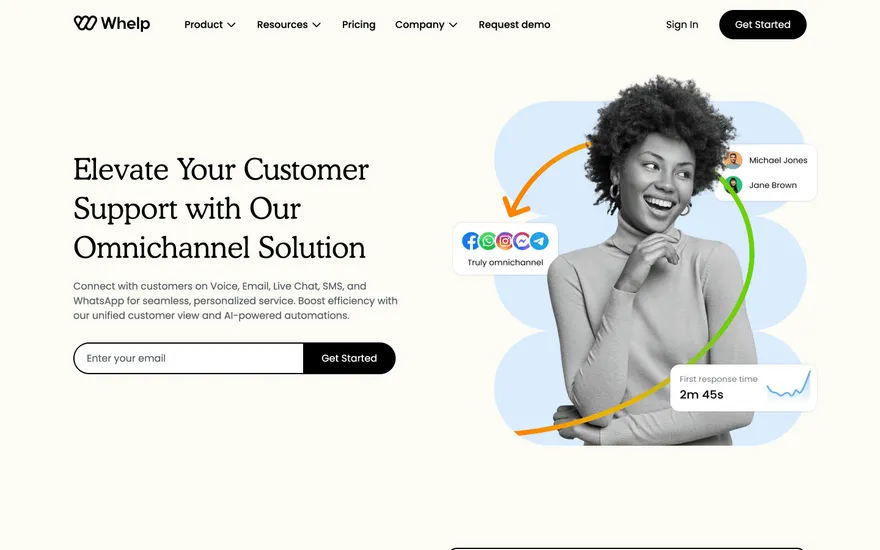
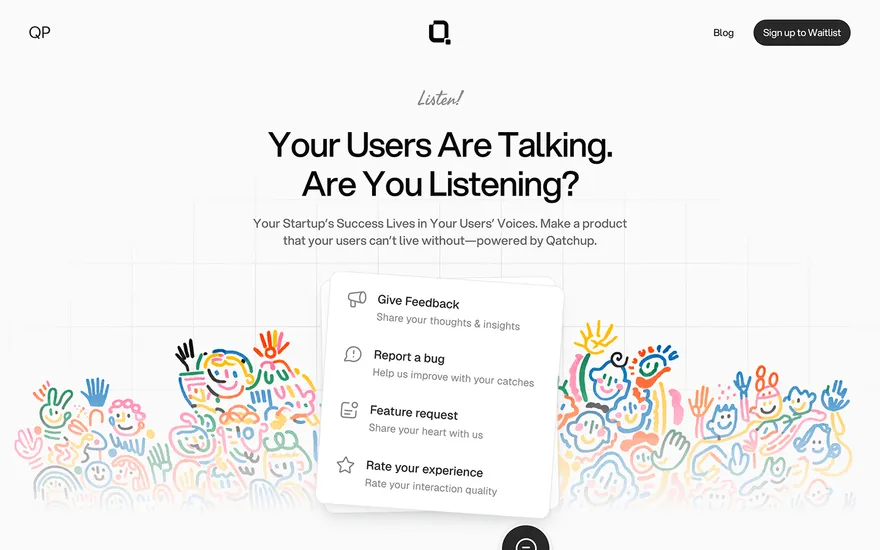
Local details
Strong professional services; trust signals convert.
Fresh from the community
See what builders ship, or start from an example.
Live workspace
The workspace is built for repeated product work, not disposable demos. Every generated file stays inspectable, every change is visible, and every follow-up can target the exact part of the app you care about.
01 · EDITOR
Every file BYOB writes stays visible and editable. Follow-ups target the exact lines you care about instead of regenerating from scratch.
<script lang='ts'>type Task = { id: string; title: string; done: boolean
}let tasks = $state<Task[]>([])function toggleTask(id: string) {task.done = !task.done // just added by BYOB}</script>02 · AI COMMAND
Describe the outcome once. BYOB turns it into a build plan, implements it step by step, and keeps every change visible while you iterate.
Your prompt
“Build a todo app for beginners”
Build plan
80%03 · LIVE PREVIEW
The preview updates as BYOB works, with deploy status attached, so the path from edit to production stays inspectable.
Team Tasks
Shared task tracking
Prompt to app
Start conversationally, approve the shape, let Tool Mode implement, then refine and deploy from the same workspace.
Agent and backend
Connect Codex, Claude Code, or Antigravity to your project, then store data and ship to production without leaving the workspace.
npx -y byob-cli codex installApprove only the projects your agent can touch, then read context, edit files, inspect diffs, test previews, and roll back from your terminal.
Rated 4.9/5 by developers and founders using BYOB to move from idea to shipped product.
Built for shipping
BYOB handles product planning, implementation, preview, testing, database work, and deployment from one focused interface, with coding-agent access and production analytics when you want to keep working from your own terminal.
This part is hands-on. The cards drift until you touch them. Drag to rearrange, or press and hold one to feel it push back.
Give Codex, Claude Code, or Antigravity scoped access through BYOB CLI or Agent MCP. Your agent reads context, edits code, tests previews, and deploys from your terminal.
Every change lands as a commit. Inspect history, compare diffs, and see exactly what changed since the last deploy.
Every project ships with an inbox. Collect messages, leads, and feedback from your app without wiring a third party.
Send magic links, OTP codes, and transactional mail from your own sender address. Resend-backed, no SMTP setup.
Offer Continue with Google plus passwordless email codes. Sessions and callbacks are handled.
Point your domain at BYOB with guided DNS checks. Certificates are automatic.
Click any element in the live preview and describe the change. Copy, spacing, color, behavior.
Run full-site or feature checks and get implementation-level feedback you can apply in one step.
Step between saved states or redeploy a known commit when an experiment goes sideways.
Builds publish to production hosting in one step. Deploys can auto-save the project state first.
Worker traffic, errors, CPU timing, subrequests, and custom-domain status from the workspace.
Connect Supabase and BYOB reads schemas, drafts migrations, and generates types that match your app.
Invite people in and keep sessions coordinated so work never overwrites work.
Simple pricing
Pay as you go when you are exploring. Move to Pro or Max when BYOB becomes part of your regular build workflow.
$1 = 100 credits
2,000+ credits/mo
8,000+ credits/mo
Live estimator
Try the cost calculator. Drag the pages slider, toggle the options, and watch the agency quote vs BYOB update instantly.
Open full cost calculator →$5,750 upfront
~$1,150 / year
~$45 in credits
BYOB builds the same site from one prompt and hosts it on the edge. Planning estimates, not quotes.
See BYOB plansNeed white-label and SSO? Talk to us →
A construction website builder for Leeds gives builders and trades the pages that win jobs: a project gallery, a clear list of services, a quote request form and the accreditations homeowners look for. BYOB generates them as editable pages from a prompt, so you can update completed projects without a developer.
Homeowners hiring a builder want evidence, not adjectives. A Leeds construction site should lead with completed work: kitchen extensions, loft conversions, bathroom refits and full renovations, each with a few well-lit photos and a short note on what the job involved. Terraced houses in Headingley and Hyde Park often need particular solutions for access and structure, and showing you understand them builds confidence before the first call.
A generic contact form produces vague enquiries. Build a quote request that asks for the property, the type of work, a rough budget and any photos, then store each submission in data storage so nothing is lost. File uploads can be kept in secure linked storage. When you already know whether it is a loft, a rear extension or a rewire, you can respond with something useful instead of a round of questions.
Trades are judged on credentials as much as price. Display the registrations you genuinely hold, such as Gas Safe for gas work, NICEIC or NconnectionsT for electrical work, or membership of a trade body, and link to the relevant register where possible. Add public liability insurance details and genuine customer reviews. Being specific about what you are qualified to do reassures people who are about to let a stranger into their home.
Trade searches are intensely local. Build service-area pages for the parts of Leeds you actually cover, naming districts such as Headingley, Roundhay, Horsforth, Pudsey and Wetherby, and explain how far you travel. If you work across West Yorkshire, say so plainly rather than implying a national reach. Consistent addresses, a.co.uk domain and an accurate Google Business Profile help you appear when someone nearby needs a roofer or a joiner.
Construction work in Leeds runs from one-off household jobs to commercial fit-outs around the city centre and the South Bank. A site can address both: domestic pages that speak to homeowners, and a commercial section covering refurbishment, maintenance contracts and compliance for landlords and developers. Separate the paths so each visitor sees relevant evidence, and keep case studies organised by sector.
A builder's website often goes quiet for months and then needs a fast update when a big job finishes. Keep adding new projects to the gallery, refresh seasonal services such as gutter clearing or loft insulation, and post the occasional before-and-after. Because BYOB keeps content editable, whoever took the photos can upload them, so the site stays a live record of recent work rather than a snapshot from five years ago.
FAQ
Yes. The gallery and case studies are editable in the visual editor, so whoever has the photos can add them.
A quote form can store property and job details in data storage, and uploaded images can be kept in linked secure storage.
Yes, if you hold them. Display Gas Safe, NICEIC, NconnectionsT or trade-body registrations and link to the register where possible.
Service-area pages for districts like Headingley, Roundhay and Horsforth help local search and set clear expectations about travel.
Both. A sole trader can start with a site and add services and projects as they grow.
Start with one clear prompt. BYOB will help turn it into a product you can inspect, edit, test, and ship.
 npm
npm