


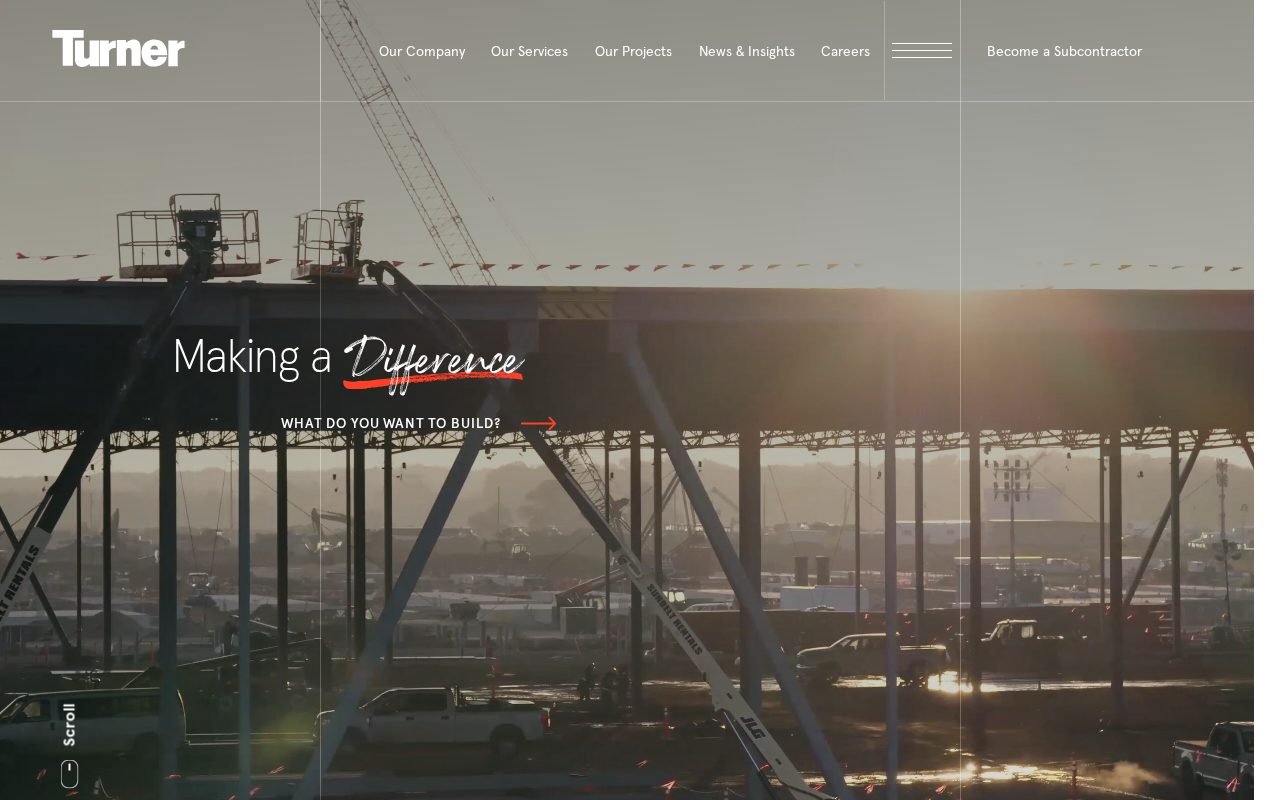
Turner Construction Project case studies that prove capability. Visit ↗
BYOB New inbox in every project
A San Francisco construction site that earns trust: project photos, client reviews, and clear service areas.
Runs on the stack you trust
Prompt to product
Compare the one-line brief with what BYOB ships. Real layout, data, and deploy status, editable from the same workspace.
Team Tasks
Shared task tracking
Drag the handle. Or focus it and use the arrow keys.
Get inspired
Real sites that do it well. Build something like this with BYOB.
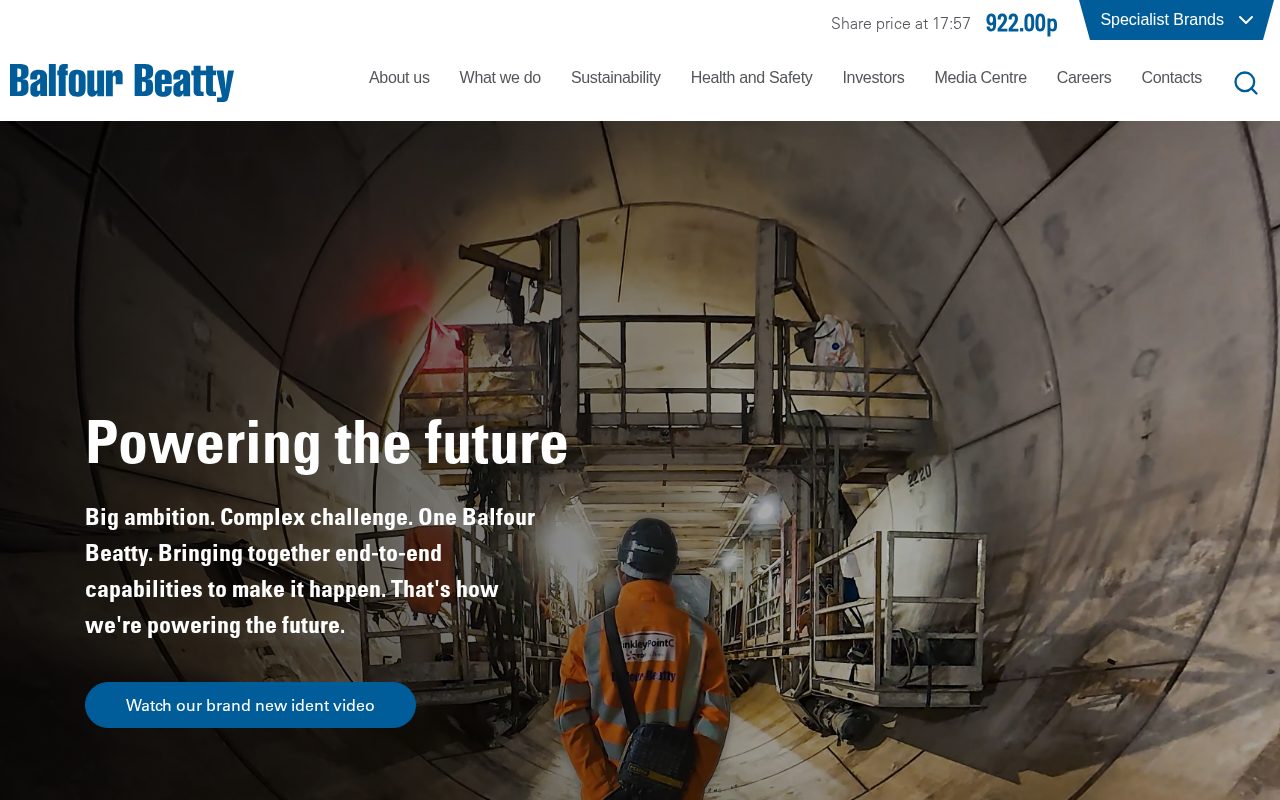
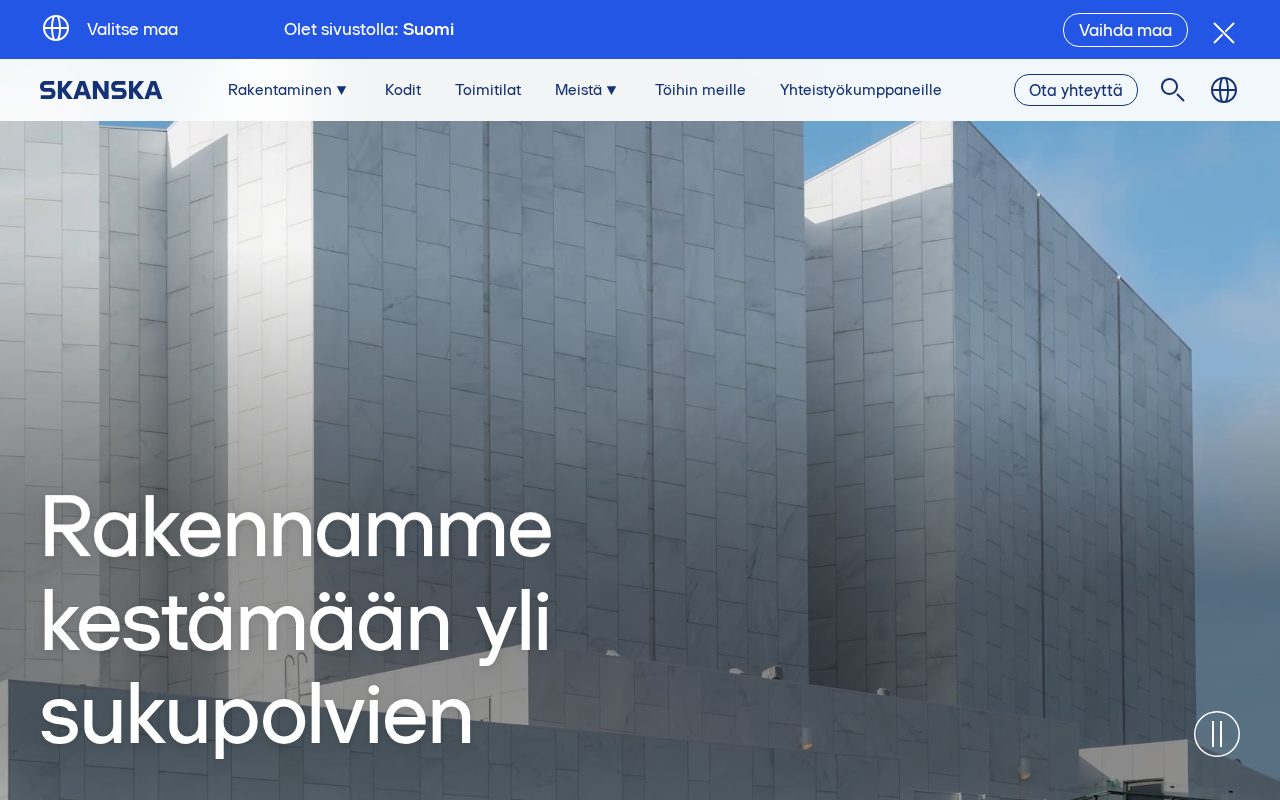
Local details
Tech-savvy audience; fast, well-built sites and clear pricing stand out.
Fresh from the community
See what builders ship, or start from an example.
Live workspace
The workspace is built for repeated product work, not disposable demos. Every generated file stays inspectable, every change is visible, and every follow-up can target the exact part of the app you care about.
01 · EDITOR
Every file BYOB writes stays visible and editable. Follow-ups target the exact lines you care about instead of regenerating from scratch.
<script lang='ts'>type Task = { id: string; title: string; done: boolean
}let tasks = $state<Task[]>([])function toggleTask(id: string) {task.done = !task.done // just added by BYOB}</script>02 · AI COMMAND
Describe the outcome once. BYOB turns it into a build plan, implements it step by step, and keeps every change visible while you iterate.
Your prompt
“Build a todo app for beginners”
Build plan
80%03 · LIVE PREVIEW
The preview updates as BYOB works, with deploy status attached, so the path from edit to production stays inspectable.
Team Tasks
Shared task tracking
Prompt to app
Start conversationally, approve the shape, let Tool Mode implement, then refine and deploy from the same workspace.
Agent and backend
Connect Codex, Claude Code, or Antigravity to your project, then store data and ship to production without leaving the workspace.
npx -y byob-cli codex installApprove only the projects your agent can touch, then read context, edit files, inspect diffs, test previews, and roll back from your terminal.
Rated 4.9/5 by developers and founders using BYOB to move from idea to shipped product.
Built for shipping
BYOB handles product planning, implementation, preview, testing, database work, and deployment from one focused interface, with coding-agent access and production analytics when you want to keep working from your own terminal.
This part is hands-on. The cards drift until you touch them. Drag to rearrange, or press and hold one to feel it push back.
Give Codex, Claude Code, or Antigravity scoped access through BYOB CLI or Agent MCP. Your agent reads context, edits code, tests previews, and deploys from your terminal.
Every change lands as a commit. Inspect history, compare diffs, and see exactly what changed since the last deploy.
Every project ships with an inbox. Collect messages, leads, and feedback from your app without wiring a third party.
Send magic links, OTP codes, and transactional mail from your own sender address. Resend-backed, no SMTP setup.
Offer Continue with Google plus passwordless email codes. Sessions and callbacks are handled.
Point your domain at BYOB with guided DNS checks. Certificates are automatic.
Click any element in the live preview and describe the change. Copy, spacing, color, behavior.
Run full-site or feature checks and get implementation-level feedback you can apply in one step.
Step between saved states or redeploy a known commit when an experiment goes sideways.
Builds publish to production hosting in one step. Deploys can auto-save the project state first.
Worker traffic, errors, CPU timing, subrequests, and custom-domain status from the workspace.
Connect Supabase and BYOB reads schemas, drafts migrations, and generates types that match your app.
Invite people in and keep sessions coordinated so work never overwrites work.
Simple pricing
Pay as you go when you are exploring. Move to Pro or Max when BYOB becomes part of your regular build workflow.
$1 = 100 credits
2,000+ credits/mo
8,000+ credits/mo
Live estimator
Try the cost calculator. Drag the pages slider, toggle the options, and watch the agency quote vs BYOB update instantly.
Open full cost calculator →$5,750 upfront
~$1,150 / year
~$45 in credits
BYOB builds the same site from one prompt and hosts it on the edge. Planning estimates, not quotes.
See BYOB plansNeed white-label and SSO? Talk to us →
A San Francisco construction website builder creates editable pages for project galleries, services, permit and licensing information and estimate request forms. BYOB generates the site from a prompt, stores leads in data storage, and keeps your CSLB licence number and service areas easy to update as your crew takes on new work.
San Francisco homes are full of Victorian and Edwardian detail, narrow lots and awkward additions, and homeowners can tell immediately whether a contractor understands them. A gallery organised by project type - kitchen, bath, whole-home remodel, ADU, structural work - with before, during and after photos is the strongest evidence you can publish. Include the neighbourhood and the scope, not just a pretty final shot, because the messy middle is what proves competence. Update the gallery as each job completes so the site reflects your current work rather than years-old highlights.
Almost every substantial San Francisco project touches the permit system. Soft-story retrofit requirements, accessory dwelling unit rules and historic-district reviews all affect scope and timeline, and homeowners are often anxious about them. A plain-language page explaining how permits work, what typically triggers a plan review and where to check status helps you look organised and honest. Link to the San Francisco Department of Building Inspection for the authoritative details, and always present this as general information rather than legal or engineering advice.
Before they invite anyone into their home or hand over a deposit, owners check credentials. Display your CSLB licence number, confirm you carry the insurance and bond required for the work, and explain what those protections mean in one or two sentences. Avoid vague claims about being the best or the fastest; specifics about crew, experience and process are more convincing. A short page on how you run a job - schedule, communication, change orders and cleanup - answers the questions that otherwise stall a promising enquiry.
A construction enquiry is worth more when it arrives with detail. A form that asks for project type, property neighbourhood, approximate budget range and ideal timeline lets you triage without a long phone call, and storing each submission in data storage keeps nothing buried in a personal inbox. Photos of the existing space can be uploaded and stored with the lead so you can assess feasibility before the first visit. A clear note on response time and what to expect next sets the relationship off on the right foot.
Whether you work only within San Francisco or across the wider Bay Area, being explicit helps people self-qualify. Short pages for the neighbourhoods and nearby cities you actually serve, from the Sunset and Richmond to the Marina, plus a clear list of services per area, improve local search and reduce out-of-area enquiries. Keep your Google Business Profile, business hours and service list aligned with the site. If you travel to the East Bay or Peninsula, say so and note any travel or minimum-project considerations up front.
Remodels run for months, and clients appreciate a window into progress rather than guessing. A project journal with dated photos and short updates can double as marketing and as a client communication tool, and finished projects become case studies with the homeowner's permission. Written testimonials collected at handover are far more persuasive than a star rating with no context. Over time this archive becomes the most credible part of the site, because it shows not just what you built but how you worked.
FAQ
Yes. Project galleries with before, during and after images are one of the strongest trust signals on a contractor site.
Yes. A form can capture project type, budget range and timeline, then store each lead in your data.
No. Permits are handled with the city; the site can explain the process and link to the San Francisco Department of Building Inspection.
Yes. File uploads can be stored with the lead so you can assess a job before the first visit.
California contractors should display their CSLB licence number in advertising; check current requirements.
Start with one clear prompt. BYOB will help turn it into a product you can inspect, edit, test, and ship.
 npm
npm