


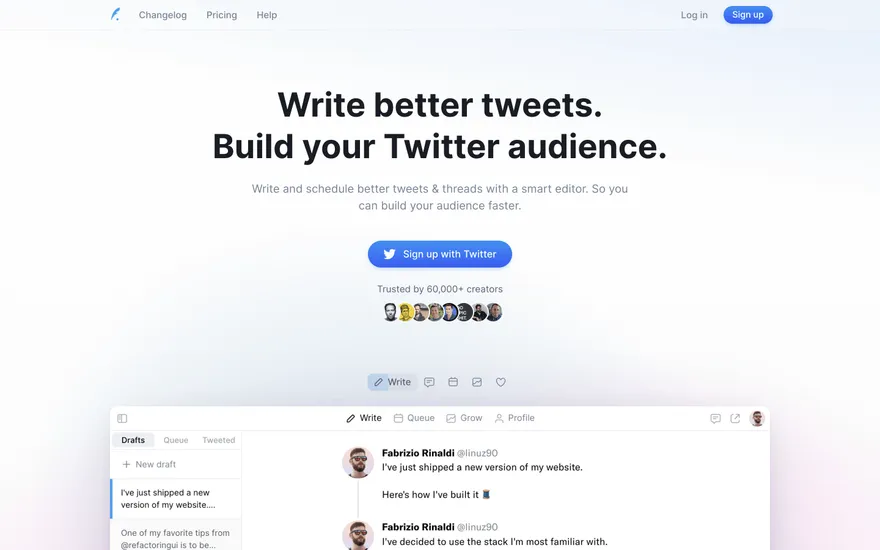
Typefully Creator tool with a sharp, simple pitch. Visit ↗
BYOB New inbox in every project
Relational tables are a poor place for large files. BYOB Storage is managed object storage, built on Cloudflare R2, that keeps bytes out of your database while your app streams them through a worker binding at request time.
Runs on the stack you trust
Prompt to product
Compare the one-line brief with what BYOB ships. Real layout, data, and deploy status, editable from the same workspace.
Team Tasks
Shared task tracking
Drag the handle. Or focus it and use the arrow keys.
Get inspired
Real sites that do it well. Build something like this with BYOB.
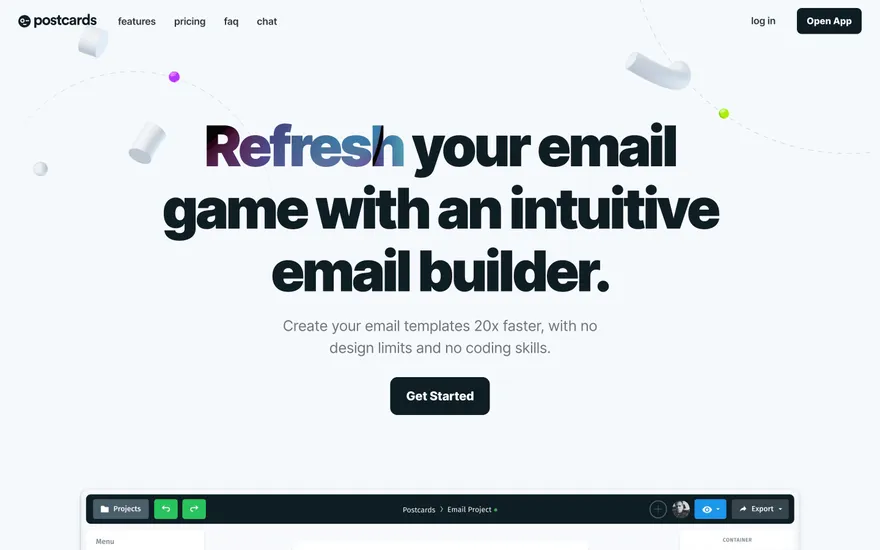
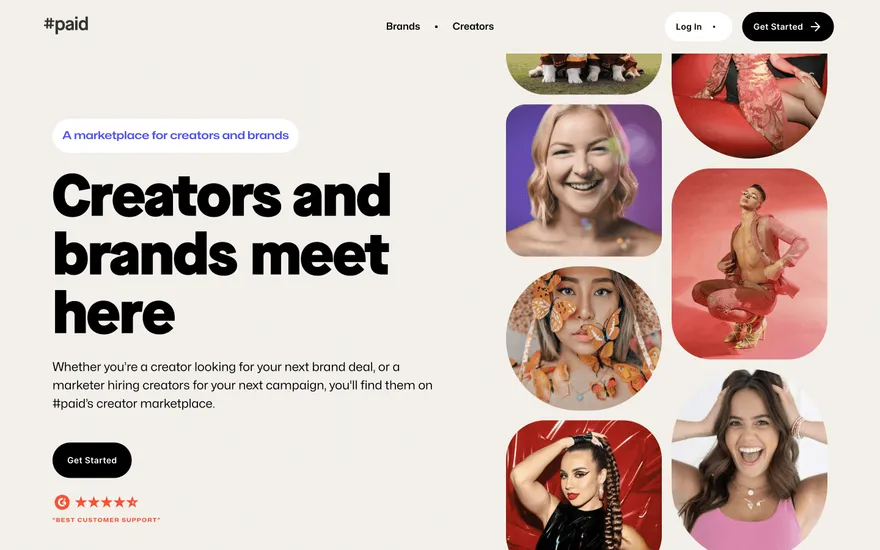
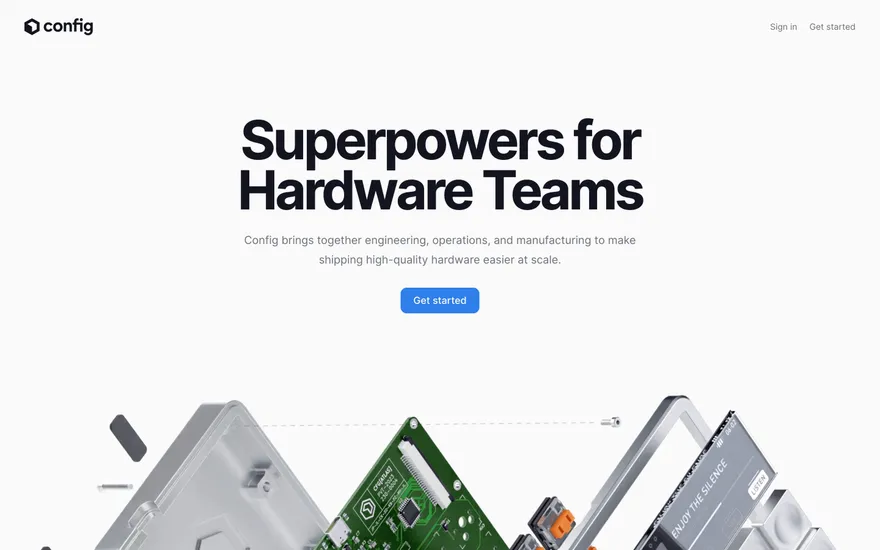
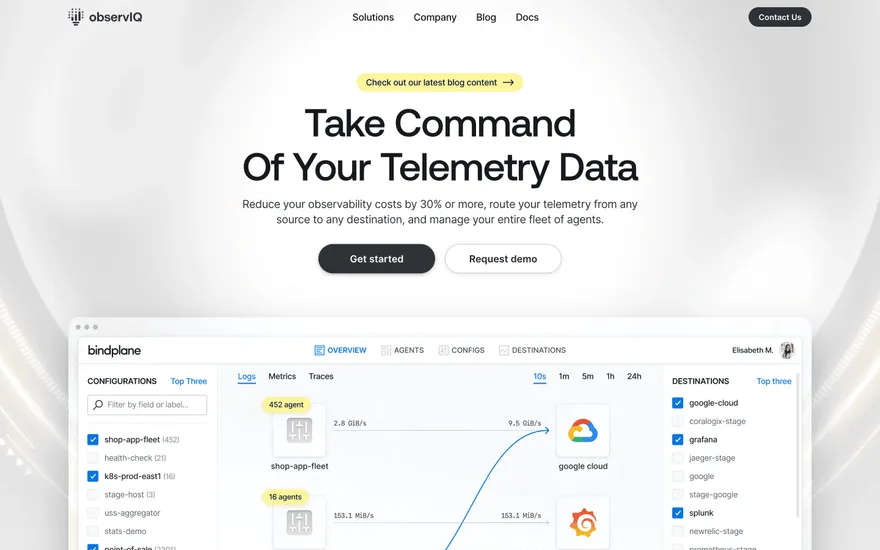
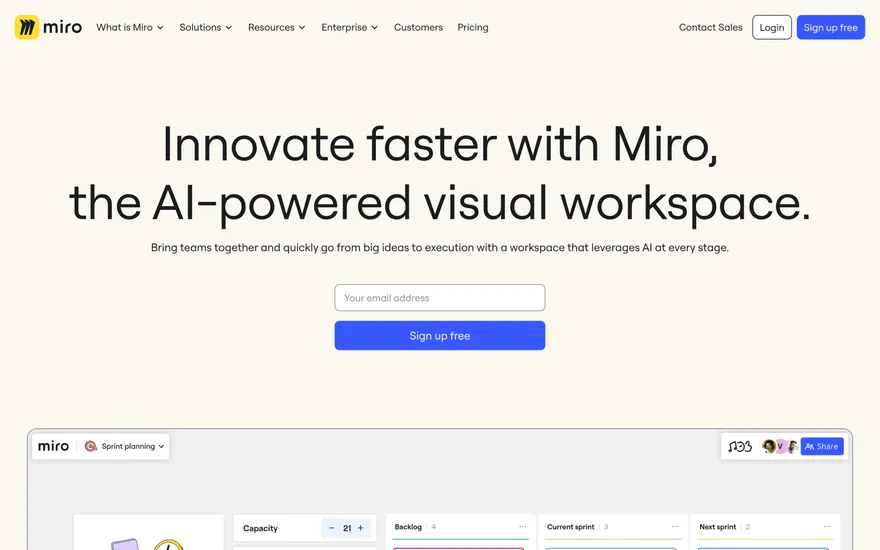
Fresh from the community
See what builders ship, or start from an example.
Live workspace
The workspace is built for repeated product work, not disposable demos. Every generated file stays inspectable, every change is visible, and every follow-up can target the exact part of the app you care about.
01 · EDITOR
Every file BYOB writes stays visible and editable. Follow-ups target the exact lines you care about instead of regenerating from scratch.
<script lang='ts'>type Task = { id: string; title: string; done: boolean
}let tasks = $state<Task[]>([])function toggleTask(id: string) {task.done = !task.done // just added by BYOB}</script>02 · AI COMMAND
Describe the outcome once. BYOB turns it into a build plan, implements it step by step, and keeps every change visible while you iterate.
Your prompt
“Build a todo app for beginners”
Build plan
80%03 · LIVE PREVIEW
The preview updates as BYOB works, with deploy status attached, so the path from edit to production stays inspectable.
Team Tasks
Shared task tracking
Prompt to app
Start conversationally, approve the shape, let Tool Mode implement, then refine and deploy from the same workspace.
Agent and backend
Connect Codex, Claude Code, or Antigravity to your project, then store data and ship to production without leaving the workspace.
npx -y byob-cli codex installApprove only the projects your agent can touch, then read context, edit files, inspect diffs, test previews, and roll back from your terminal.
Rated 4.9/5 by developers and founders using BYOB to move from idea to shipped product.
Built for shipping
BYOB handles product planning, implementation, preview, testing, database work, and deployment from one focused interface, with coding-agent access and production analytics when you want to keep working from your own terminal.
This part is hands-on. The cards drift until you touch them. Drag to rearrange, or press and hold one to feel it push back.
Give Codex, Claude Code, or Antigravity scoped access through BYOB CLI or Agent MCP. Your agent reads context, edits code, tests previews, and deploys from your terminal.
Every change lands as a commit. Inspect history, compare diffs, and see exactly what changed since the last deploy.
Every project ships with an inbox. Collect messages, leads, and feedback from your app without wiring a third party.
Send magic links, OTP codes, and transactional mail from your own sender address. Resend-backed, no SMTP setup.
Offer Continue with Google plus passwordless email codes. Sessions and callbacks are handled.
Point your domain at BYOB with guided DNS checks. Certificates are automatic.
Click any element in the live preview and describe the change. Copy, spacing, color, behavior.
Run full-site or feature checks and get implementation-level feedback you can apply in one step.
Step between saved states or redeploy a known commit when an experiment goes sideways.
Builds publish to production hosting in one step. Deploys can auto-save the project state first.
Worker traffic, errors, CPU timing, subrequests, and custom-domain status from the workspace.
Connect Supabase and BYOB reads schemas, drafts migrations, and generates types that match your app.
Invite people in and keep sessions coordinated so work never overwrites work.
Simple pricing
Pay as you go when you are exploring. Move to Pro or Max when BYOB becomes part of your regular build workflow.
$1 = 100 credits
2,000+ credits/mo
8,000+ credits/mo
Live estimator
Try the cost calculator. Drag the pages slider, toggle the options, and watch the agency quote vs BYOB update instantly.
Open full cost calculator →$5,750 upfront
~$1,150 / year
~$45 in credits
BYOB builds the same site from one prompt and hosts it on the edge. Planning estimates, not quotes.
See BYOB plansNeed white-label and SSO? Talk to us →
BYOB Storage is managed object storage, built on Cloudflare R2, for uploads, media and attachments. Deployed apps reach files through a runtime binding named STORAGE rather than exposed credentials, and private links are served by app-signed SvelteKit routes. File metadata such as owner, name and type stays in your database.
Storing a profile photo or a PDF inside a database row bloats backups, slows queries and makes streaming awkward. BYOB Storage separates the two concerns: object bytes live in an R2 bucket built for large payloads, while the relational database keeps small metadata records such as the owner, display name, content type, byte size and object key. Listing a user's documents becomes a fast database query, and fetching one becomes a read from storage. Treating them as one thing is a common early shortcut that becomes painful as a project grows and files multiply.
Deployed BYOB apps do not carry R2 access keys. Instead the worker is given an R2 bucket binding, named STORAGE by default, and server code resolves it from the request context each time. That removes a class of secret-management problems: there is no long-lived key to leak in client code, rotate on a schedule or accidentally commit. Because the binding is scoped to the running worker, only server-side routes and load functions can use it. Browser code never touches storage credentials directly; it calls your app's routes, which decide what that user is allowed to do.
The default upload path is a SvelteKit server route. The browser posts a file to your route, which validates type, size and ownership before writing it with a server-generated key. Filenames are sanitised and keys are built from trusted identifiers rather than raw user input, which avoids path and collision problems. Only after the write succeeds do you record the metadata row. Doing the validation and the write on the server means limits cannot be bypassed by tampering with client code, and error messages returned to the interface are yours to phrase clearly.
BYOB-managed storage deliberately does not hand out R2 S3 presigned URLs. When an app needs a shareable but private link, it signs its own route URL with an app secret and an expiry, then the route verifies the signature before reading from STORAGE. This keeps the access decision inside your application, where you can check the current user and the object's owner. Links can be made short-lived, and changing the secret revokes the ones already issued. If you specifically need direct browser-to-bucket uploads, that requires bringing your own project-owned R2 credentials.
Useful storage is more than bytes. BYOB pairs object storage with relational records so you can query, sort and display files without listing the bucket. A typical row holds the owner id, object key, original filename, MIME type, size, status and timestamps, plus any permissions your product needs. This is also how you avoid orphans: deleting a row can trigger deletion of the object, and a periodic job can clean up temporary prefixes. Keeping the authoritative list in the database means the interface can show a user their files instantly, long before any object is fetched.
Cloudflare bindings do not exist automatically in a local container, so storage behaves differently off-platform. BYOB expects an explicit local adapter, a Miniflare binding or a clearly labelled mock for UI-only work; it should not silently save files to memory and call them durable. The platform also distinguishes setup from verification: connecting a bucket does not prove object operations, and a deployed worker may need a publish before the storage route is present. Direct-to-bucket uploads and R2 S3 presigned URLs are not the managed default. These constraints are real, and knowing them prevents a last-minute surprise at launch.
FAQ
In a Cloudflare R2 bucket attached to your deployed worker; the app reaches it through the STORAGE binding.
No. Browsers call your SvelteKit routes, which authorise the request and then use the binding server-side.
Not for BYOB-managed storage. Keys are only needed if you deliberately opt into direct browser-to-bucket uploads.
Your app signs its own route URL with an expiry, and the route verifies the signature before reading the object.
Only with an explicit adapter or binding. Otherwise BYOB reports a blocked state rather than pretending the upload is durable.
Start with one clear prompt. BYOB will help turn it into a product you can inspect, edit, test, and ship.
 npm