


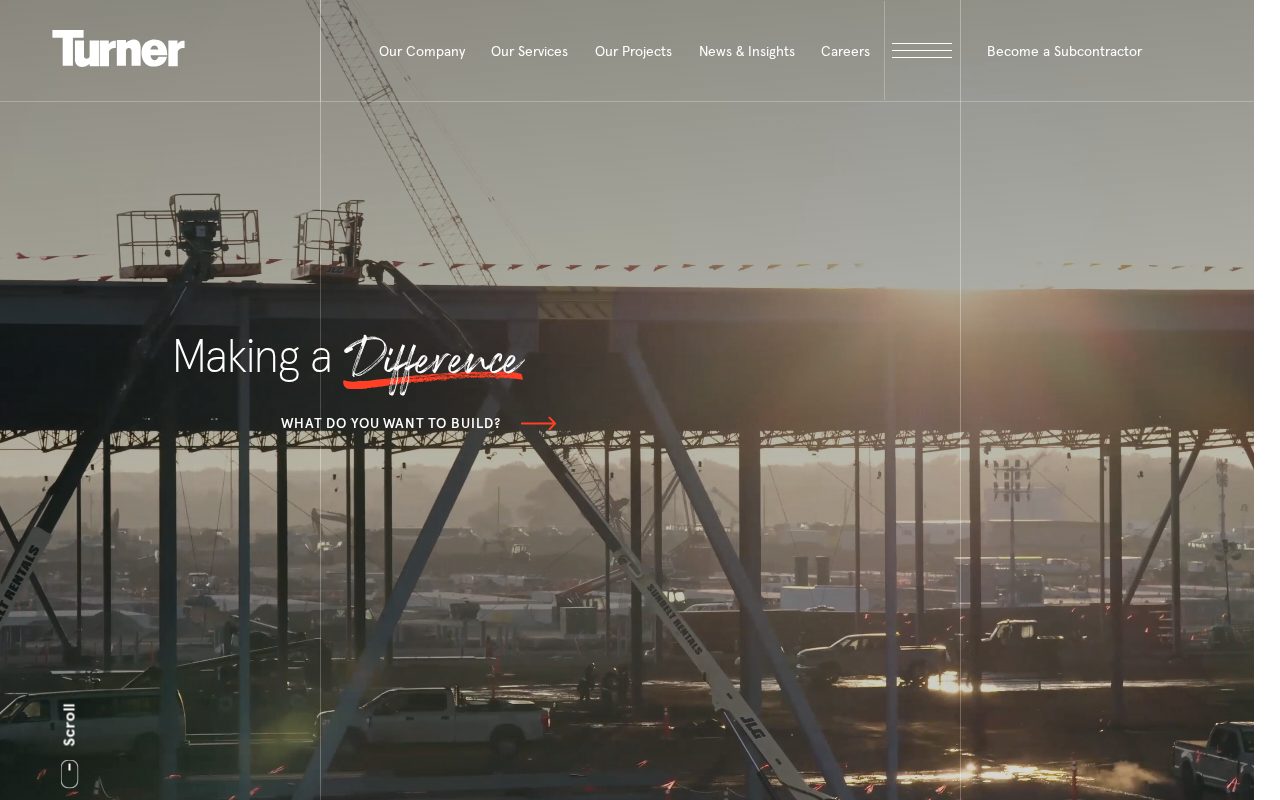
Turner Construction Project case studies that prove capability. Visit ↗
BYOB New inbox in every project
Builders in Sydney win jobs online — show past work, safety credentials, and a fast quote request.
Runs on the stack you trust
Prompt to product
Compare the one-line brief with what BYOB ships. Real layout, data, and deploy status, editable from the same workspace.
Team Tasks
Shared task tracking
Drag the handle. Or focus it and use the arrow keys.
Get inspired
Real sites that do it well. Build something like this with BYOB.
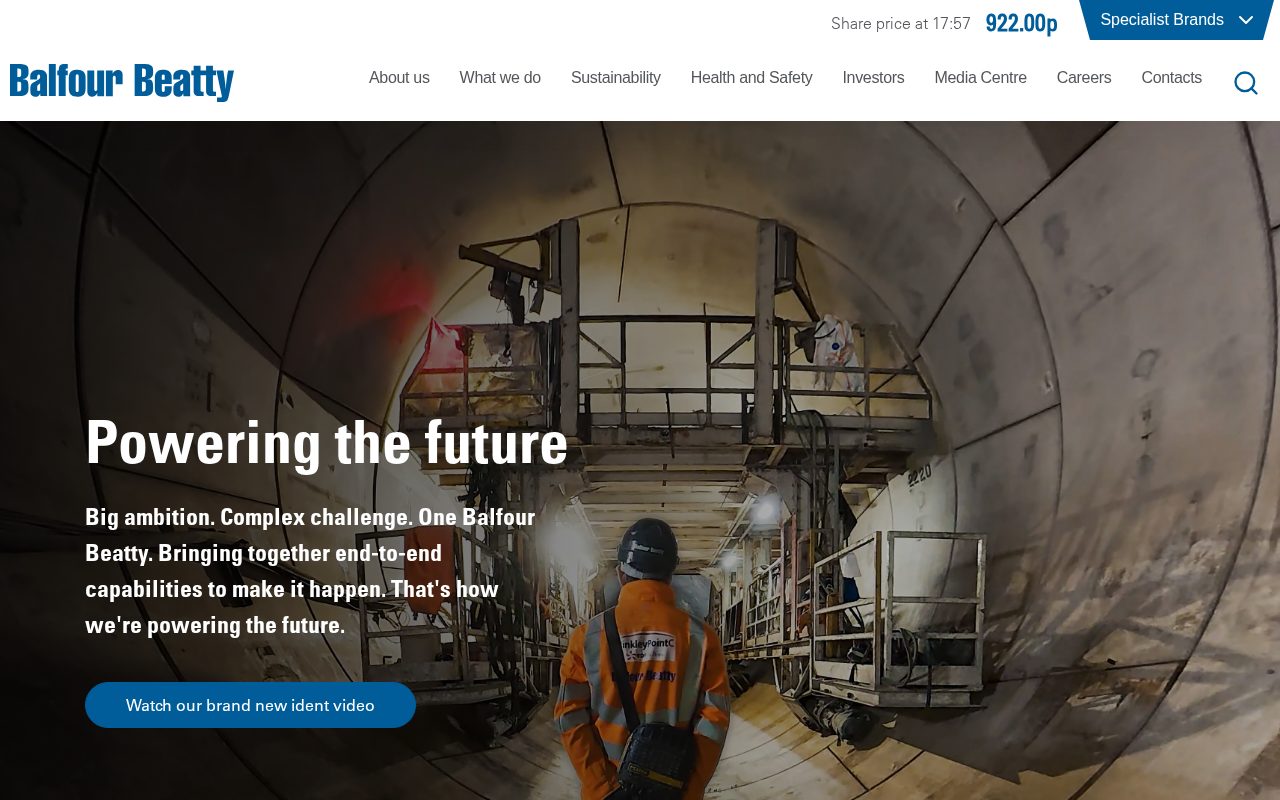

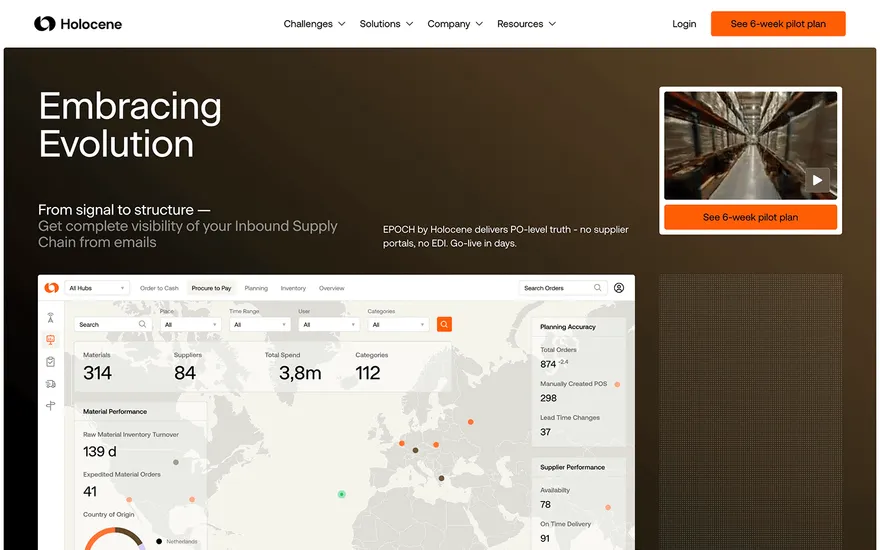
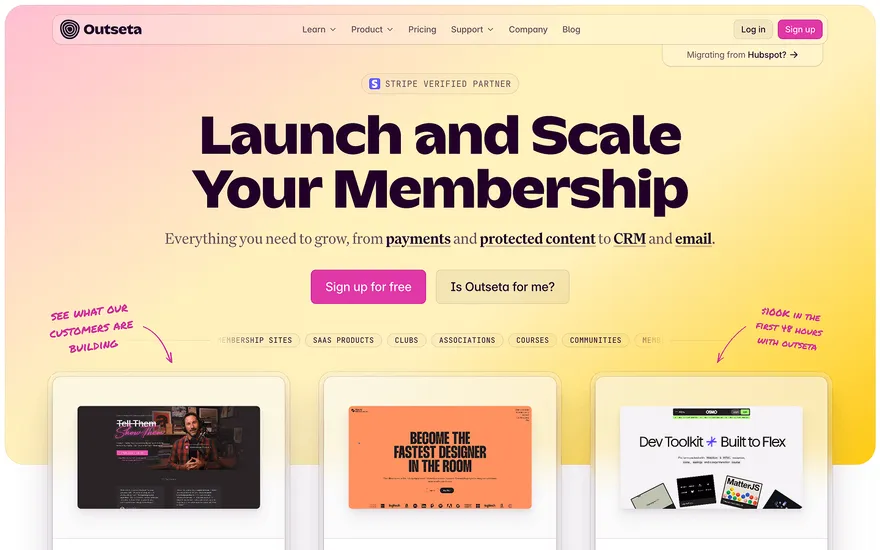
Local details
Competitive and mobile-heavy; fast, clean sites win.
Fresh from the community
See what builders ship, or start from an example.
Live workspace
The workspace is built for repeated product work, not disposable demos. Every generated file stays inspectable, every change is visible, and every follow-up can target the exact part of the app you care about.
01 · EDITOR
Every file BYOB writes stays visible and editable. Follow-ups target the exact lines you care about instead of regenerating from scratch.
<script lang='ts'>type Task = { id: string; title: string; done: boolean
}let tasks = $state<Task[]>([])function toggleTask(id: string) {task.done = !task.done // just added by BYOB}</script>02 · AI COMMAND
Describe the outcome once. BYOB turns it into a build plan, implements it step by step, and keeps every change visible while you iterate.
Your prompt
“Build a todo app for beginners”
Build plan
80%03 · LIVE PREVIEW
The preview updates as BYOB works, with deploy status attached, so the path from edit to production stays inspectable.
Team Tasks
Shared task tracking
Prompt to app
Start conversationally, approve the shape, let Tool Mode implement, then refine and deploy from the same workspace.
Agent and backend
Connect Codex, Claude Code, or Antigravity to your project, then store data and ship to production without leaving the workspace.
npx -y byob-cli codex installApprove only the projects your agent can touch, then read context, edit files, inspect diffs, test previews, and roll back from your terminal.
Rated 4.9/5 by developers and founders using BYOB to move from idea to shipped product.
Built for shipping
BYOB handles product planning, implementation, preview, testing, database work, and deployment from one focused interface, with coding-agent access and production analytics when you want to keep working from your own terminal.
This part is hands-on. The cards drift until you touch them. Drag to rearrange, or press and hold one to feel it push back.
Give Codex, Claude Code, or Antigravity scoped access through BYOB CLI or Agent MCP. Your agent reads context, edits code, tests previews, and deploys from your terminal.
Every change lands as a commit. Inspect history, compare diffs, and see exactly what changed since the last deploy.
Every project ships with an inbox. Collect messages, leads, and feedback from your app without wiring a third party.
Send magic links, OTP codes, and transactional mail from your own sender address. Resend-backed, no SMTP setup.
Offer Continue with Google plus passwordless email codes. Sessions and callbacks are handled.
Point your domain at BYOB with guided DNS checks. Certificates are automatic.
Click any element in the live preview and describe the change. Copy, spacing, color, behavior.
Run full-site or feature checks and get implementation-level feedback you can apply in one step.
Step between saved states or redeploy a known commit when an experiment goes sideways.
Builds publish to production hosting in one step. Deploys can auto-save the project state first.
Worker traffic, errors, CPU timing, subrequests, and custom-domain status from the workspace.
Connect Supabase and BYOB reads schemas, drafts migrations, and generates types that match your app.
Invite people in and keep sessions coordinated so work never overwrites work.
Simple pricing
Pay as you go when you are exploring. Move to Pro or Max when BYOB becomes part of your regular build workflow.
$1 = 100 credits
2,000+ credits/mo
8,000+ credits/mo
Live estimator
Try the cost calculator. Drag the pages slider, toggle the options, and watch the agency quote vs BYOB update instantly.
Open full cost calculator →$5,750 upfront
~$1,150 / year
~$45 in credits
BYOB builds the same site from one prompt and hosts it on the edge. Planning estimates, not quotes.
See BYOB plansNeed white-label and SSO? Talk to us →
Sydney homeowners shortlist builders on their phones, so a fast, clean site with clear service areas, GST-inclusive quotes and real project photos is essential. Localise pages to the suburbs you work in, make contact details obvious, and let a.com.au domain signal a legitimate Australian business.
Sydney's construction market is competitive and buyers rarely browse from a desktop. Most homeowners and developers begin on a phone, often comparing several builders in a single sitting. That means your site has to load quickly, read cleanly on a small screen, and put the essentials — what you build, where you work and how to get a quote — within a thumb's reach. A cluttered page with slow images loses people before they reach your contact details. Clean design and a fast site are not luxuries in Sydney; they are the baseline.
Much Sydney construction work is renovation and extension rather than new estates. Older homes in suburbs such as the Inner West and Sutherland Shire often need reworking for modern living, and apartment buildings require coordinated strata approvals. Showing before-and-after galleries, explaining how you handle council approvals and complying development, and noting experience with coastal and bushfire-prone areas all reassure cautious owners. Strata managers and body corporates look for evidence of insurance, safe work practices and clear timelines. Organised project pages that describe scope, duration and constraints set realistic expectations from the first enquiry.
Australian clients expect a written quote with goods and services tax shown clearly, typically at 10%. Vague estimates erode trust, so itemising labour, materials and allowances is worthwhile. Most customers pay by electronic bank transfer, with cards and instalment services such as Afterpay common for smaller residential jobs. Deposits and progress claims should be spelled out before work starts. A short section answering common questions about variations, timelines and site access saves time and shows you run a professional operation, which matters when homeowners compare several Sydney builders.
Sydney's geography rewards local focus. A builder known in Parramatta or the Northern Beaches may have little visibility in Penrith or the Shire, and search results increasingly reflect that. Suburb-level pages that name the areas you serve, backed by local project photos, help you appear when nearby owners look for a tradie. Reviews from Australian clients are persuasive, particularly when they mention punctuality and tidy sites. Keeping your licence number, insurance and ABN visible signals legitimacy. Word of mouth still drives much of this trade, but a credible site is what people check before they pass your name on.
A.com.au domain signals an Australian business and helps customers trust the link before they click. Once your site is live, maintenance should be light: add recent projects, note holiday shutdowns over the summer break, and refresh any safety or licence details. Choose a setup that lets a site supervisor update photos and text without calling a developer, so the site reflects this month's work rather than last year's. During the busy pre-summer building season, fast updates keep your portfolio honest and give prospective clients a reason to call now rather than later.
FAQ
Yes. A large share of local searches start on a phone, often while people are at home or on site. Pages that load fast and read well on a small screen hold attention better than desktop-heavy designs.
They are among the most persuasive content you can publish, as long as you have the owner's permission. Clear captions describing scope and timeframe make the work easier to understand.
GST is generally 10%. Show whether your quoted figures include it, and itemise labour and materials where possible so clients can compare quotes on a like-for-like basis.
Yes. Suburb pages that name the areas you genuinely serve, with local project examples, are useful to homeowners and help you appear in nearby searches.
Electronic bank transfer is standard for larger payments, with cards and instalment options such as Afterpay used for smaller jobs. Stating your accepted methods and deposit terms avoids confusion.
Start with one clear prompt. BYOB will help turn it into a product you can inspect, edit, test, and ship.
 npm