


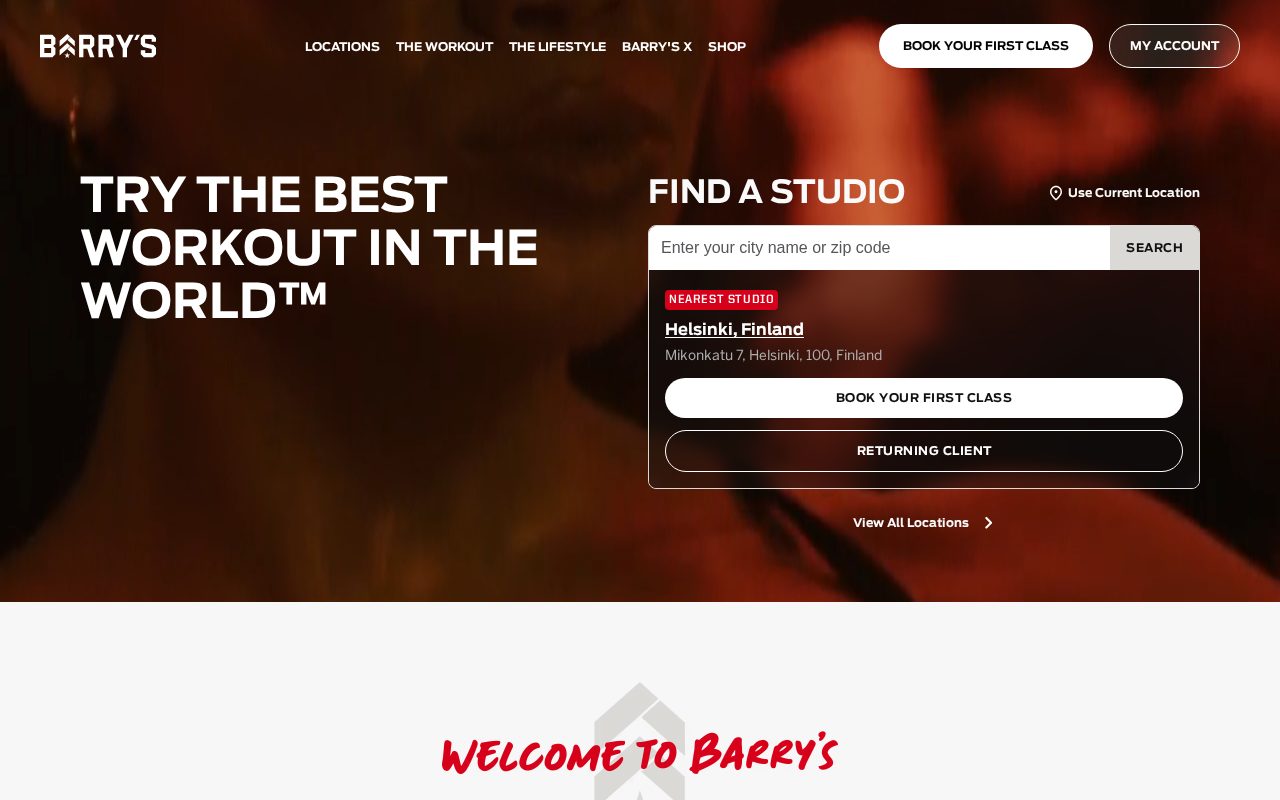
Barry's Bold brand, class schedule and signup up front. Visit ↗
BYOB New inbox in every project
Gyms in Berlin compete on convenience — show real-time availability, pricing, and a trial offer.
Runs on the stack you trust
Prompt to product
Compare the one-line brief with what BYOB ships. Real layout, data, and deploy status, editable from the same workspace.
Team Tasks
Shared task tracking
Drag the handle. Or focus it and use the arrow keys.
Get inspired
Real sites that do it well. Build something like this with BYOB.
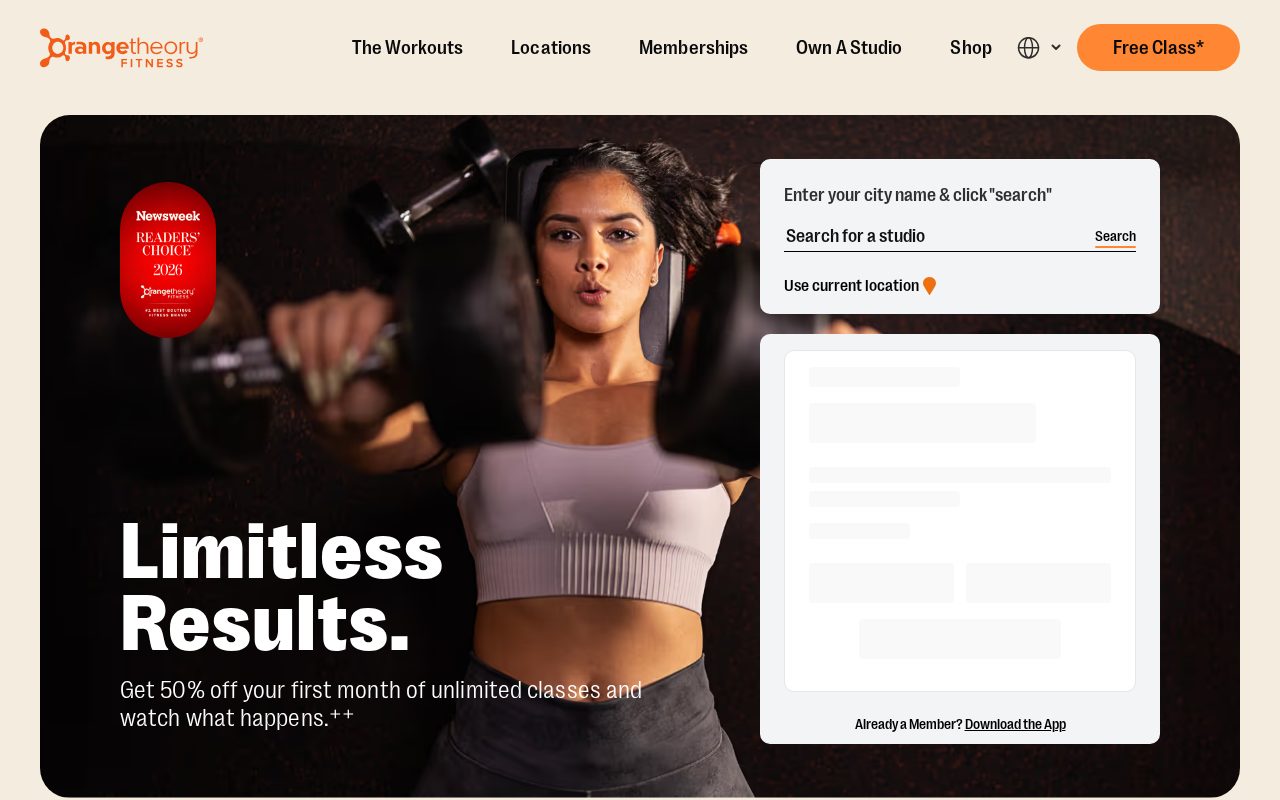

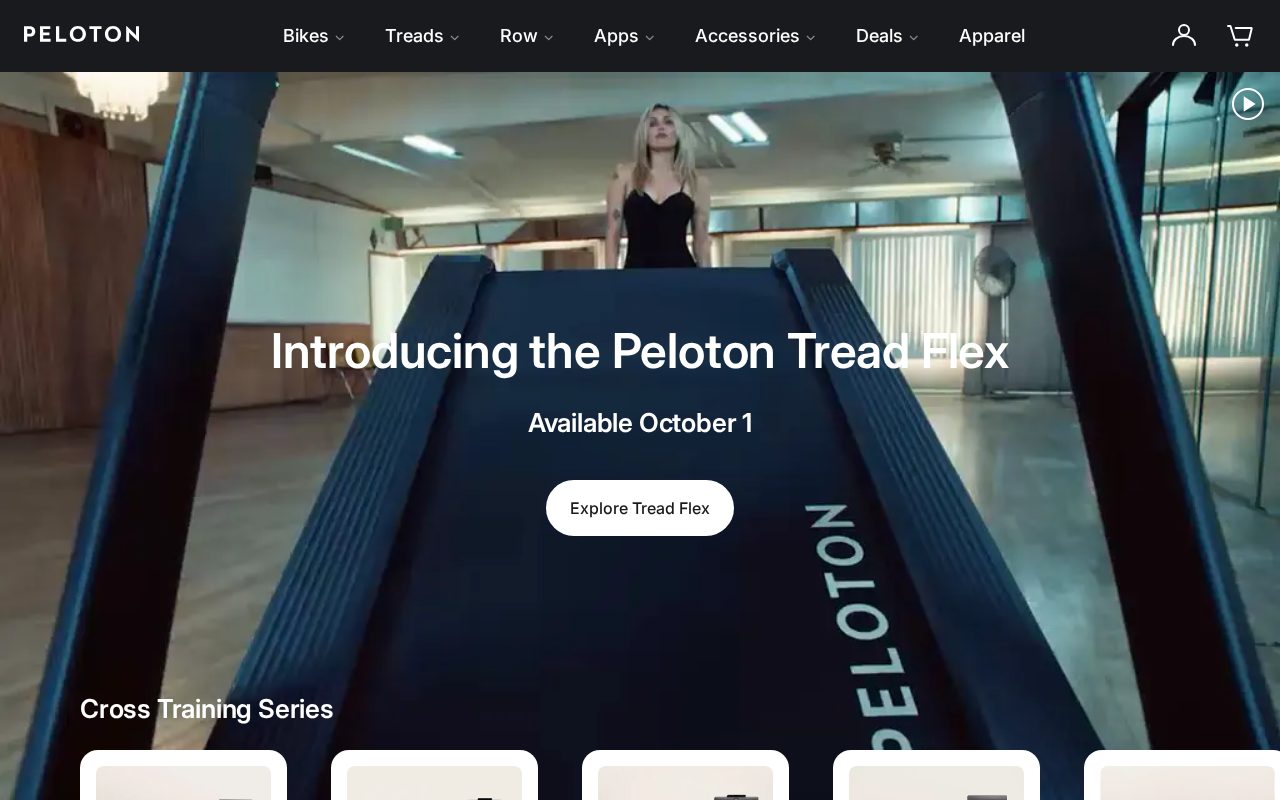
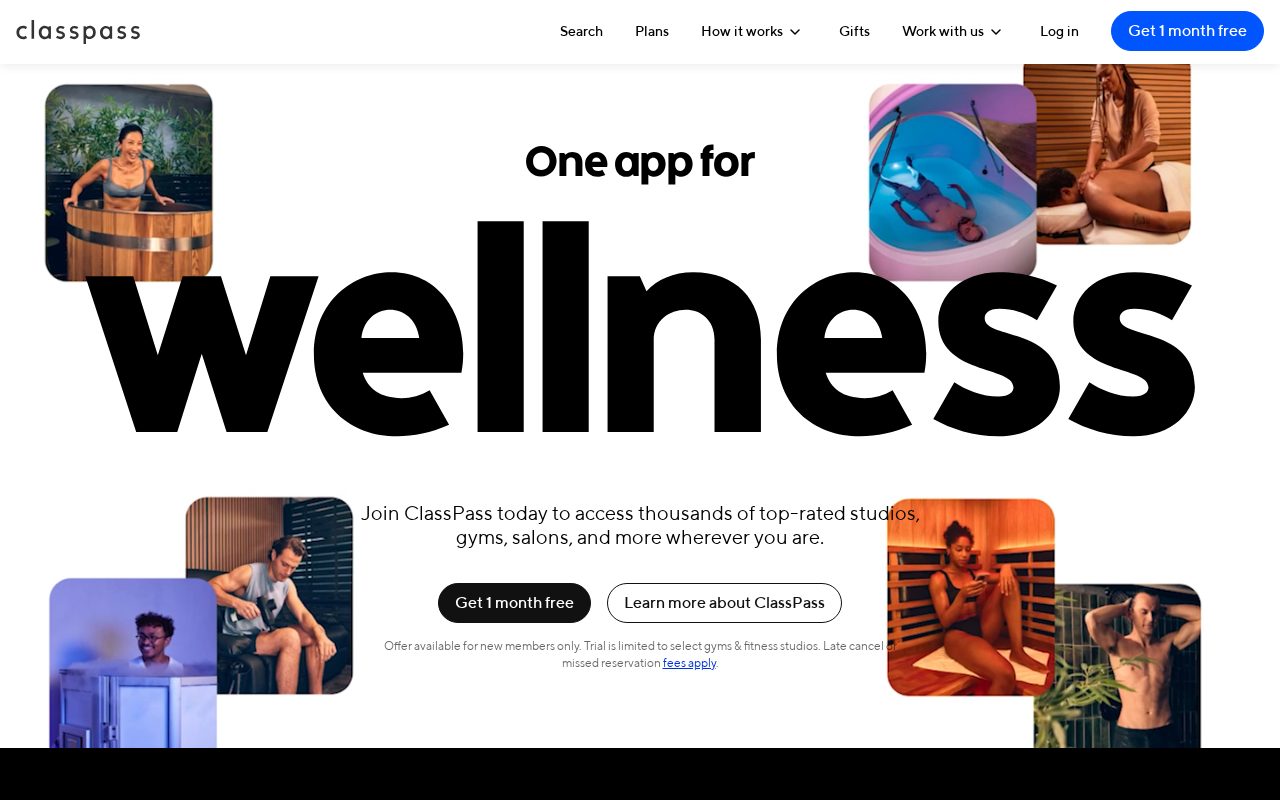
Local details
Creative and startup scene; substance over decoration.
Fresh from the community
See what builders ship, or start from an example.
Live workspace
The workspace is built for repeated product work, not disposable demos. Every generated file stays inspectable, every change is visible, and every follow-up can target the exact part of the app you care about.
01 · EDITOR
Every file BYOB writes stays visible and editable. Follow-ups target the exact lines you care about instead of regenerating from scratch.
<script lang='ts'>type Task = { id: string; title: string; done: boolean
}let tasks = $state<Task[]>([])function toggleTask(id: string) {task.done = !task.done // just added by BYOB}</script>02 · AI COMMAND
Describe the outcome once. BYOB turns it into a build plan, implements it step by step, and keeps every change visible while you iterate.
Your prompt
“Build a todo app for beginners”
Build plan
80%03 · LIVE PREVIEW
The preview updates as BYOB works, with deploy status attached, so the path from edit to production stays inspectable.
Team Tasks
Shared task tracking
Prompt to app
Start conversationally, approve the shape, let Tool Mode implement, then refine and deploy from the same workspace.
Agent and backend
Connect Codex, Claude Code, or Antigravity to your project, then store data and ship to production without leaving the workspace.
npx -y byob-cli codex installApprove only the projects your agent can touch, then read context, edit files, inspect diffs, test previews, and roll back from your terminal.
Rated 4.9/5 by developers and founders using BYOB to move from idea to shipped product.
Built for shipping
BYOB handles product planning, implementation, preview, testing, database work, and deployment from one focused interface, with coding-agent access and production analytics when you want to keep working from your own terminal.
This part is hands-on. The cards drift until you touch them. Drag to rearrange, or press and hold one to feel it push back.
Give Codex, Claude Code, or Antigravity scoped access through BYOB CLI or Agent MCP. Your agent reads context, edits code, tests previews, and deploys from your terminal.
Every change lands as a commit. Inspect history, compare diffs, and see exactly what changed since the last deploy.
Every project ships with an inbox. Collect messages, leads, and feedback from your app without wiring a third party.
Send magic links, OTP codes, and transactional mail from your own sender address. Resend-backed, no SMTP setup.
Offer Continue with Google plus passwordless email codes. Sessions and callbacks are handled.
Point your domain at BYOB with guided DNS checks. Certificates are automatic.
Click any element in the live preview and describe the change. Copy, spacing, color, behavior.
Run full-site or feature checks and get implementation-level feedback you can apply in one step.
Step between saved states or redeploy a known commit when an experiment goes sideways.
Builds publish to production hosting in one step. Deploys can auto-save the project state first.
Worker traffic, errors, CPU timing, subrequests, and custom-domain status from the workspace.
Connect Supabase and BYOB reads schemas, drafts migrations, and generates types that match your app.
Invite people in and keep sessions coordinated so work never overwrites work.
Simple pricing
Pay as you go when you are exploring. Move to Pro or Max when BYOB becomes part of your regular build workflow.
$1 = 100 credits
2,000+ credits/mo
8,000+ credits/mo
Live estimator
Try the cost calculator. Drag the pages slider, toggle the options, and watch the agency quote vs BYOB update instantly.
Open full cost calculator →$5,750 upfront
~$1,150 / year
~$45 in credits
BYOB builds the same site from one prompt and hosts it on the edge. Planning estimates, not quotes.
See BYOB plansNeed white-label and SSO? Talk to us →
BYOB builds a German-language fitness website for Berlin gyms, clubs and studios. Publish a Kursplan, take Probetraining bookings, manage memberships and show prices in euros with 19 percent VAT stated clearly. Checkout supports SEPA and cards, and district pages cover the city on a.de domain.
Berliners tend to skip the marketing and look for facts. A fitness site that opens with a vague promise loses attention, while one that lists courses, trainers and prices immediately feels respectful. Real photographs of the room, honest descriptions of the equipment and a clear statement of what a membership costs do more than animation or stock imagery. Substance is a genuine local preference, and a page that answers practical questions quickly reflects well on the people running the studio.
Many German gyms organise their offering around a Kursplan, a weekly timetable that can run from yoga and Pilates to functional training. A Probetraining is the usual first step, so the site should let someone pick a class, choose a date and reserve it in a few taps. Present the timetable as structured text that stays legible on a phone, and keep it easy to update when courses change. Personal trainers can add a short intake form so the first session starts with the right context.
German consumers expect prices to include VAT, and fitness memberships are no exception. State that 19 percent Umsatzsteuer is included, or show it clearly, so there is no distrust at payment. Monthly and annual plans should spell out notice periods and cancellation terms, because these contracts are taken seriously. A short, honest answer about pausing a membership during illness or travel prevents avoidable support requests and reflects the straightforward tone Berlin members appreciate.
Payment habits in Germany favour bank transfer and direct debit alongside cards, and PayPal remains common for online purchases. A membership checkout that supports SEPA-Lastschrift and card payment covers most members without friction. For drop-in classes or merchandise, a quick card or PayPal option works well. Whatever you offer, show the amount due in euros and make the recurring nature of a subscription unmistakable before the member confirms, so nobody is caught by an automatic renewal.
Berlin is a patchwork of Kieze, and members pick a studio they can reach easily. A page for Kreuzberg, Neukölln, Prenzlauer Berg, Mitte or Charlottenburg can each list the courses on offer, U-Bahn and tram connections, opening hours and shower facilities. That structure helps you rank for district-level searches and gives readers a concrete reason to choose the nearest location. Keep the pages genuinely distinct, because duplicated text adds little and readers notice when a page has not been thought through.
BYOB turns a written brief into a working website you can edit visually and extend with data storage for bookings and members. It publishes to a.de domain you control, and because you keep the code, adding a second studio or a members' area later does not mean starting from scratch. For a Berlin gym that wants a dependable presence without ongoing agency fees, that combination keeps both cost and control predictable.
FAQ
Yes. Your weekly timetable can be shown on mobile, with a trial-session form that captures the class and date a visitor wants.
Prices appear in euros with 19 percent Umsatzsteuer shown clearly, either included or added, together with notice and cancellation terms.
SEPA-Lastschrift, cards and PayPal can connect to your checkout, so members can pay in the way they already prefer.
Yes. Districts such as Kreuzberg, Neukölln or Prenzlauer Berg can each have a page with courses, transport and opening hours.
Start with one clear prompt. BYOB will help turn it into a product you can inspect, edit, test, and ship.
 npm