


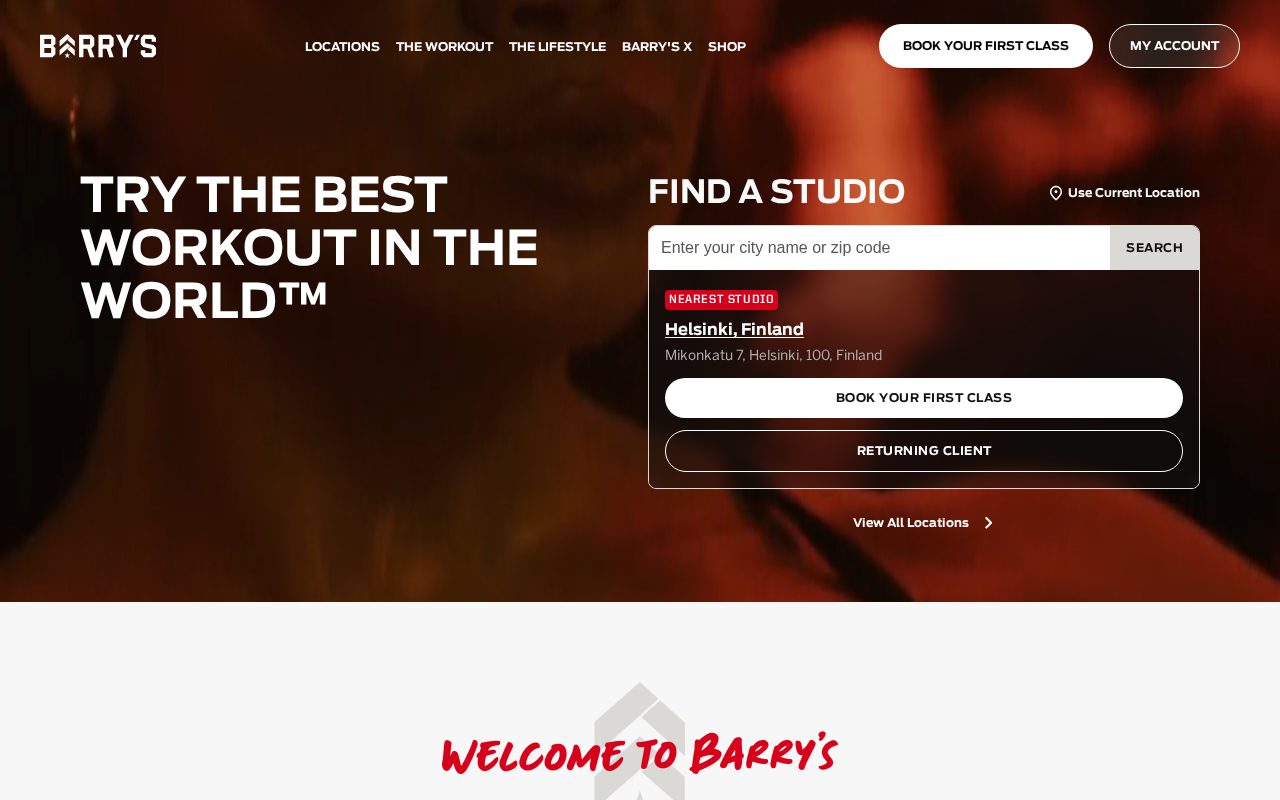
Barry's Bold brand, class schedule and signup up front. Visit ↗
BYOB New inbox in every project
A Houston fitness brand that converts: workout previews, trainer bios, and online booking.
Runs on the stack you trust
Prompt to product
Compare the one-line brief with what BYOB ships. Real layout, data, and deploy status, editable from the same workspace.
Team Tasks
Shared task tracking
Drag the handle. Or focus it and use the arrow keys.
Get inspired
Real sites that do it well. Build something like this with BYOB.
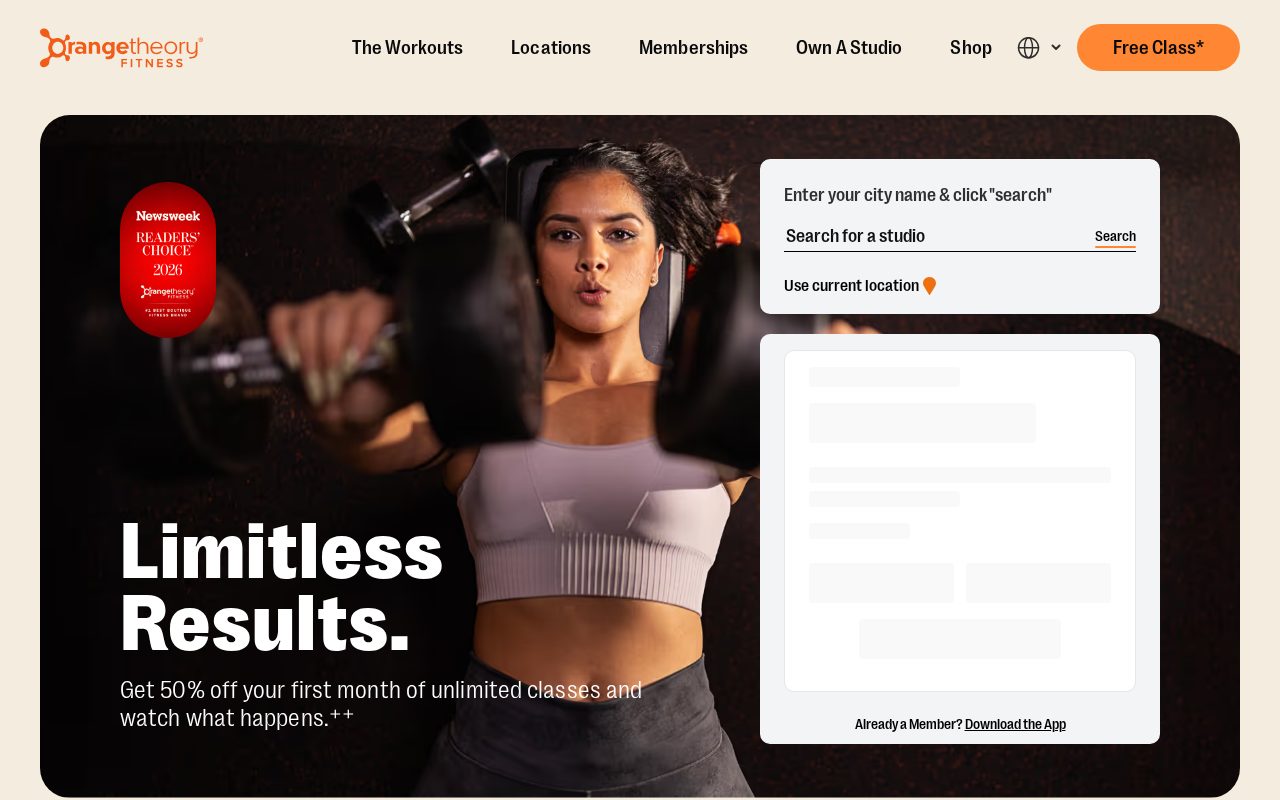

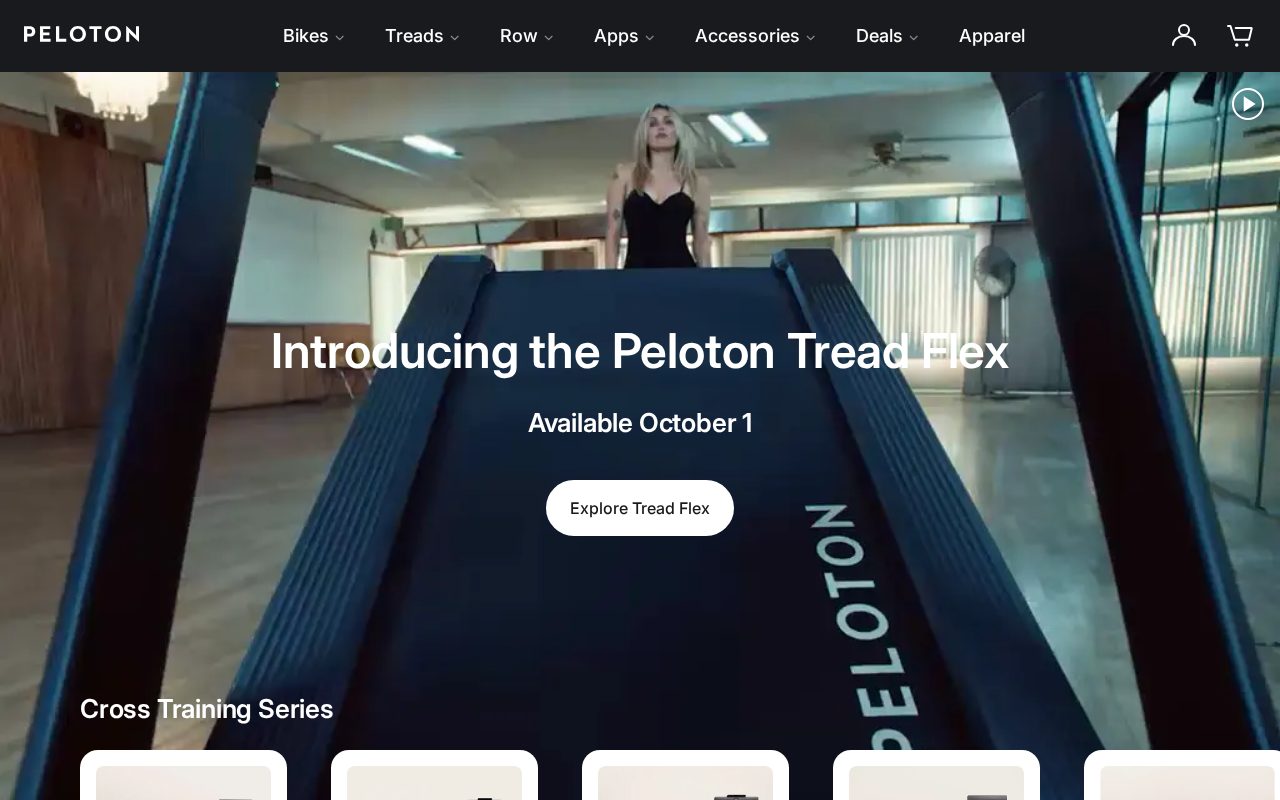
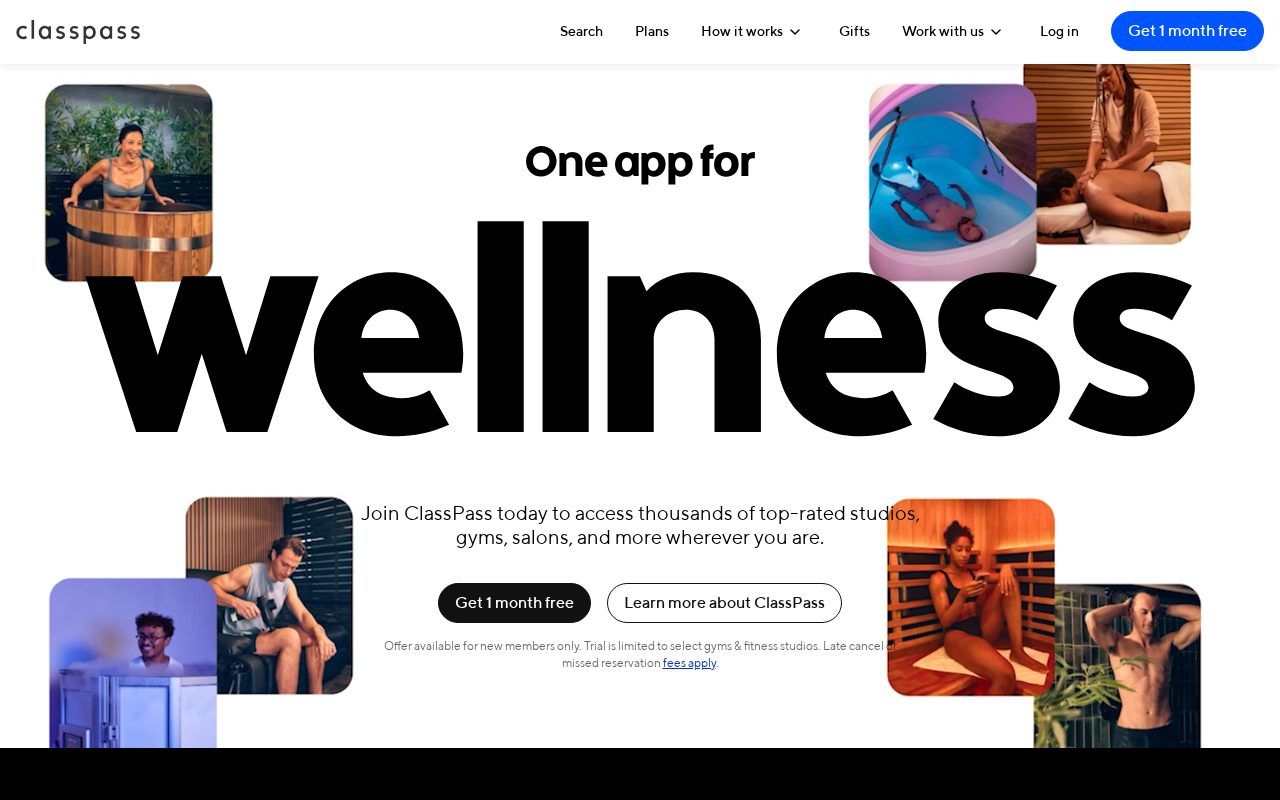
Local details
Large, spread-out market; service areas and mobile use dominate.
Fresh from the community
See what builders ship, or start from an example.
Live workspace
The workspace is built for repeated product work, not disposable demos. Every generated file stays inspectable, every change is visible, and every follow-up can target the exact part of the app you care about.
01 · EDITOR
Every file BYOB writes stays visible and editable. Follow-ups target the exact lines you care about instead of regenerating from scratch.
<script lang='ts'>type Task = { id: string; title: string; done: boolean
}let tasks = $state<Task[]>([])function toggleTask(id: string) {task.done = !task.done // just added by BYOB}</script>02 · AI COMMAND
Describe the outcome once. BYOB turns it into a build plan, implements it step by step, and keeps every change visible while you iterate.
Your prompt
“Build a todo app for beginners”
Build plan
80%03 · LIVE PREVIEW
The preview updates as BYOB works, with deploy status attached, so the path from edit to production stays inspectable.
Team Tasks
Shared task tracking
Prompt to app
Start conversationally, approve the shape, let Tool Mode implement, then refine and deploy from the same workspace.
Agent and backend
Connect Codex, Claude Code, or Antigravity to your project, then store data and ship to production without leaving the workspace.
npx -y byob-cli codex installApprove only the projects your agent can touch, then read context, edit files, inspect diffs, test previews, and roll back from your terminal.
Rated 4.9/5 by developers and founders using BYOB to move from idea to shipped product.
Built for shipping
BYOB handles product planning, implementation, preview, testing, database work, and deployment from one focused interface, with coding-agent access and production analytics when you want to keep working from your own terminal.
This part is hands-on. The cards drift until you touch them. Drag to rearrange, or press and hold one to feel it push back.
Give Codex, Claude Code, or Antigravity scoped access through BYOB CLI or Agent MCP. Your agent reads context, edits code, tests previews, and deploys from your terminal.
Every change lands as a commit. Inspect history, compare diffs, and see exactly what changed since the last deploy.
Every project ships with an inbox. Collect messages, leads, and feedback from your app without wiring a third party.
Send magic links, OTP codes, and transactional mail from your own sender address. Resend-backed, no SMTP setup.
Offer Continue with Google plus passwordless email codes. Sessions and callbacks are handled.
Point your domain at BYOB with guided DNS checks. Certificates are automatic.
Click any element in the live preview and describe the change. Copy, spacing, color, behavior.
Run full-site or feature checks and get implementation-level feedback you can apply in one step.
Step between saved states or redeploy a known commit when an experiment goes sideways.
Builds publish to production hosting in one step. Deploys can auto-save the project state first.
Worker traffic, errors, CPU timing, subrequests, and custom-domain status from the workspace.
Connect Supabase and BYOB reads schemas, drafts migrations, and generates types that match your app.
Invite people in and keep sessions coordinated so work never overwrites work.
Simple pricing
Pay as you go when you are exploring. Move to Pro or Max when BYOB becomes part of your regular build workflow.
$1 = 100 credits
2,000+ credits/mo
8,000+ credits/mo
Live estimator
Try the cost calculator. Drag the pages slider, toggle the options, and watch the agency quote vs BYOB update instantly.
Open full cost calculator →$5,750 upfront
~$1,150 / year
~$45 in credits
BYOB builds the same site from one prompt and hosts it on the edge. Planning estimates, not quotes.
See BYOB plansNeed white-label and SSO? Talk to us →
A Houston fitness website needs class schedules, membership or drop-in pricing, trainer bios and a clear booking or trial path. BYOB generates those pages as editable from a prompt, and can add data storage-backed signup or member form. It is not a native gym-management system.
From June to September, outdoor training in Houston is brutal, so most members book indoor classes or very early sessions. Your schedule should be scannable on a phone and clearly show start times, duration, class type and the instructor. If you run both an indoor studio and outdoor bootcamps, label them and note the weather policy. Because the schedule is editable, a coach can move a class or add a holiday slot without a developer, and the same timetable can power the booking link.
Fitness businesses sell several things at once: monthly memberships, class packs, drop-in fees and personal training. Generate clear pricing pages for each and explain what is included, so a prospective member does not have to call. BYOB can wire a signup or enquiry form to data storage and connect online payment through built-in payments; recurring billing and access control normally stay in a dedicated gym platform, which you link to. Being explicit about what is bought online and what happens in the club reduces front-desk friction.
People join a studio for the coach as much as the equipment. Generate a profile per trainer with specialties, certifications and a booking link, covering disciplines common in Houston such as strength, CrossFit-style conditioning, yoga, Pilates, boxing and cycling. Add a short about page and a gallery so newcomers can picture the space. A visible community section with member stories, challenges and events helps a neighborhood studio in the Heights or Montrose feel worth the drive across town.
Houston's sprawl means members often belong to the location nearest their commute. Give each site its own page with address, parking, hours and the classes offered there, then link them from the navigation. Keep membership terms consistent but let each location highlight its own amenities, from a pool or sauna to childcare. Location pages also help you rank for searches like a gym near a specific suburb, and they answer the practical questions about parking, showers and opening times before someone visits.
Fitness relies on trials converting to memberships. Generate a free-trial or intro-offer landing page with a short form that captures goals and availability, then stores submissions in data storage so front-desk staff can follow up. Add a digital waiver page and a place to explain your cancellation and freeze policy. A clear trial path, backed by a real signup record rather than a paper list, is often the difference between a filled intro class and a missed lead.
When the studio grows, the same project can add features members expect: a personal dashboard showing booked classes and remaining credits, a referral page, or a staff view for managing the timetable. BYOB can add login and data storage to the site you already have, so marketing pages and member tools share one project. Start with schedule, pricing and a trial form, then add member accounts only when the volume of bookings makes them worthwhile.
FAQ
Yes. Generate a mobile-friendly timetable with times, class types and instructors, and update it yourself as it changes.
You can present plans and take payment via built-in payments; recurring billing and access control usually stay in a dedicated gym platform.
Yes. A trial landing page with a form stores submissions in data storage so staff can follow up.
Yes. Each location gets its own page with address, hours, parking and amenities.
No. Timetables and prices are editable through the visual editor or chat.
Start with one clear prompt. BYOB will help turn it into a product you can inspect, edit, test, and ship.
 npm
npm