


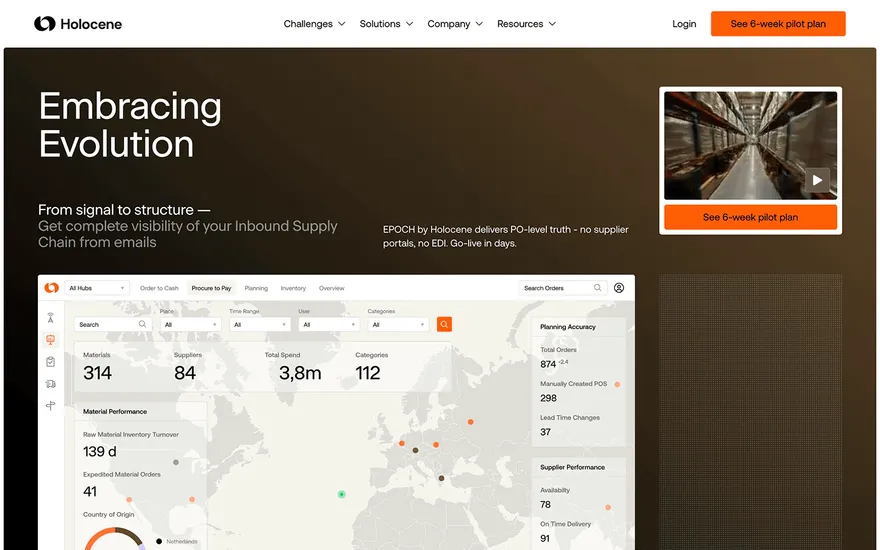
Holocene Supply-chain page with calm, clear sections. Visit ↗
BYOB New inbox in every project
An opt-in page has one job: exchange a clear promise for an email address. BYOB OnePage generates that focused page from a short description, so you spend your time on the offer rather than on layout.
Runs on the stack you trust
Prompt to product
Compare the one-line brief with what BYOB ships. Real layout, data, and deploy status, editable from the same workspace.
Team Tasks
Shared task tracking
Drag the handle. Or focus it and use the arrow keys.
Get inspired
Real sites that do it well. Build something like this with BYOB.
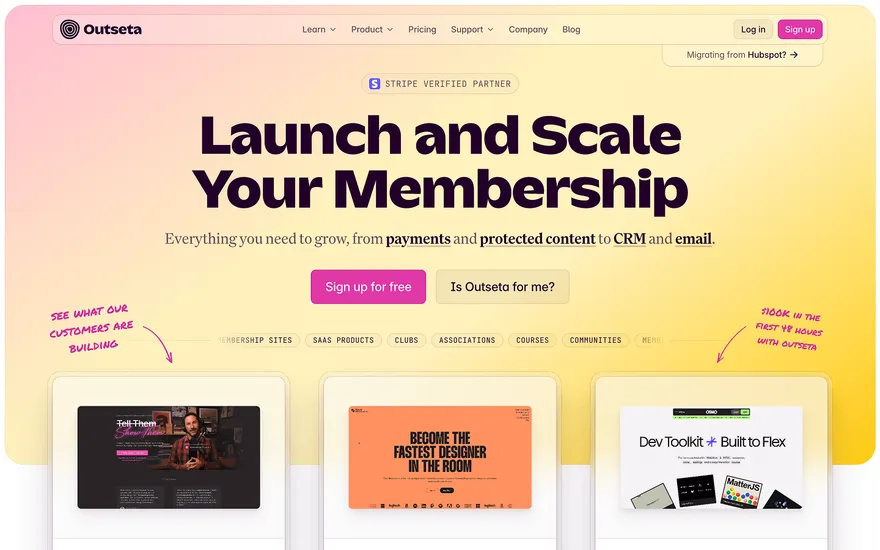
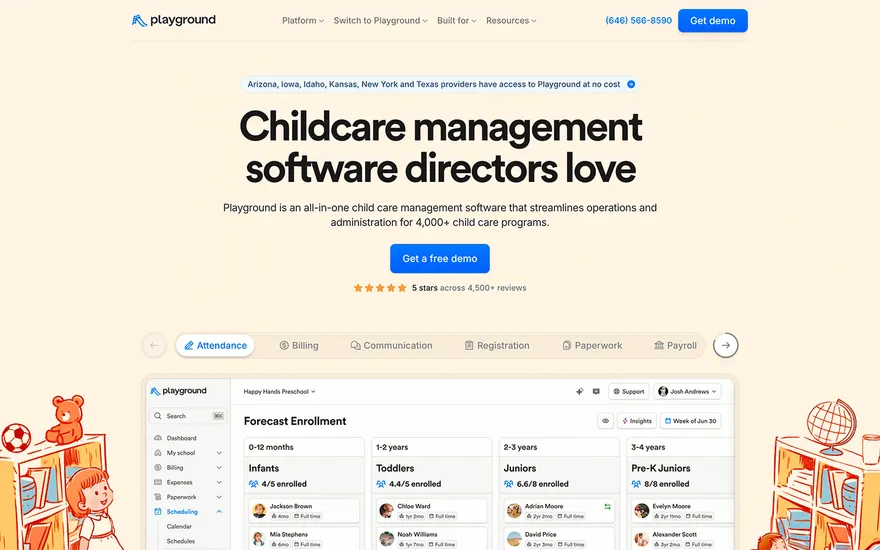
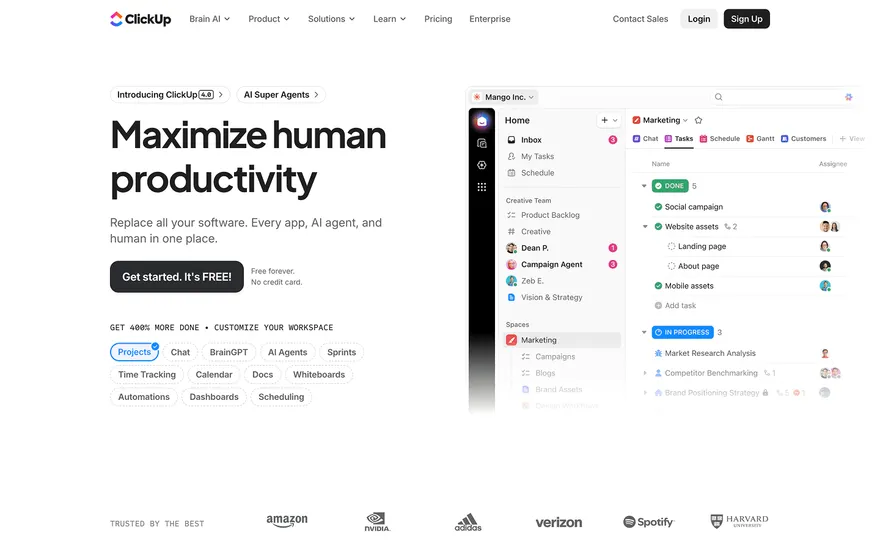
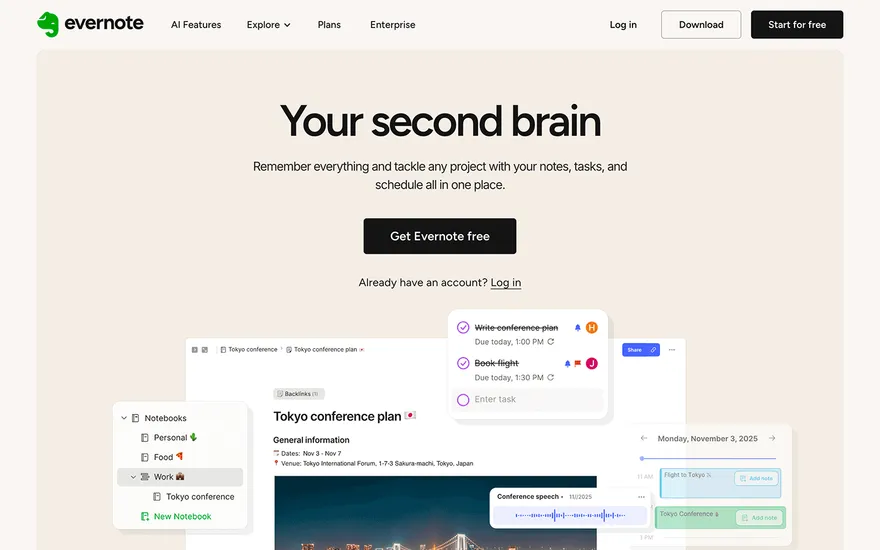
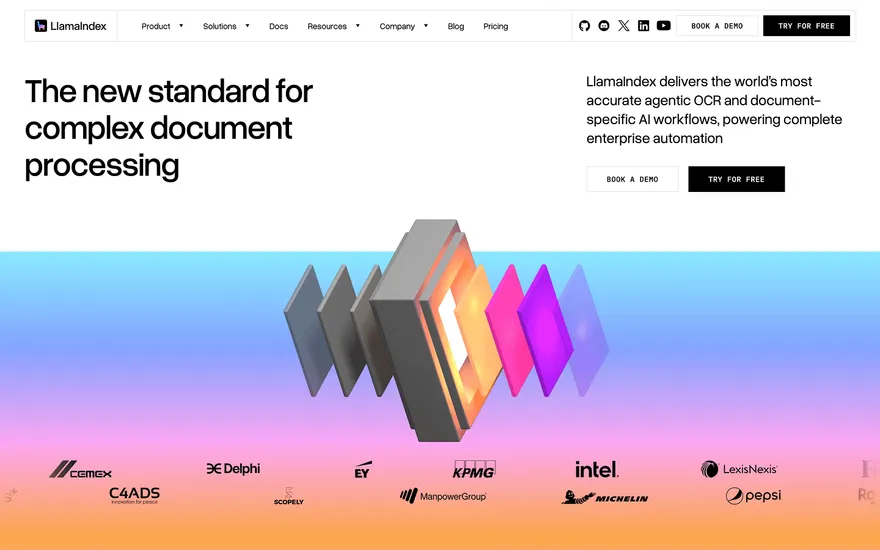
Fresh from the community
See what builders ship, or start from an example.
Live workspace
The workspace is built for repeated product work, not disposable demos. Every generated file stays inspectable, every change is visible, and every follow-up can target the exact part of the app you care about.
01 · EDITOR
Every file BYOB writes stays visible and editable. Follow-ups target the exact lines you care about instead of regenerating from scratch.
<script lang='ts'>type Task = { id: string; title: string; done: boolean
}let tasks = $state<Task[]>([])function toggleTask(id: string) {task.done = !task.done // just added by BYOB}</script>02 · AI COMMAND
Describe the outcome once. BYOB turns it into a build plan, implements it step by step, and keeps every change visible while you iterate.
Your prompt
“Build a todo app for beginners”
Build plan
80%03 · LIVE PREVIEW
The preview updates as BYOB works, with deploy status attached, so the path from edit to production stays inspectable.
Team Tasks
Shared task tracking
Prompt to app
Start conversationally, approve the shape, let Tool Mode implement, then refine and deploy from the same workspace.
Agent and backend
Connect Codex, Claude Code, or Antigravity to your project, then store data and ship to production without leaving the workspace.
npx -y byob-cli codex installApprove only the projects your agent can touch, then read context, edit files, inspect diffs, test previews, and roll back from your terminal.
Rated 4.9/5 by developers and founders using BYOB to move from idea to shipped product.
Built for shipping
BYOB handles product planning, implementation, preview, testing, database work, and deployment from one focused interface, with coding-agent access and production analytics when you want to keep working from your own terminal.
This part is hands-on. The cards drift until you touch them. Drag to rearrange, or press and hold one to feel it push back.
Give Codex, Claude Code, or Antigravity scoped access through BYOB CLI or Agent MCP. Your agent reads context, edits code, tests previews, and deploys from your terminal.
Every change lands as a commit. Inspect history, compare diffs, and see exactly what changed since the last deploy.
Every project ships with an inbox. Collect messages, leads, and feedback from your app without wiring a third party.
Send magic links, OTP codes, and transactional mail from your own sender address. Resend-backed, no SMTP setup.
Offer Continue with Google plus passwordless email codes. Sessions and callbacks are handled.
Point your domain at BYOB with guided DNS checks. Certificates are automatic.
Click any element in the live preview and describe the change. Copy, spacing, color, behavior.
Run full-site or feature checks and get implementation-level feedback you can apply in one step.
Step between saved states or redeploy a known commit when an experiment goes sideways.
Builds publish to production hosting in one step. Deploys can auto-save the project state first.
Worker traffic, errors, CPU timing, subrequests, and custom-domain status from the workspace.
Connect Supabase and BYOB reads schemas, drafts migrations, and generates types that match your app.
Invite people in and keep sessions coordinated so work never overwrites work.
Simple pricing
Pay as you go when you are exploring. Move to Pro or Max when BYOB becomes part of your regular build workflow.
$1 = 100 credits
2,000+ credits/mo
8,000+ credits/mo
Live estimator
Try the cost calculator. Drag the pages slider, toggle the options, and watch the agency quote vs BYOB update instantly.
Open full cost calculator →$5,750 upfront
~$1,150 / year
~$45 in credits
BYOB builds the same site from one prompt and hosts it on the edge. Planning estimates, not quotes.
See BYOB plansNeed white-label and SSO? Talk to us →
BYOB OnePage is an AI opt-in page builder. Describe your lead magnet and audience and it drafts a single-purpose page with a headline, a short benefits list and a working email capture form. Submissions land in your project inbox, and you can publish free before connecting a custom domain.
A homepage explains a whole business; an opt-in page removes every exit except one. The strongest versions lead with a specific outcome, list two or three reasons to believe it, and ask for an email in exchange for something concrete: a checklist, a discount, a waitlist spot or a free trial. Navigation, sidebars and unrelated links are distractions. BYOB OnePage generates around that narrow standard, so the first draft already reads like a campaign page rather than a brochure.
Write a sentence about who the offer is for and what they get. The builder produces a headline that states the promise, a supporting subhead, a compact benefits block and a form field with a clear button label. If your offer is a webinar, the copy shifts toward time and outcome; if it is a discount, toward urgency and value. You can regenerate or edit any part instead of accepting a generic template.
Form submissions land in your project inbox, so early opt-ins are captured without wiring a separate email tool or configuring SMTP. You can review submissions, export them, and later move them to your mailing platform of choice. That ordering lets you validate demand first and choose infrastructure second, rather than paying for a marketing suite before you know whether the offer resonates.
Opt-in performance is mostly a copy problem. Duplicate the page, change the headline or the promise, and test one variable at a time against the same traffic source. Chat edits make this quick: ask for a more concrete, benefit-led headline and compare. Because each version is a generated page with simple markup, you can keep several variants live on different URLs and retire the losers without a redesign.
An email form creates obligations. Say plainly what people are signing up for, keep the promise in the follow-up, and include an easy way to unsubscribe in your emails. Avoid pre-ticked consent boxes and vague wording such as 'get updates' when you mean a weekly newsletter. BYOB gives you the form and publishing; the consent language and list policy are yours to get right.
Publish free on a BYOB address, share the link, then watch submissions. When the page earns its traffic, connect a custom domain so the opt-in URL matches your brand. Keep the page lean; if you later need a full site with multiple pages or a member area, the same BYOB workspace also builds full applications, and the opt-in page can point to them.
FAQ
Yes. Generate and publish on a BYOB address for free; custom domains and higher usage sit on paid plans.
Into your project inbox. You can review and export them, so you do not need a separate email service to start collecting leads.
One. Every extra field lowers completion; ask for the email and earn more information later in your follow-up sequence.
Yes. Generate a variant, publish it on its own URL, and send comparable traffic to each before choosing a winner.
Start with one clear prompt. BYOB will help turn it into a product you can inspect, edit, test, and ship.
 npm
npm