


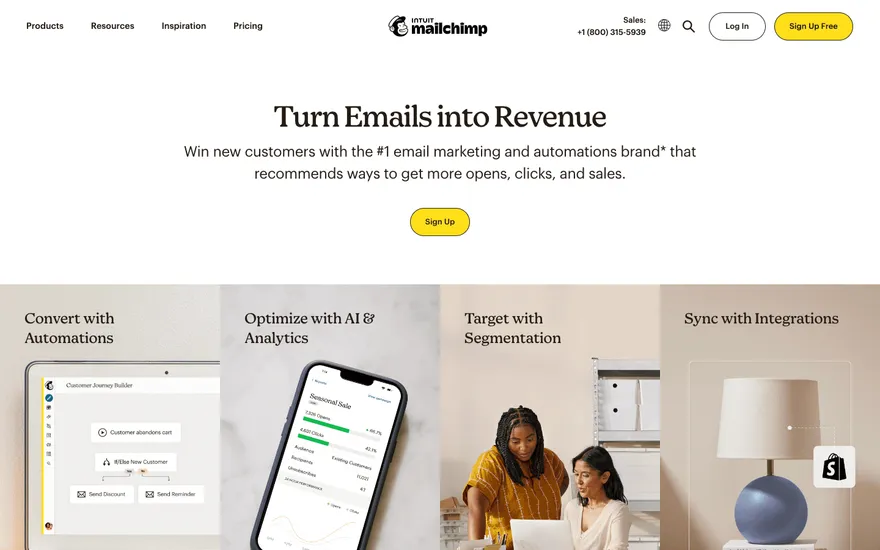
Mailchimp Email leader with benefit-led sections. Visit ↗
BYOB New inbox in every project
A professional website earns trust in the first few seconds. It reads clearly, works on every screen and gives visitors an obvious next step. This page explains how to produce that standard quickly and maintain it without a permanent developer.
Runs on the stack you trust
Prompt to product
Compare the one-line brief with what BYOB ships. Real layout, data, and deploy status, editable from the same workspace.
Team Tasks
Shared task tracking
Drag the handle. Or focus it and use the arrow keys.
Get inspired
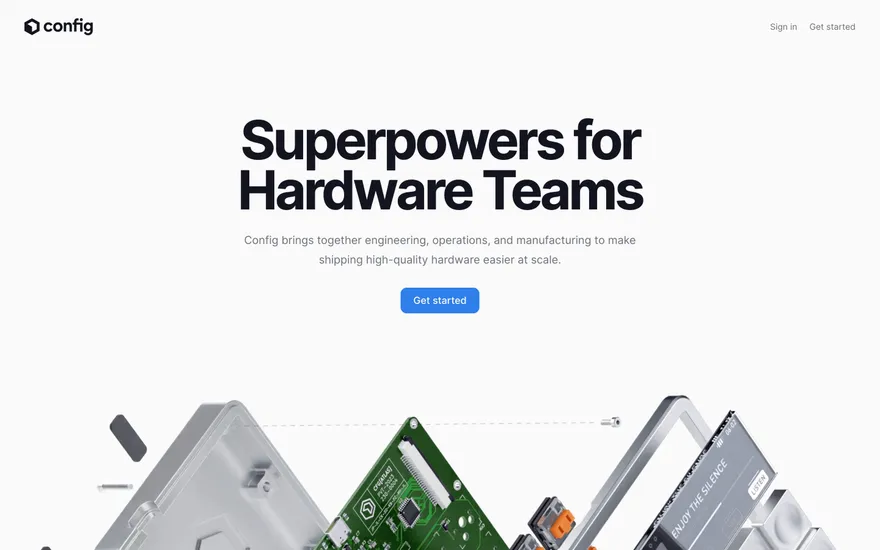
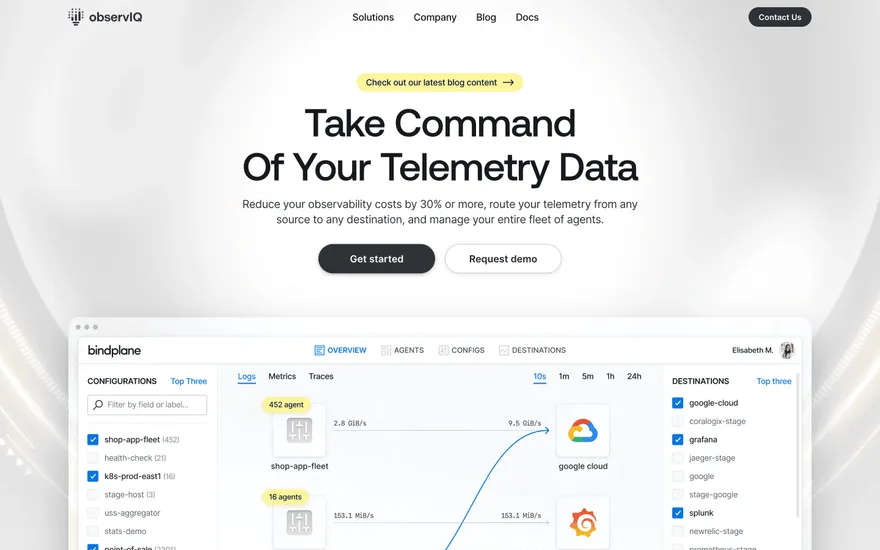
Real sites that do it well. Build something like this with BYOB.
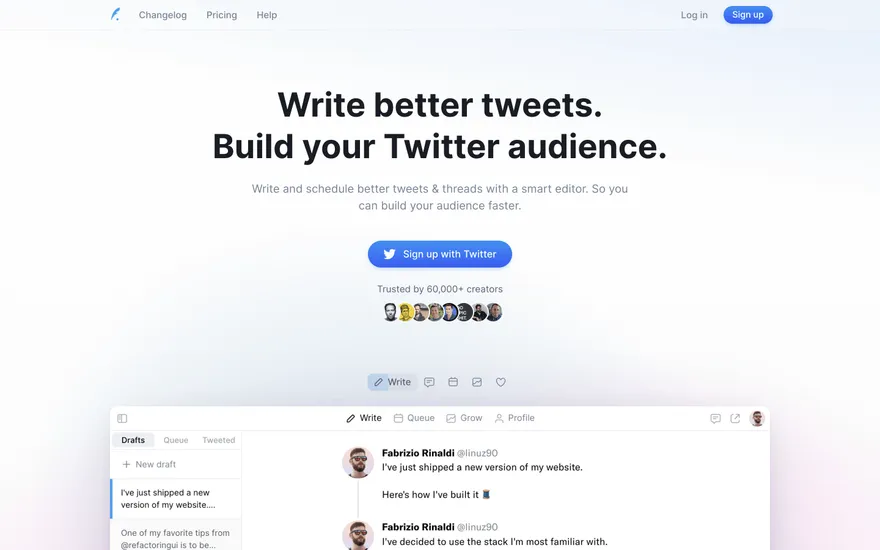
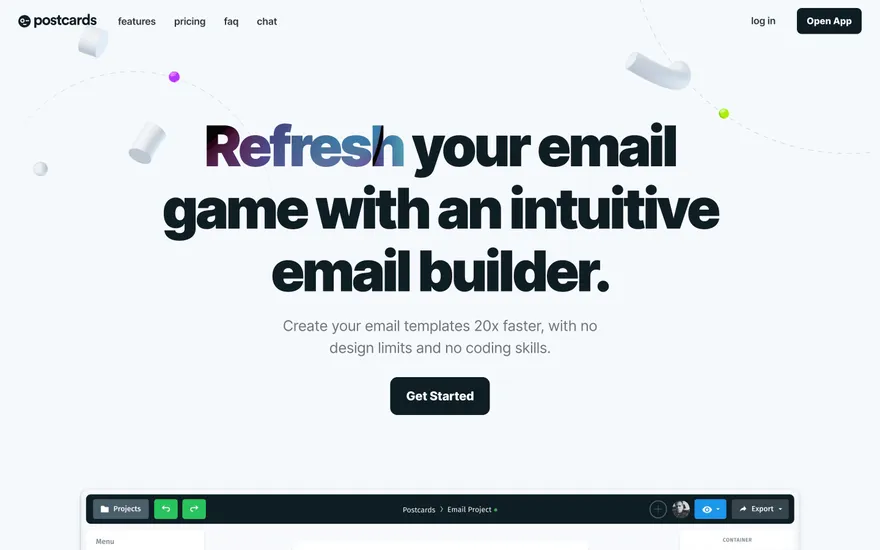
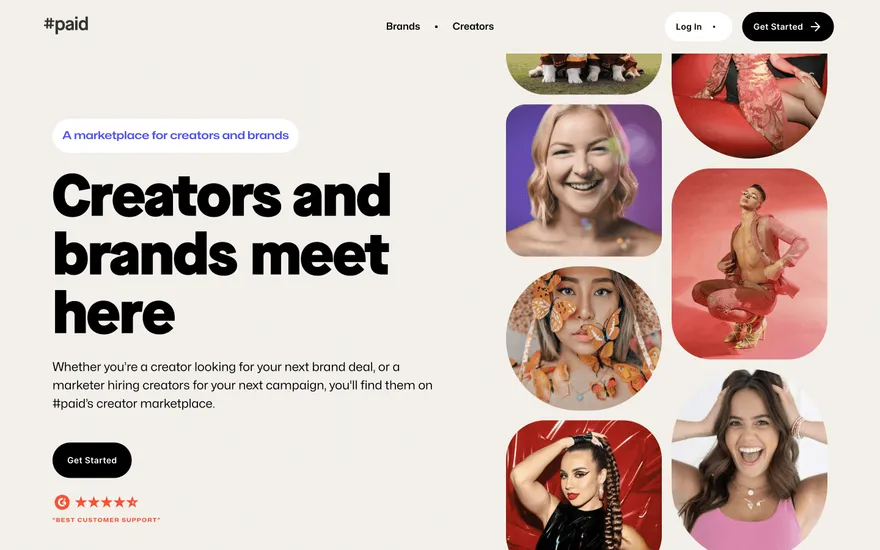
Fresh from the community
See what builders ship, or start from an example.
Live workspace
The workspace is built for repeated product work, not disposable demos. Every generated file stays inspectable, every change is visible, and every follow-up can target the exact part of the app you care about.
01 · EDITOR
Every file BYOB writes stays visible and editable. Follow-ups target the exact lines you care about instead of regenerating from scratch.
<script lang='ts'>type Task = { id: string; title: string; done: boolean
}let tasks = $state<Task[]>([])function toggleTask(id: string) {task.done = !task.done // just added by BYOB}</script>02 · AI COMMAND
Describe the outcome once. BYOB turns it into a build plan, implements it step by step, and keeps every change visible while you iterate.
Your prompt
“Build a todo app for beginners”
Build plan
80%03 · LIVE PREVIEW
The preview updates as BYOB works, with deploy status attached, so the path from edit to production stays inspectable.
Team Tasks
Shared task tracking
Prompt to app
Start conversationally, approve the shape, let Tool Mode implement, then refine and deploy from the same workspace.
Agent and backend
Connect Codex, Claude Code, or Antigravity to your project, then store data and ship to production without leaving the workspace.
npx -y byob-cli codex installApprove only the projects your agent can touch, then read context, edit files, inspect diffs, test previews, and roll back from your terminal.
Rated 4.9/5 by developers and founders using BYOB to move from idea to shipped product.
Built for shipping
BYOB handles product planning, implementation, preview, testing, database work, and deployment from one focused interface, with coding-agent access and production analytics when you want to keep working from your own terminal.
This part is hands-on. The cards drift until you touch them. Drag to rearrange, or press and hold one to feel it push back.
Give Codex, Claude Code, or Antigravity scoped access through BYOB CLI or Agent MCP. Your agent reads context, edits code, tests previews, and deploys from your terminal.
Every change lands as a commit. Inspect history, compare diffs, and see exactly what changed since the last deploy.
Every project ships with an inbox. Collect messages, leads, and feedback from your app without wiring a third party.
Send magic links, OTP codes, and transactional mail from your own sender address. Resend-backed, no SMTP setup.
Offer Continue with Google plus passwordless email codes. Sessions and callbacks are handled.
Point your domain at BYOB with guided DNS checks. Certificates are automatic.
Click any element in the live preview and describe the change. Copy, spacing, color, behavior.
Run full-site or feature checks and get implementation-level feedback you can apply in one step.
Step between saved states or redeploy a known commit when an experiment goes sideways.
Builds publish to production hosting in one step. Deploys can auto-save the project state first.
Worker traffic, errors, CPU timing, subrequests, and custom-domain status from the workspace.
Connect Supabase and BYOB reads schemas, drafts migrations, and generates types that match your app.
Invite people in and keep sessions coordinated so work never overwrites work.
Simple pricing
Pay as you go when you are exploring. Move to Pro or Max when BYOB becomes part of your regular build workflow.
$1 = 100 credits
2,000+ credits/mo
8,000+ credits/mo
Live estimator
Try the cost calculator. Drag the pages slider, toggle the options, and watch the agency quote vs BYOB update instantly.
Open full cost calculator →$5,750 upfront
~$1,150 / year
~$45 in credits
BYOB builds the same site from one prompt and hosts it on the edge. Planning estimates, not quotes.
See BYOB plansNeed white-label and SSO? Talk to us →
A professional website builder produces a polished, credible site: clear information architecture, consistent typography, responsive layouts and working forms. BYOB generates that standard from a brief and keeps the underlying project editable, so you can refine it and publish updates without rebuilding from a locked template.
Professionalism is mostly consistency. A restrained palette, a predictable type scale, even spacing and aligned components signal that someone cared. BYOB generates those defaults so you are not assembling them by hand, then gives you controls to adjust them as a set rather than one element at a time. Change the type scale and the whole page follows; adjust the spacing rhythm and the layout stays coherent. That is what stops an edit from making a page look worse.
Visitors arrive with a question and scan for an answer. A professional site leads with the value, then supports it in a logical order: what you do, who it is for, proof, details and a call to action. BYOB drafts that flow from your description so the page argues its case rather than listing features. You can reorder sections, add a FAQ or drop a testimonial without breaking the rhythm of the page.
Most traffic now arrives on a phone, yet many sites are still designed at a desktop width and squashed later. Generated layouts are built responsively, so navigation, images and forms adapt across screen sizes rather than overflowing. BYOB's testing agent checks the result at multiple viewports before you publish, which catches the cramped headings and awkward tables that make a site feel unfinished on mobile. You publish knowing the phone experience was considered from the start.
Beyond the design, credibility comes from small things done well: fast pages, working links, a real contact method, readable legal pages and up-to-date content. Generated sites include a contact form that delivers to your inbox and page metadata you can edit, so search engines and social previews represent the business accurately. Publishing on a custom domain, rather than a long subdomain, is the final signal that the site is a serious presence.
The launch is the middle of a website's life, not the end. Prices change, staff join, offers expire. BYOB lets you make those edits by describing them or selecting the section, and every change is versioned so you can undo a mistake. You keep an editable project rather than a locked subscription template, and if you later hire a developer, they inherit real code that can be maintained and improved.
FAQ
Yes. BYOB generates coherent typography, spacing and layout from your brief, so the first version already follows professional design conventions.
Generated layouts are responsive and checked across screen sizes by the testing agent, so the mobile experience is covered before you publish.
Yes. Adjust colours, fonts and imagery, or supply brand guidance in the prompt so the generated styling reflects it.
You can export the project as a ZIP and host it yourself, so the site is not tied to an active BYOB plan.
It renders real HTML with editable titles and meta descriptions, so you can apply standard on-page SEO as you would on any hand-built site.
Start with one clear prompt. BYOB will help turn it into a product you can inspect, edit, test, and ship.
 npm