


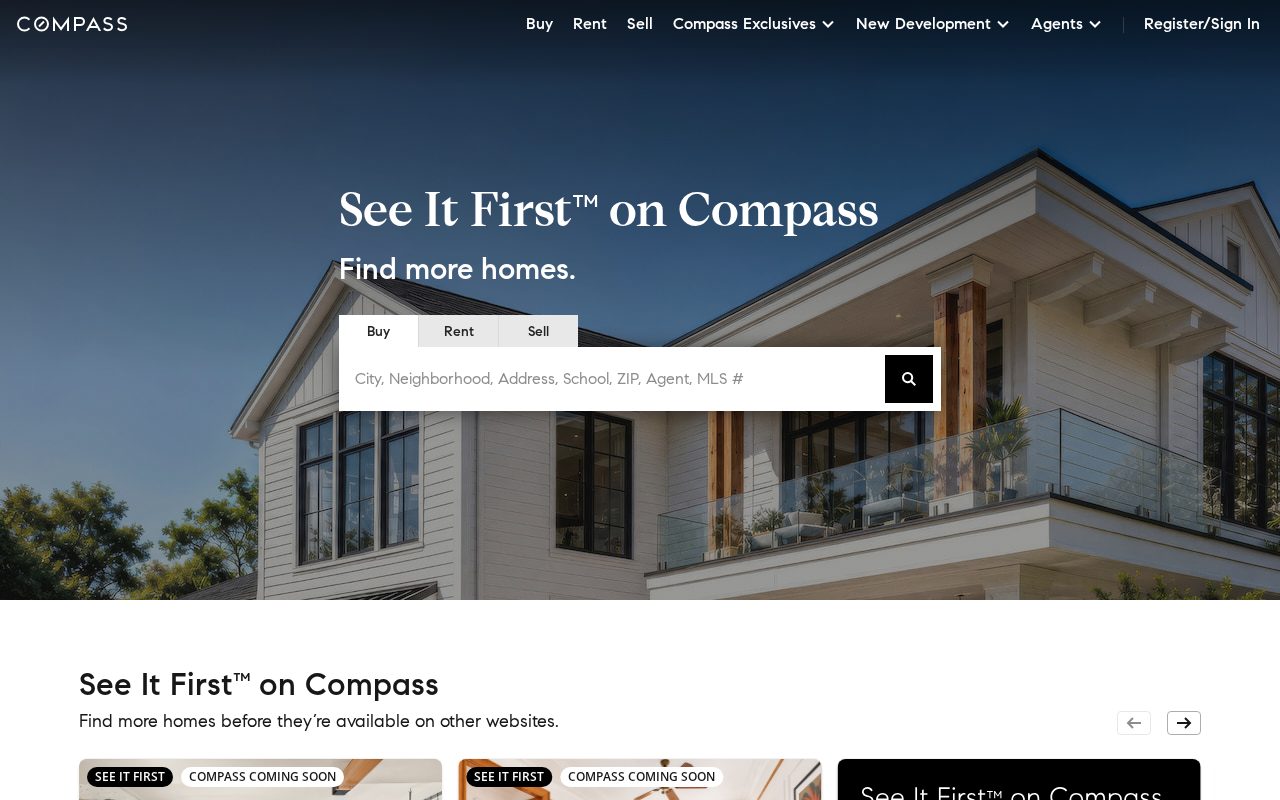
Compass Search-first listings with strong local pages. Visit ↗
BYOB New inbox in every project
Property buyers in Sao Paulo move fast — give them listings, area guides, and a direct line to you.
Runs on the stack you trust
Prompt to product
Compare the one-line brief with what BYOB ships. Real layout, data, and deploy status, editable from the same workspace.
Team Tasks
Shared task tracking
Drag the handle. Or focus it and use the arrow keys.
Get inspired
Real sites that do it well. Build something like this with BYOB.
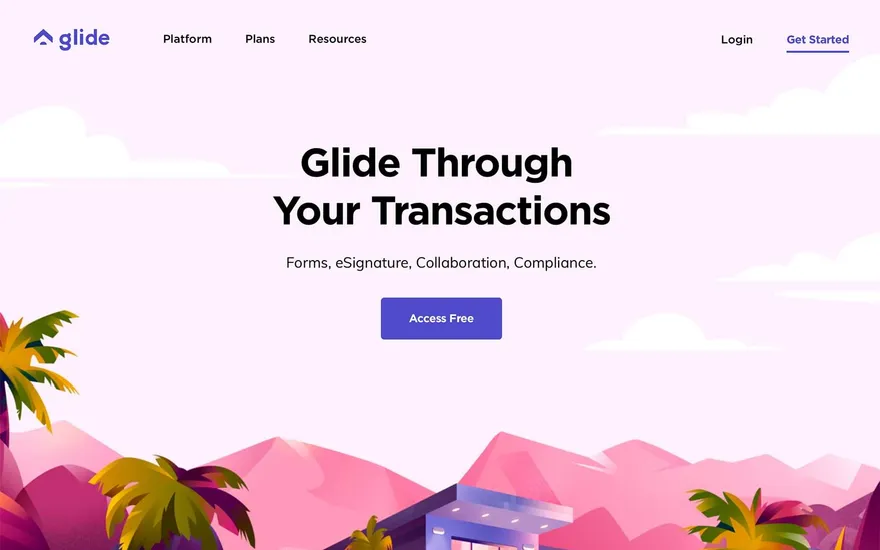
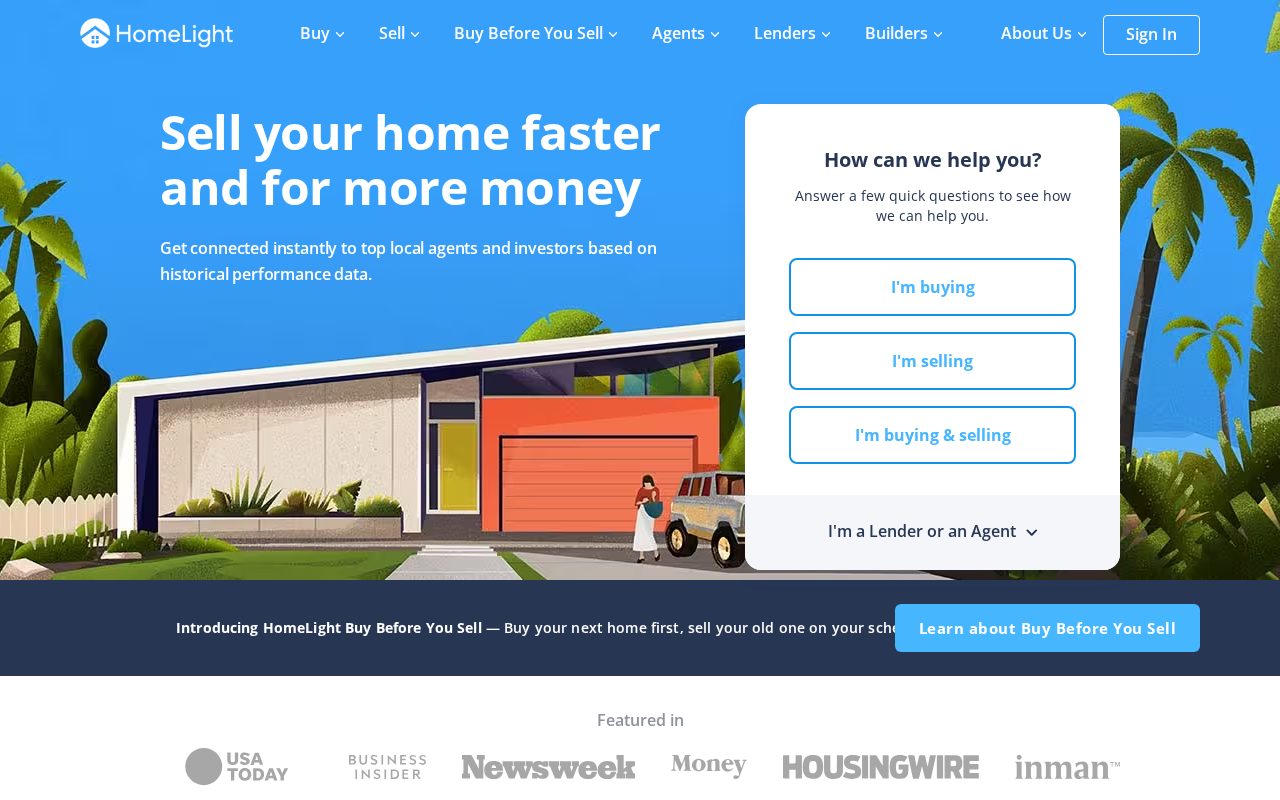
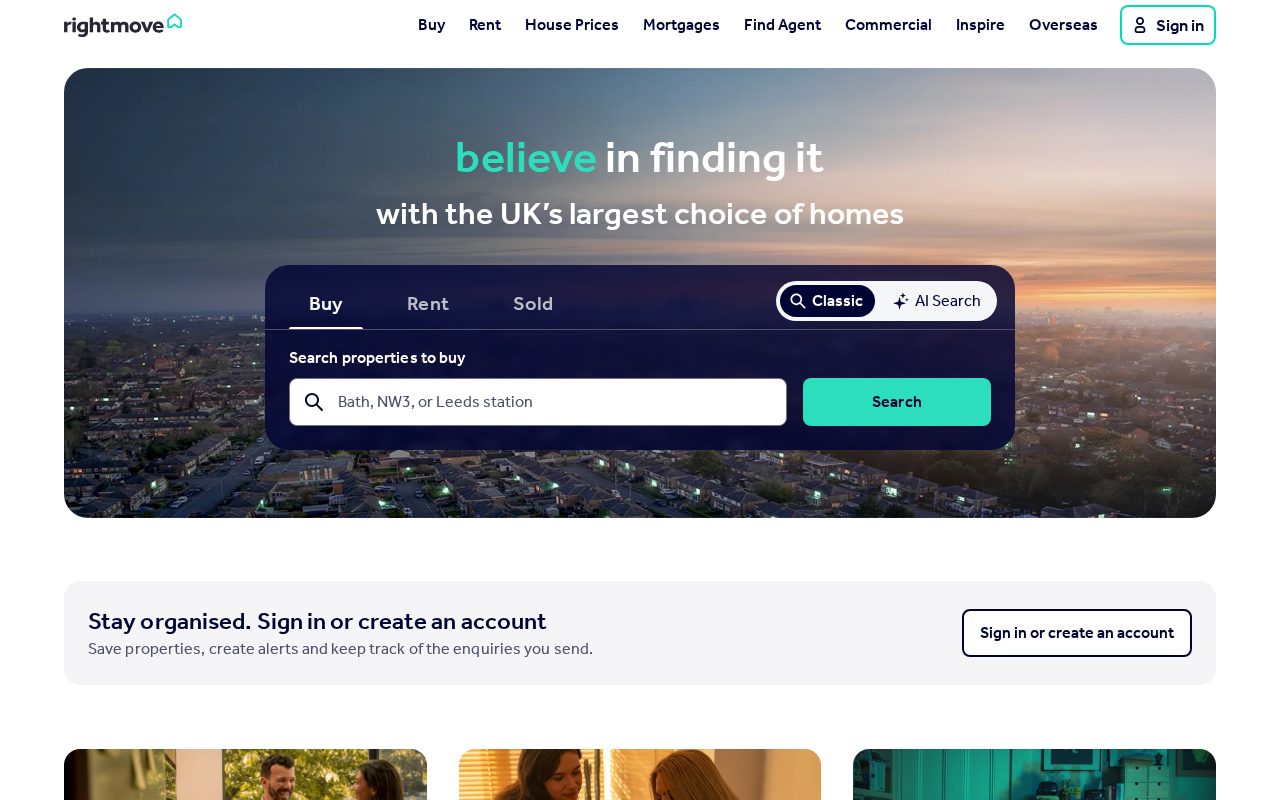
Local details
Portuguese-first; Pix and mobile dominate.
Fresh from the community
See what builders ship, or start from an example.
Live workspace
The workspace is built for repeated product work, not disposable demos. Every generated file stays inspectable, every change is visible, and every follow-up can target the exact part of the app you care about.
01 · EDITOR
Every file BYOB writes stays visible and editable. Follow-ups target the exact lines you care about instead of regenerating from scratch.
<script lang='ts'>type Task = { id: string; title: string; done: boolean
}let tasks = $state<Task[]>([])function toggleTask(id: string) {task.done = !task.done // just added by BYOB}</script>02 · AI COMMAND
Describe the outcome once. BYOB turns it into a build plan, implements it step by step, and keeps every change visible while you iterate.
Your prompt
“Build a todo app for beginners”
Build plan
80%03 · LIVE PREVIEW
The preview updates as BYOB works, with deploy status attached, so the path from edit to production stays inspectable.
Team Tasks
Shared task tracking
Prompt to app
Start conversationally, approve the shape, let Tool Mode implement, then refine and deploy from the same workspace.
Agent and backend
Connect Codex, Claude Code, or Antigravity to your project, then store data and ship to production without leaving the workspace.
npx -y byob-cli codex installApprove only the projects your agent can touch, then read context, edit files, inspect diffs, test previews, and roll back from your terminal.
Rated 4.9/5 by developers and founders using BYOB to move from idea to shipped product.
Built for shipping
BYOB handles product planning, implementation, preview, testing, database work, and deployment from one focused interface, with coding-agent access and production analytics when you want to keep working from your own terminal.
This part is hands-on. The cards drift until you touch them. Drag to rearrange, or press and hold one to feel it push back.
Give Codex, Claude Code, or Antigravity scoped access through BYOB CLI or Agent MCP. Your agent reads context, edits code, tests previews, and deploys from your terminal.
Every change lands as a commit. Inspect history, compare diffs, and see exactly what changed since the last deploy.
Every project ships with an inbox. Collect messages, leads, and feedback from your app without wiring a third party.
Send magic links, OTP codes, and transactional mail from your own sender address. Resend-backed, no SMTP setup.
Offer Continue with Google plus passwordless email codes. Sessions and callbacks are handled.
Point your domain at BYOB with guided DNS checks. Certificates are automatic.
Click any element in the live preview and describe the change. Copy, spacing, color, behavior.
Run full-site or feature checks and get implementation-level feedback you can apply in one step.
Step between saved states or redeploy a known commit when an experiment goes sideways.
Builds publish to production hosting in one step. Deploys can auto-save the project state first.
Worker traffic, errors, CPU timing, subrequests, and custom-domain status from the workspace.
Connect Supabase and BYOB reads schemas, drafts migrations, and generates types that match your app.
Invite people in and keep sessions coordinated so work never overwrites work.
Simple pricing
Pay as you go when you are exploring. Move to Pro or Max when BYOB becomes part of your regular build workflow.
$1 = 100 credits
2,000+ credits/mo
8,000+ credits/mo
Live estimator
Try the cost calculator. Drag the pages slider, toggle the options, and watch the agency quote vs BYOB update instantly.
Open full cost calculator →$5,750 upfront
~$1,150 / year
~$45 in credits
BYOB builds the same site from one prompt and hosts it on the edge. Planning estimates, not quotes.
See BYOB plansNeed white-label and SSO? Talk to us →
A real estate website builder for São Paulo should be Portuguese-first, fast on mobile, and built around WhatsApp and Pix. BYOB lets you publish a.com.br property site with listing galleries, prices in reais, and direct contact, so paulistanos can shortlist homes by bairro and reach you in seconds.
São Paulo is a patchwork of neighbourhoods, and buyers think in terms of bairro as much as city. Living in Pinheiros, Vila Mariana, or Itaim Bibi implies a different routine, commute, and lifestyle. A listing that describes the street, the nearest metro station, the local padaria, and the feel of the area is far more useful than one that repeats generic adjectives. Portuguese copy written for paulistanos, not translated from English, signals that you understand the city. When a buyer can picture daily life in a neighbourhood, they engage seriously with the property rather than scrolling past.
In Brazil, and especially in São Paulo, most people access the internet through a smartphone, and property searches are no exception. Pages must be light, fast, and readable on a small screen, because data plans and network speeds vary across the city. Put the price, the condominium fee, and the number of rooms near the top so a buyer can assess a listing at a glance. Compress images aggressively and avoid scripts that block rendering. A site that respects limited bandwidth will keep visitors engaged, while a heavy page that stalls will send them straight back to the portal they came from.
São Paulo runs on WhatsApp, and property conversations often begin there rather than by email. Make a chat button prominent on every listing so an interested buyer can ask a question immediately. Because people expect quick answers, set an automatic greeting and a realistic response window. For rentals, a short form can capture move-in dates and guarantor details upfront. Offering a viewing scheduler saves time for both sides. When contact feels as easy and immediate as messaging a friend, you convert far more of the visitors who are genuinely interested rather than merely browsing.
Prices are quoted in Brazilian reais, and taxes vary between federal, state, and municipal levels, so total costs deserve a clear explanation. Pix has become the default for instant payments and is used even for deposits and reservation fees, alongside cards. Show what a condominium fee covers and whether IPTU and other charges are included in the quoted figure. For sales, be transparent about ITBI and notary costs, which buyers will face at closing. Making these numbers visible in Portuguese, with no vague language, builds the confidence that a Brazilian buyer needs before moving forward.
São Paulo has an enormous number of agencies and listings, so a generic site simply disappears. Positioning around a specific segment, such as apartments in a particular bairro, high-end launches, or commercial space, makes you memorable and easier to recommend. Add local expertise that portals cannot replicate, including what a building's management is like or how traffic affects a commute at peak hours. Genuine client reviews matter, because referrals are central to how business travels here. A focused, well-organised site gives buyers a reason to contact you directly instead of joining a queue of competing enquiries.
FAQ
Yes. Local buyers and renters search and compare in Portuguese, so a Portuguese-first site is essential. An English version can help foreign investors, but it should support rather than replace the Portuguese content.
Pix is widely used for deposits, reservation fees, and other instant payments, and you can accept it alongside cards. Show amounts in reais and explain clearly what each payment covers.
WhatsApp is the most common channel in São Paulo, so a prominent chat button is important. A short form and a phone number cover people who prefer to enquire in different ways.
Yes. The condominium fee is a routine part of the monthly cost in Brazil, so displaying it alongside the price and clarifying what it covers helps buyers compare properties honestly.
Start with one clear prompt. BYOB will help turn it into a product you can inspect, edit, test, and ship.
 npm