


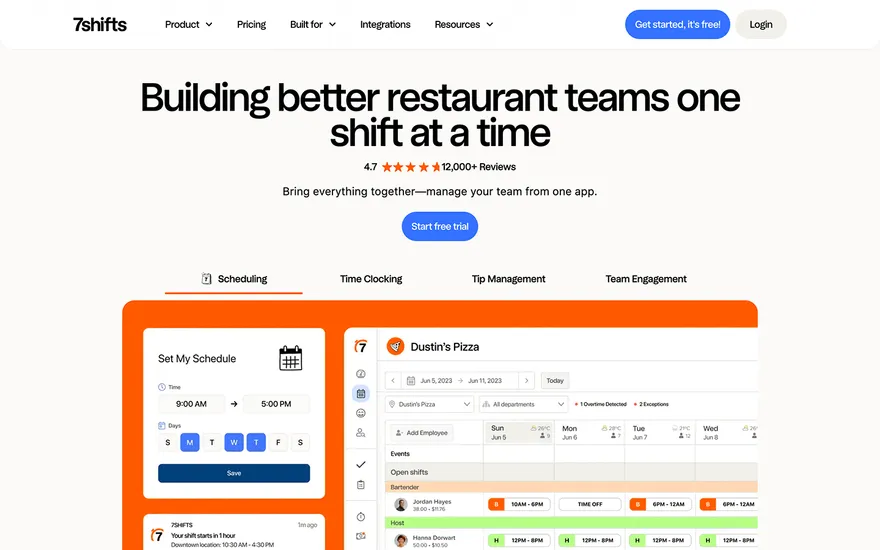
7shifts Restaurant-industry pages with clear feature storytelling. Visit ↗
BYOB New inbox in every project
From the kitchen to the screen — a Paris restaurant site with ordering, catering, and events.
Runs on the stack you trust
Prompt to product
Compare the one-line brief with what BYOB ships. Real layout, data, and deploy status, editable from the same workspace.
Team Tasks
Shared task tracking
Drag the handle. Or focus it and use the arrow keys.
Get inspired
Real sites that do it well. Build something like this with BYOB.
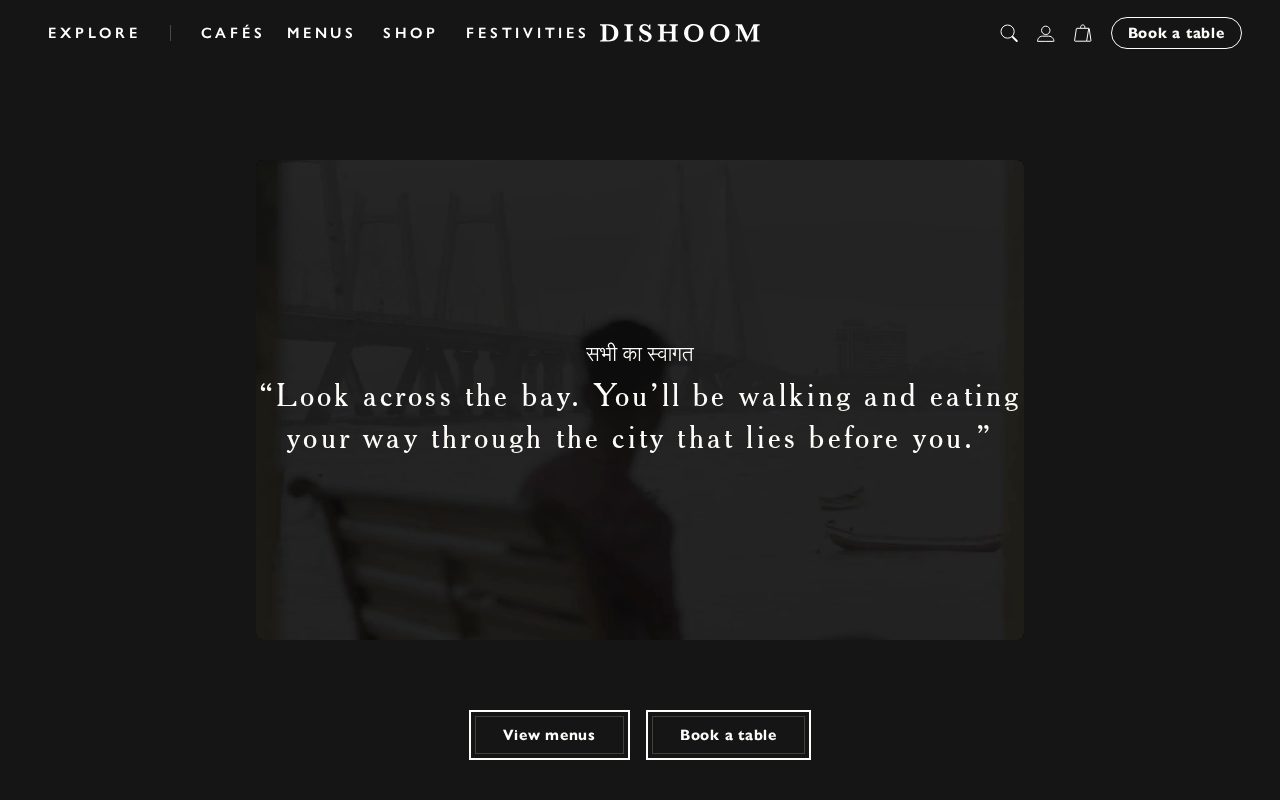
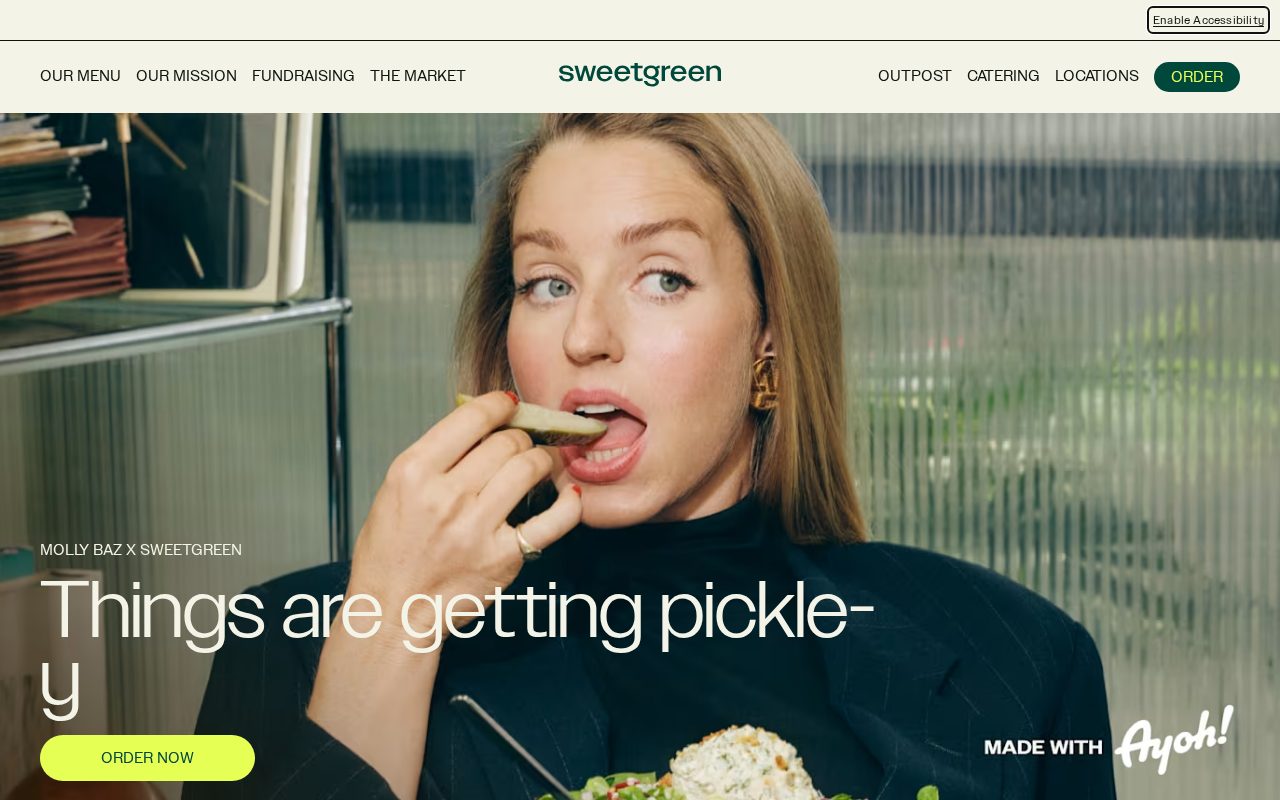
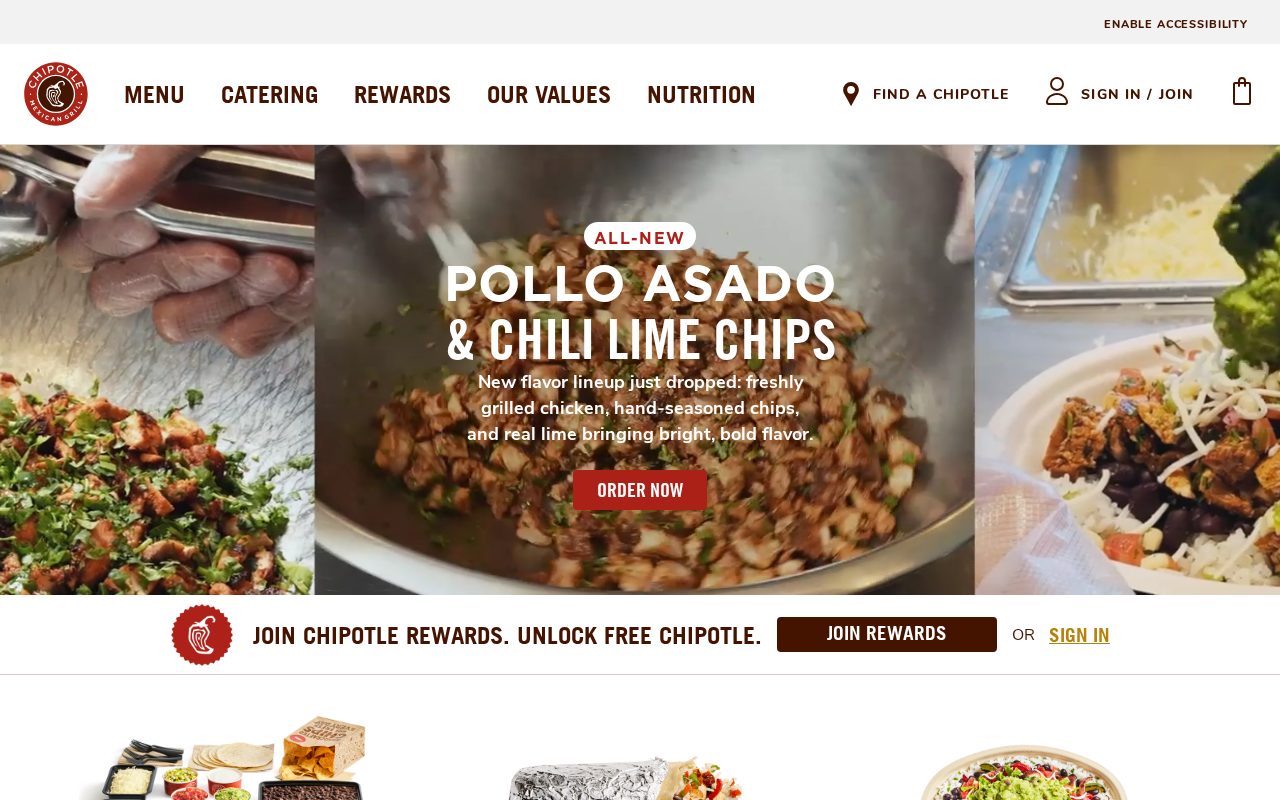
Local details
French-first expectations; refined design matters.
Fresh from the community
See what builders ship, or start from an example.
Live workspace
The workspace is built for repeated product work, not disposable demos. Every generated file stays inspectable, every change is visible, and every follow-up can target the exact part of the app you care about.
01 · EDITOR
Every file BYOB writes stays visible and editable. Follow-ups target the exact lines you care about instead of regenerating from scratch.
<script lang='ts'>type Task = { id: string; title: string; done: boolean
}let tasks = $state<Task[]>([])function toggleTask(id: string) {task.done = !task.done // just added by BYOB}</script>02 · AI COMMAND
Describe the outcome once. BYOB turns it into a build plan, implements it step by step, and keeps every change visible while you iterate.
Your prompt
“Build a todo app for beginners”
Build plan
80%03 · LIVE PREVIEW
The preview updates as BYOB works, with deploy status attached, so the path from edit to production stays inspectable.
Team Tasks
Shared task tracking
Prompt to app
Start conversationally, approve the shape, let Tool Mode implement, then refine and deploy from the same workspace.
Agent and backend
Connect Codex, Claude Code, or Antigravity to your project, then store data and ship to production without leaving the workspace.
npx -y byob-cli codex installApprove only the projects your agent can touch, then read context, edit files, inspect diffs, test previews, and roll back from your terminal.
Rated 4.9/5 by developers and founders using BYOB to move from idea to shipped product.
Built for shipping
BYOB handles product planning, implementation, preview, testing, database work, and deployment from one focused interface, with coding-agent access and production analytics when you want to keep working from your own terminal.
This part is hands-on. The cards drift until you touch them. Drag to rearrange, or press and hold one to feel it push back.
Give Codex, Claude Code, or Antigravity scoped access through BYOB CLI or Agent MCP. Your agent reads context, edits code, tests previews, and deploys from your terminal.
Every change lands as a commit. Inspect history, compare diffs, and see exactly what changed since the last deploy.
Every project ships with an inbox. Collect messages, leads, and feedback from your app without wiring a third party.
Send magic links, OTP codes, and transactional mail from your own sender address. Resend-backed, no SMTP setup.
Offer Continue with Google plus passwordless email codes. Sessions and callbacks are handled.
Point your domain at BYOB with guided DNS checks. Certificates are automatic.
Click any element in the live preview and describe the change. Copy, spacing, color, behavior.
Run full-site or feature checks and get implementation-level feedback you can apply in one step.
Step between saved states or redeploy a known commit when an experiment goes sideways.
Builds publish to production hosting in one step. Deploys can auto-save the project state first.
Worker traffic, errors, CPU timing, subrequests, and custom-domain status from the workspace.
Connect Supabase and BYOB reads schemas, drafts migrations, and generates types that match your app.
Invite people in and keep sessions coordinated so work never overwrites work.
Simple pricing
Pay as you go when you are exploring. Move to Pro or Max when BYOB becomes part of your regular build workflow.
$1 = 100 credits
2,000+ credits/mo
8,000+ credits/mo
Live estimator
Try the cost calculator. Drag the pages slider, toggle the options, and watch the agency quote vs BYOB update instantly.
Open full cost calculator →$5,750 upfront
~$1,150 / year
~$45 in credits
BYOB builds the same site from one prompt and hosts it on the edge. Planning estimates, not quotes.
See BYOB plansNeed white-label and SSO? Talk to us →
Paris diners expect a French-first site with a clear, current menu, easy reservations and refined design that matches the room. Because VAT at 20% and service are normally included, say so plainly, and post seasonal hours and August closures. A site that feels authentically Parisian earns trust before a guest arrives.
Parisians are discerning diners and they read in French first. A site that feels translated, or that hides its menu behind an awkward gallery, signals a venue that has not thought about its guests. In a city where gastronomy is part of daily life, expectations are high: a clear presentation of the cuisine, the chef's approach and the dining room's atmosphere sets the tone before anyone arrives. French-language content is not a box to tick; it is how you show respect for the neighbourhood and for the craft your restaurant practises.
Visual restraint tends to work better in Paris than loud templates. Refined typography, generous photography of real dishes and a calm layout suggest a restaurant with confidence in its kitchen. Avoid stock imagery that clashes with the room or the food. A palette drawn from the interior, consistent spacing and a page that loads quickly respect the guest's attention. This is a city where style and substance are judged together, so the site should feel of a piece with the menu, the service and the setting rather than an afterthought bolted on later.
French menu prices normally include VAT, charged at 20% for restaurant service, and service is generally included, so guests do not expect to add a tip. Explaining this politely helps international visitors while reassuring locals that there are no surprises. Card and contactless payments are standard, with Apple Pay widely accepted, though carrying a little cash remains useful. If you sell gift vouchers, take deposits for large groups or run a small épicerie alongside the dining room, stating those options on the site keeps the experience smooth for everyone.
Paris restaurants live with a distinctive calendar. Many close for part of August when the city empties, and holiday periods can shift hours from week to week. Displaying closures and seasonal menus clearly prevents wasted journeys and poor reviews. Beyond timing, a restaurant's identity is often tied to its quartier, whether that is a corner of the 11th or a street in the 18th, and a site that captures that sense of place feels authentic. Regulars return for consistency, so project a honest picture of what awaits rather than an impression the kitchen cannot keep.
FAQ
Yes, French should lead. Local diners search and read in French, and a site that reads naturally signals a restaurant that respects its neighbourhood. An English layer can help visitors without displacing the French.
Service is generally included in the displayed price, and tipping is optional rather than expected. Stating this on your site helps visitors understand how the bill works.
Restaurant VAT is normally 20% and is already included in menu prices. Keep that convention consistent between your website, printed menu and receipts.
It helps, especially for weekend dinners and for visitors planning ahead. Pair any booking form with a phone number and a note on walk-in availability, because many Parisians still prefer to call or drop in.
Announce annual closures early and clearly on the homepage and contact page. A dated notice prevents guests travelling to a closed dining room and protects your reputation during the holiday period.
Start with one clear prompt. BYOB will help turn it into a product you can inspect, edit, test, and ship.
 npm