

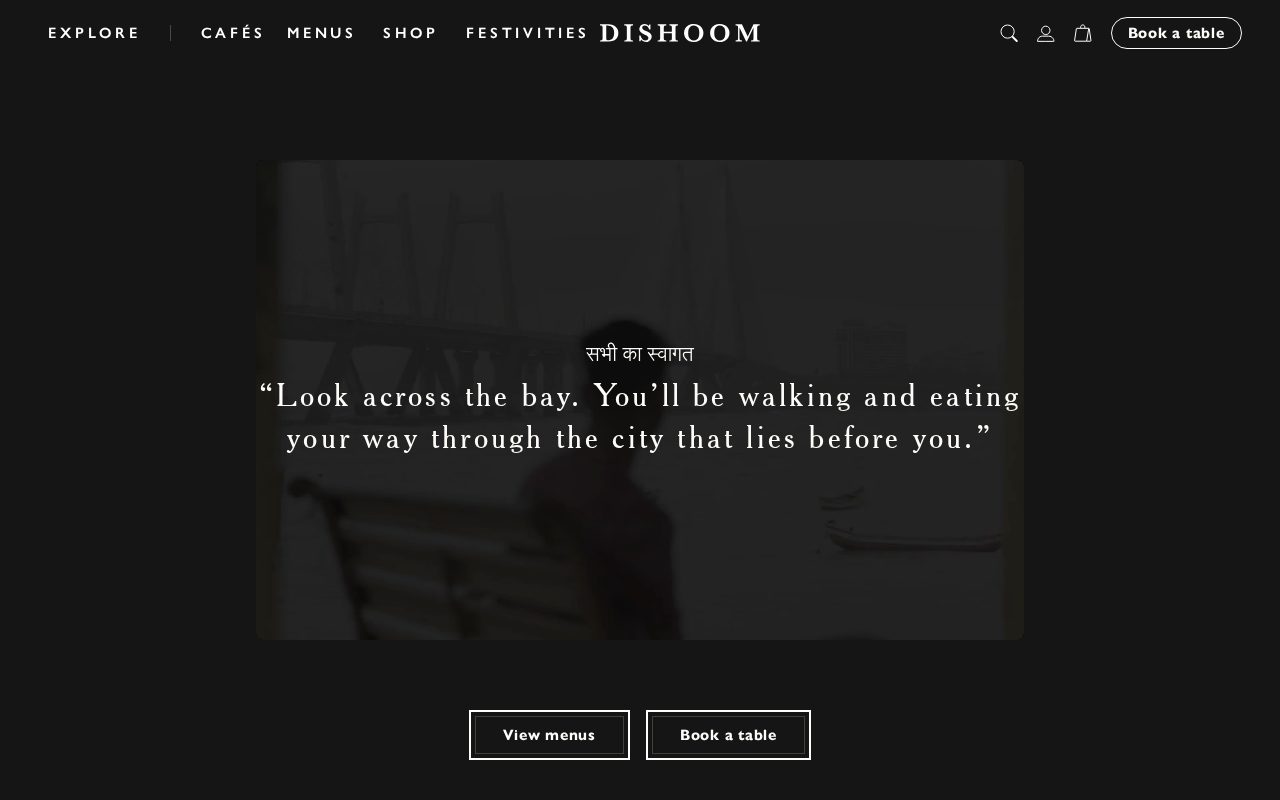
Dishoom Warm storytelling, clear menus, frictionless booking. Visit ↗
BYOB New inbox in every project
From the kitchen to the screen — a Seattle restaurant site with ordering, catering, and events.
Runs on the stack you trust
Prompt to product
Compare the one-line brief with what BYOB ships. Real layout, data, and deploy status, editable from the same workspace.
Team Tasks
Shared task tracking
Drag the handle. Or focus it and use the arrow keys.
Get inspired
Real sites that do it well. Build something like this with BYOB.
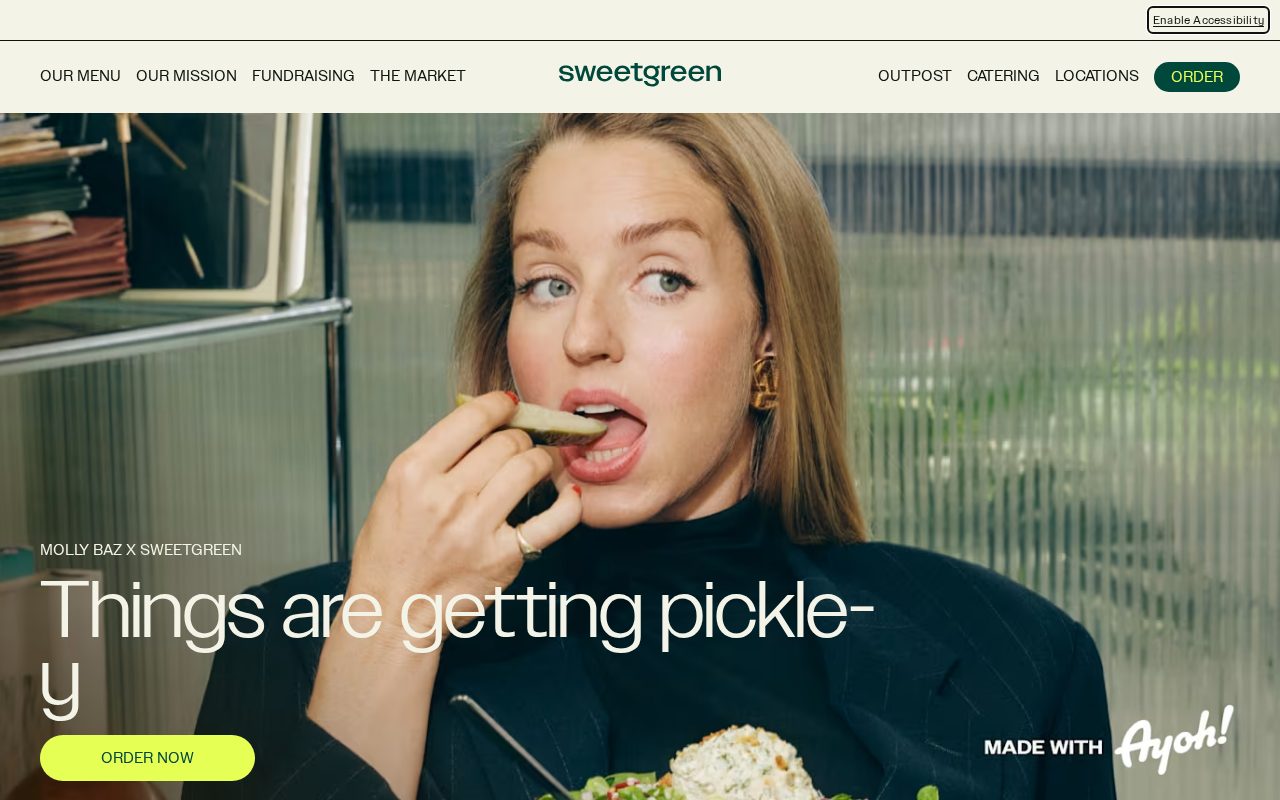
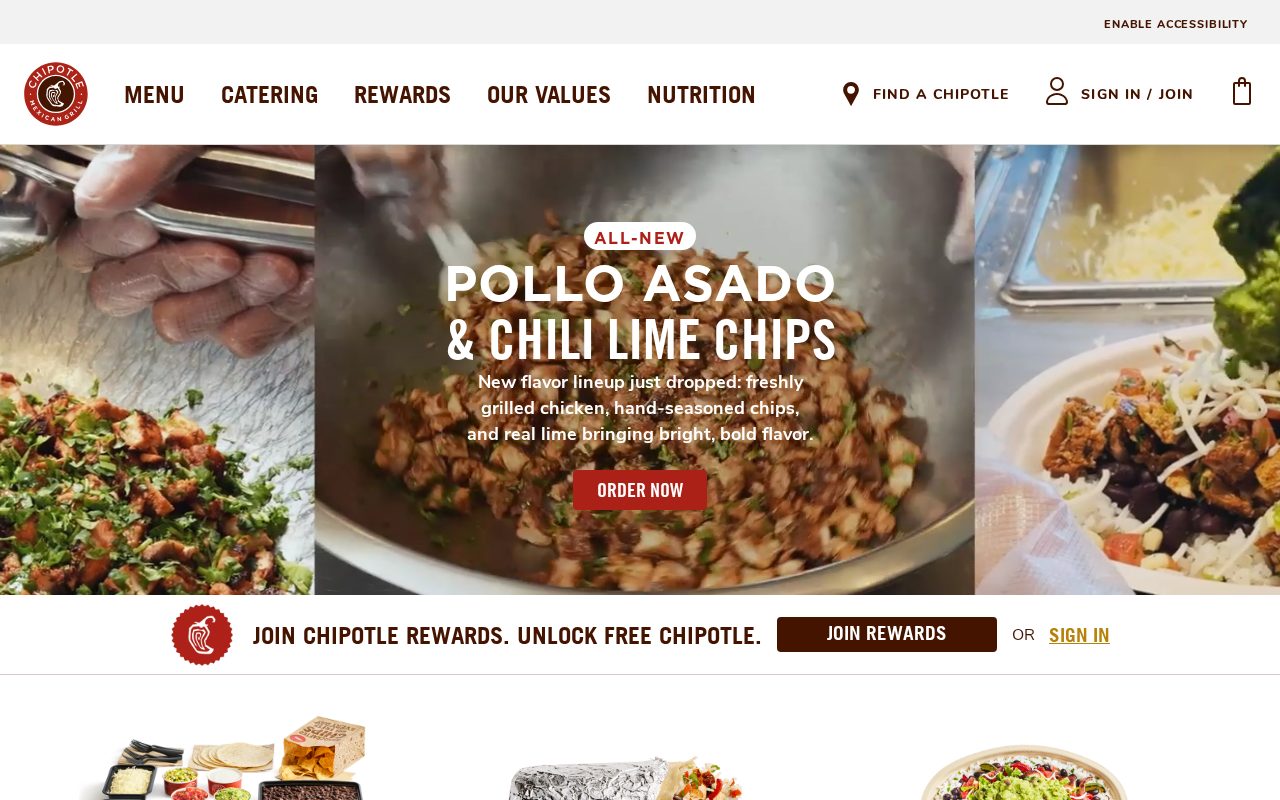
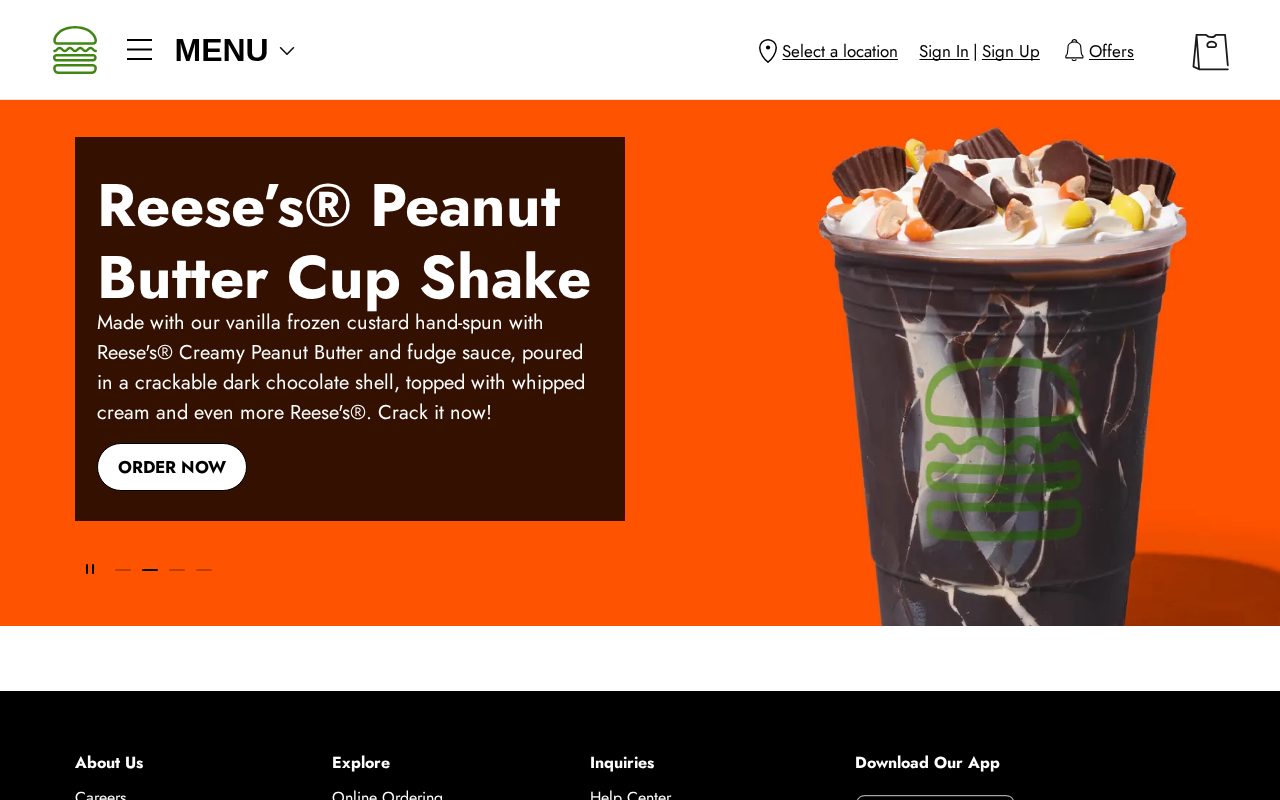
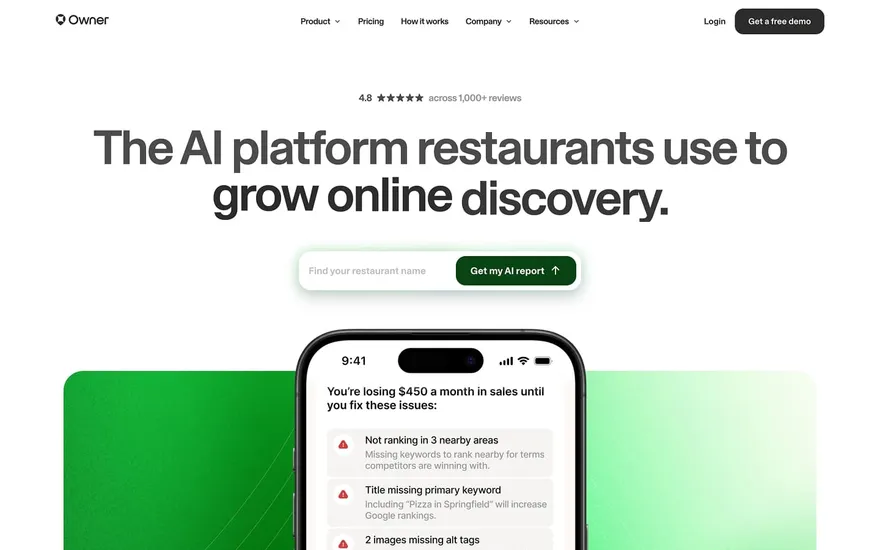
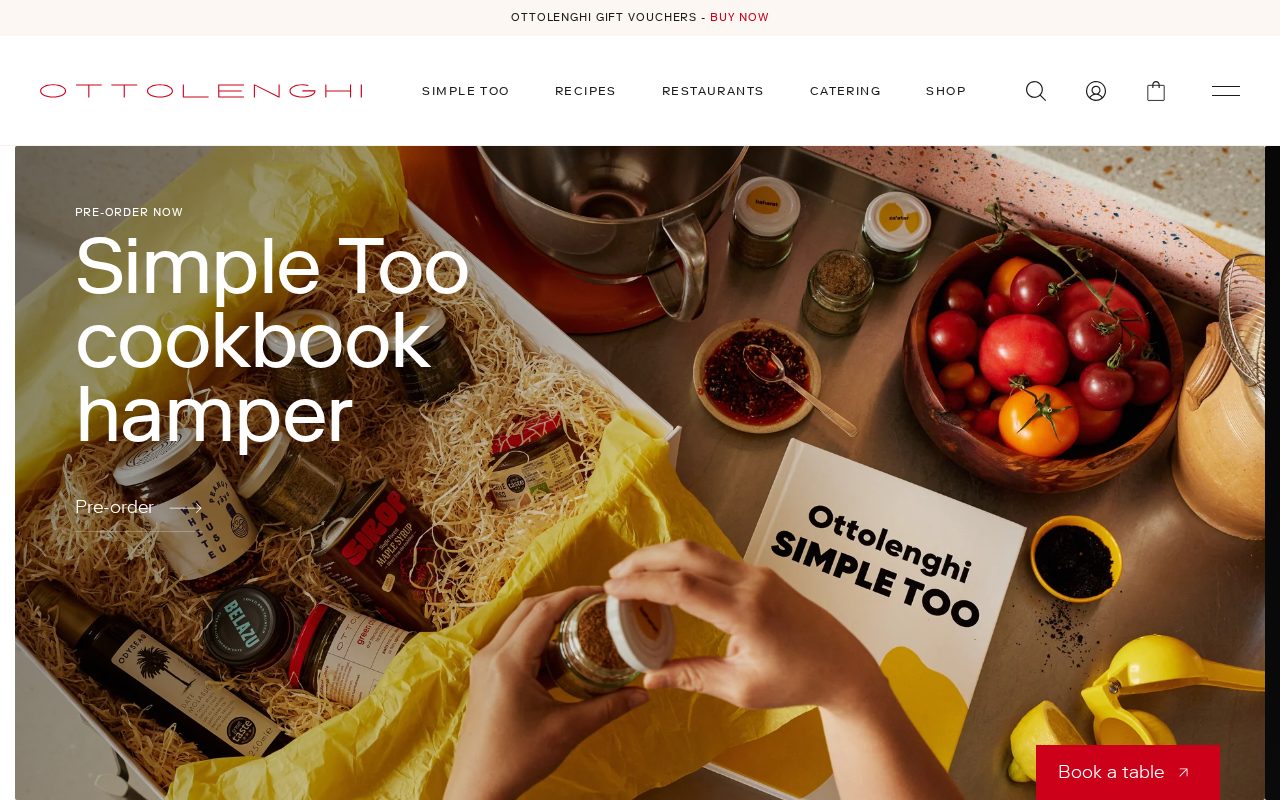
Local details
Design-literate buyers who reward clean UX and honest positioning.
Fresh from the community
See what builders ship, or start from an example.
Live workspace
The workspace is built for repeated product work, not disposable demos. Every generated file stays inspectable, every change is visible, and every follow-up can target the exact part of the app you care about.
01 · EDITOR
Every file BYOB writes stays visible and editable. Follow-ups target the exact lines you care about instead of regenerating from scratch.
<script lang='ts'>type Task = { id: string; title: string; done: boolean
}let tasks = $state<Task[]>([])function toggleTask(id: string) {task.done = !task.done // just added by BYOB}</script>02 · AI COMMAND
Describe the outcome once. BYOB turns it into a build plan, implements it step by step, and keeps every change visible while you iterate.
Your prompt
“Build a todo app for beginners”
Build plan
80%03 · LIVE PREVIEW
The preview updates as BYOB works, with deploy status attached, so the path from edit to production stays inspectable.
Team Tasks
Shared task tracking
Prompt to app
Start conversationally, approve the shape, let Tool Mode implement, then refine and deploy from the same workspace.
Agent and backend
Connect Codex, Claude Code, or Antigravity to your project, then store data and ship to production without leaving the workspace.
npx -y byob-cli codex installApprove only the projects your agent can touch, then read context, edit files, inspect diffs, test previews, and roll back from your terminal.
Rated 4.9/5 by developers and founders using BYOB to move from idea to shipped product.
Built for shipping
BYOB handles product planning, implementation, preview, testing, database work, and deployment from one focused interface, with coding-agent access and production analytics when you want to keep working from your own terminal.
This part is hands-on. The cards drift until you touch them. Drag to rearrange, or press and hold one to feel it push back.
Give Codex, Claude Code, or Antigravity scoped access through BYOB CLI or Agent MCP. Your agent reads context, edits code, tests previews, and deploys from your terminal.
Every change lands as a commit. Inspect history, compare diffs, and see exactly what changed since the last deploy.
Every project ships with an inbox. Collect messages, leads, and feedback from your app without wiring a third party.
Send magic links, OTP codes, and transactional mail from your own sender address. Resend-backed, no SMTP setup.
Offer Continue with Google plus passwordless email codes. Sessions and callbacks are handled.
Point your domain at BYOB with guided DNS checks. Certificates are automatic.
Click any element in the live preview and describe the change. Copy, spacing, color, behavior.
Run full-site or feature checks and get implementation-level feedback you can apply in one step.
Step between saved states or redeploy a known commit when an experiment goes sideways.
Builds publish to production hosting in one step. Deploys can auto-save the project state first.
Worker traffic, errors, CPU timing, subrequests, and custom-domain status from the workspace.
Connect Supabase and BYOB reads schemas, drafts migrations, and generates types that match your app.
Invite people in and keep sessions coordinated so work never overwrites work.
Simple pricing
Pay as you go when you are exploring. Move to Pro or Max when BYOB becomes part of your regular build workflow.
$1 = 100 credits
2,000+ credits/mo
8,000+ credits/mo
Live estimator
Try the cost calculator. Drag the pages slider, toggle the options, and watch the agency quote vs BYOB update instantly.
Open full cost calculator →$5,750 upfront
~$1,150 / year
~$45 in credits
BYOB builds the same site from one prompt and hosts it on the edge. Planning estimates, not quotes.
See BYOB plansNeed white-label and SSO? Talk to us →
A restaurant website builder for Seattle creates editable pages for menus, hours, locations, reservations and takeout, plus occasional deposits. BYOB generates them as pages from a prompt, supports built-in payments for prepayments, and lets a manager update dishes and specials without touching code.
Most Seattle restaurants juggle reservations, walk-ins and takeout at once. A reservation request form that stores enquiries in your data captures the booking without forcing guests into a third-party widget, while links to OpenTable, Resy or Tock stay where they already work. For takeout, list the phone number and link out to DoorDash, Uber Eats or Grubhub if you use them. State plainly when the kitchen stops taking orders so nobody arrives to a closed line.
King County Public Health inspects and posts food-safety placards, and guests increasingly glance for them. Repeat your current standing on the site so it matches what is in the window. If you serve alcohol, your liquor licence comes from the Washington State Liquor and Cannabis Board, and sidewalk seating needs its own approval through the city. Keep these details accurate and current; a confident, specific page reassures diners and saves your staff from answering the same questions.
Seattle's food reputation leans on coffee, seafood and local sourcing. An origin story, a note on where the salmon or oysters come from, and photos of the room do more selling than a stock hero image. If you roast your own beans or work with a local roaster, say so. Menus change with the seasons here, so a simple way to update dishes and daily specials keeps the site honest and gives returning guests a reason to check again before they visit.
Cards, contactless taps and mobile wallets are standard across Seattle, and few guests expect to prepay for an ordinary dinner. Deposits make sense for tasting menus, private events and holiday bookings, where a no-show is costly. BYOB supports built-in payments for those occasional prepayments, while everyday checks stay on the terminal in the dining room. A gift-card or event-deposit page can be added later without rebuilding the rest of the site, keeping payment options matched to how people actually pay here.
The site reads as closed the moment it shows last season's menu. Because BYOB edits are visual or conversational, whoever runs the floor can mark a dish sold out, change a price or fix holiday hours in about 30 seconds. Set a simple habit: review the menu whenever the kitchen changes it, and check hours before every long weekend. That small maintenance keeps Google Business Profile, the site and the chalkboard telling the same story, which is what earns repeat visits.
FAQ
You can add a reservation request form that stores enquiries in data storage. For live table availability, link to OpenTable, Resy or Tock.
No. The site links out to the delivery platforms you already use; its job is to help people find you and see accurate hours.
Yes. Add your current food-safety standing as text so it matches what guests see in the window.
A gift-card or event-deposit page can be added. BYOB uses built-in payments for payments rather than a native card checkout.
Yes. Give each room its own page with hours, address and pickup instructions.
Start with one clear prompt. BYOB will help turn it into a product you can inspect, edit, test, and ship.
 npm
npm