


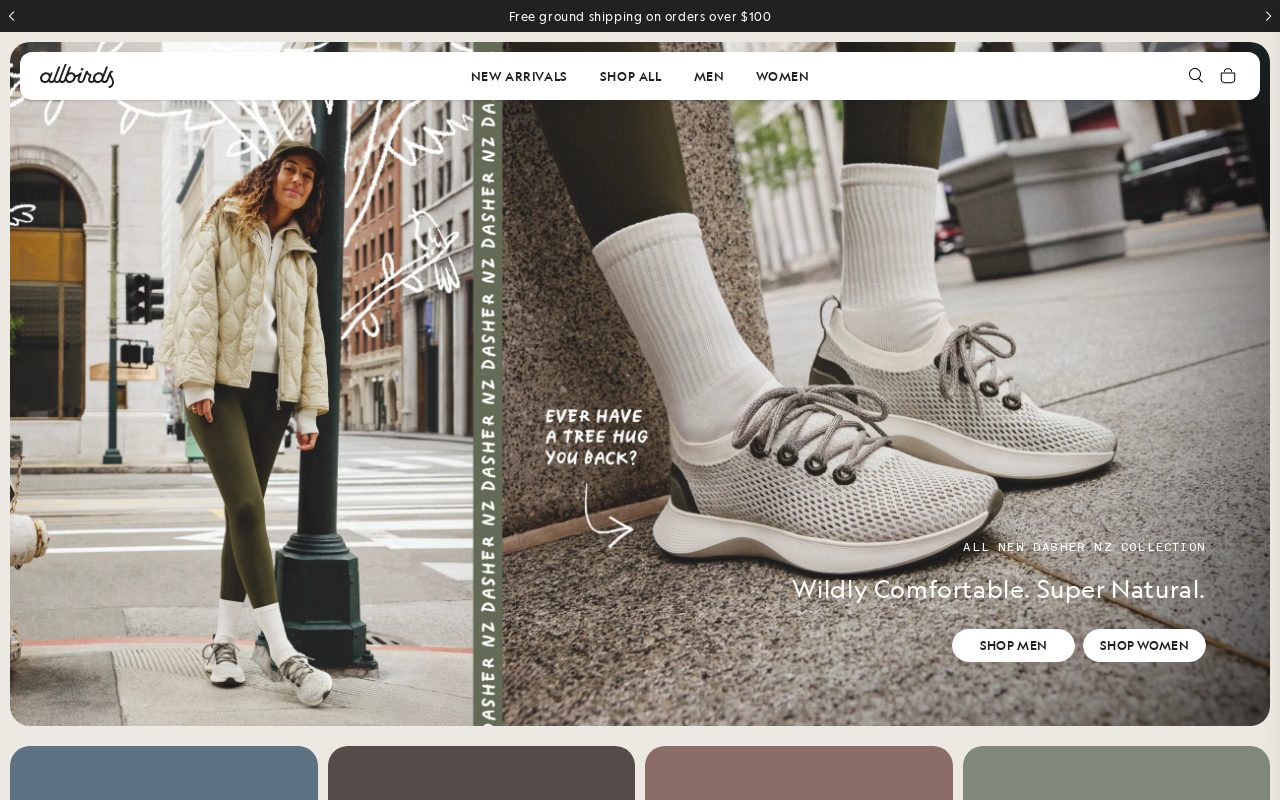
Allbirds Clean product pages with a strong sustainability story. Visit ↗
BYOB New inbox in every project
Win Tokyo shoppers with a clean storefront: new arrivals, loyalty offers, and click-and-collect.
Runs on the stack you trust
Prompt to product
Compare the one-line brief with what BYOB ships. Real layout, data, and deploy status, editable from the same workspace.
Team Tasks
Shared task tracking
Drag the handle. Or focus it and use the arrow keys.
Get inspired
Real sites that do it well. Build something like this with BYOB.
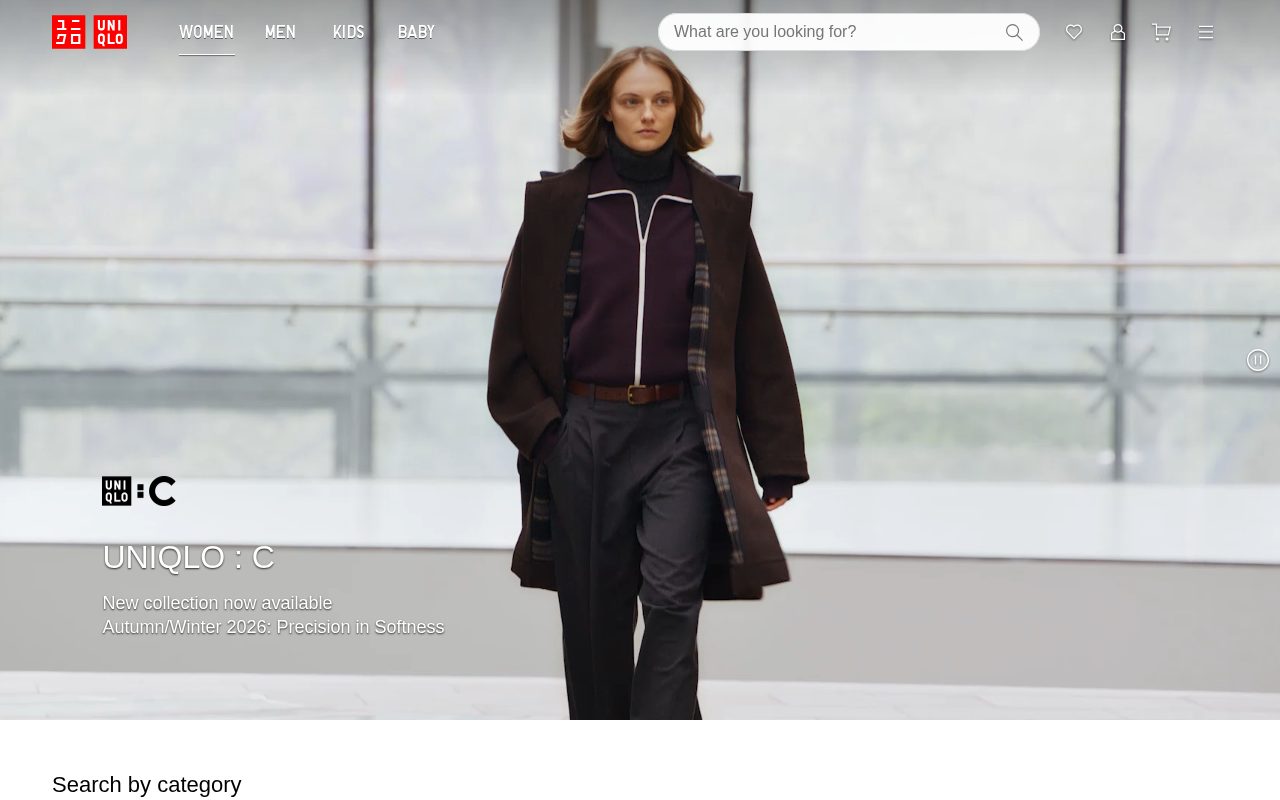
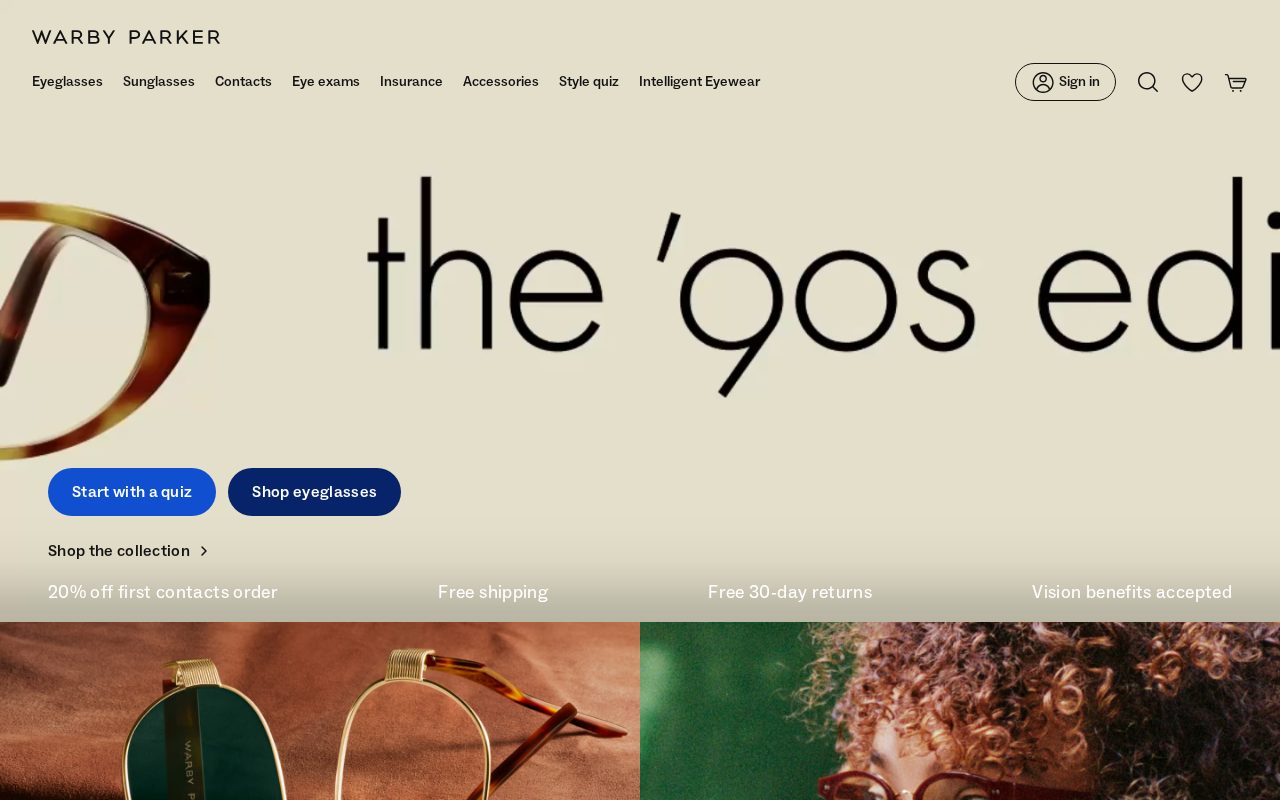
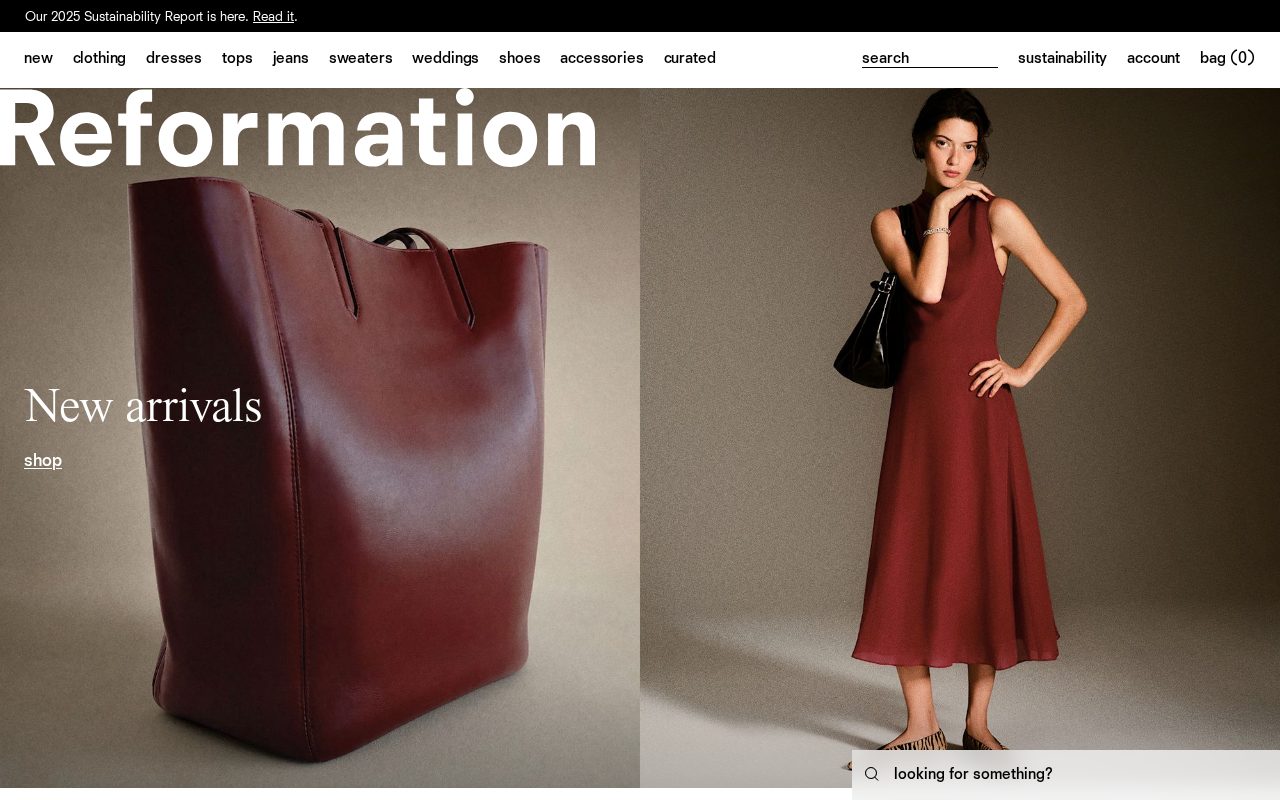

Local details
Japanese-first; detail and trust are decisive.
Fresh from the community
See what builders ship, or start from an example.
Live workspace
The workspace is built for repeated product work, not disposable demos. Every generated file stays inspectable, every change is visible, and every follow-up can target the exact part of the app you care about.
01 · EDITOR
Every file BYOB writes stays visible and editable. Follow-ups target the exact lines you care about instead of regenerating from scratch.
<script lang='ts'>type Task = { id: string; title: string; done: boolean
}let tasks = $state<Task[]>([])function toggleTask(id: string) {task.done = !task.done // just added by BYOB}</script>02 · AI COMMAND
Describe the outcome once. BYOB turns it into a build plan, implements it step by step, and keeps every change visible while you iterate.
Your prompt
“Build a todo app for beginners”
Build plan
80%03 · LIVE PREVIEW
The preview updates as BYOB works, with deploy status attached, so the path from edit to production stays inspectable.
Team Tasks
Shared task tracking
Prompt to app
Start conversationally, approve the shape, let Tool Mode implement, then refine and deploy from the same workspace.
Agent and backend
Connect Codex, Claude Code, or Antigravity to your project, then store data and ship to production without leaving the workspace.
npx -y byob-cli codex installApprove only the projects your agent can touch, then read context, edit files, inspect diffs, test previews, and roll back from your terminal.
Rated 4.9/5 by developers and founders using BYOB to move from idea to shipped product.
Built for shipping
BYOB handles product planning, implementation, preview, testing, database work, and deployment from one focused interface, with coding-agent access and production analytics when you want to keep working from your own terminal.
This part is hands-on. The cards drift until you touch them. Drag to rearrange, or press and hold one to feel it push back.
Give Codex, Claude Code, or Antigravity scoped access through BYOB CLI or Agent MCP. Your agent reads context, edits code, tests previews, and deploys from your terminal.
Every change lands as a commit. Inspect history, compare diffs, and see exactly what changed since the last deploy.
Every project ships with an inbox. Collect messages, leads, and feedback from your app without wiring a third party.
Send magic links, OTP codes, and transactional mail from your own sender address. Resend-backed, no SMTP setup.
Offer Continue with Google plus passwordless email codes. Sessions and callbacks are handled.
Point your domain at BYOB with guided DNS checks. Certificates are automatic.
Click any element in the live preview and describe the change. Copy, spacing, color, behavior.
Run full-site or feature checks and get implementation-level feedback you can apply in one step.
Step between saved states or redeploy a known commit when an experiment goes sideways.
Builds publish to production hosting in one step. Deploys can auto-save the project state first.
Worker traffic, errors, CPU timing, subrequests, and custom-domain status from the workspace.
Connect Supabase and BYOB reads schemas, drafts migrations, and generates types that match your app.
Invite people in and keep sessions coordinated so work never overwrites work.
Simple pricing
Pay as you go when you are exploring. Move to Pro or Max when BYOB becomes part of your regular build workflow.
$1 = 100 credits
2,000+ credits/mo
8,000+ credits/mo
Live estimator
Try the cost calculator. Drag the pages slider, toggle the options, and watch the agency quote vs BYOB update instantly.
Open full cost calculator →$5,750 upfront
~$1,150 / year
~$45 in credits
BYOB builds the same site from one prompt and hosts it on the edge. Planning estimates, not quotes.
See BYOB plansNeed white-label and SSO? Talk to us →
For a Tokyo retail business, BYOB builds a Japanese-first storefront with bilingual product pages, mobile checkout and seasonal collections you can update yourself. It is designed for customers who expect precise product detail, clear consumption-tax pricing at 10%, and payment options such as PayPay alongside major credit cards.
Tokyo customers are accustomed to shops that explain every product clearly, in Japanese, before they commit. A site translated awkwardly from English can feel transactional, while a native Japanese storefront signals that you take the local market seriously. Retailers in Shibuya, Ginza and Nakameguro use their websites to preview new arrivals, describe materials and care instructions, and answer the small questions staff would handle in person. BYOB gives you editable pages and product templates so that level of detail stays current, without a developer for every seasonal edit.
Tokyo is a city of retail districts, and each has its own rhythm. Harajuku and Shibuya draw trend-led, younger shoppers; Ginza and Omotesando attract luxury and gift buyers; Shimokitazawa and Koenji suit independent and vintage labels. If your physical shop sits in one of these areas, your website should name the neighbourhood, show a map and reflect the same taste as your window display. Customers often discover a brand online, check whether the shop is near their commute, then visit. Clear location pages and opening hours turn that online interest into foot traffic.
Japanese retail moves with the calendar. New Year brings fukubukuro lucky bags, summer calls for ochugen gifts, and winter for oseibo, while cherry-blossom and holiday campaigns create short, intense demand windows. A Tokyo storefront needs to swap banners, bundles and product collections quickly; if every change requires a developer, the moment passes. BYOB lets you schedule and publish seasonal sections yourself, keep a clean archive of past campaigns, and reuse layouts. That rhythm matters for both large department-style sellers and small neighbourhood shops that rely on a handful of well-timed promotions each year.
Tokyo shoppers expect a smooth checkout with familiar options. Credit cards remain common, while PayPay and other QR-code wallets have become a normal part of daily payments. Prices on a Japanese retail site are usually shown tax-included, and consumption tax currently sits at 10%, so your product pages should make the final amount obvious rather than surprising buyers at the last step. Keep the basket simple, support mobile wallets where you can, and write confirmation emails in Japanese. A checkout that mirrors what customers already use in stores removes hesitation and reduces abandoned baskets.
In Tokyo, trust is earned through consistency: accurate stock information, polite copy, genuine reviews and a visible address. A storefront that lists a real phone number, clear returns policy and staff profiles feels more credible than a generic template. Many shoppers compare your site with your Google and map listings, so keep opening hours and holiday closures aligned. Photography matters too; clean, well-lit product images suit the local preference for understated presentation. BYOB's editable pages make it easy to add policy pages, testimonial blocks and a short brand story that reassures first-time customers.
Tokyo retail is detail-driven, and that detail changes constantly: restocks, collaborations, limited runs and care guides. When content lives in a locked template, small updates queue up and go stale. BYOB gives you a visual editor and reusable sections so a shop owner or single marketer can add a new collection, adjust a size chart or rewrite a product description the same afternoon. You can keep a Japanese master page and an English version for visitors from abroad, then link the two. The goal is a storefront that stays as current as your shelves.
FAQ
It is strongly advisable. Most local customers browse and buy in Japanese, and a native-language storefront improves both trust and conversion. You can keep a separate English version for tourists and expatriates, but the Japanese site should be the primary experience.
You can, although QR-wallet integrations depend on your payment provider and business setup. Many Tokyo retailers combine a card processor with PayPay or similar wallets. BYOB lets you describe and link whichever options you enable and keep the checkout messaging consistent.
Japanese shoppers generally expect tax-included prices, so show the final amount clearly on product pages and in the basket. If you list pre-tax figures, label them explicitly. Consistent rounding and a visible total reduce confusion at checkout.
A.jp domain can reinforce local credibility, especially for a business with a physical Tokyo presence. It is not strictly required, but pairing a local domain with a Japanese-language site and a real address reads as more trustworthy to nearby customers.
Plan the layout in advance, prepare product bundles and banners, then publish on a schedule. A reusable template lets you open and close the promotion without rebuilding pages, and you can archive past campaigns for reference the following year.
Start with one clear prompt. BYOB will help turn it into a product you can inspect, edit, test, and ship.
 npm