


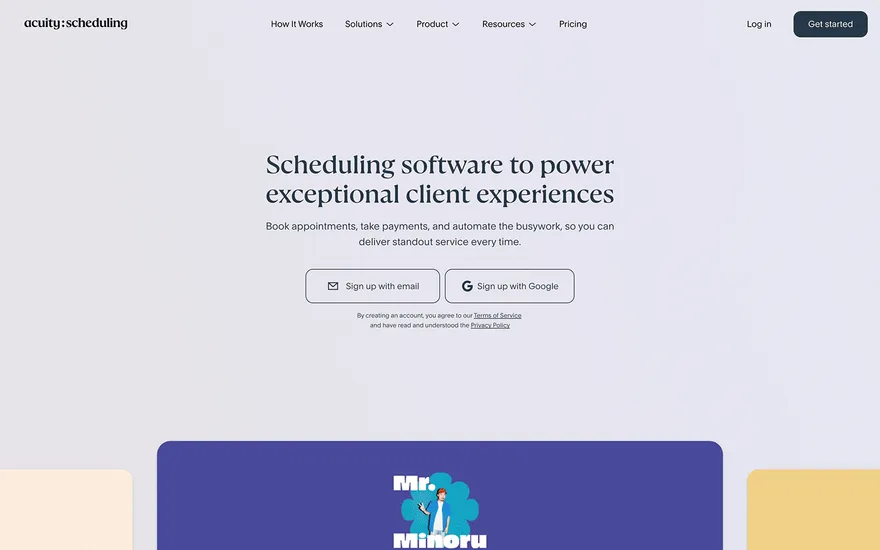
Acuity Scheduling Appointment booking with a frictionless service menu. Visit ↗
BYOB New inbox in every project
A Sao Paulo salon site that fills chairs: before-and-after photos, stylist profiles, and reviews.
Runs on the stack you trust
Prompt to product
Compare the one-line brief with what BYOB ships. Real layout, data, and deploy status, editable from the same workspace.
Team Tasks
Shared task tracking
Drag the handle. Or focus it and use the arrow keys.
Get inspired
Real sites that do it well. Build something like this with BYOB.
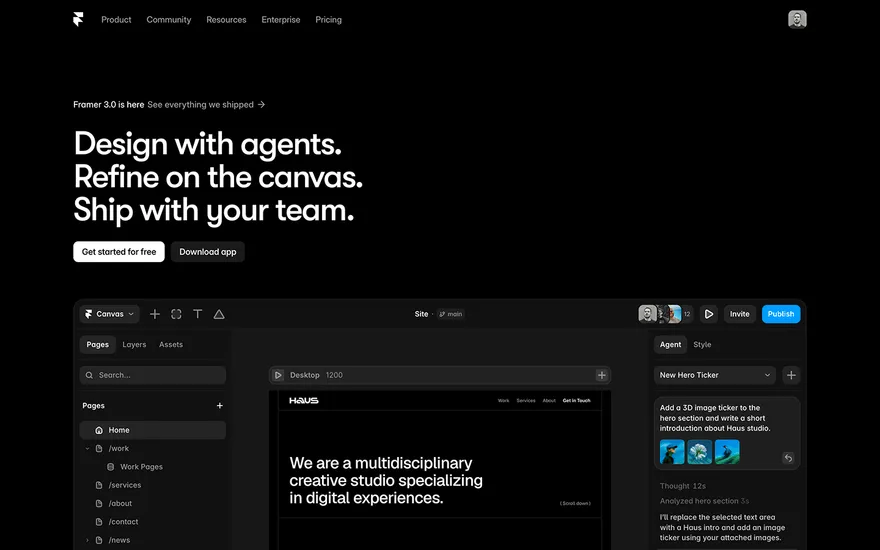
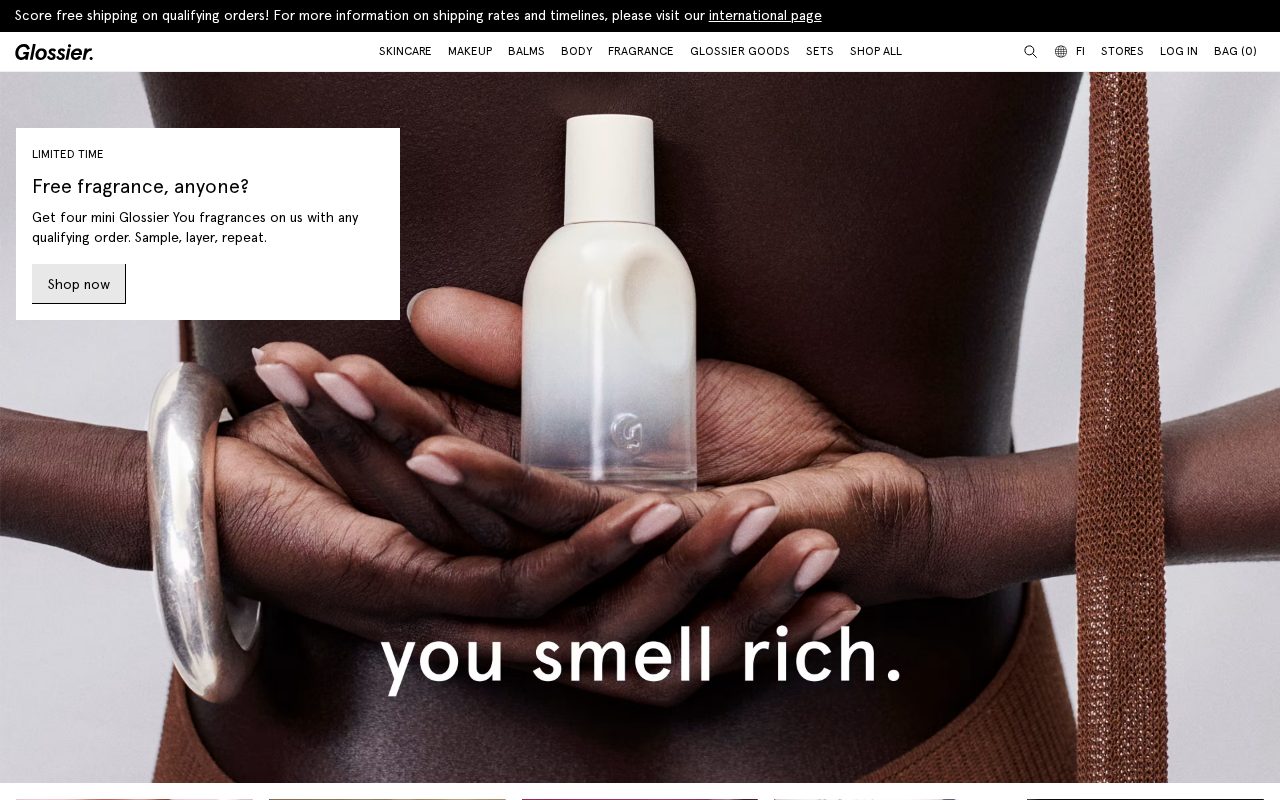
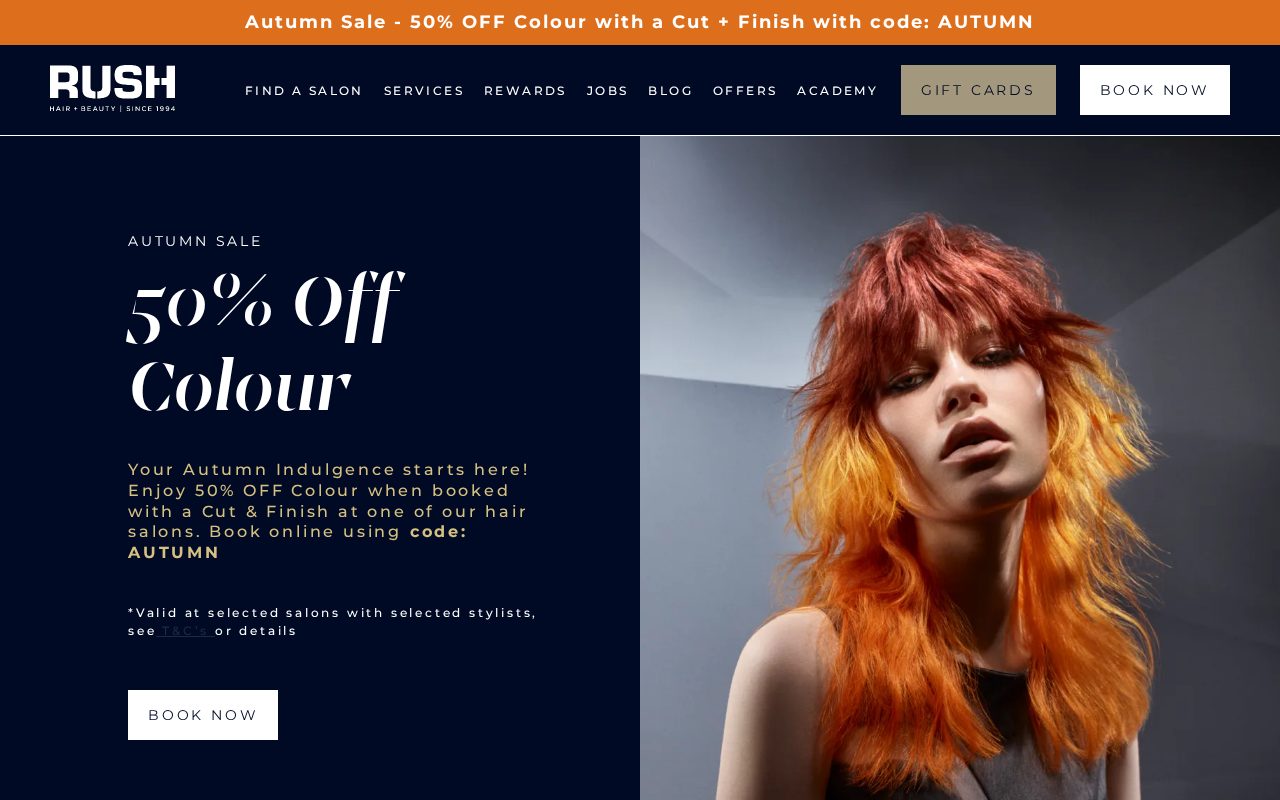
Local details
Portuguese-first; Pix and mobile dominate.
Fresh from the community
See what builders ship, or start from an example.
Live workspace
The workspace is built for repeated product work, not disposable demos. Every generated file stays inspectable, every change is visible, and every follow-up can target the exact part of the app you care about.
01 · EDITOR
Every file BYOB writes stays visible and editable. Follow-ups target the exact lines you care about instead of regenerating from scratch.
<script lang='ts'>type Task = { id: string; title: string; done: boolean
}let tasks = $state<Task[]>([])function toggleTask(id: string) {task.done = !task.done // just added by BYOB}</script>02 · AI COMMAND
Describe the outcome once. BYOB turns it into a build plan, implements it step by step, and keeps every change visible while you iterate.
Your prompt
“Build a todo app for beginners”
Build plan
80%03 · LIVE PREVIEW
The preview updates as BYOB works, with deploy status attached, so the path from edit to production stays inspectable.
Team Tasks
Shared task tracking
Prompt to app
Start conversationally, approve the shape, let Tool Mode implement, then refine and deploy from the same workspace.
Agent and backend
Connect Codex, Claude Code, or Antigravity to your project, then store data and ship to production without leaving the workspace.
npx -y byob-cli codex installApprove only the projects your agent can touch, then read context, edit files, inspect diffs, test previews, and roll back from your terminal.
Rated 4.9/5 by developers and founders using BYOB to move from idea to shipped product.
Built for shipping
BYOB handles product planning, implementation, preview, testing, database work, and deployment from one focused interface, with coding-agent access and production analytics when you want to keep working from your own terminal.
This part is hands-on. The cards drift until you touch them. Drag to rearrange, or press and hold one to feel it push back.
Give Codex, Claude Code, or Antigravity scoped access through BYOB CLI or Agent MCP. Your agent reads context, edits code, tests previews, and deploys from your terminal.
Every change lands as a commit. Inspect history, compare diffs, and see exactly what changed since the last deploy.
Every project ships with an inbox. Collect messages, leads, and feedback from your app without wiring a third party.
Send magic links, OTP codes, and transactional mail from your own sender address. Resend-backed, no SMTP setup.
Offer Continue with Google plus passwordless email codes. Sessions and callbacks are handled.
Point your domain at BYOB with guided DNS checks. Certificates are automatic.
Click any element in the live preview and describe the change. Copy, spacing, color, behavior.
Run full-site or feature checks and get implementation-level feedback you can apply in one step.
Step between saved states or redeploy a known commit when an experiment goes sideways.
Builds publish to production hosting in one step. Deploys can auto-save the project state first.
Worker traffic, errors, CPU timing, subrequests, and custom-domain status from the workspace.
Connect Supabase and BYOB reads schemas, drafts migrations, and generates types that match your app.
Invite people in and keep sessions coordinated so work never overwrites work.
Simple pricing
Pay as you go when you are exploring. Move to Pro or Max when BYOB becomes part of your regular build workflow.
$1 = 100 credits
2,000+ credits/mo
8,000+ credits/mo
Live estimator
Try the cost calculator. Drag the pages slider, toggle the options, and watch the agency quote vs BYOB update instantly.
Open full cost calculator →$5,750 upfront
~$1,150 / year
~$45 in credits
BYOB builds the same site from one prompt and hosts it on the edge. Planning estimates, not quotes.
See BYOB plansNeed white-label and SSO? Talk to us →
A São Paulo salon website should be Portuguese-first and mobile-first, with online booking, WhatsApp contact and a clear price list in reais. Show Pix and card payments, reflect Brazilian service-tax rules transparently, and design for a city where clients decide quickly and expect to book from their phones.
São Paulo clients often choose a salon through a friend, a colleague or an Instagram post, then check the website to confirm prices and availability. The decision is quick, and the site usually gets only a few seconds to prove it is current. A clear menu, a real address and photos of actual work matter more than elaborate effects. Because the city is so large and traffic is heavy, many people prefer a salon near home or work, whether that is Pinheiros, Itaim Bibi or Tatuapé, and they return when the experience feels consistent.
São Paulo runs on long days, and salons stay busy into the evening and on Saturdays. A booking flow should show genuine availability, allow a preferred professional, and confirm instantly by WhatsApp, which is how most clients prefer to communicate. Rescheduling needs to be simple, because plans shift quickly in a city this size. A deposit can reduce no-shows for long colour or treatment appointments. Keep opening hours accurate everywhere, since a salon that looks open when it is closed loses trust. During the December and January holidays, and around Carnival, demand and staffing change, so review availability often.
Write the core content in natural Brazilian Portuguese rather than a literal translation. Use the words clients actually say for cabelo, unhas, sobrancelha and estética, and keep the tone friendly and direct. An English version can help visitors and international residents, but it should sit alongside the Portuguese experience, not replace it. Correct accents and formatting matter for readability and for local search. Getting service names and descriptions right shows that the salon understands its neighbourhood, whether it serves a family area like Santana or a younger crowd in Vila Madalena.
Show every service price in Brazilian reais and keep the list current. Brazil's consumption taxes on services are levied in layers, including a municipal service tax, and rates vary, so be careful not to display a blanket figure that might be wrong; state clearly when a price already includes applicable taxes and when it does not. Pix dominates everyday payments and should be offered, with cards close behind. Some clients still use boleto for instalments. Explain any deposit or cancellation terms before payment, and keep the checkout process short, because friction at that point is where bookings are lost.
São Paulo is dozens of neighbourhoods stitched together, so treat it that way. A studio in Moema draws different searches from one in Perdizes or the centre. Name the areas you actually serve, use a.com.br domain, and keep your address, phone and opening hours identical across Google and your site. Reviews from genuine clients build trust in a market where people ask friends first. Because mobile use is near-universal, make sure your business profile loads fast and links straight to booking, so a search on the street can turn into an appointment.
Most São Paulo clients will meet your salon on a phone, often while commuting or between errands, so speed and clarity come before decoration. Use strong, authentic images of your space and your work, keep type large enough to read in bright sunlight, and place a booking or WhatsApp button where a thumb can reach it. Compress photos so pages load quickly on mobile networks. A warm, confident palette and a clean layout suit the city's energy without slowing it down, and consistency between the site and your social profiles keeps expectations accurate.
FAQ
Yes. Write the core content in natural Brazilian Portuguese, using the terms clients use for cabelo, unhas and estética. An English version can help visitors, but Portuguese should feel primary throughout.
Pix is the dominant instant payment and should be offered, with cards close behind. Some clients use boleto for instalments. Explain any deposit or cancellation terms before checkout.
List prices in Brazilian reais and keep them current. Service taxes in Brazil are levied in layers and vary, so avoid a blanket figure; say clearly whether a displayed price includes applicable taxes.
Very. Many clients prefer to book, confirm and reschedule by WhatsApp. Make contact simple, confirm appointments quickly and keep your hours accurate everywhere.
Name the neighbourhoods you serve, use a.com.br domain, keep details consistent across Google and the site, and gather genuine reviews. Fast, image-led pages help in a mobile-first market.
Start with one clear prompt. BYOB will help turn it into a product you can inspect, edit, test, and ship.
 npm