


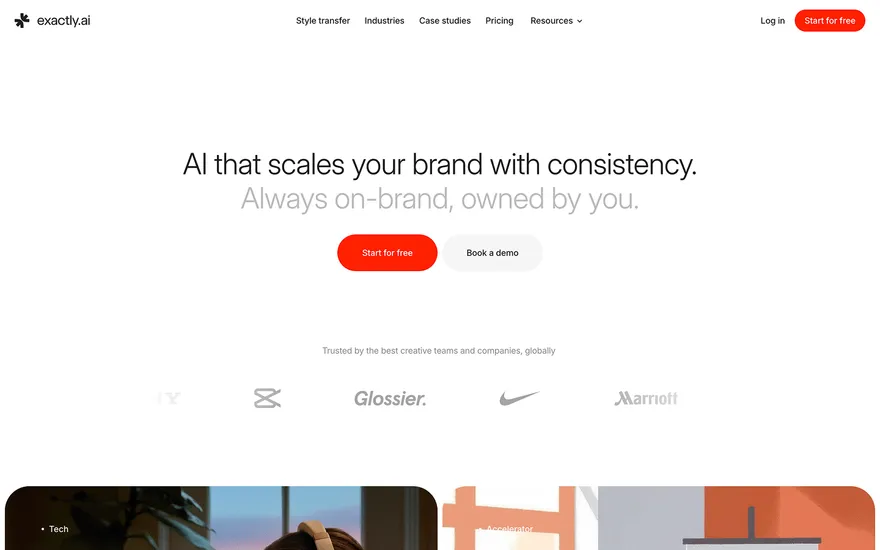
Exactly.ai AI product page with a clear, confident pitch. Visit ↗
BYOB New inbox in every project
Authentication is the part generated apps most often get wrong first. BYOB wires Better Auth into your SvelteKit project with database-backed sessions, so sign-up, sign-in, and protected routes work from the first deploy.
Runs on the stack you trust
Prompt to product
Compare the one-line brief with what BYOB ships. Real layout, data, and deploy status, editable from the same workspace.
Team Tasks
Shared task tracking
Drag the handle. Or focus it and use the arrow keys.
Get inspired
Real sites that do it well. Build something like this with BYOB.
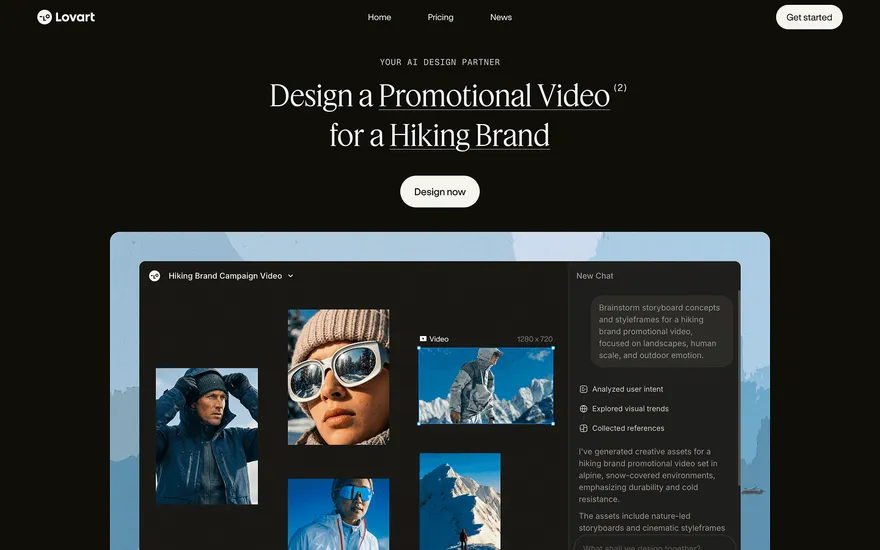
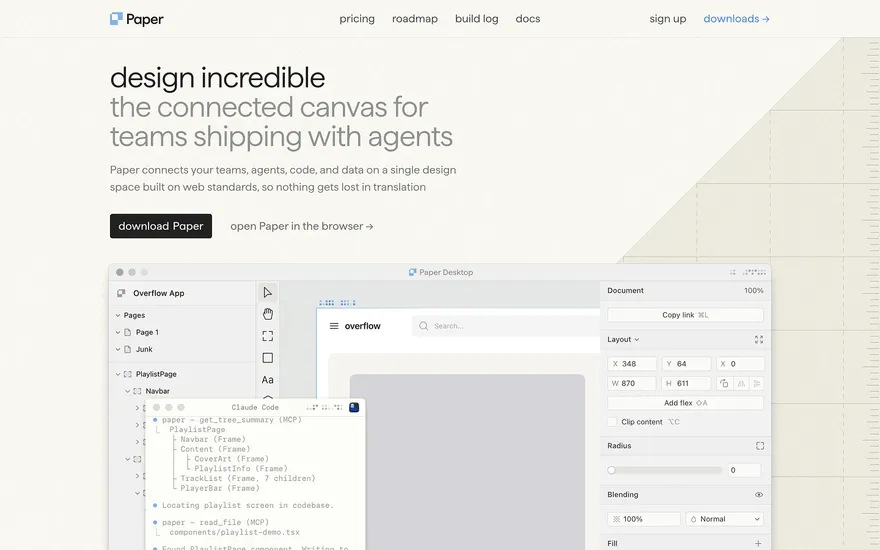
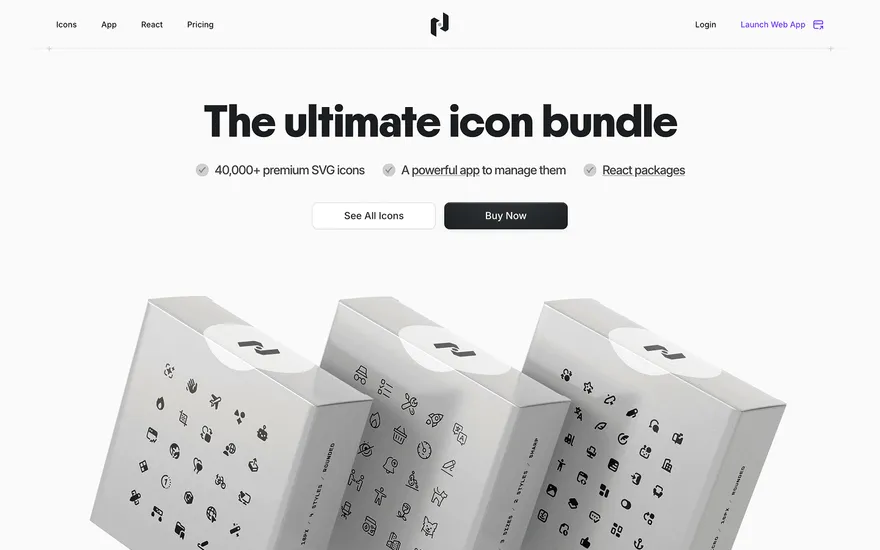
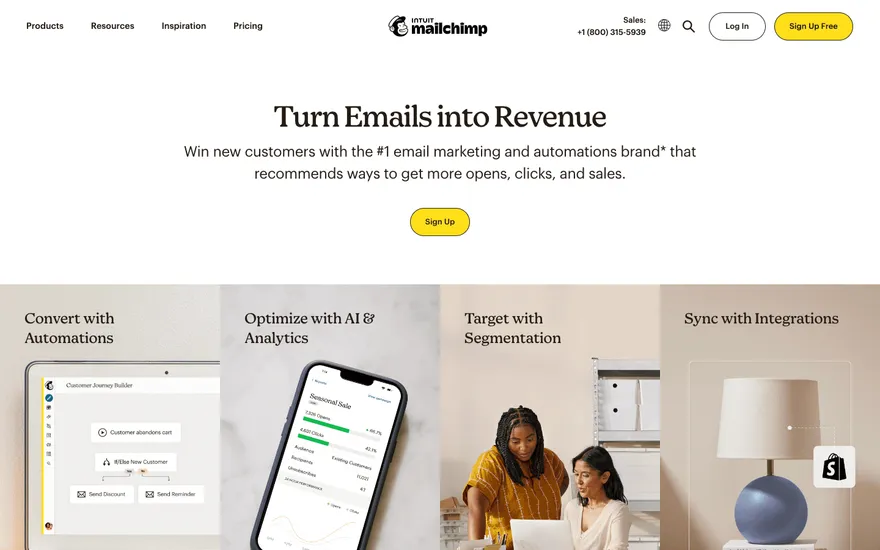
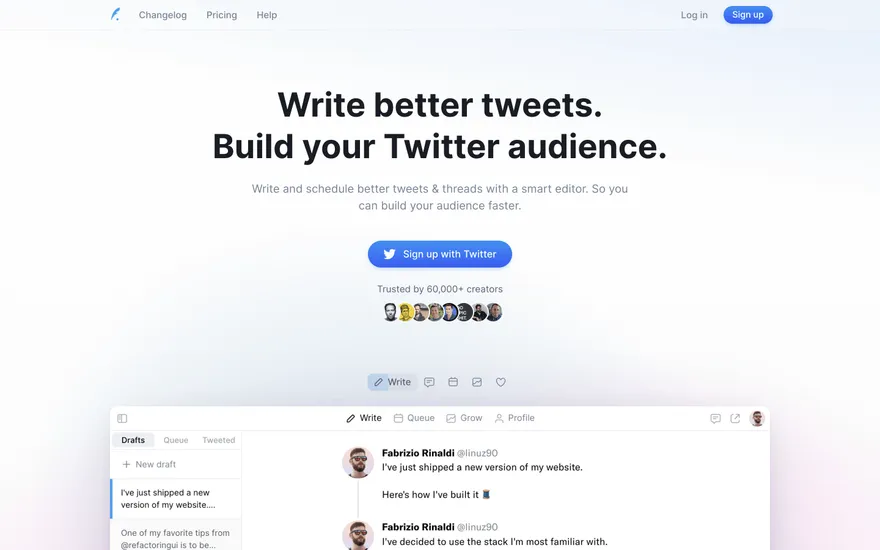
Fresh from the community
See what builders ship, or start from an example.
Live workspace
The workspace is built for repeated product work, not disposable demos. Every generated file stays inspectable, every change is visible, and every follow-up can target the exact part of the app you care about.
01 · EDITOR
Every file BYOB writes stays visible and editable. Follow-ups target the exact lines you care about instead of regenerating from scratch.
<script lang='ts'>type Task = { id: string; title: string; done: boolean
}let tasks = $state<Task[]>([])function toggleTask(id: string) {task.done = !task.done // just added by BYOB}</script>02 · AI COMMAND
Describe the outcome once. BYOB turns it into a build plan, implements it step by step, and keeps every change visible while you iterate.
Your prompt
“Build a todo app for beginners”
Build plan
80%03 · LIVE PREVIEW
The preview updates as BYOB works, with deploy status attached, so the path from edit to production stays inspectable.
Team Tasks
Shared task tracking
Prompt to app
Start conversationally, approve the shape, let Tool Mode implement, then refine and deploy from the same workspace.
Agent and backend
Connect Codex, Claude Code, or Antigravity to your project, then store data and ship to production without leaving the workspace.
npx -y byob-cli codex installApprove only the projects your agent can touch, then read context, edit files, inspect diffs, test previews, and roll back from your terminal.
Rated 4.9/5 by developers and founders using BYOB to move from idea to shipped product.
Built for shipping
BYOB handles product planning, implementation, preview, testing, database work, and deployment from one focused interface, with coding-agent access and production analytics when you want to keep working from your own terminal.
This part is hands-on. The cards drift until you touch them. Drag to rearrange, or press and hold one to feel it push back.
Give Codex, Claude Code, or Antigravity scoped access through BYOB CLI or Agent MCP. Your agent reads context, edits code, tests previews, and deploys from your terminal.
Every change lands as a commit. Inspect history, compare diffs, and see exactly what changed since the last deploy.
Every project ships with an inbox. Collect messages, leads, and feedback from your app without wiring a third party.
Send magic links, OTP codes, and transactional mail from your own sender address. Resend-backed, no SMTP setup.
Offer Continue with Google plus passwordless email codes. Sessions and callbacks are handled.
Point your domain at BYOB with guided DNS checks. Certificates are automatic.
Click any element in the live preview and describe the change. Copy, spacing, color, behavior.
Run full-site or feature checks and get implementation-level feedback you can apply in one step.
Step between saved states or redeploy a known commit when an experiment goes sideways.
Builds publish to production hosting in one step. Deploys can auto-save the project state first.
Worker traffic, errors, CPU timing, subrequests, and custom-domain status from the workspace.
Connect Supabase and BYOB reads schemas, drafts migrations, and generates types that match your app.
Invite people in and keep sessions coordinated so work never overwrites work.
Simple pricing
Pay as you go when you are exploring. Move to Pro or Max when BYOB becomes part of your regular build workflow.
$1 = 100 credits
2,000+ credits/mo
8,000+ credits/mo
Live estimator
Try the cost calculator. Drag the pages slider, toggle the options, and watch the agency quote vs BYOB update instantly.
Open full cost calculator →$5,750 upfront
~$1,150 / year
~$45 in credits
BYOB builds the same site from one prompt and hosts it on the edge. Planning estimates, not quotes.
See BYOB plansNeed white-label and SSO? Talk to us →
BYOB integrates Better Auth into generated SvelteKit apps, mapping its user, session, account, and verification tables onto BYOB DB. It generates sign-in pages, magic-link email through the BYOB broker, Google sign-in, and route protection in hooks, while Better Auth stays the source of truth for identities.
Ask for sign-in and BYOB scaffolds the pieces a real app needs: a login page, a Better Auth server instance, an API catch-all route, session-aware hooks, and a protected-page pattern. It also creates the user, session, account, and verification tables in BYOB DB and keeps the browser client pointed at the current origin, so preview and production domains both work.
Better Auth is session-based, not token-in-localStorage. Each signed-in user gets a row in the session table with an expiry, IP, user agent, and a foreign key back to the user. BYOB configures a 30-day lifetime and rate limiting by default, and reads the session server-side on every request so protected data never depends on a client check. Because sessions are ordinary rows, you can inspect them in the BYOB DB data browser or revoke them with a migration.
Better Auth supports Google as a provider, and BYOB exposes it two ways. In managed mode the app authenticates against the BYOB Google broker and no Google Cloud project is needed. In project-owned mode the app uses your GOOGLE_CLIENT_ID and GOOGLE_CLIENT_SECRET with Better Auth's direct Google provider for a consent screen that carries your brand. The login page reads the active mode on the server and renders the matching button.
Generated apps gate pages in hooks.server.ts, not with client-side redirects. The hook loads the session once per request, attaches the user to locals, and redirects unauthenticated visitors away from protected routes before any data loads. Server loads and form actions then read locals.user.id as the trusted identity, which is also the safe foreign key for app tables such as profiles or teams.
BYOB generates the wiring, but the account is yours. You set the base URL and a generated BETTER_AUTH_SECRET in project env, choose the Google mode, and decide session lifetime and trusted origins. Provider credentials, consent-screen branding, and any external database policies remain under your control. Because the login code is conventional Better Auth inside a normal SvelteKit project, you can extend it by hand or export the repository and keep building elsewhere.
FAQ
No. The BYOB Email Broker handles magic-link, verification, and reset mail by default. You only add your own provider when you need a branded sender domain.
In BYOB DB (Cloudflare D1) as Better Auth's user, session, account, and verification tables. If you connect Supabase instead, the login adapter targets that project.
Yes. Move the project to project-owned mode, add your Google credentials, and register the callback URL for every domain in Google Cloud Console.
Yes, when the base URL and callback origins match. BYOB rewrites requests using the forwarded host so preview and custom domains generate correct redirect URIs.
Yes. Treat Better Auth's user table as identity, then add your own profiles, teams, and membership tables keyed by the server-side user id.
Start with one clear prompt. BYOB will help turn it into a product you can inspect, edit, test, and ship.
 npm