


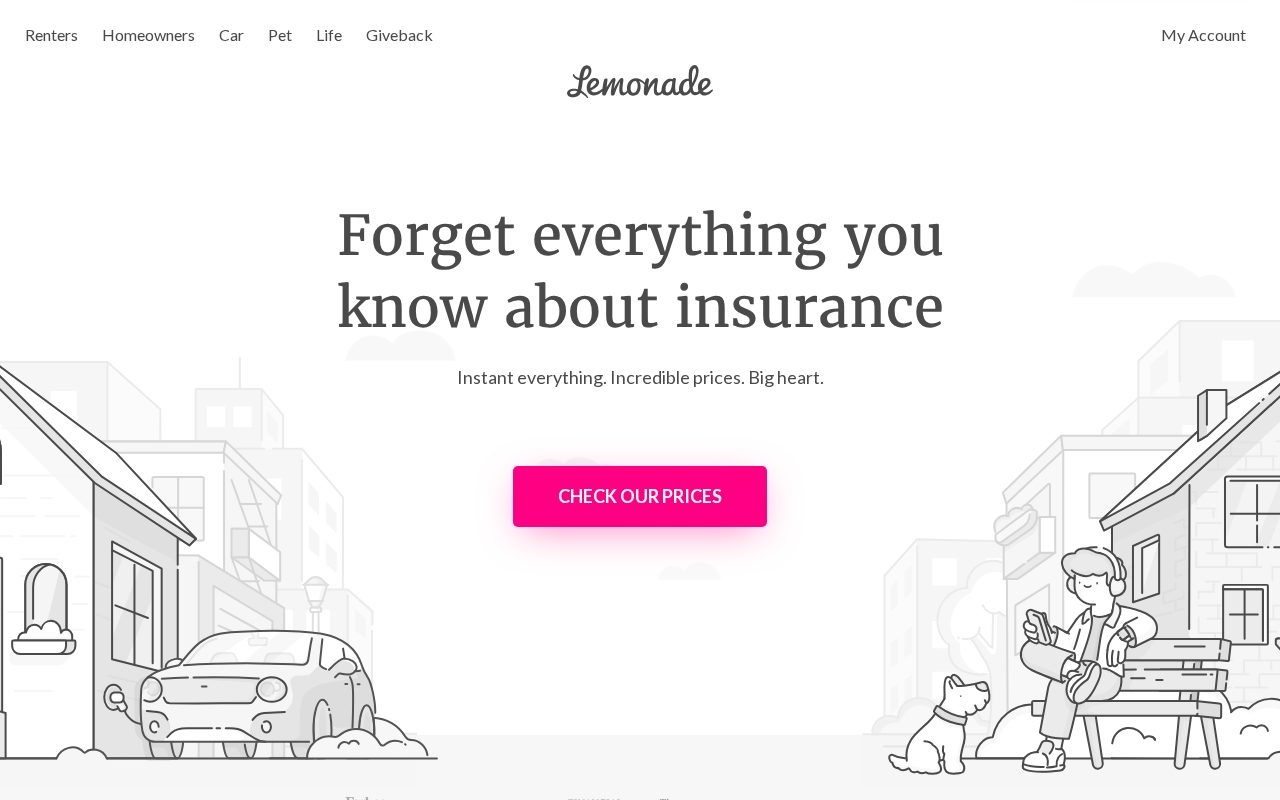
Lemonade Plain-English cover explained simply. Visit ↗
BYOB New inbox in every project
A London insurance site that builds trust: client testimonials, clear pricing, and one-click quotes.
Runs on the stack you trust
Prompt to product
Compare the one-line brief with what BYOB ships. Real layout, data, and deploy status, editable from the same workspace.
Team Tasks
Shared task tracking
Drag the handle. Or focus it and use the arrow keys.
Get inspired
Real sites that do it well. Build something like this with BYOB.
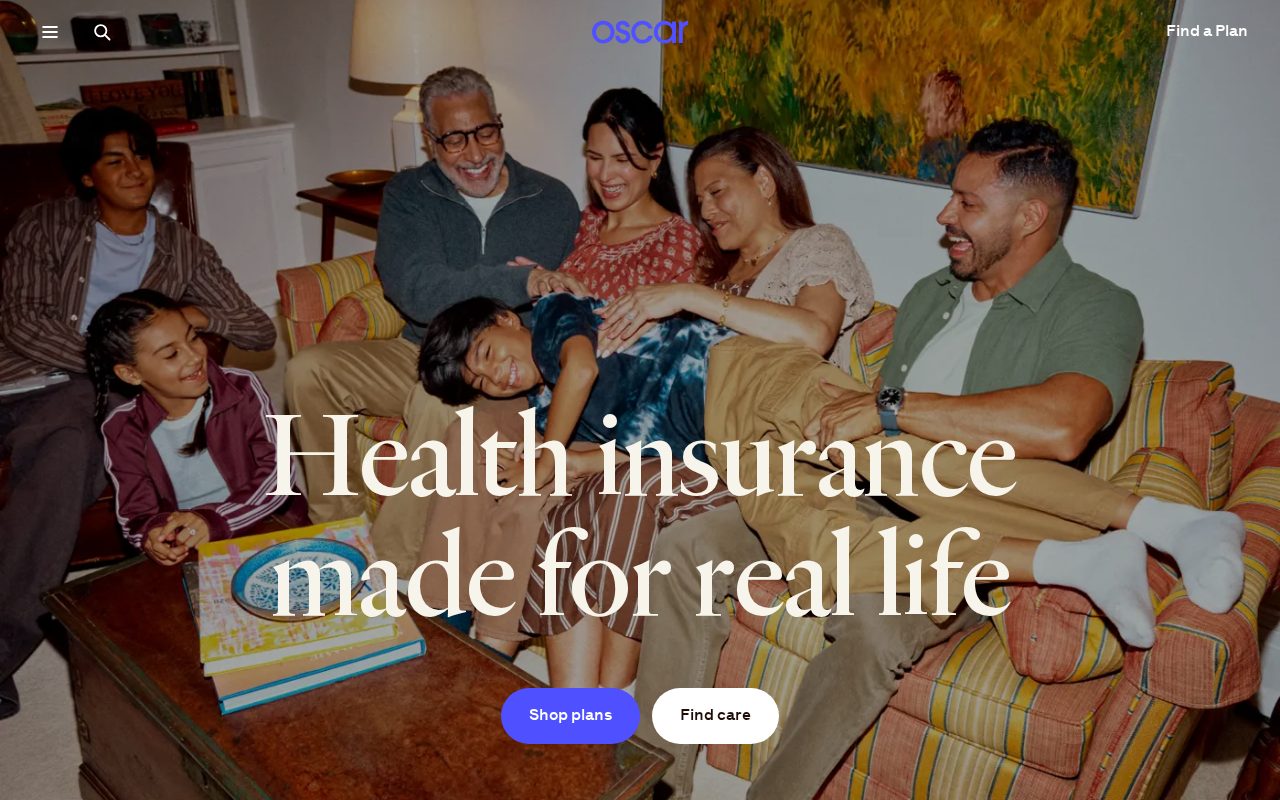
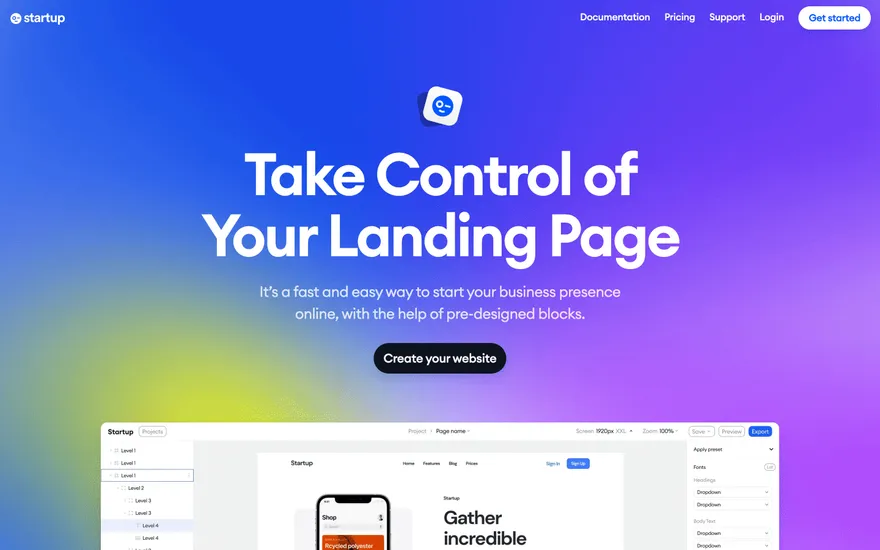
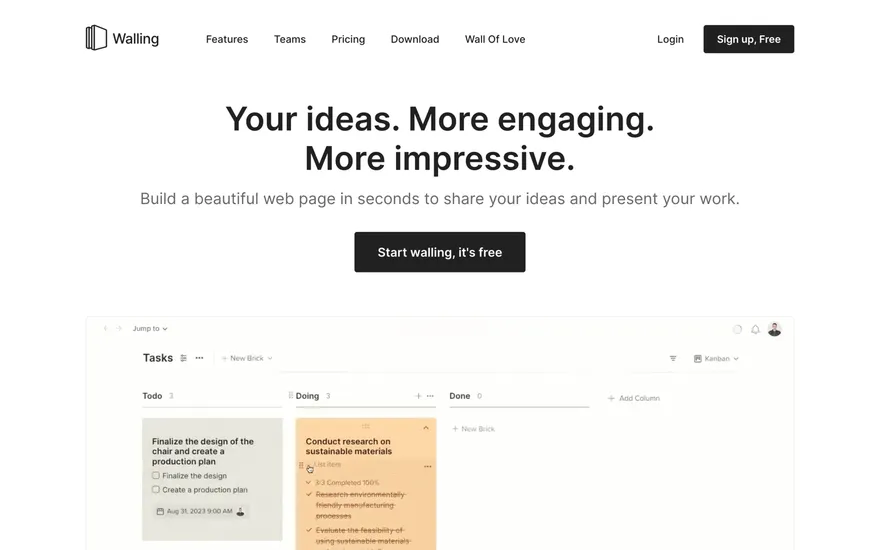
Local details
Dense and competitive; niche focus and fast sites win.
Fresh from the community
See what builders ship, or start from an example.
Live workspace
The workspace is built for repeated product work, not disposable demos. Every generated file stays inspectable, every change is visible, and every follow-up can target the exact part of the app you care about.
01 · EDITOR
Every file BYOB writes stays visible and editable. Follow-ups target the exact lines you care about instead of regenerating from scratch.
<script lang='ts'>type Task = { id: string; title: string; done: boolean
}let tasks = $state<Task[]>([])function toggleTask(id: string) {task.done = !task.done // just added by BYOB}</script>02 · AI COMMAND
Describe the outcome once. BYOB turns it into a build plan, implements it step by step, and keeps every change visible while you iterate.
Your prompt
“Build a todo app for beginners”
Build plan
80%03 · LIVE PREVIEW
The preview updates as BYOB works, with deploy status attached, so the path from edit to production stays inspectable.
Team Tasks
Shared task tracking
Prompt to app
Start conversationally, approve the shape, let Tool Mode implement, then refine and deploy from the same workspace.
Agent and backend
Connect Codex, Claude Code, or Antigravity to your project, then store data and ship to production without leaving the workspace.
npx -y byob-cli codex installApprove only the projects your agent can touch, then read context, edit files, inspect diffs, test previews, and roll back from your terminal.
Rated 4.9/5 by developers and founders using BYOB to move from idea to shipped product.
Built for shipping
BYOB handles product planning, implementation, preview, testing, database work, and deployment from one focused interface, with coding-agent access and production analytics when you want to keep working from your own terminal.
This part is hands-on. The cards drift until you touch them. Drag to rearrange, or press and hold one to feel it push back.
Give Codex, Claude Code, or Antigravity scoped access through BYOB CLI or Agent MCP. Your agent reads context, edits code, tests previews, and deploys from your terminal.
Every change lands as a commit. Inspect history, compare diffs, and see exactly what changed since the last deploy.
Every project ships with an inbox. Collect messages, leads, and feedback from your app without wiring a third party.
Send magic links, OTP codes, and transactional mail from your own sender address. Resend-backed, no SMTP setup.
Offer Continue with Google plus passwordless email codes. Sessions and callbacks are handled.
Point your domain at BYOB with guided DNS checks. Certificates are automatic.
Click any element in the live preview and describe the change. Copy, spacing, color, behavior.
Run full-site or feature checks and get implementation-level feedback you can apply in one step.
Step between saved states or redeploy a known commit when an experiment goes sideways.
Builds publish to production hosting in one step. Deploys can auto-save the project state first.
Worker traffic, errors, CPU timing, subrequests, and custom-domain status from the workspace.
Connect Supabase and BYOB reads schemas, drafts migrations, and generates types that match your app.
Invite people in and keep sessions coordinated so work never overwrites work.
Simple pricing
Pay as you go when you are exploring. Move to Pro or Max when BYOB becomes part of your regular build workflow.
$1 = 100 credits
2,000+ credits/mo
8,000+ credits/mo
Live estimator
Try the cost calculator. Drag the pages slider, toggle the options, and watch the agency quote vs BYOB update instantly.
Open full cost calculator →$5,750 upfront
~$1,150 / year
~$45 in credits
BYOB builds the same site from one prompt and hosts it on the edge. Planning estimates, not quotes.
See BYOB plansNeed white-label and SSO? Talk to us →
An insurance website builder for London creates page structures for cover types, quote and callback forms, and the regulatory details brokers must display. BYOB generates them as editable pages you can keep accurate, from FCA authorisation information to office contact details.
People looking for insurance in London usually arrive with a specific situation: a flat in a period conversion, a van for a trade, a small business in Croydon, professional indemnity for a consultancy. A broker site works best when each cover type has its own page explaining who it suits, what is typically included, what may be excluded and how the process runs. BYOB generates those pages with a consistent structure and keeps them editable, so your team can refine the wording and add a new line of business without a rebuild. Clear, honest explanations reduce the volume of basic questions reaching the phone.
Most regulated insurance cannot be bound instantly online without careful checks, so a good broker site offers a well-designed request rather than a fake instant quote. BYOB generates forms that capture what you actually need to help: cover type, postcode, renewal date, current insurer and a contact preference. Submissions can land in your project inbox or data storage and be assigned to the right person. Keep the form short and explain what happens next, because a clear expectation of a callback within a stated time is more reassuring than an automated estimate that then needs correcting by phone.
UK insurance intermediaries are regulated, and the details matter. Firms should display their FCA authorisation status and firm reference number, the registered office, and information about the Financial Ombudsman Service and, where relevant, the Financial Services Compensation Scheme. A privacy notice explaining how client data is used is also expected. BYOB keeps these as editable content, so a change of address or authorisation status is a quick edit rather than a waiting game with a developer. Publishing a link to the Financial Services Register lets clients verify you themselves, which builds confidence before any conversation begins.
Insurance writing is often dense, and dense pages cost enquiries. Shorter sentences, headings people can scan and a FAQ section that answers the obvious worries all help. Explain how to make a complaint and what happens if the firm cannot resolve it, since that information is expected and signals fairness. A real London office address and a working phone line are powerful trust signals in a market where some customers only ever meet a website. BYOB gives you the pages and forms; keeping the tone human and the details accurate is what converts a cautious visitor into a client.
Insurance searches combine product and place: "landlord insurance London", "business insurance Croydon", "public liability broker City of London". Product pages and area pages reinforce each other, so name the specialisms and the areas you genuinely serve rather than claiming national coverage you cannot deliver. A Google Business Profile with accurate hours, categories and reviews supports local visibility, and a.co.uk domain reads as established. BYOB provides fast, editable pages; consistent, truthful detail across the site and profile is what earns the click and the trust behind it.
FAQ
Yes. These are editable content fields, so you can show your firm reference number, registered office and status and keep them accurate.
Yes, as a request. BYOB generates quote and callback forms; the underwriting and any regulated advice happen through your own process.
Yes. Generate focused pages for motor, home, landlord, business and professional indemnity cover, each with its own form.
Where appropriate, payments can be connected through built-in payments. Many brokers keep their existing payment and policy systems and use the site for enquiries.
Yes. The same tools work for a single adviser or a larger firm; you add only the cover pages and forms your business uses.
Start with one clear prompt. BYOB will help turn it into a product you can inspect, edit, test, and ship.
 npm
npm