


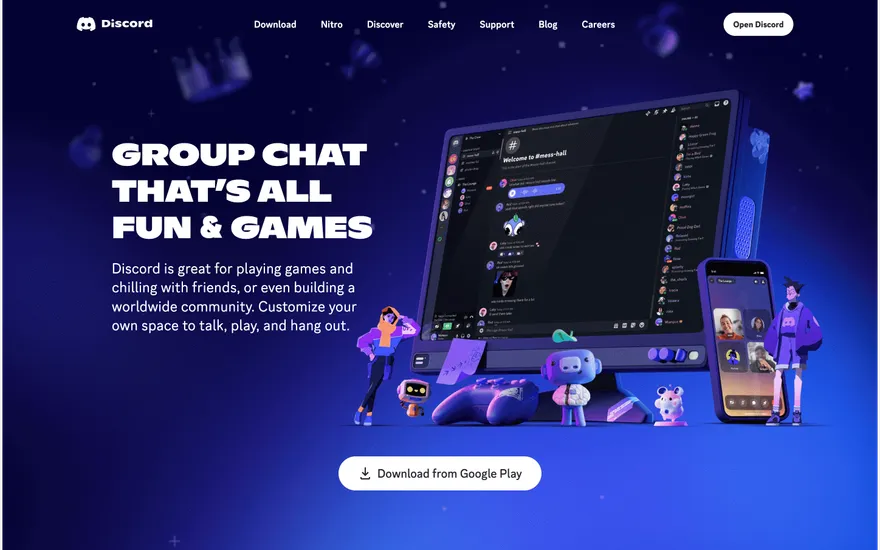
Discord Community chat with bold, playful branding. Visit ↗
BYOB New inbox in every project
Razorpay is built for Indian customers, bringing UPI, cards, netbanking, and wallets into one checkout. BYOB generates the order, subscription, and webhook routes that connect a SvelteKit app to your Razorpay merchant account.
Runs on the stack you trust
Prompt to product
Compare the one-line brief with what BYOB ships. Real layout, data, and deploy status, editable from the same workspace.
Team Tasks
Shared task tracking
Drag the handle. Or focus it and use the arrow keys.
Get inspired
Real sites that do it well. Build something like this with BYOB.
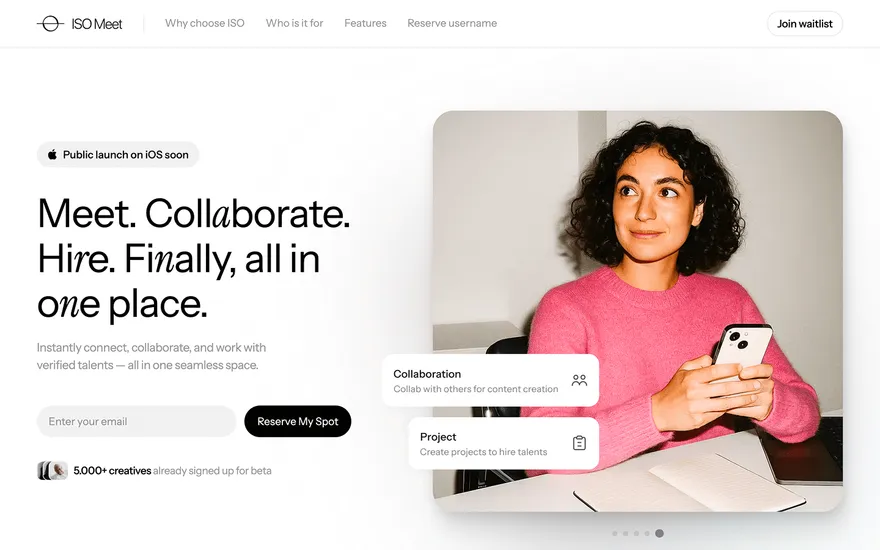
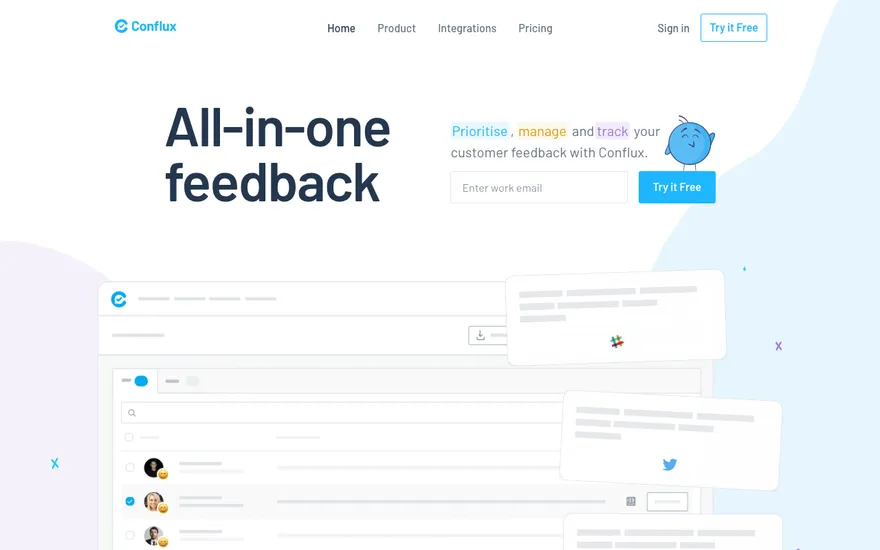
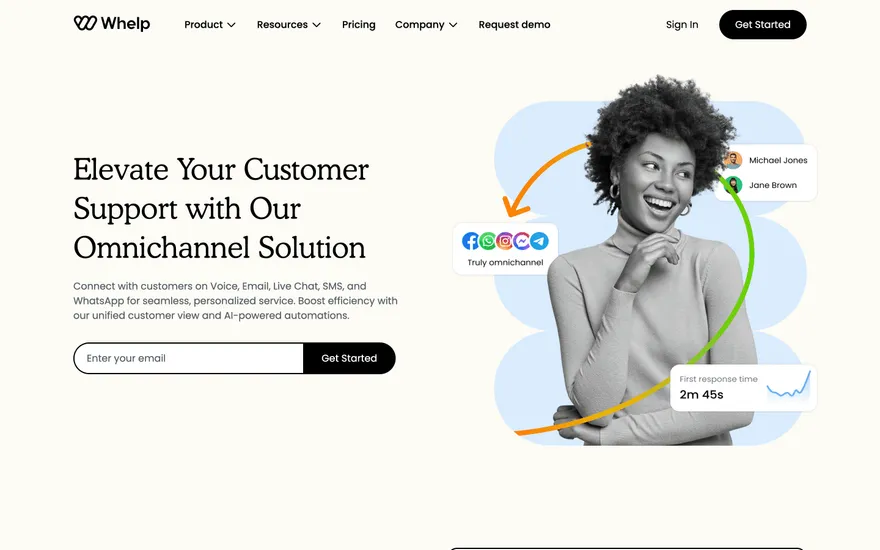
Fresh from the community
See what builders ship, or start from an example.
Live workspace
The workspace is built for repeated product work, not disposable demos. Every generated file stays inspectable, every change is visible, and every follow-up can target the exact part of the app you care about.
01 · EDITOR
Every file BYOB writes stays visible and editable. Follow-ups target the exact lines you care about instead of regenerating from scratch.
<script lang='ts'>type Task = { id: string; title: string; done: boolean
}let tasks = $state<Task[]>([])function toggleTask(id: string) {task.done = !task.done // just added by BYOB}</script>02 · AI COMMAND
Describe the outcome once. BYOB turns it into a build plan, implements it step by step, and keeps every change visible while you iterate.
Your prompt
“Build a todo app for beginners”
Build plan
80%03 · LIVE PREVIEW
The preview updates as BYOB works, with deploy status attached, so the path from edit to production stays inspectable.
Team Tasks
Shared task tracking
Prompt to app
Start conversationally, approve the shape, let Tool Mode implement, then refine and deploy from the same workspace.
Agent and backend
Connect Codex, Claude Code, or Antigravity to your project, then store data and ship to production without leaving the workspace.
npx -y byob-cli codex installApprove only the projects your agent can touch, then read context, edit files, inspect diffs, test previews, and roll back from your terminal.
Rated 4.9/5 by developers and founders using BYOB to move from idea to shipped product.
Built for shipping
BYOB handles product planning, implementation, preview, testing, database work, and deployment from one focused interface, with coding-agent access and production analytics when you want to keep working from your own terminal.
This part is hands-on. The cards drift until you touch them. Drag to rearrange, or press and hold one to feel it push back.
Give Codex, Claude Code, or Antigravity scoped access through BYOB CLI or Agent MCP. Your agent reads context, edits code, tests previews, and deploys from your terminal.
Every change lands as a commit. Inspect history, compare diffs, and see exactly what changed since the last deploy.
Every project ships with an inbox. Collect messages, leads, and feedback from your app without wiring a third party.
Send magic links, OTP codes, and transactional mail from your own sender address. Resend-backed, no SMTP setup.
Offer Continue with Google plus passwordless email codes. Sessions and callbacks are handled.
Point your domain at BYOB with guided DNS checks. Certificates are automatic.
Click any element in the live preview and describe the change. Copy, spacing, color, behavior.
Run full-site or feature checks and get implementation-level feedback you can apply in one step.
Step between saved states or redeploy a known commit when an experiment goes sideways.
Builds publish to production hosting in one step. Deploys can auto-save the project state first.
Worker traffic, errors, CPU timing, subrequests, and custom-domain status from the workspace.
Connect Supabase and BYOB reads schemas, drafts migrations, and generates types that match your app.
Invite people in and keep sessions coordinated so work never overwrites work.
Simple pricing
Pay as you go when you are exploring. Move to Pro or Max when BYOB becomes part of your regular build workflow.
$1 = 100 credits
2,000+ credits/mo
8,000+ credits/mo
Live estimator
Try the cost calculator. Drag the pages slider, toggle the options, and watch the agency quote vs BYOB update instantly.
Open full cost calculator →$5,750 upfront
~$1,150 / year
~$45 in credits
BYOB builds the same site from one prompt and hosts it on the edge. Planning estimates, not quotes.
See BYOB plansNeed white-label and SSO? Talk to us →
BYOB connects generated apps to Razorpay: server routes create orders or subscriptions, Razorpay Checkout.js opens in the browser, and both the checkout callback and x-razorpay-signature webhook are verified with your key secret. Durable order and subscription state lives in your project database.
Razorpay's strength is the Indian market, where UPI, cards, netbanking, and wallets all route through one checkout. Prices are typically shown and charged in rupees, so the generated pricing components and server routes keep currency and small-unit amounts consistent end to end. If your customers are in India, this reduces the friction of a card-only, USD-first flow and lets people pay the way they already do every day.
For a single purchase, the server creates a Razorpay order only when the buyer is ready, using the amount, currency, receipt, and notes from your catalog. The browser receives the order id and opens Razorpay Checkout.js. Customer-specific orders are never pre-created during setup, which keeps the merchant account clean and prevents stale orders. The order notes bind the purchase to the signed-in user so later events can be matched reliably.
Recurring billing uses Razorpay plans. During setup, plans are created or reused by period, interval, amount, currency, and a stable catalog key, and the resulting plan_. ids are stored in project environment variables. At checkout the server creates a subscription from the chosen plan id and returns only checkout-safe fields to the browser. Recurring payments must be enabled on the merchant account, or Razorpay will reject subscription checkout even when the API call succeeds.
Razorpay checkout produces a browser callback, and Razorpay also sends webhooks. These are separate and both need verification. The callback is checked with HMAC SHA-256 over the order and payment ids for one-time payments, or the payment and subscription ids for subscriptions, using your key secret. The webhook is verified with the x-razorpay-signature header and your webhook secret. A verified callback confirms the UI step; durable entitlement still comes from signed webhook or provider state.
A generated webhook route handles the events that matter for billing: payment captured and failed, order paid, and the subscription lifecycle including authenticated, activated, charged, pending, halted, cancelled, and completed. Each event id is stored idempotently so retries do not double-apply. Only captured or paid evidence grants one-time access, and only authenticated, activated, or charged evidence activates a subscription. A created subscription alone is not treated as a successful payment.
Razorpay provides a full test mode, and generated integrations are built to exercise it first. Test keys prove order creation, callback verification, and webhook delivery before any real money is involved. Note that Razorpay has deprecated UPI Collect for most merchants, so current checkout tends to expose UPI QR or intent rather than a manual VPA field. Plan your payment-method copy and testing around what the merchant account actually supports.
The browser may receive RAZORPAY_KEY_ID, the checkout-safe public key, but RAZORPAY_KEY_SECRET and the webhook secret never leave the server. Provider setup happens at the platform level: plans, optional item records, and webhooks are reconciled outside your repository. Your project owns the order and subscription creation endpoints, the callback verification route, the webhook handler, and the tables where payment state is stored.
FAQ
No. A normal first-party Razorpay merchant account works. An account id is only needed for explicit partner or submerchant webhook automation.
One-time payments verify the order and payment ids; subscriptions verify the payment and subscription ids. Both use HMAC SHA-256 with your Razorpay key secret.
At minimum payment.captured, payment.failed, and order.paid, plus the subscription events your plan uses, such as activated, charged, and cancelled.
Yes. Server routes can return a provider-hosted URL, such as a payment link or subscription short_url, when the merchant account supports hosted mode.
Recurring payments may not be enabled on the account. If Razorpay reports that the seller does not support recurring payments, enable subscriptions before retrying.
Start with one clear prompt. BYOB will help turn it into a product you can inspect, edit, test, and ship.
 npm