


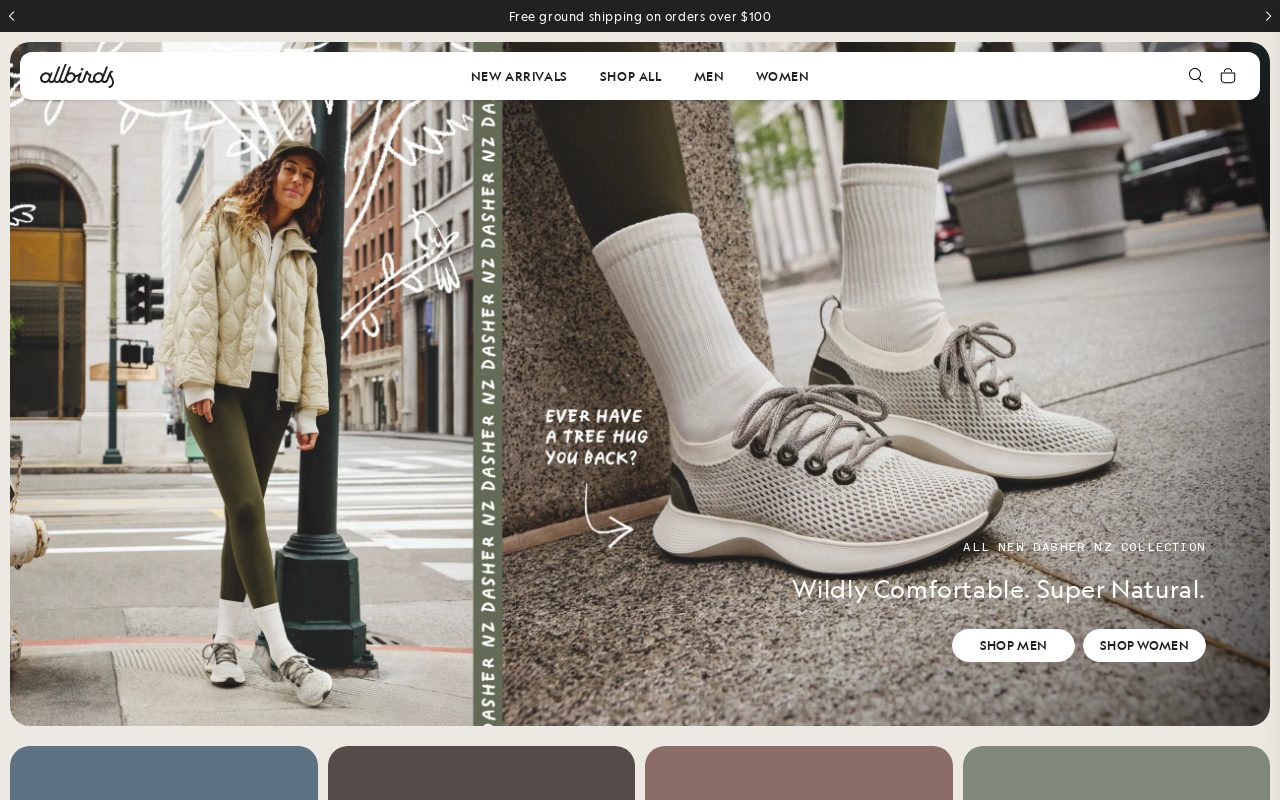
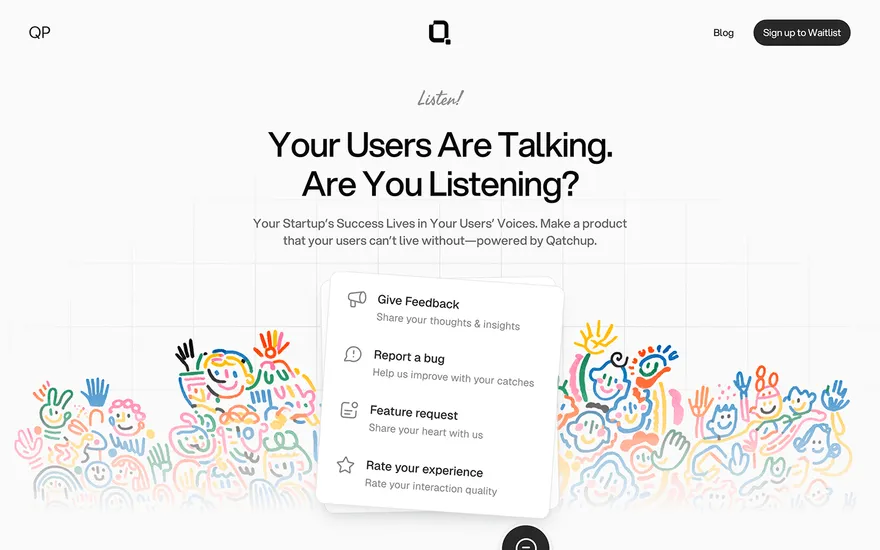
Allbirds Clean product pages with a strong sustainability story. Visit ↗
BYOB New inbox in every project
Shoppers in Paris browse online first — show your inventory, prices, and store location upfront.
Runs on the stack you trust
Prompt to product
Compare the one-line brief with what BYOB ships. Real layout, data, and deploy status, editable from the same workspace.
Team Tasks
Shared task tracking
Drag the handle. Or focus it and use the arrow keys.
Get inspired
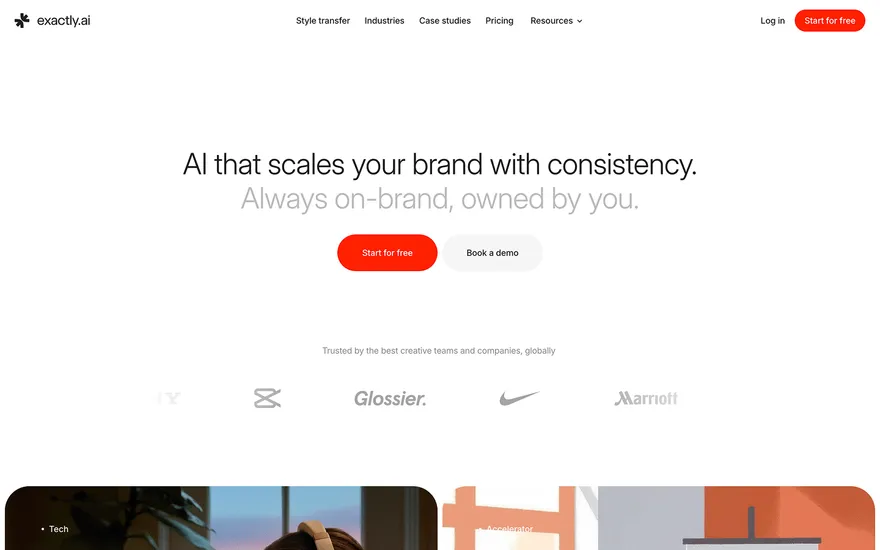
Real sites that do it well. Build something like this with BYOB.
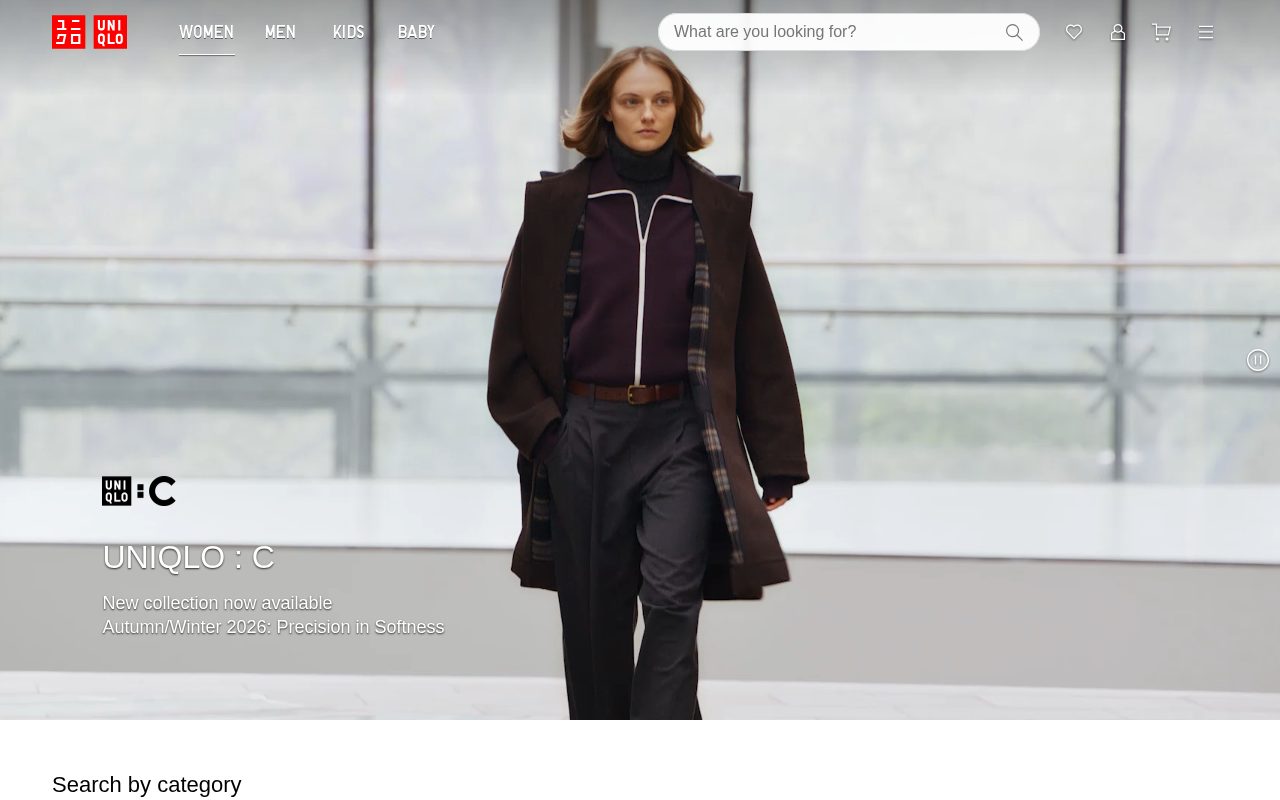
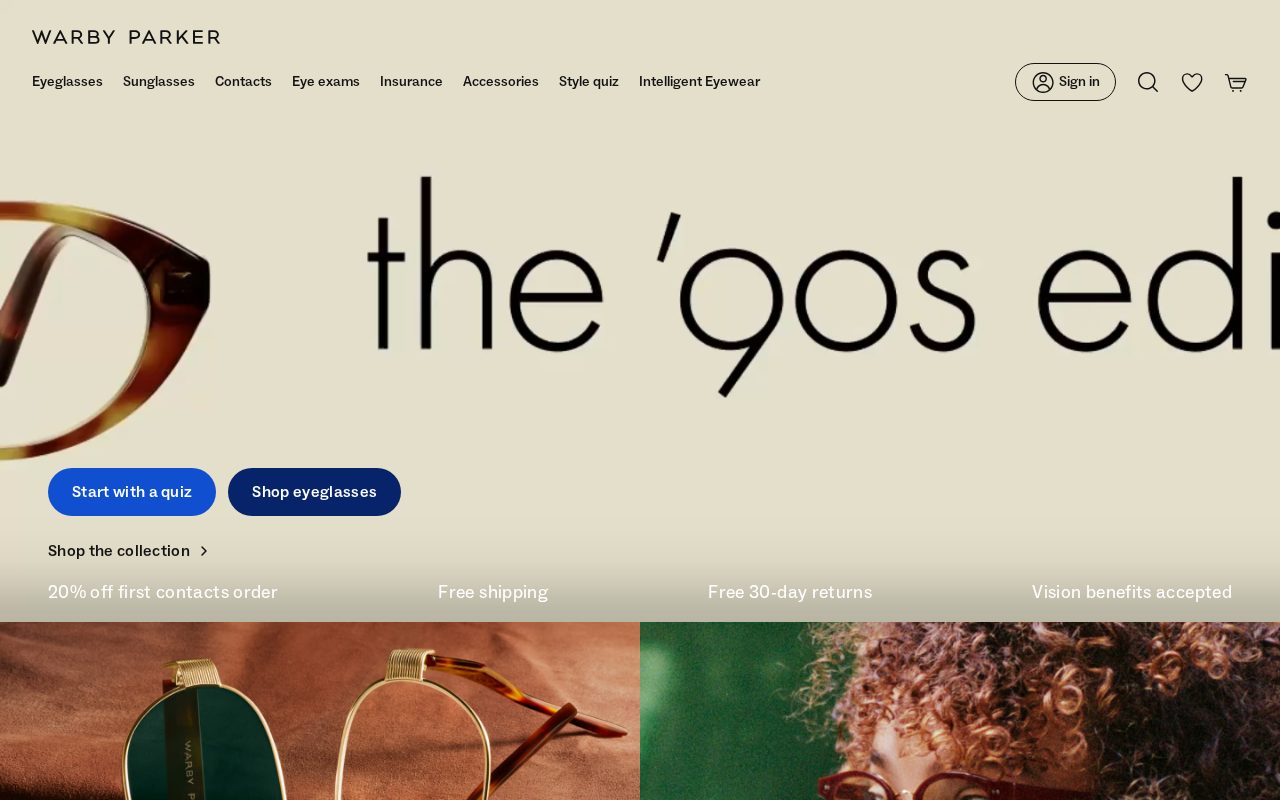
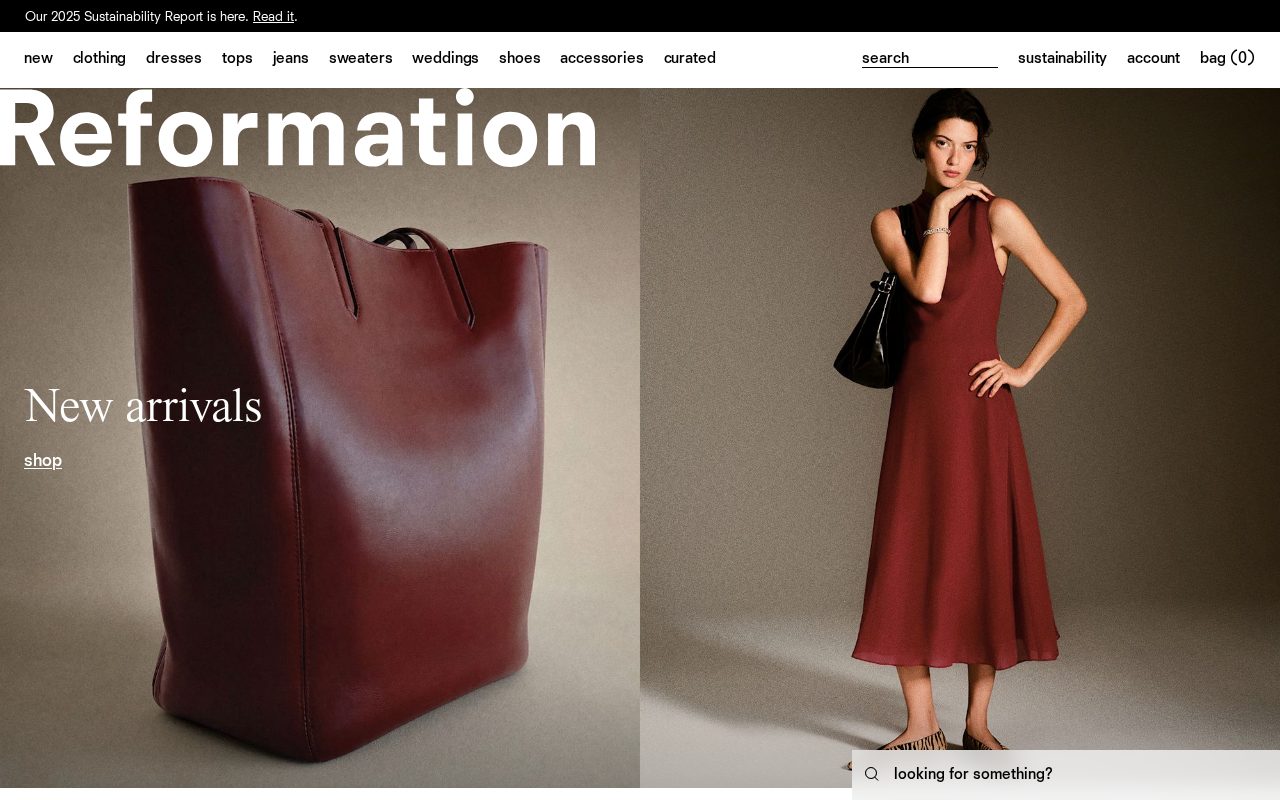
Local details
French-first expectations; refined design matters.
Fresh from the community
See what builders ship, or start from an example.
Live workspace
The workspace is built for repeated product work, not disposable demos. Every generated file stays inspectable, every change is visible, and every follow-up can target the exact part of the app you care about.
01 · EDITOR
Every file BYOB writes stays visible and editable. Follow-ups target the exact lines you care about instead of regenerating from scratch.
<script lang='ts'>type Task = { id: string; title: string; done: boolean
}let tasks = $state<Task[]>([])function toggleTask(id: string) {task.done = !task.done // just added by BYOB}</script>02 · AI COMMAND
Describe the outcome once. BYOB turns it into a build plan, implements it step by step, and keeps every change visible while you iterate.
Your prompt
“Build a todo app for beginners”
Build plan
80%03 · LIVE PREVIEW
The preview updates as BYOB works, with deploy status attached, so the path from edit to production stays inspectable.
Team Tasks
Shared task tracking
Prompt to app
Start conversationally, approve the shape, let Tool Mode implement, then refine and deploy from the same workspace.
Agent and backend
Connect Codex, Claude Code, or Antigravity to your project, then store data and ship to production without leaving the workspace.
npx -y byob-cli codex installApprove only the projects your agent can touch, then read context, edit files, inspect diffs, test previews, and roll back from your terminal.
Rated 4.9/5 by developers and founders using BYOB to move from idea to shipped product.
Built for shipping
BYOB handles product planning, implementation, preview, testing, database work, and deployment from one focused interface, with coding-agent access and production analytics when you want to keep working from your own terminal.
This part is hands-on. The cards drift until you touch them. Drag to rearrange, or press and hold one to feel it push back.
Give Codex, Claude Code, or Antigravity scoped access through BYOB CLI or Agent MCP. Your agent reads context, edits code, tests previews, and deploys from your terminal.
Every change lands as a commit. Inspect history, compare diffs, and see exactly what changed since the last deploy.
Every project ships with an inbox. Collect messages, leads, and feedback from your app without wiring a third party.
Send magic links, OTP codes, and transactional mail from your own sender address. Resend-backed, no SMTP setup.
Offer Continue with Google plus passwordless email codes. Sessions and callbacks are handled.
Point your domain at BYOB with guided DNS checks. Certificates are automatic.
Click any element in the live preview and describe the change. Copy, spacing, color, behavior.
Run full-site or feature checks and get implementation-level feedback you can apply in one step.
Step between saved states or redeploy a known commit when an experiment goes sideways.
Builds publish to production hosting in one step. Deploys can auto-save the project state first.
Worker traffic, errors, CPU timing, subrequests, and custom-domain status from the workspace.
Connect Supabase and BYOB reads schemas, drafts migrations, and generates types that match your app.
Invite people in and keep sessions coordinated so work never overwrites work.
Simple pricing
Pay as you go when you are exploring. Move to Pro or Max when BYOB becomes part of your regular build workflow.
$1 = 100 credits
2,000+ credits/mo
8,000+ credits/mo
Live estimator
Try the cost calculator. Drag the pages slider, toggle the options, and watch the agency quote vs BYOB update instantly.
Open full cost calculator →$5,750 upfront
~$1,150 / year
~$45 in credits
BYOB builds the same site from one prompt and hosts it on the edge. Planning estimates, not quotes.
See BYOB plansNeed white-label and SSO? Talk to us →
For a Paris retailer, BYOB builds an elegant storefront with French-first content, EUR pricing and VAT at 20% handled at checkout. It supports Apple Pay and major cards and a.fr domain, so customers in Paris and across France can browse and buy with confidence.
Paris retail is intensely local. A boutique in Le Marais, Montmartre or the Batignolles draws a loyal nearby following, and that neighbourhood identity can shape the whole website. Use local references, opening hours that reflect the area's rhythm, and clear metro directions so people actually visit. For stores with more than one address, give each its own page. Letting the online store echo the personality of the physical shop, rather than looking like a generic template, is how small Parisian retailers compete with larger chains.
Paris receives a steady flow of visitors, and demand spikes around fashion weeks, trade fairs and the summer holidays. A store that welcomes international customers should state sizes, shipping destinations and return rules in plain French with an English toggle. Offer guidance on delivery to hotels and gift packaging, which tourist buyers value. Residents, meanwhile, care about repairs, exchanges and loyalty. Serving both audiences in one coherent storefront avoids the trap of a site that only makes sense to locals.
French shoppers notice clumsy language immediately, so product descriptions, size guides and policies should be written naturally rather than translated word for word. Use correct accents and typographic conventions, and keep a warm but precise tone. Category names and filters should match the words customers actually use. Good French copy also helps visibility in local search, where phrasing and spelling carry weight. Where you sell internationally, add English beside French rather than replacing it, so neither audience feels like an afterthought.
Paris is dense, and many customers prefer to reserve online and pick up at the shop. Click-and-collect shortens delivery expectations and lets people see goods before committing. For the rest of France, state realistic courier times and fees, and note that fragile items ship better in protective packaging. Because the city's streets, parking and building access vary enormously, make pickup instructions specific. A clear, honest logistics section does more for repeat business than a vague promise of fast delivery.
French retail is built around two regulated sale periods, in winter and summer, along with Christmas and the September rentree. Outside those windows, year-round discounting can erode a premium position. Instead, use editorial content, styling guides and seasonal emails to keep the store useful and visible between campaigns. Plan stock and campaign pages well before each peak so the site stays fast under extra traffic. A steady content rhythm, rather than constant promotions, is what sustains an independent Paris label.
FAQ
French customers strongly prefer French content, and national commerce rules encourage it. Lead with French and offer English as a secondary option for international visitors.
French consumers expect VAT-inclusive prices, with VAT at 20% built into the displayed amount. Keep this consistent across products and at checkout.
Yes. Apple Pay and major cards are widely used, so supporting them removes friction for both local and visiting shoppers.
In a dense city like Paris, reserve-and-collect is popular and shortens delivery expectations. It also gives customers a reason to visit the shop in person.
Start with one clear prompt. BYOB will help turn it into a product you can inspect, edit, test, and ship.
 npm