


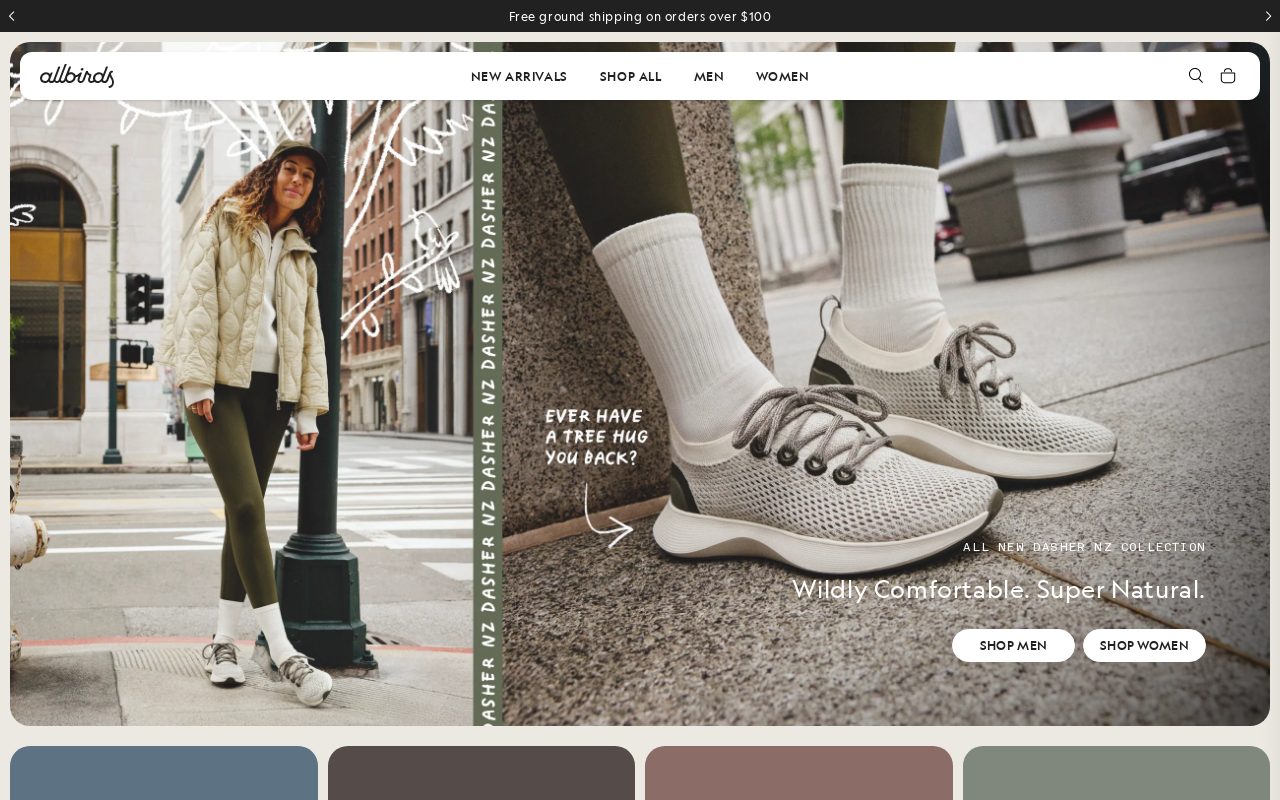
Allbirds Clean product pages with a strong sustainability story. Visit ↗
BYOB New inbox in every project
Shoppers in San Francisco browse online first — show your inventory, prices, and store location upfront.
Runs on the stack you trust
Prompt to product
Compare the one-line brief with what BYOB ships. Real layout, data, and deploy status, editable from the same workspace.
Team Tasks
Shared task tracking
Drag the handle. Or focus it and use the arrow keys.
Get inspired
Real sites that do it well. Build something like this with BYOB.
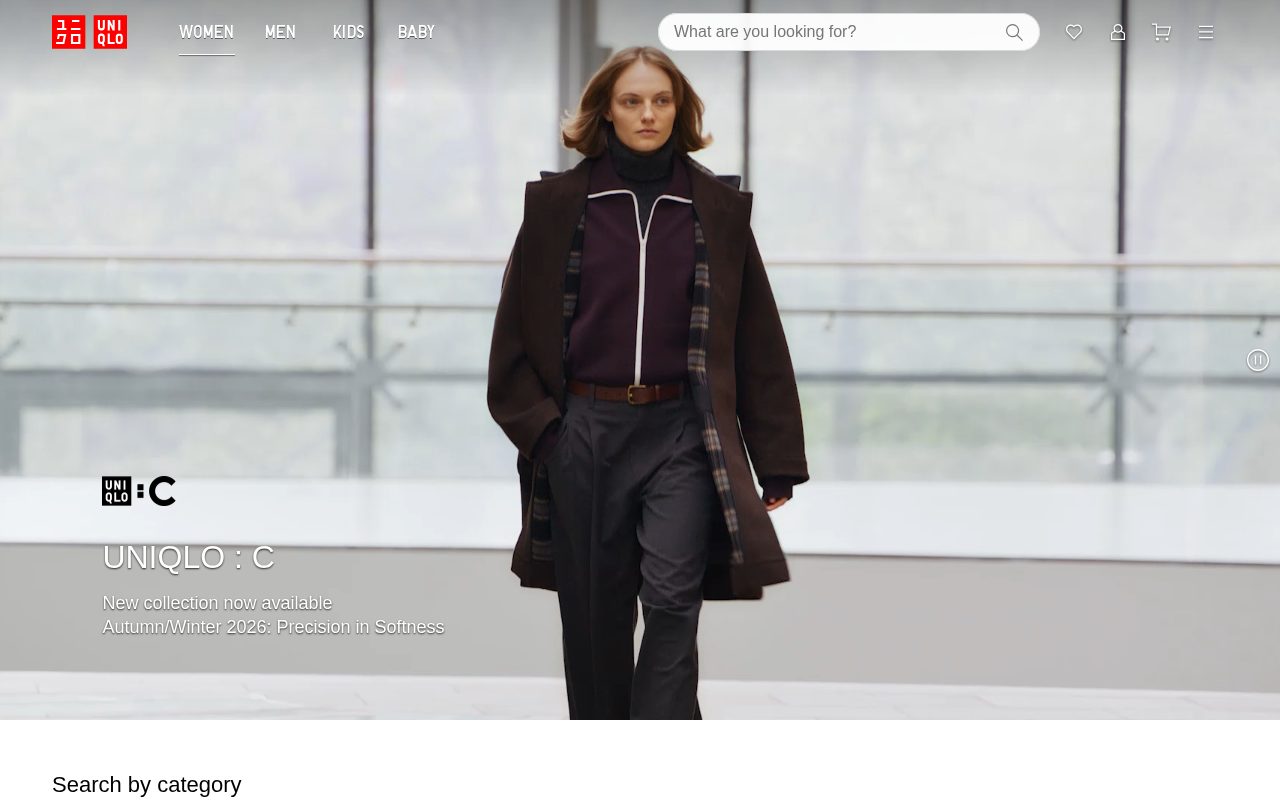

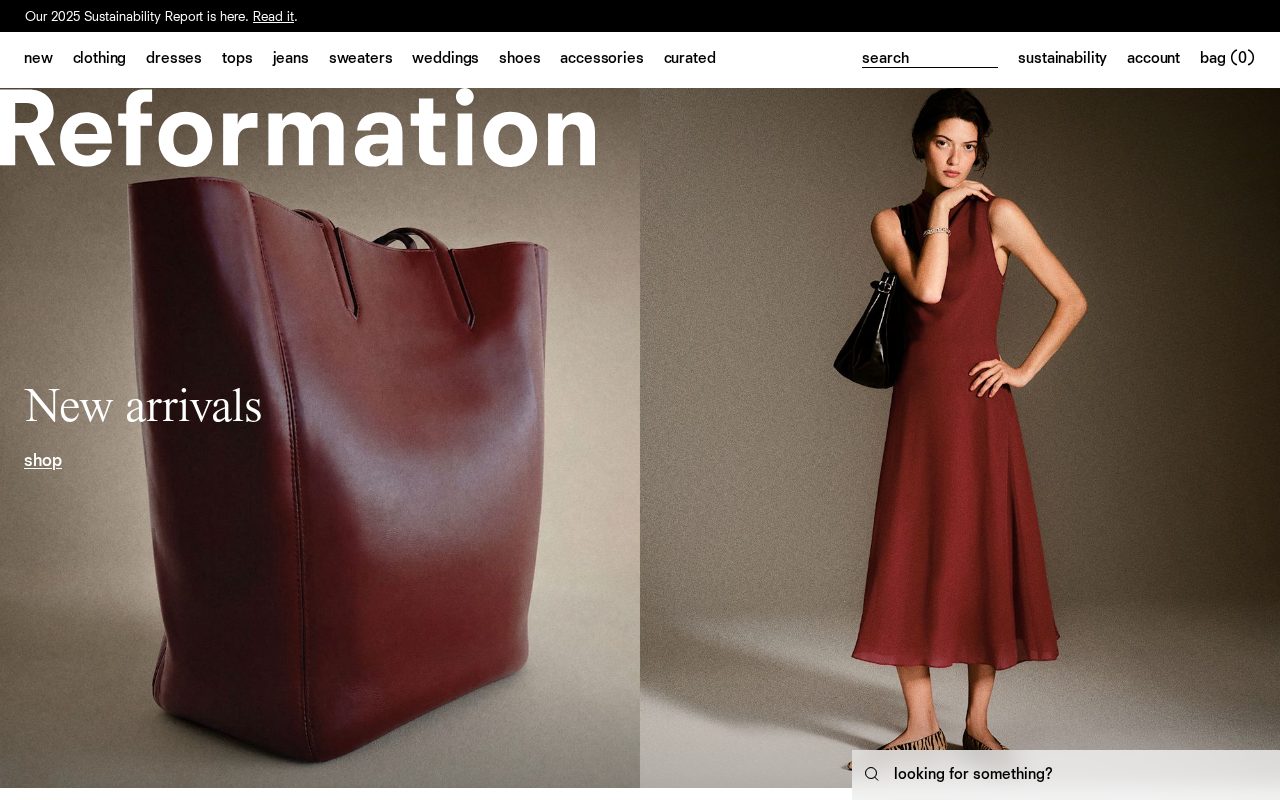
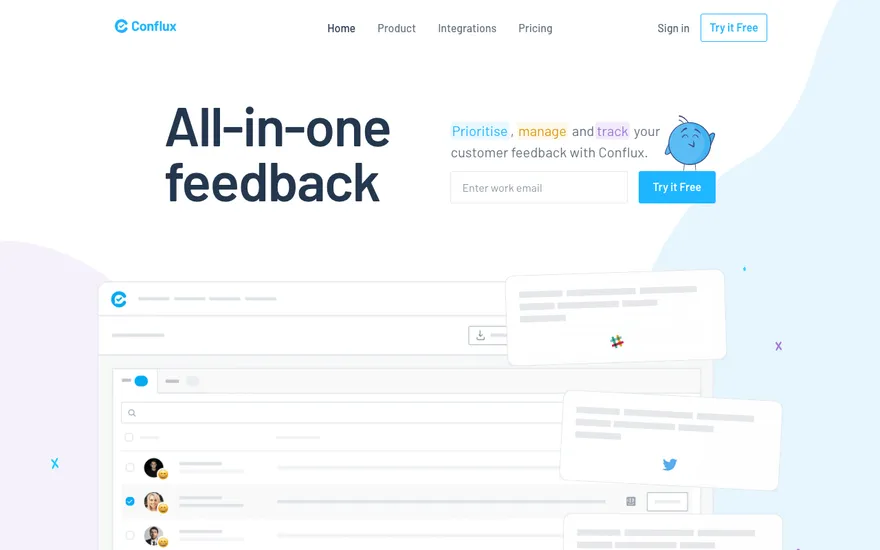
Local details
Tech-savvy audience; fast, well-built sites and clear pricing stand out.
Fresh from the community
See what builders ship, or start from an example.
Live workspace
The workspace is built for repeated product work, not disposable demos. Every generated file stays inspectable, every change is visible, and every follow-up can target the exact part of the app you care about.
01 · EDITOR
Every file BYOB writes stays visible and editable. Follow-ups target the exact lines you care about instead of regenerating from scratch.
<script lang='ts'>type Task = { id: string; title: string; done: boolean
}let tasks = $state<Task[]>([])function toggleTask(id: string) {task.done = !task.done // just added by BYOB}</script>02 · AI COMMAND
Describe the outcome once. BYOB turns it into a build plan, implements it step by step, and keeps every change visible while you iterate.
Your prompt
“Build a todo app for beginners”
Build plan
80%03 · LIVE PREVIEW
The preview updates as BYOB works, with deploy status attached, so the path from edit to production stays inspectable.
Team Tasks
Shared task tracking
Prompt to app
Start conversationally, approve the shape, let Tool Mode implement, then refine and deploy from the same workspace.
Agent and backend
Connect Codex, Claude Code, or Antigravity to your project, then store data and ship to production without leaving the workspace.
npx -y byob-cli codex installApprove only the projects your agent can touch, then read context, edit files, inspect diffs, test previews, and roll back from your terminal.
Rated 4.9/5 by developers and founders using BYOB to move from idea to shipped product.
Built for shipping
BYOB handles product planning, implementation, preview, testing, database work, and deployment from one focused interface, with coding-agent access and production analytics when you want to keep working from your own terminal.
This part is hands-on. The cards drift until you touch them. Drag to rearrange, or press and hold one to feel it push back.
Give Codex, Claude Code, or Antigravity scoped access through BYOB CLI or Agent MCP. Your agent reads context, edits code, tests previews, and deploys from your terminal.
Every change lands as a commit. Inspect history, compare diffs, and see exactly what changed since the last deploy.
Every project ships with an inbox. Collect messages, leads, and feedback from your app without wiring a third party.
Send magic links, OTP codes, and transactional mail from your own sender address. Resend-backed, no SMTP setup.
Offer Continue with Google plus passwordless email codes. Sessions and callbacks are handled.
Point your domain at BYOB with guided DNS checks. Certificates are automatic.
Click any element in the live preview and describe the change. Copy, spacing, color, behavior.
Run full-site or feature checks and get implementation-level feedback you can apply in one step.
Step between saved states or redeploy a known commit when an experiment goes sideways.
Builds publish to production hosting in one step. Deploys can auto-save the project state first.
Worker traffic, errors, CPU timing, subrequests, and custom-domain status from the workspace.
Connect Supabase and BYOB reads schemas, drafts migrations, and generates types that match your app.
Invite people in and keep sessions coordinated so work never overwrites work.
Simple pricing
Pay as you go when you are exploring. Move to Pro or Max when BYOB becomes part of your regular build workflow.
$1 = 100 credits
2,000+ credits/mo
8,000+ credits/mo
Live estimator
Try the cost calculator. Drag the pages slider, toggle the options, and watch the agency quote vs BYOB update instantly.
Open full cost calculator →$5,750 upfront
~$1,150 / year
~$45 in credits
BYOB builds the same site from one prompt and hosts it on the edge. Planning estimates, not quotes.
See BYOB plansNeed white-label and SSO? Talk to us →
A San Francisco retail website builder creates editable pages for storefronts, product catalogues, locations, local pickup and online checkout. BYOB generates the site from a prompt, supports built-in payments for card payments, and lets you update inventory, hours and promotions yourself without a developer.
A San Francisco shop competes for attention in very different places: Union Square foot traffic, Hayes Valley browsers, Mission locals and Chinatown visitors. The website should carry the same identity as the physical shop - what you sell, the feel of the space, and a clear reason to visit. A clean product catalogue, current hours and a map with the nearest Muni or BART stop cover the basics. Photos of the actual interior do more than polished studio shots, because people are deciding whether to make the trip in person.
Online checkout extends your reach far beyond one street, and card payments can run through built-in payments while your in-store terminal keeps handling contactless cards and phone wallets. Generate a catalogue and a checkout flow that match your real stock and shipping options, and say clearly what you ship and how long it takes. Keep an eye on stock between the site and the shop so an online order never promises something that already sold in person. A simple, honest checkout converts better than a complicated one.
Buy-online-pickup-in-store suits a compact city where customers can swing by on the way home. Offer it where it genuinely works, with clear pickup hours and instructions, and state your returns and exchanges policy in plain language near the checkout. A short note on whether you hold items, accept phone orders, or gift-wrap removes the questions that otherwise become emails. When a first online order is smooth, the customer is far more likely to return to the shop and to buy online again.
San Francisco storefront space is expensive, and a website is one of the few ways to reach customers without paying for more floor space. It lets someone in the Sunset, the East Bay or visiting the city discover a shop in the Mission and either order or plan a visit. That is not a reason to neglect the in-store experience; it is a reason to connect the two. Listing what is in stock, running a small online-only offer, and making pickup easy turns the site into a genuine second shopfront rather than a brochure.
People search for shops by area and product: a record store in the Haight, a gift shop in Hayes Valley, a running shop near the Marina. Use neighbourhood names naturally on your pages, keep a complete Google Business Profile with accurate hours and recent photos, and invite reviews after a good visit. A crisp page title and description for each location and category helps you show up for those local searches. Google's own Business Profile guidance and domain advice are worth following rather than guessing at what works.
San Francisco retail is full of pop-ups, weekend markets and holiday drops, and the site should move at that pace. A temporary landing page for a market stall, a pre-order for a limited release, or updated holiday hours can be set up in about 30 seconds without touching the rest of the site. Because edits are visual or conversational, whoever is minding the shop can publish an announcement the same day. When a pop-up ends, archive the page rather than leaving a stale date online, and the site stays trustworthy.
FAQ
Yes. Generate a product catalogue and checkout with BYOB, taking card payments through built-in payments, and keep store details on the same site.
Yes. Add store locations, pickup instructions and hours so online buyers can collect in person.
Yes. Online checkout and your in-store terminal can coexist; you just need a simple process for keeping stock aligned.
No. Location pages within one site keep your brand and hours consistent.
Yes, visually or by asking in chat, with no code required.
Start with one clear prompt. BYOB will help turn it into a product you can inspect, edit, test, and ship.
 npm
npm