


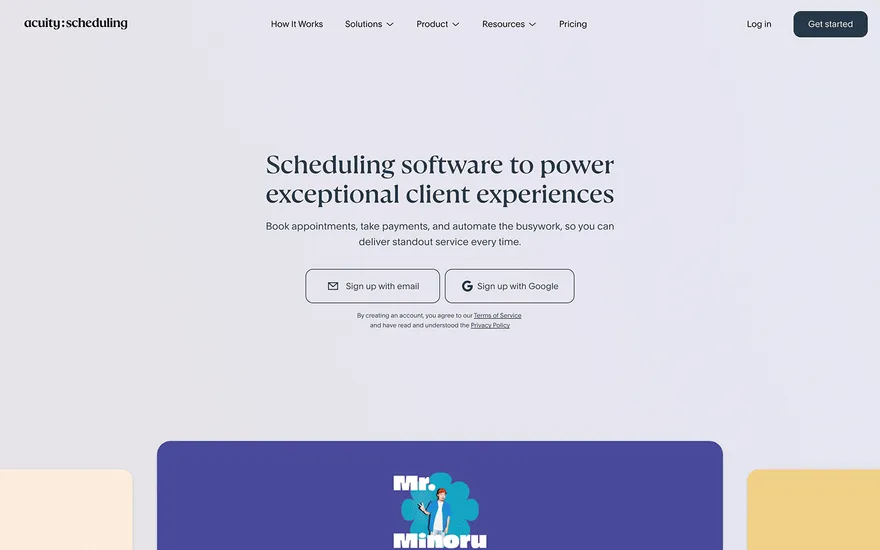
Acuity Scheduling Appointment booking with a frictionless service menu. Visit ↗
BYOB New inbox in every project
Stand out in Chennai's beauty market with a polished site, clear pricing, and one-tap appointments.
Runs on the stack you trust
Prompt to product
Compare the one-line brief with what BYOB ships. Real layout, data, and deploy status, editable from the same workspace.
Team Tasks
Shared task tracking
Drag the handle. Or focus it and use the arrow keys.
Get inspired
Real sites that do it well. Build something like this with BYOB.
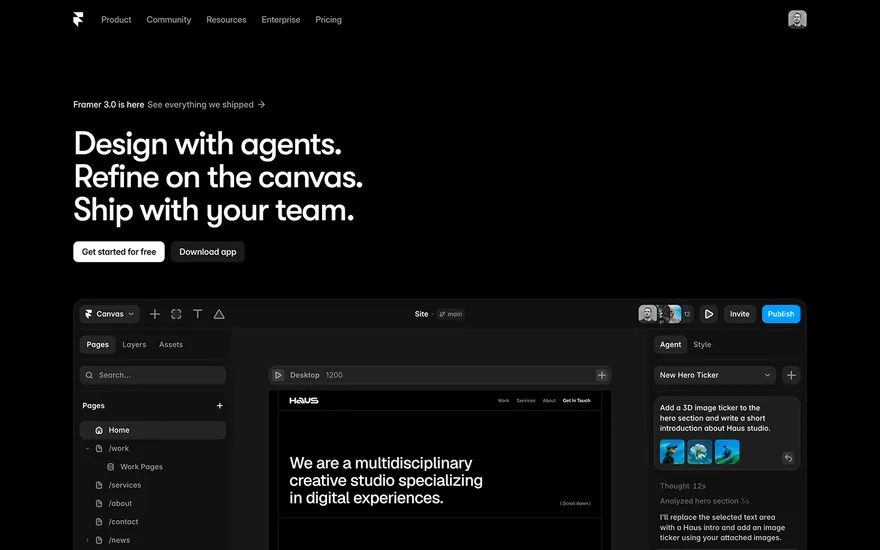


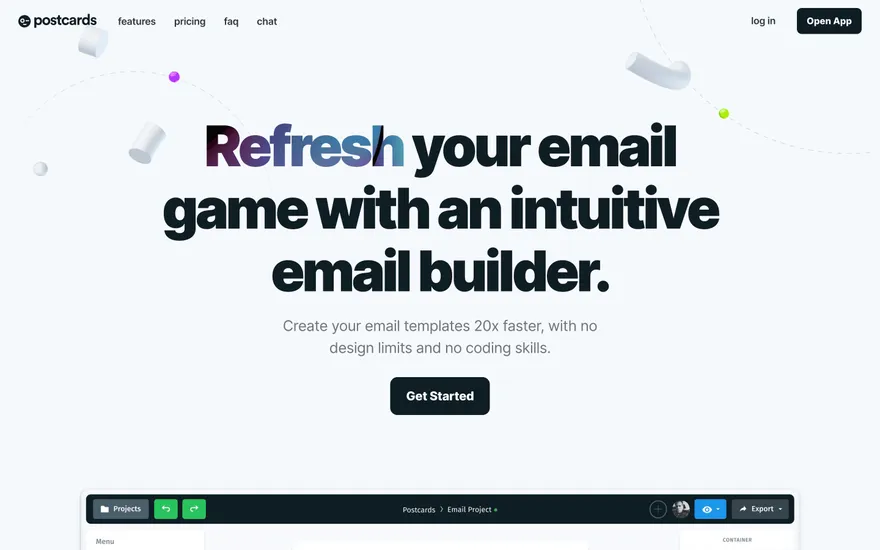
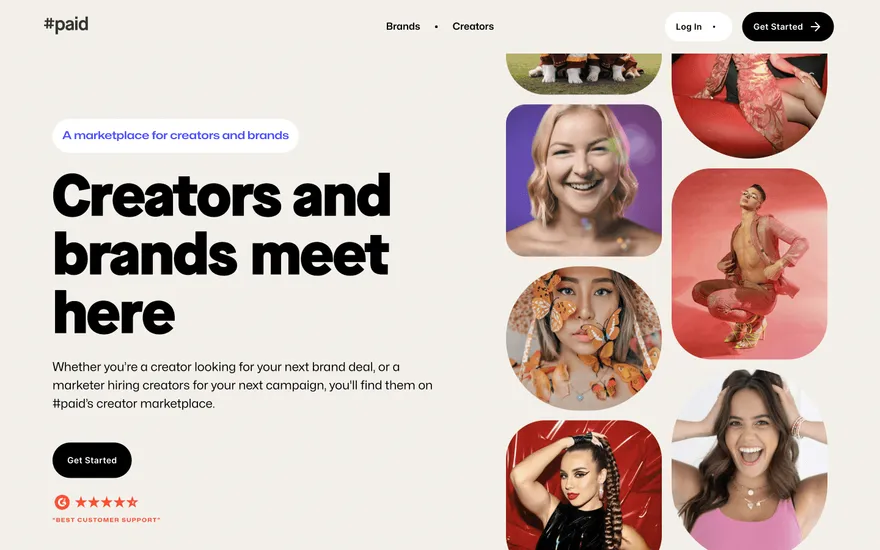
Local details
Mobile-first; clear pricing and local proof matter.
Fresh from the community
See what builders ship, or start from an example.
Live workspace
The workspace is built for repeated product work, not disposable demos. Every generated file stays inspectable, every change is visible, and every follow-up can target the exact part of the app you care about.
01 · EDITOR
Every file BYOB writes stays visible and editable. Follow-ups target the exact lines you care about instead of regenerating from scratch.
<script lang='ts'>type Task = { id: string; title: string; done: boolean
}let tasks = $state<Task[]>([])function toggleTask(id: string) {task.done = !task.done // just added by BYOB}</script>02 · AI COMMAND
Describe the outcome once. BYOB turns it into a build plan, implements it step by step, and keeps every change visible while you iterate.
Your prompt
“Build a todo app for beginners”
Build plan
80%03 · LIVE PREVIEW
The preview updates as BYOB works, with deploy status attached, so the path from edit to production stays inspectable.
Team Tasks
Shared task tracking
Prompt to app
Start conversationally, approve the shape, let Tool Mode implement, then refine and deploy from the same workspace.
Agent and backend
Connect Codex, Claude Code, or Antigravity to your project, then store data and ship to production without leaving the workspace.
npx -y byob-cli codex installApprove only the projects your agent can touch, then read context, edit files, inspect diffs, test previews, and roll back from your terminal.
Rated 4.9/5 by developers and founders using BYOB to move from idea to shipped product.
Built for shipping
BYOB handles product planning, implementation, preview, testing, database work, and deployment from one focused interface, with coding-agent access and production analytics when you want to keep working from your own terminal.
This part is hands-on. The cards drift until you touch them. Drag to rearrange, or press and hold one to feel it push back.
Give Codex, Claude Code, or Antigravity scoped access through BYOB CLI or Agent MCP. Your agent reads context, edits code, tests previews, and deploys from your terminal.
Every change lands as a commit. Inspect history, compare diffs, and see exactly what changed since the last deploy.
Every project ships with an inbox. Collect messages, leads, and feedback from your app without wiring a third party.
Send magic links, OTP codes, and transactional mail from your own sender address. Resend-backed, no SMTP setup.
Offer Continue with Google plus passwordless email codes. Sessions and callbacks are handled.
Point your domain at BYOB with guided DNS checks. Certificates are automatic.
Click any element in the live preview and describe the change. Copy, spacing, color, behavior.
Run full-site or feature checks and get implementation-level feedback you can apply in one step.
Step between saved states or redeploy a known commit when an experiment goes sideways.
Builds publish to production hosting in one step. Deploys can auto-save the project state first.
Worker traffic, errors, CPU timing, subrequests, and custom-domain status from the workspace.
Connect Supabase and BYOB reads schemas, drafts migrations, and generates types that match your app.
Invite people in and keep sessions coordinated so work never overwrites work.
Simple pricing
Pay as you go when you are exploring. Move to Pro or Max when BYOB becomes part of your regular build workflow.
$1 = 100 credits
2,000+ credits/mo
8,000+ credits/mo
Live estimator
Try the cost calculator. Drag the pages slider, toggle the options, and watch the agency quote vs BYOB update instantly.
Open full cost calculator →$5,750 upfront
~$1,150 / year
~$45 in credits
BYOB builds the same site from one prompt and hosts it on the edge. Planning estimates, not quotes.
See BYOB plansNeed white-label and SSO? Talk to us →
BYOB generates a Chennai salon website from one prompt: service and price lists, stylist profiles, appointment and bridal enquiry forms, and a gallery. Tweak it in the live preview, launch free, and add a domain when bookings grow. It suits unisex salons, beauty parlours and independent stylists.
South Indian weddings tie bookings to muhurtham dates, and families often compare several salons for the same window. A dedicated bridal page can show trial options, travel-to-venue availability and a checklist of pre-wedding appointments. Capture the wedding date, venue and number of people in an enquiry form, then confirm with a deposit through built-in payments so peak dates are held properly.
Reception staff cannot answer calls during a colour or blow-dry. Let clients request a slot online with service, stylist and preferred time, and route each request to your project inbox for confirmation. Display opening hours, holiday closures and late-evening availability clearly, and link to your location map for neighbourhoods such as Anna Nagar, Nungambakkam or Velachery so first-time visitors arrive without confusion.
People search for bridal makeup near me or salon in Adyar, so locality wording matters. Create brief pages or sections naming the areas you serve, keep an accurate Google Business Profile with photos and hours, and collect genuine reviews. A short.in domain plus consistent name, address and phone details across listings help a small salon look established next to larger chains. Mentioning nearby landmarks, metro stations and parking also helps first-time clients find you.
Recurring revenue comes from memberships, monthly grooming plans and pre-paid packages. Describe each offer clearly, state validity and any transfer conditions, and let clients enquire or buy through a payment link. Because BYOB sites can store data in built-in data storage or a data source, a simple booking log or waitlist is possible without a separate tool. Renewal reminders by email or WhatsApp keep memberships active.
Salon pricing and festive offers change often. With BYOB you edit text and images directly in the live preview, so a revised rate card or a Deepavali package goes live in about 30 seconds. Publish on the free subdomain first, gather bookings, and connect a custom domain when you are ready to print it on cards and signage. A consistent look across the site, cards and social profiles builds recognition.
FAQ
Yes. Add a request form with service, stylist and preferred time; requests arrive in your inbox for confirmation.
Build a bridal page and add built-in payments payment links to hold muhurtham dates with a deposit.
No. Generate the site from a prompt and edit by chatting or clicking; no code or designer required.
Clean pages plus a verified Google Business Profile, area wording and genuine reviews improve local visibility.
Start with one clear prompt. BYOB will help turn it into a product you can inspect, edit, test, and ship.
 npm
npm