


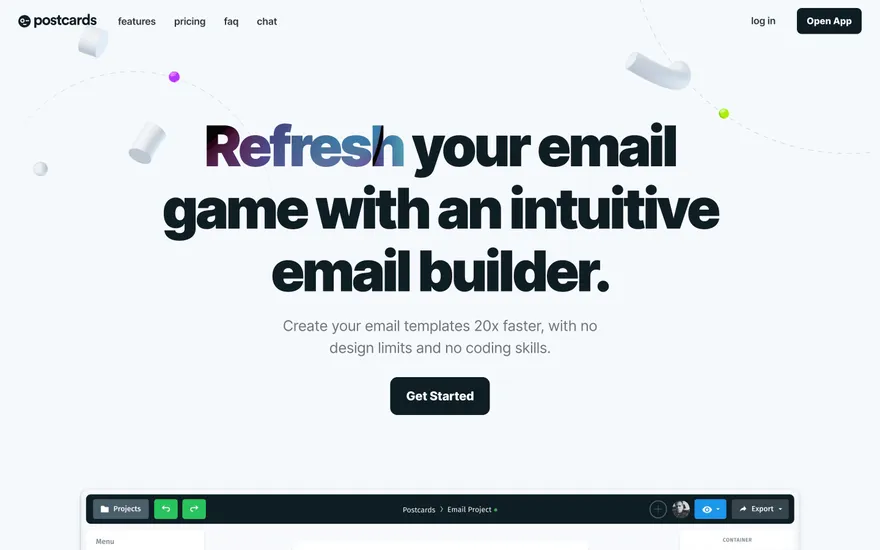
Postcards Email builder with clear template previews. Visit ↗
BYOB New inbox in every project
Recurring work, like nightly cleanup, hourly digests, and periodic sync, needs a trigger outside the request cycle. BYOB Scheduled Tasks run your job on a managed scheduler that calls a gated endpoint in your deployed app, so you add background work without standing up a queue or a separate cron host.
Runs on the stack you trust
Prompt to product
Compare the one-line brief with what BYOB ships. Real layout, data, and deploy status, editable from the same workspace.
Team Tasks
Shared task tracking
Drag the handle. Or focus it and use the arrow keys.
Get inspired
Real sites that do it well. Build something like this with BYOB.

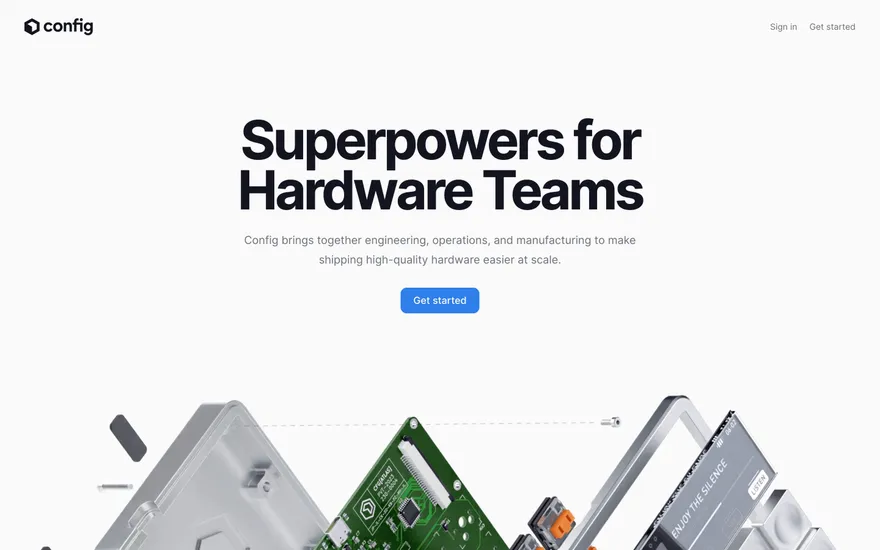
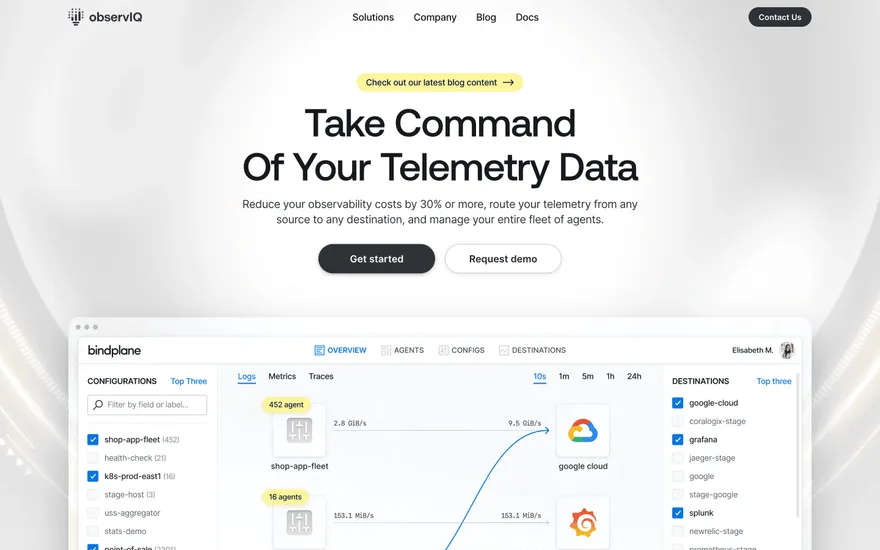
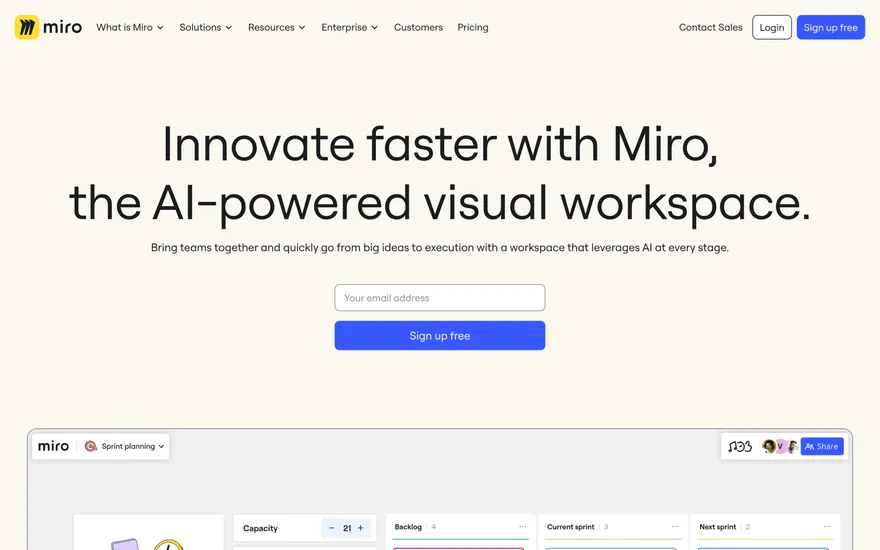

Fresh from the community
See what builders ship, or start from an example.
Live workspace
The workspace is built for repeated product work, not disposable demos. Every generated file stays inspectable, every change is visible, and every follow-up can target the exact part of the app you care about.
01 · EDITOR
Every file BYOB writes stays visible and editable. Follow-ups target the exact lines you care about instead of regenerating from scratch.
<script lang='ts'>type Task = { id: string; title: string; done: boolean
}let tasks = $state<Task[]>([])function toggleTask(id: string) {task.done = !task.done // just added by BYOB}</script>02 · AI COMMAND
Describe the outcome once. BYOB turns it into a build plan, implements it step by step, and keeps every change visible while you iterate.
Your prompt
“Build a todo app for beginners”
Build plan
80%03 · LIVE PREVIEW
The preview updates as BYOB works, with deploy status attached, so the path from edit to production stays inspectable.
Team Tasks
Shared task tracking
Prompt to app
Start conversationally, approve the shape, let Tool Mode implement, then refine and deploy from the same workspace.
Agent and backend
Connect Codex, Claude Code, or Antigravity to your project, then store data and ship to production without leaving the workspace.
npx -y byob-cli codex installApprove only the projects your agent can touch, then read context, edit files, inspect diffs, test previews, and roll back from your terminal.
Rated 4.9/5 by developers and founders using BYOB to move from idea to shipped product.
Built for shipping
BYOB handles product planning, implementation, preview, testing, database work, and deployment from one focused interface, with coding-agent access and production analytics when you want to keep working from your own terminal.
This part is hands-on. The cards drift until you touch them. Drag to rearrange, or press and hold one to feel it push back.
Give Codex, Claude Code, or Antigravity scoped access through BYOB CLI or Agent MCP. Your agent reads context, edits code, tests previews, and deploys from your terminal.
Every change lands as a commit. Inspect history, compare diffs, and see exactly what changed since the last deploy.
Every project ships with an inbox. Collect messages, leads, and feedback from your app without wiring a third party.
Send magic links, OTP codes, and transactional mail from your own sender address. Resend-backed, no SMTP setup.
Offer Continue with Google plus passwordless email codes. Sessions and callbacks are handled.
Point your domain at BYOB with guided DNS checks. Certificates are automatic.
Click any element in the live preview and describe the change. Copy, spacing, color, behavior.
Run full-site or feature checks and get implementation-level feedback you can apply in one step.
Step between saved states or redeploy a known commit when an experiment goes sideways.
Builds publish to production hosting in one step. Deploys can auto-save the project state first.
Worker traffic, errors, CPU timing, subrequests, and custom-domain status from the workspace.
Run recurring jobs on a managed cron scheduler. BYOB provisions the secret, injects a gated /api/cron route, and triggers it on your cadence.
Connect Supabase and BYOB reads schemas, drafts migrations, and generates types that match your app.
Invite people in and keep sessions coordinated so work never overwrites work.
Simple pricing
Pay as you go when you are exploring. Move to Pro or Max when BYOB becomes part of your regular build workflow.
$1 = 100 credits
2,000+ credits/mo
8,000+ credits/mo
Live estimator
Try the cost calculator. Drag the pages slider, toggle the options, and watch the agency quote vs BYOB update instantly.
Open full cost calculator →$5,750 upfront
~$1,150 / year
~$45 in credits
BYOB builds the same site from one prompt and hosts it on the edge. Planning estimates, not quotes.
See BYOB plansNeed white-label and SSO? Talk to us →
BYOB Scheduled Tasks run recurring jobs on a managed cron scheduler. Because Workers for Platforms has no per-project cron trigger, the platform periodically sends an authenticated request to a gated /api/cron route in your deployed app. You choose a 10m, 30m, 1h, or 24h cadence, fill in the onCronTick job, and deploy to activate it.
How BYOB Studio compares against traditional no-code platforms and raw manual coding for this exact workflow.
| Metric / Feature | BYOB Studio | Traditional No-Code (Bubble/Webflow) | Manual Coding (Scratch) |
|---|---|---|---|
| Speed to Working Version | Seconds (from single prompt) | Days to weeks (visual node wiring) | Weeks to months (boilerplate setup) |
| Code Ownership & Export | 100% full clean SvelteKit export | 0% export (locked into closed platform) | 100% code ownership |
| Data & Backend Setup | Built-in D1 / Supabase with typed schema | Proprietary database with query limits | Manual database setup, ORM, migrations |
| Maintenance & Changes | Chat refinement + AI automated testing | Complex visual workflow debugging | Manual refactoring and regression testing |
Cloudflare Workers for Platforms does not give each project its own native cron trigger, and deployed functions cannot keep a timer running between requests. So BYOB runs the clock centrally. A platform scheduler fires on a fixed interval, checks which projects are due, and sends an authenticated request to each one. Your app only owns the job body; the platform owns the timing. That split is what lets recurring work fit a stateless, request-driven runtime without a long-lived process.
Enabling scheduled tasks injects a server route at /api/cron and a helper at src/lib/server/cron.ts. The route checks an Authorization: Bearer header against the project's cron secret, read from a server-side worker binding, then calls your onCronTick function. The secret lives only in the deployed worker; browser code never sees it, and it is never printed in logs or tools. A request without the matching secret is rejected before your job runs, so random internet traffic cannot trigger work.
Pick one of four presets: every 10 minutes, every 30 minutes, hourly, or daily at midnight UTC. These are deliberate, bounded choices rather than arbitrary cron strings. The platform trigger that wakes the scheduler runs every 10 minutes, so finer intervals are not possible, and the presets keep the behaviour predictable instead of quietly approximating a complex expression. If you need something outside these, run it inside a tick conditionally, for example skip unless it is the first tick of the day.
Running scheduled task setup does two things: it registers the schedule with the platform scheduler and writes the route, helper, and secret into the project. Neither takes effect in production until the project is deployed, because the /api/cron route has to exist in the running worker and the secret has to be attached as a binding. Setup reports that a deploy is required; publish the project, then the next scheduled interval reaches it. Until then the schedule is registered but the app cannot receive the call.
Good candidates are bounded, idempotent tasks: deleting expired temporary rows, rolling up daily metrics, sending a digest, retrying stuck items, or syncing from an upstream API. Keep each tick short, because worker CPU time per request is capped, and design for repeats: if a tick fires twice or overlaps, the job should produce the same result. Persist state in the database rather than in memory, since nothing survives between invocations. For anything long-running, enqueue work and let the tick drain a small batch each run.
A schedule can be paused and resumed without deleting your job code, which is useful while debugging or during a quiet period. Because the endpoint and secret are per project, two projects never share a trigger, and a leaked or rotated secret only affects one app. Treat the cron secret like any other server secret: keep it in the worker binding, never in client code or a public variable, and re-run setup to rotate it. Scheduled tasks are a managed convenience, not a general job queue; for heavy fan-out or sub-10-minute precision, bring a dedicated queue or scheduler.
FAQ
No. BYOB supports four presets: every 10 minutes, 30 minutes, 1 hour, or daily at midnight UTC. The platform trigger fires every 10 minutes, so finer schedules are not possible, and custom expressions are rejected rather than silently approximated.
Setup registers the schedule and injects the /api/cron route, but the route only exists in production once the worker is deployed. The scheduler reaches the app after the next publish.
The injected route checks an Authorization Bearer header against a per-project cron secret stored in a server-side worker binding. Requests without the matching secret are rejected before your job runs.
It is a server-side worker binding, never exposed to browser code or returned by the setup response. Re-running setup rotates it for that one project.
Yes. Pause the schedule to stop triggers, then resume later. Your onCronTick implementation stays in place either way.
Start with one clear prompt. BYOB will help turn it into a product you can inspect, edit, test, and ship.
 npm