


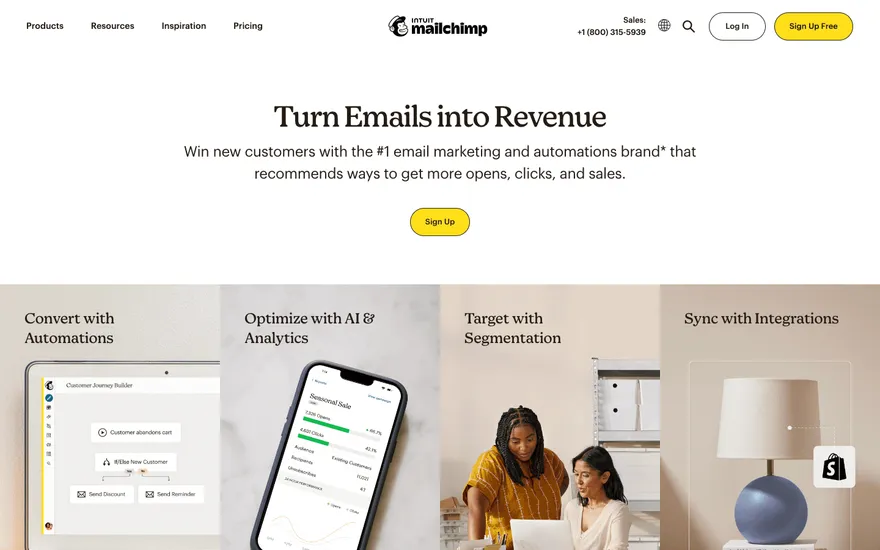
Mailchimp Email leader with benefit-led sections. Visit ↗
BYOB New inbox in every project
AMP, short for Accelerated Mobile Pages, was created to make mobile web pages load quickly by restricting HTML and CSS to a fast subset, with Google caching the result. This page explains what AMP solved, why many teams moved on, and how BYOB produces fast pages without it.
Runs on the stack you trust
Prompt to product
Compare the one-line brief with what BYOB ships. Real layout, data, and deploy status, editable from the same workspace.
Team Tasks
Shared task tracking
Drag the handle. Or focus it and use the arrow keys.
Get inspired
Real sites that do it well. Build something like this with BYOB.
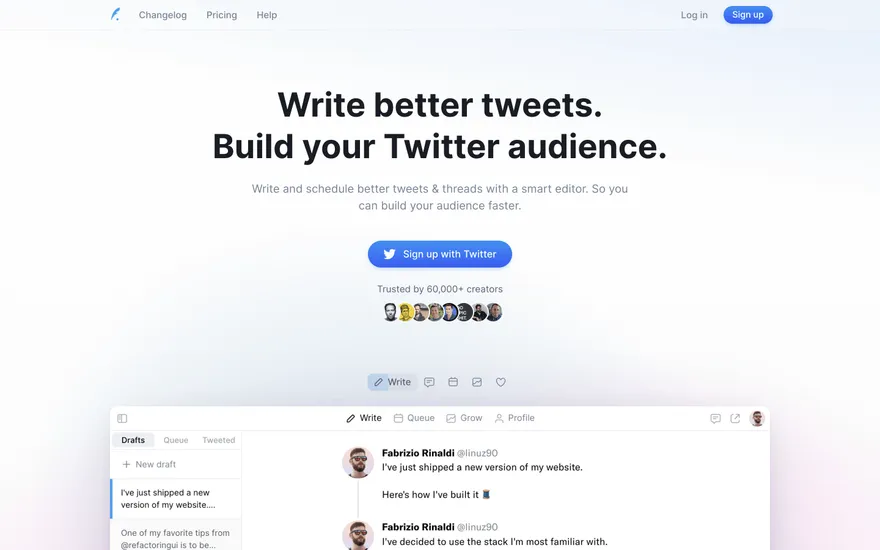
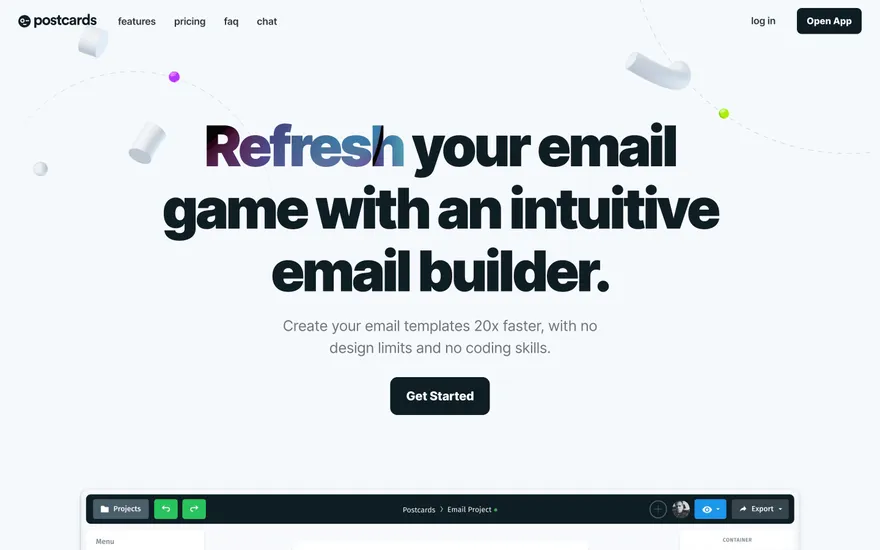
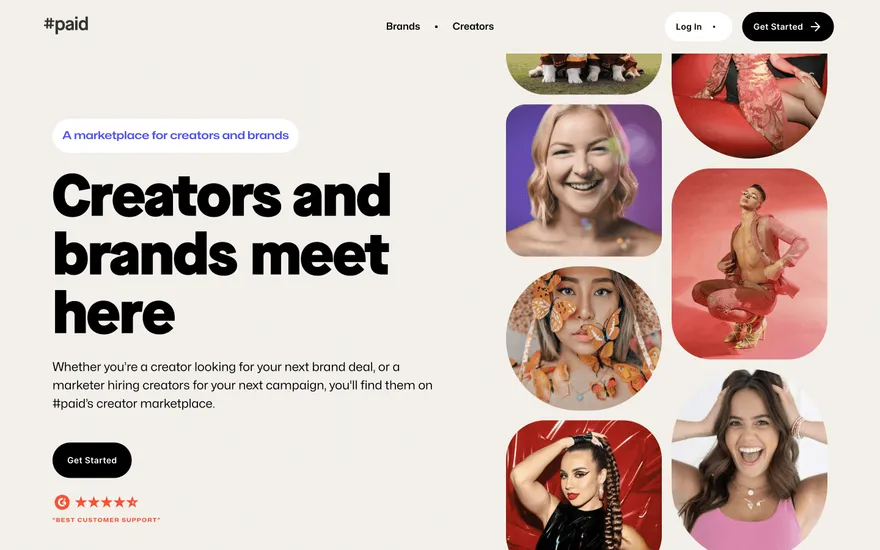
Fresh from the community
See what builders ship, or start from an example.
Live workspace
The workspace is built for repeated product work, not disposable demos. Every generated file stays inspectable, every change is visible, and every follow-up can target the exact part of the app you care about.
01 · EDITOR
Every file BYOB writes stays visible and editable. Follow-ups target the exact lines you care about instead of regenerating from scratch.
<script lang='ts'>type Task = { id: string; title: string; done: boolean
}let tasks = $state<Task[]>([])function toggleTask(id: string) {task.done = !task.done // just added by BYOB}</script>02 · AI COMMAND
Describe the outcome once. BYOB turns it into a build plan, implements it step by step, and keeps every change visible while you iterate.
Your prompt
“Build a todo app for beginners”
Build plan
80%03 · LIVE PREVIEW
The preview updates as BYOB works, with deploy status attached, so the path from edit to production stays inspectable.
Team Tasks
Shared task tracking
Prompt to app
Start conversationally, approve the shape, let Tool Mode implement, then refine and deploy from the same workspace.
Agent and backend
Connect Codex, Claude Code, or Antigravity to your project, then store data and ship to production without leaving the workspace.
npx -y byob-cli codex installApprove only the projects your agent can touch, then read context, edit files, inspect diffs, test previews, and roll back from your terminal.
Rated 4.9/5 by developers and founders using BYOB to move from idea to shipped product.
Built for shipping
BYOB handles product planning, implementation, preview, testing, database work, and deployment from one focused interface, with coding-agent access and production analytics when you want to keep working from your own terminal.
This part is hands-on. The cards drift until you touch them. Drag to rearrange, or press and hold one to feel it push back.
Give Codex, Claude Code, or Antigravity scoped access through BYOB CLI or Agent MCP. Your agent reads context, edits code, tests previews, and deploys from your terminal.
Every change lands as a commit. Inspect history, compare diffs, and see exactly what changed since the last deploy.
Every project ships with an inbox. Collect messages, leads, and feedback from your app without wiring a third party.
Send magic links, OTP codes, and transactional mail from your own sender address. Resend-backed, no SMTP setup.
Offer Continue with Google plus passwordless email codes. Sessions and callbacks are handled.
Point your domain at BYOB with guided DNS checks. Certificates are automatic.
Click any element in the live preview and describe the change. Copy, spacing, color, behavior.
Run full-site or feature checks and get implementation-level feedback you can apply in one step.
Step between saved states or redeploy a known commit when an experiment goes sideways.
Builds publish to production hosting in one step. Deploys can auto-save the project state first.
Worker traffic, errors, CPU timing, subrequests, and custom-domain status from the workspace.
Connect Supabase and BYOB reads schemas, drafts migrations, and generates types that match your app.
Invite people in and keep sessions coordinated so work never overwrites work.
Simple pricing
Pay as you go when you are exploring. Move to Pro or Max when BYOB becomes part of your regular build workflow.
$1 = 100 credits
2,000+ credits/mo
8,000+ credits/mo
Live estimator
Try the cost calculator. Drag the pages slider, toggle the options, and watch the agency quote vs BYOB update instantly.
Open full cost calculator →$5,750 upfront
~$1,150 / year
~$45 in credits
BYOB builds the same site from one prompt and hosts it on the edge. Planning estimates, not quotes.
See BYOB plansNeed white-label and SSO? Talk to us →
BYOB is not an AMP generator. It builds fast, responsive sites with standard HTML and good Core Web Vitals instead of a constrained AMP subset. Since Google no longer requires AMP for Top Stories, most teams achieve mobile speed with ordinary responsive pages, which is what BYOB produces.
In the mid-2010s, mobile pages were often slow and heavy. AMP attacked the problem by defining a strict subset of HTML with limited, asynchronously loaded JavaScript, so pages could be pre-rendered and served from a cache near the user. The specification is open source and still maintained. For publishers chasing mobile search traffic at the time, adopting AMP was a practical way to reach a speed target that their CMS templates made hard to hit otherwise.
AMP worked, but it asked for a dedicated codebase and a restricted authoring model: forbidden tags, custom components, and pages that sometimes looked different from the canonical site. As CMSs improved and Core Web Vitals gave Google a way to measure real page experience, the incentive compressed. Google ended the requirement that Top Stories stories be AMP, and the cache no longer occupied a privileged position. Many teams consolidated back to one responsive implementation instead of two.
The modern approach is to make the canonical page fast rather than maintain a parallel one. For a site, that is achievable: it loads no data queries, ships a small amount of JavaScript, and can be served statically from the edge. BYOB generates the page as responsive markup in this vein, so you keep one build to edit and reason about. Reaching the same ends through standard web platform features avoids the AMP-specific components and validation rules.
Core Web Vitals shifted the conversation from a format badge to measured user experience. Largest Contentful Paint covers how soon the main content appears, Cumulative Layout Shift covers how much the page jumps while loading, and Interaction to Next Paint covers how quickly it responds to input. A fast siter can target all three directly. That is a more honest target than conformance to a markup subset, because it measures what visitors actually feel on real devices and networks.
Some environments still benefit from AMP: publishers with AMP-specific analytics or ads, or teams contractually committed to it. BYOB is not that tool and does not claim to be; it does not emit the AMP attribute or the AMP component library. If AMP is a hard requirement, use plugin or framework tooling built for it. If speed is the requirement and AMP was only the means, build a fast responsive page instead.
To make a fast siter with BYOB, describe the page and keep it lean: a hero, a short feature list, proof, and one action. Avoid embedding heavy media or third-party scripts that erase the speed advantage. Generate, edit the copy, check it on a phone, and publish. Because the page is one scroll, there is no page-level overhead to spread across routes, and you can iterate on content without touching performance-critical tooling.
FAQ
No. BYOB produces standard responsive HTML, not AMP-specification markup.
No. Google no longer requires AMP for Top Stories or other prominent placements.
Yes. Pages are lightweight and statically served; keep media and third-party scripts lean to protect that.
Aim at Core Web Vitals: loading, layout stability, and responsiveness to input.
Yes. BYOB does not prevent you from running AMP tooling on your own platform.
Start with one clear prompt. BYOB will help turn it into a product you can inspect, edit, test, and ship.
 npm