BYOB DB (D1)
BYOB DB is our incredibly fast, globally distributed database powered by Cloudflare D1 (SQLite at the edge). It is the default database choice for new BYOB projects.
Connecting BYOB DB #
You don't need to manually configure .env variables or connection strings. BYOB handles this entirely through our secure control plane (prim).
To activate or manage your connection, open the Project Control Center (via the Settings button in your workspace) and navigate to the Data & Auth tab.
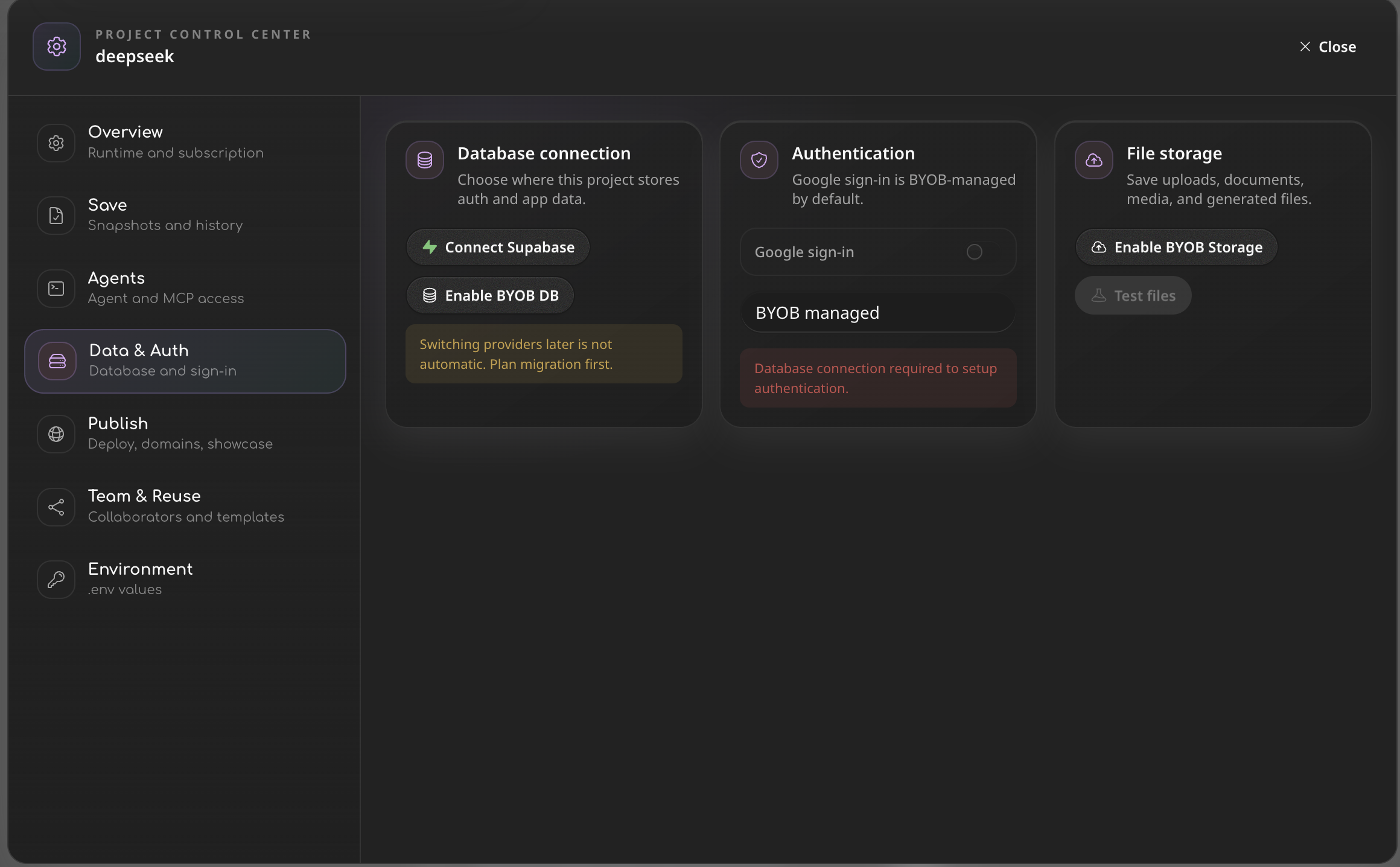
Under the Database connection section, you will see your active connection. If BYOB DB is selected, you can simply click Open BYOB DB to access the database viewer.
Switching database providers later (e.g., from BYOB DB to Supabase) is not automatic. Plan your migration carefully before changing this setting!
Database size limits by plan #
| Plan | Max database size per project |
|---|---|
| Pro | 500 MB |
| Max | 2 GB |
| Enterprise | 10 GB |
BYOB DB requires a paid plan. The limits above are per project. Cloudflare D1's hard platform ceiling is 10 GB per database.
D1 Database Viewer #
You don't need a third-party tool to inspect your data. The BYOB Editor includes a built-in D1 Database Viewer.
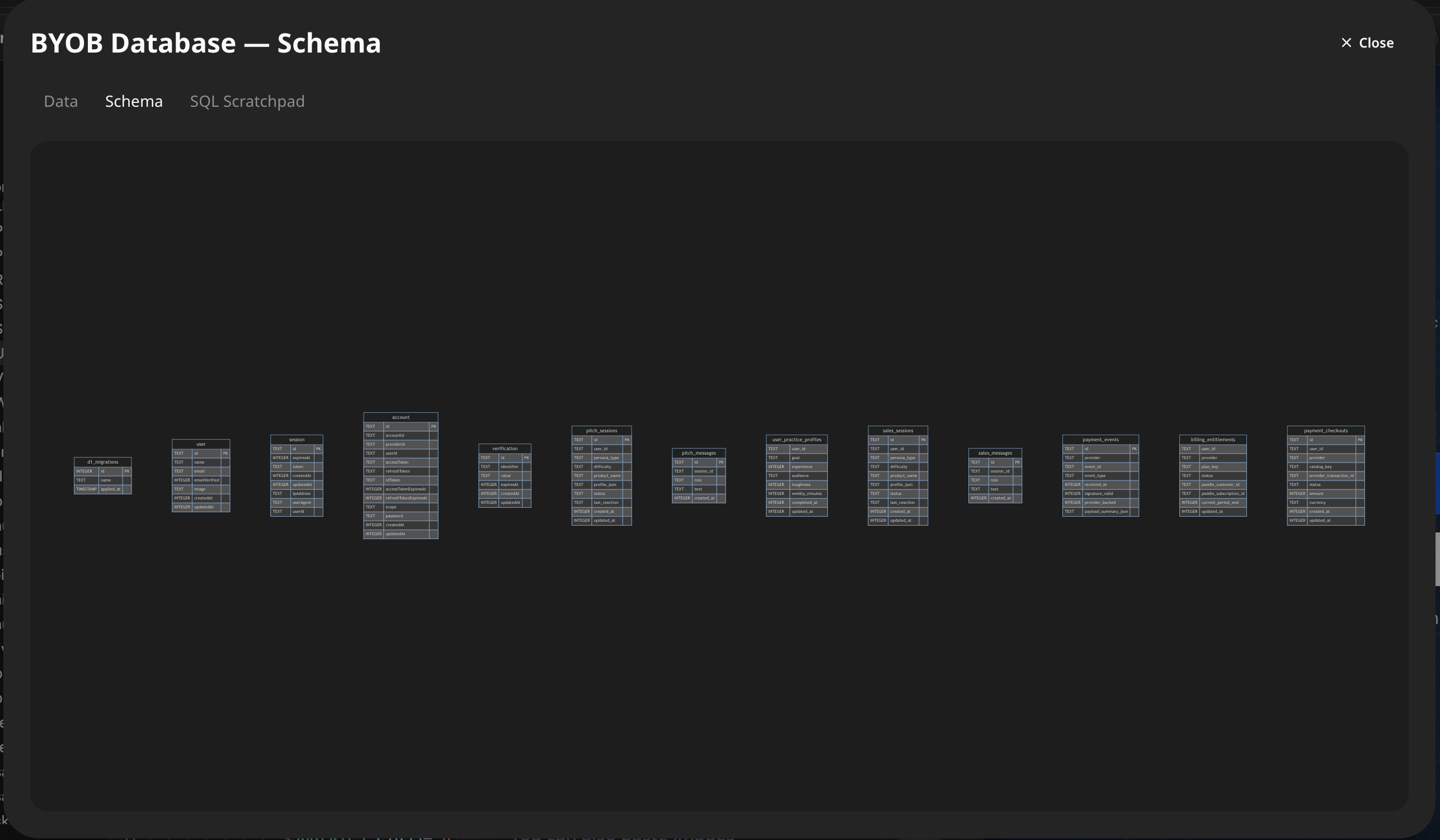
From the viewer, you can:
- See your current schema structure and ER diagrams.
- Browse data rows across all your active tables.
- Verify that AI-generated migrations were applied successfully.