Viewing History
Because BYOB automatically manages a Git repository for your project under the hood, you have access to a full, rich history of every snapshot.
The Commits Popover #
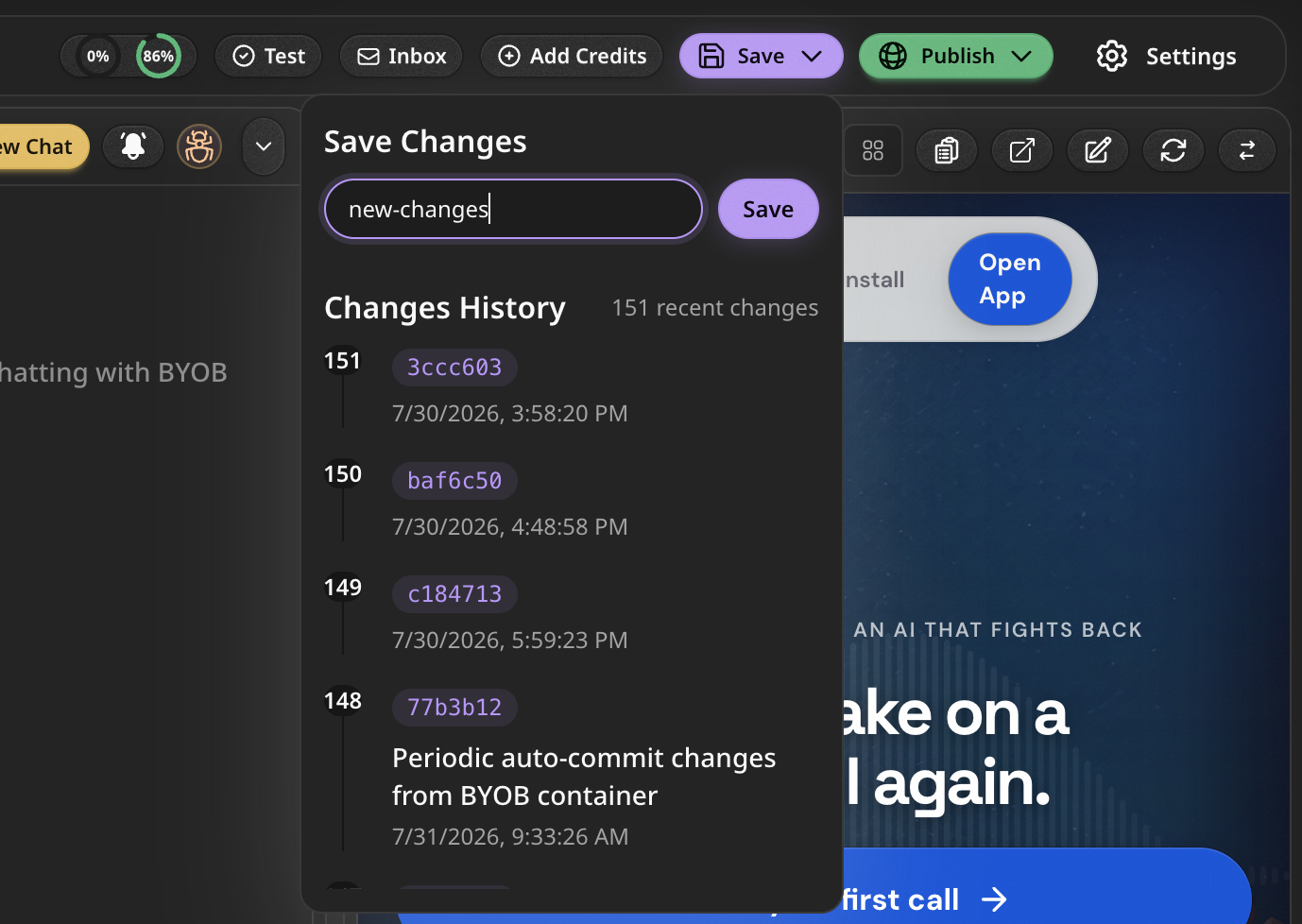
You can view your project history directly from the BYOB editor by opening the Commits Popover.
This panel lists every auto-generated AI commit and every manual commit you've created, ordered chronologically.
Viewing Diffs #
You can select any commit in the timeline to view its details. This allows you to inspect exactly what changed since the last deployment, making it incredibly easy to review the AI's work before deploying it to production.