Creating Your First Project
Building an application on BYOB begins with your first project. Unlike traditional development where you spend hours configuring Webpack, Vite, or databases, BYOB provisions a fully working, cloud-hosted environment for you in seconds.
The Dashboard #
When you log into BYOB, you are greeted by the Dashboard. This is the control center where all your applications live.
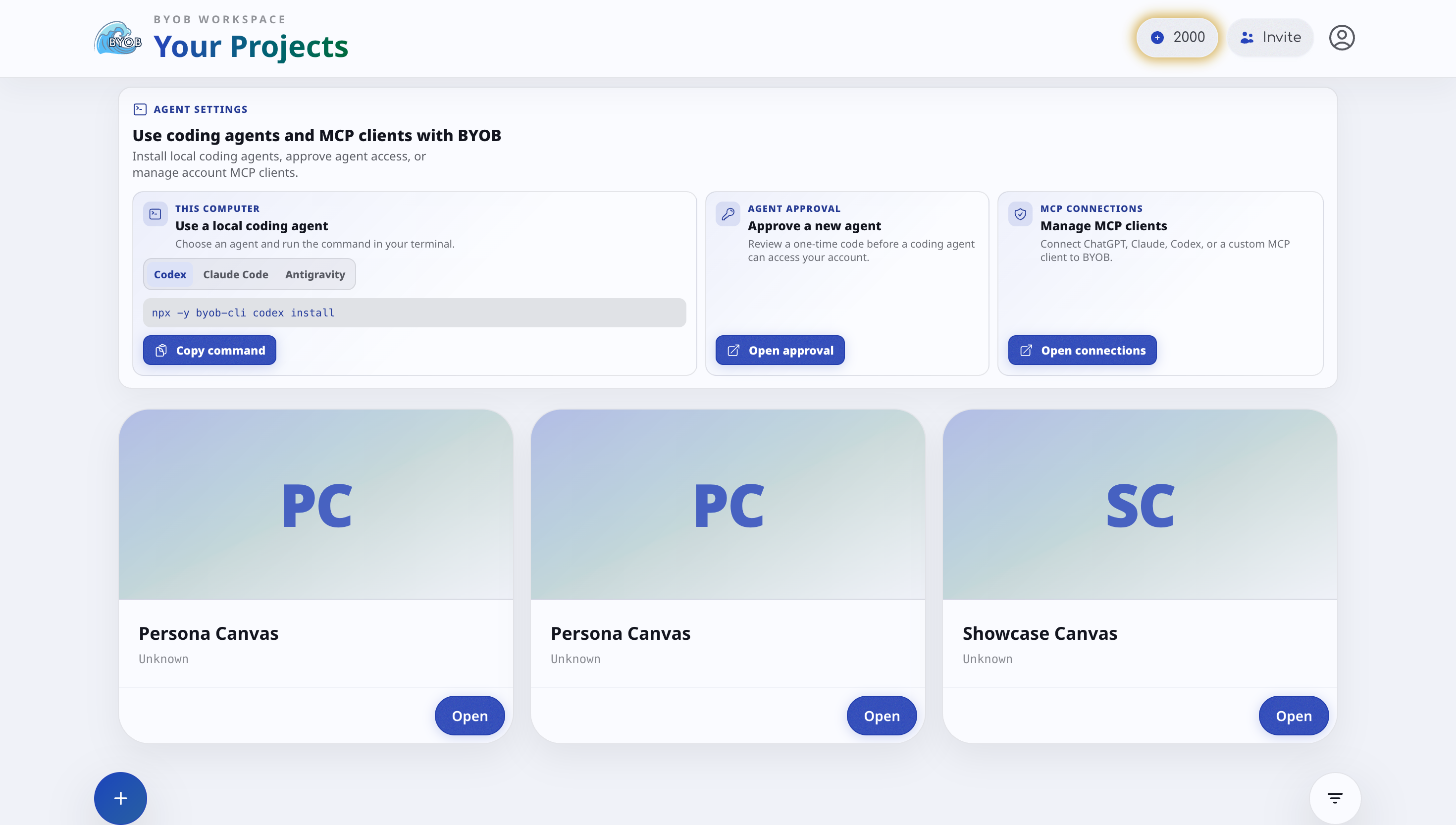
To start a new application, click the prominent Create New Project button located in the top right corner of the dashboard.
Choosing How to Start #
You have two primary paths when creating a new project:
1. Starting from Scratch (Blank Canvas) #
If you have a unique idea or want the AI to build something entirely custom from the ground up, selecting Start from Scratch is the best option.
When you select this, BYOB provisions:
- A fresh SvelteKit application.
- A pre-configured TailwindCSS setup.
- A clean workspace ready for your first prompt.
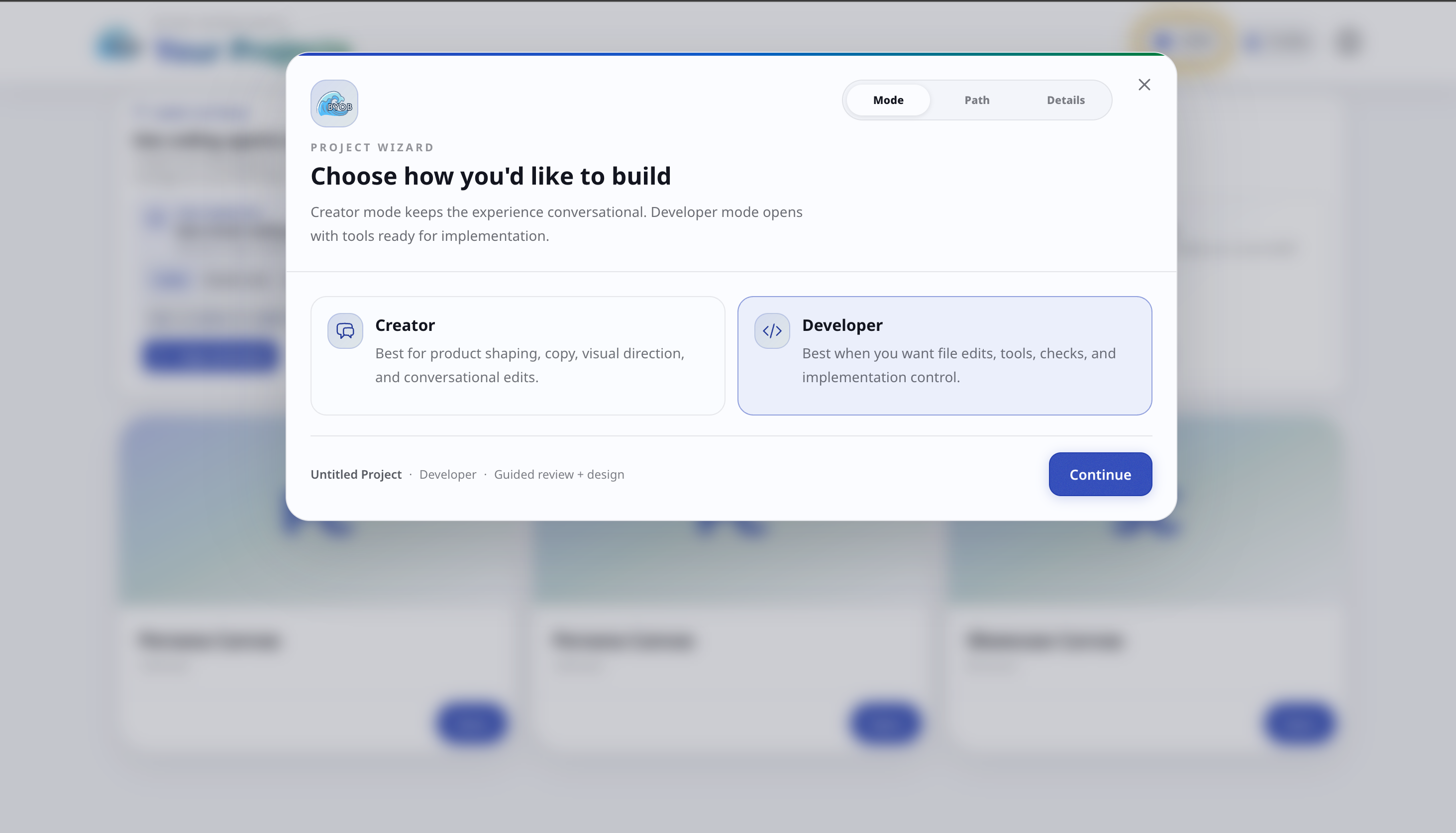
2. Using a Template #
If you are building a common type of application, using a template can save you dozens of prompts. We offer several professionally designed starter kits:
- SaaS Dashboard: Comes with authentication, sidebar navigation, and charts pre-configured.
- Landing Page: Highly optimized, SEO-ready marketing pages with hero sections and pricing tables.
- E-commerce: Includes product grids, shopping cart state management, and checkout flows.
Once you select your starting point, BYOB will take a few seconds to spin up your dedicated secure container. Once it's ready, you'll be dropped directly into the Editor Workspace where the real magic happens.
Next Steps #
Now that your project is created, let's learn how to navigate the Editor Workspace.